
1. Sarrera
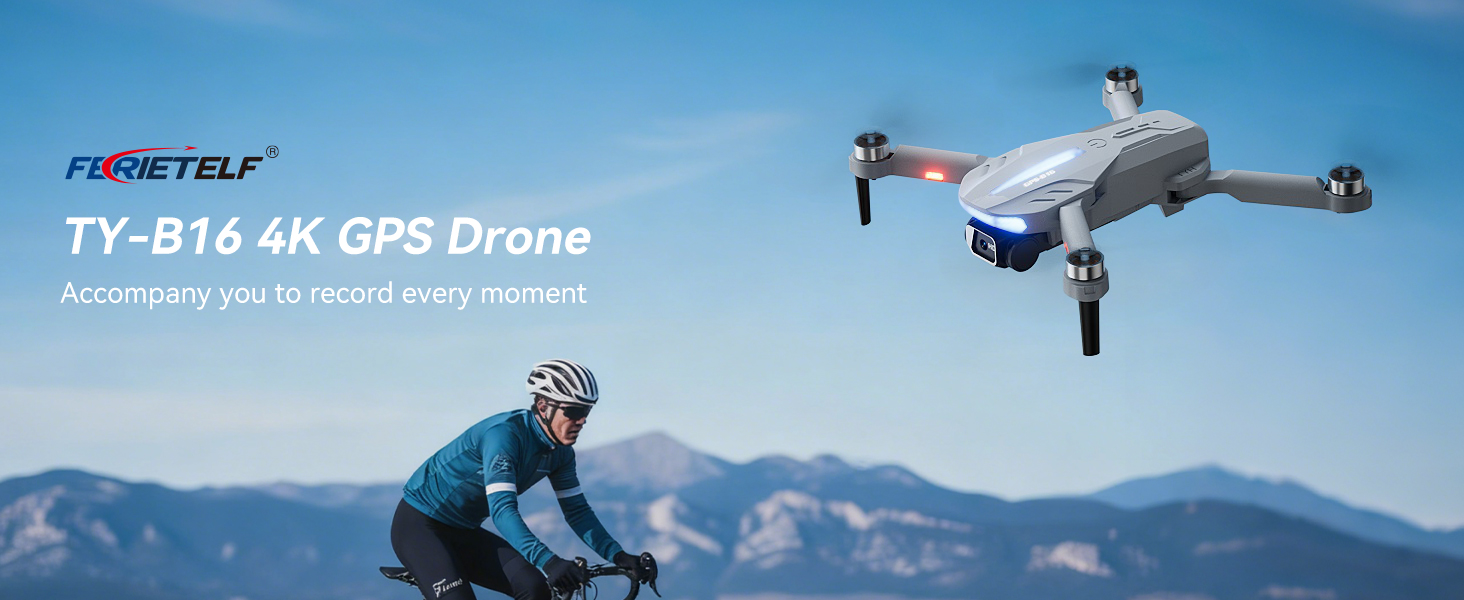
This manual provides essential instructions for the safe operation and maintenance of your FERIETELF B16 GPS Drone with Camera 4K. Please read this guide thoroughly before first use to ensure proper setup and optimal flight experience. The B16 drone is designed for ease of use, featuring a lightweight, foldable design and advanced flight capabilities.
2. Paketearen edukia
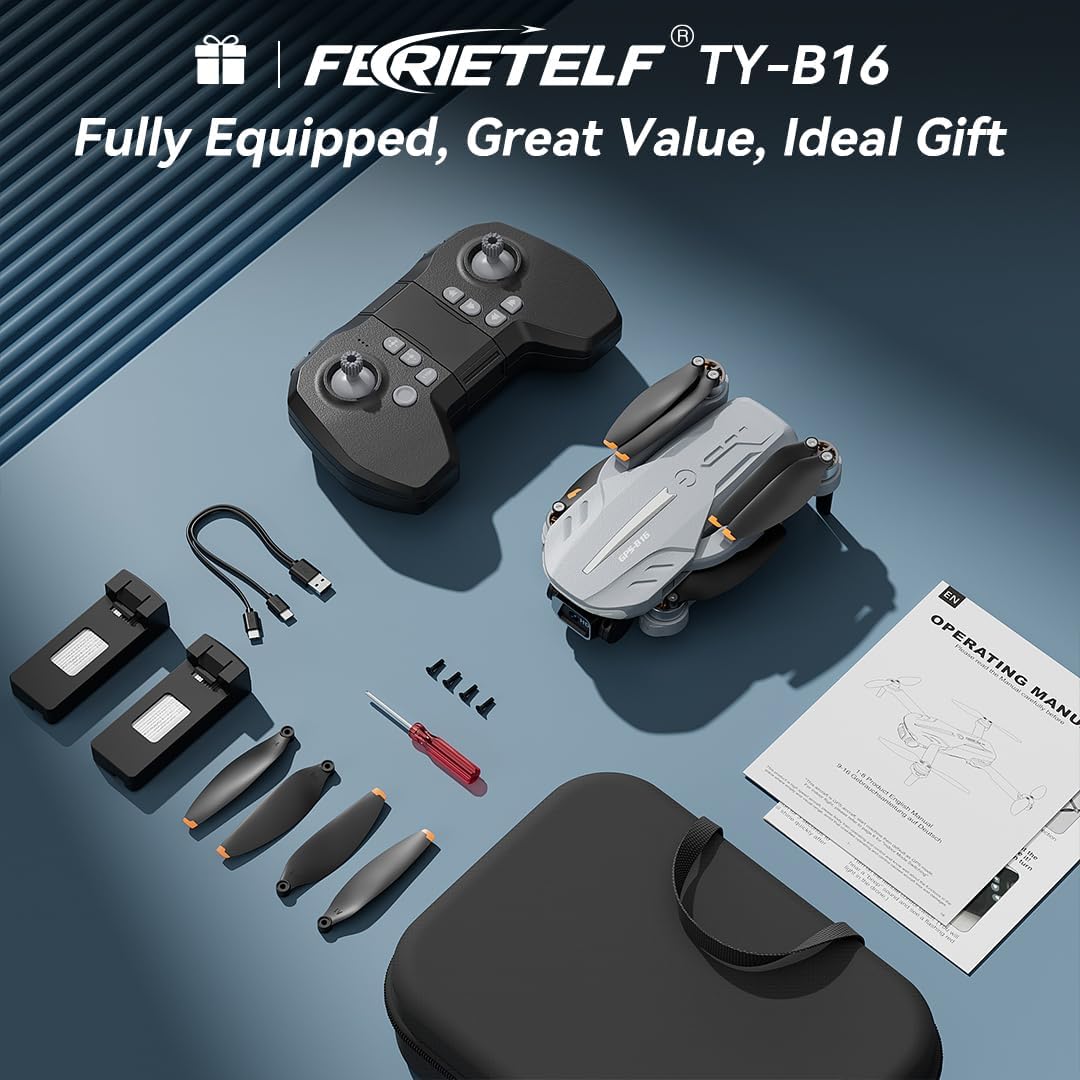
Egiaztatu behean zerrendatutako elementu guztiak zure paketean sartuta daudela. Elementuren bat falta bada edo hondatuta badago, jarri harremanetan bezeroarentzako arreta-zerbitzuarekin.
- FERIETELF B16 Drone x 1
- Urruneko kontrola x 1
- Bateria x 2
- Biltegiratzeko poltsa eramangarria x 1
- USB kablea x 1
- Propeller x 4 (spare)
- Bihurkina x 1
- Erabiltzailearen eskuliburua x 1
- App Manual x 1
- Ordezko torlojuak x 4

3. Konfigurazioa
3.1. Droneen prestaketa
- Dronea zabaldu: Carefully unfold the front arms of the drone, followed by the rear arms, until they lock into position.
- Kendu film babeslea: Gently peel off any protective film from the camera lens.
- Sartu bateria: Insert a fully charged battery into the drone's battery compartment until it clicks securely into place.
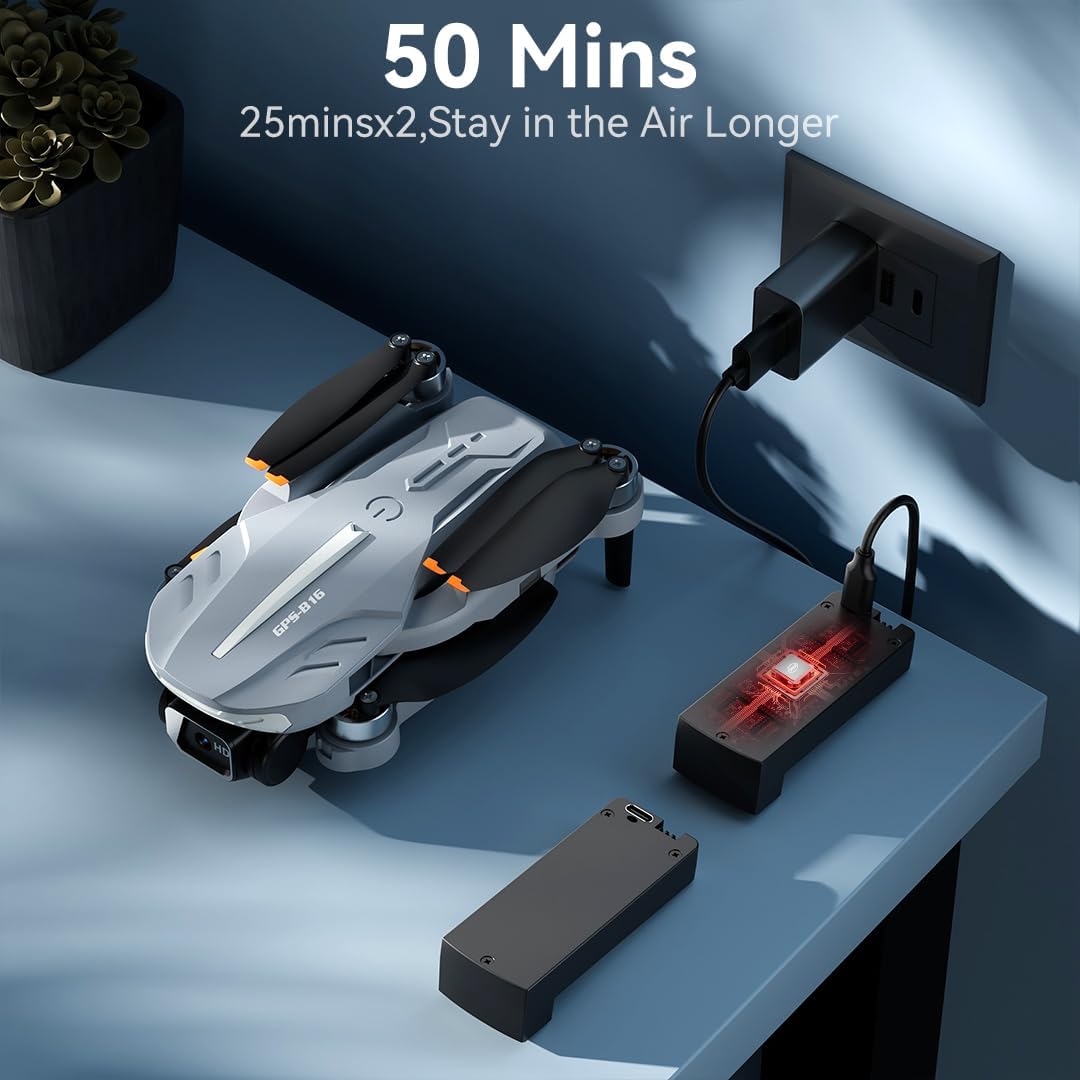
- Kargatu bateria: Use the provided USB charging cable to charge the drone batteries. The cable connects to a 5V/2A plug. The indicator light on the drone changes from red (below 30%) to green (30% or more) and solid green when fully charged.
- Sartu memoria txartela: Insert a compatible memory card (FAT32 or EXFAT format, up to 128GB, purchased separately) into the memory card slot on the drone.
3.2. Remote Controller Preparation
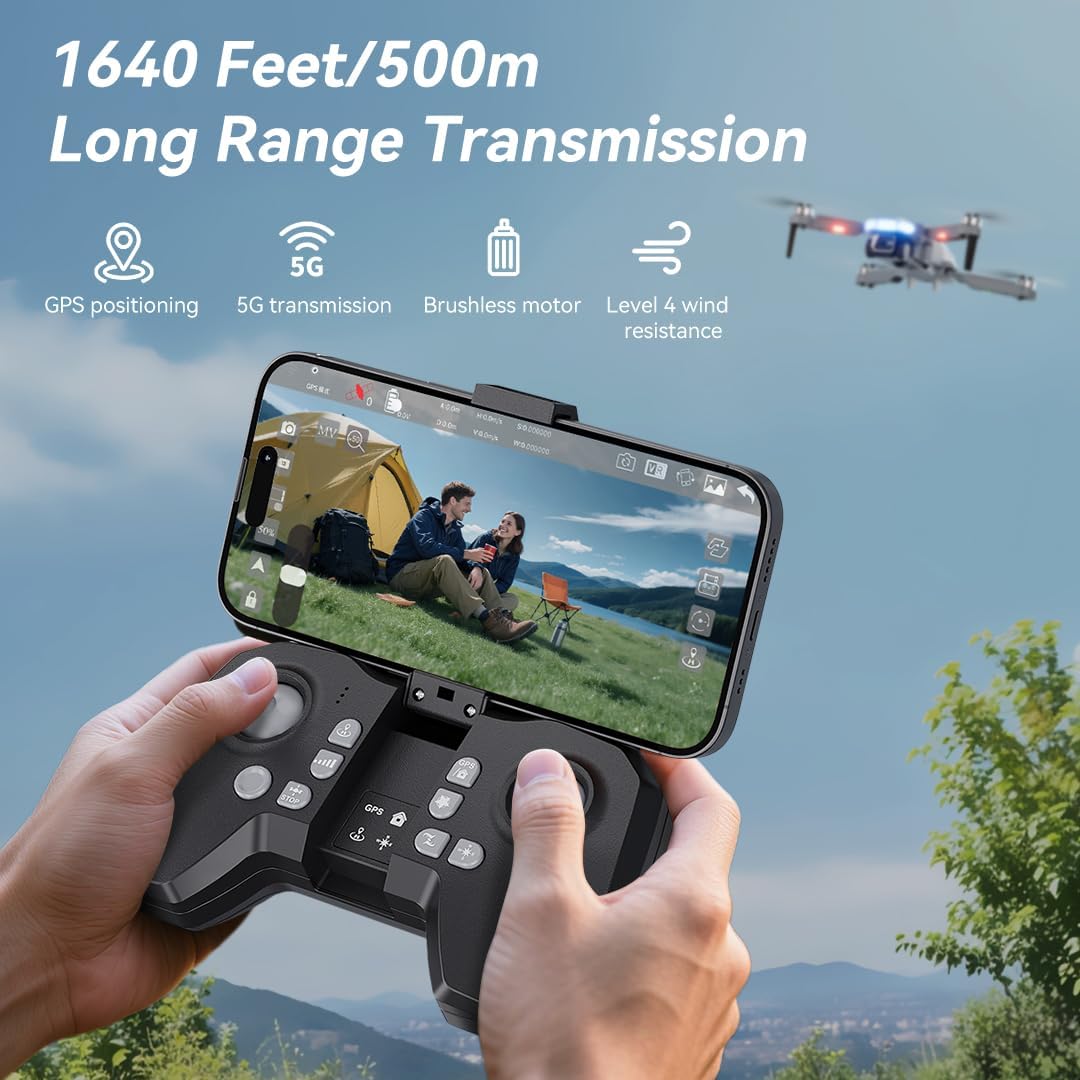
- Instalatu bateriak: Use a screwdriver to open the battery compartment on the remote controller. Insert three AAA batteries (not included, purchased separately), ensuring correct polarity. Close the compartment and tighten the screw.
- Unfold Phone Holder: Unfold the phone holder and handles on the remote controller.
- Mount Mobile Phone: Mount your mobile phone onto the phone holder. The holder accommodates smartphones up to 80.01 mm (3.15 inches) wide.
3.3. Power On & Pairing
- Piztu drone-a: Place the drone on a flat, level surface. Press and hold the power button on the drone for 2 seconds to power it on.
- Pizteko urrutiko agintea: Press and hold the power button on the remote controller for 2 seconds to power it on. The drone and remote will automatically attempt to pair.
- Pairing Indication: During pairing, the status indicators on the drone's arms will flash red rapidly. Once successfully paired, the indicators will show two quick green flashes in a loop.
3.4. Aplikazioaren deskarga eta konexioa
- Deskargatu aplikazioa: Download and install the "AMETA Drone" app from your mobile phone's app store (Google Play or App Store).
- Konektatu Wi-Fi: Navigate to your mobile phone's Wi-Fi settings. Bilatu and connect to the Wi-Fi network named "Ameta S20-XXXXXX" (where XXXXXX is a unique identifier).
- Abiarazi aplikazioa: Launch the "AMETA Drone" app and tap "Start" to enter the main interface and view zuzeneko kamera jarioa.

4. Kalibrazioa
For the first-time use, it is recommended to calibrate the drone for stable flight.
4.1. Konpasaren Kalibrazioa
- Urruneko erabilera: Press and hold the Compass Calibration button on the remote for 3 seconds.
- Aplikazioa erabiliz: Launch the app, go to "Control" and tap "Calibrate Compass." Follow the on-screen instructions to perform horizontal and vertical rotations of the drone. Ensure you are away from metal or electric objects during calibration.
4.2. Giroskopioaren kalibrazioa
- Urruneko erabilera: Simultaneously push the left control stick to the lower-left corner and the right control stick to the upper-right corner.
- Aplikazioa erabiliz: Tap "Gyroscope Calibration" in the app and follow the on-screen instructions.
5. GPS Signal Acquisition
For optimal performance and intelligent flight features, ensure the drone acquires a strong GPS signal before takeoff. This function cannot be activated indoors.
- Kanpoko erabilera: Always operate the drone outdoors in an open area with a clear view zeruko.
- Wait for GPS Lock: After powering on and pairing, wait for the drone to search for GPS signals. The drone will enter GPS mode once a sufficient number of satellites are detected. The app will indicate "GPS located, ready for flight."
6. Dronearen funtzionamendua
6.1. Aireportua
Ensure the drone is on a level surface before attempting takeoff.
- Eskuzko aireratzea: Push both control sticks inward at a 45-degree angle to unlock the motors. Then, push the left control stick forward to ascend.
- Abiarazte gako bakarrekoa: Press and hold the One-Key Takeoff button on the remote for 1 second. The drone will automatically ascend and hover at a height of approximately 1.2 meters.
6.2. Hegaldi jarraibideak
- Ezkerreko aginte makila: Adjusts flight altitude (up/down) and nose direction (rotate left/right).
- Eskuineko kontrol makila: Aurrera, atzera, ezkerrera eta eskuinera mugimendua kontrolatzen du.

6.3. Abiaduraren doikuntza
Toggle the speed switch on the remote controller to select between two speed levels (Speed I for slower, Speed II for faster) to match your flying skill and environmental conditions.
7. Kameraren funtzionamendua
The FERIETELF B16 is equipped with a 4K HD camera for capturing high-quality photos and videos.
7.1. Argazkiak eta bideoak ateratzea
- Argazkiaren botoia: Press the photo button on the top-left of the remote controller, or tap the camera icon in the app, to take a photo.
- Bideo-botoia: Press the video button on the top-left of the remote controller, or tap the video icon in the app, to start recording. Press again to stop.
- Filmatzeko moduak: Tap the left shooting menu in the app to choose from multiple smart shooting modes, or swipe the shooting menu on the right to explore more options.

7.2. Kameraren angelua doitzea
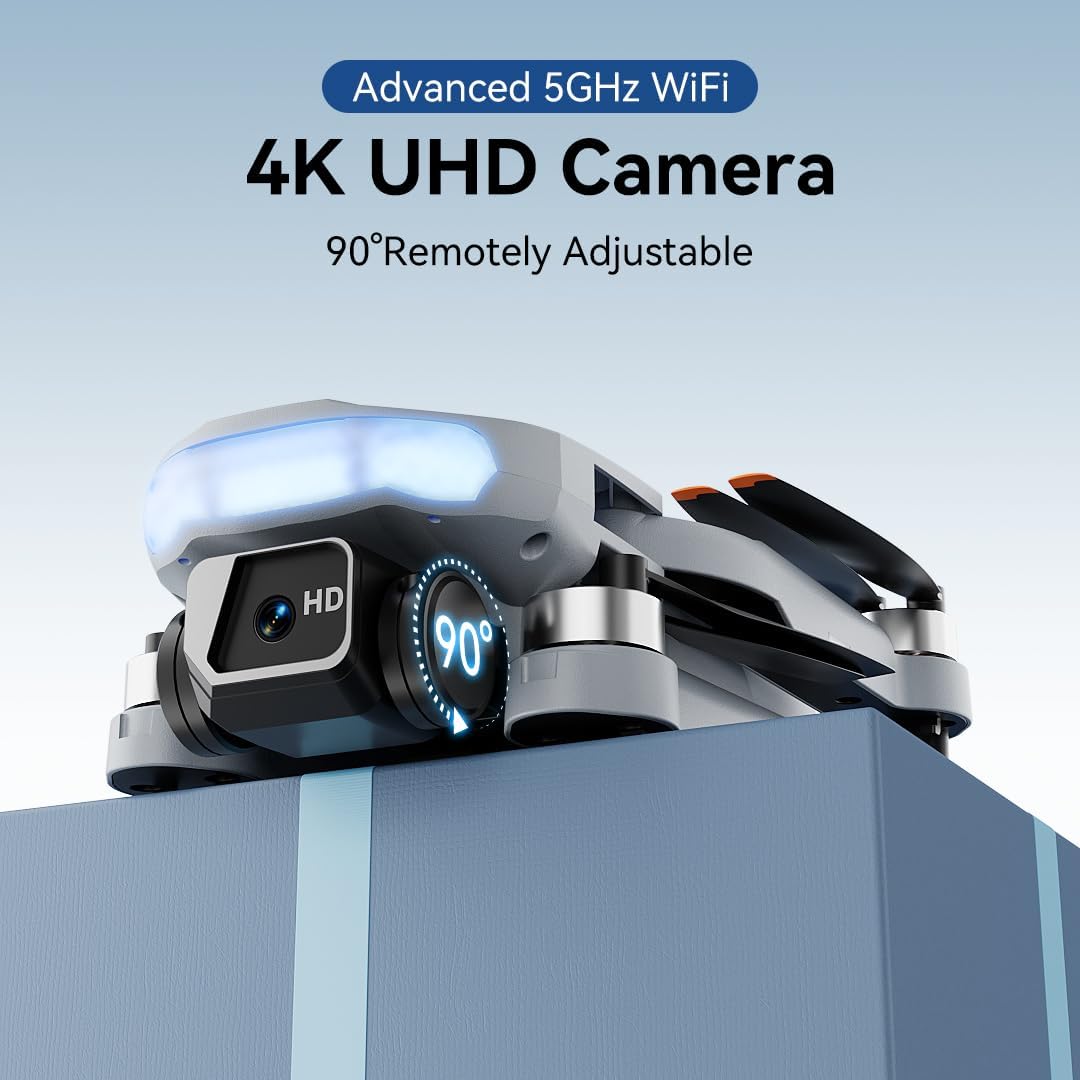
Use the camera up/down buttons located at the top-right corner of the remote controller to tilt the camera between 0 and 90 degrees during flight.
7.3. Viewing Media
Tap the album icon in the app to view your captured photos and videos. Media will be saved on both your mobile phone and the inserted memory card.
8. Hegaldi modu adimendunak
The B16 drone offers several intelligent flight modes for enhanced user experience and creative possibilities.
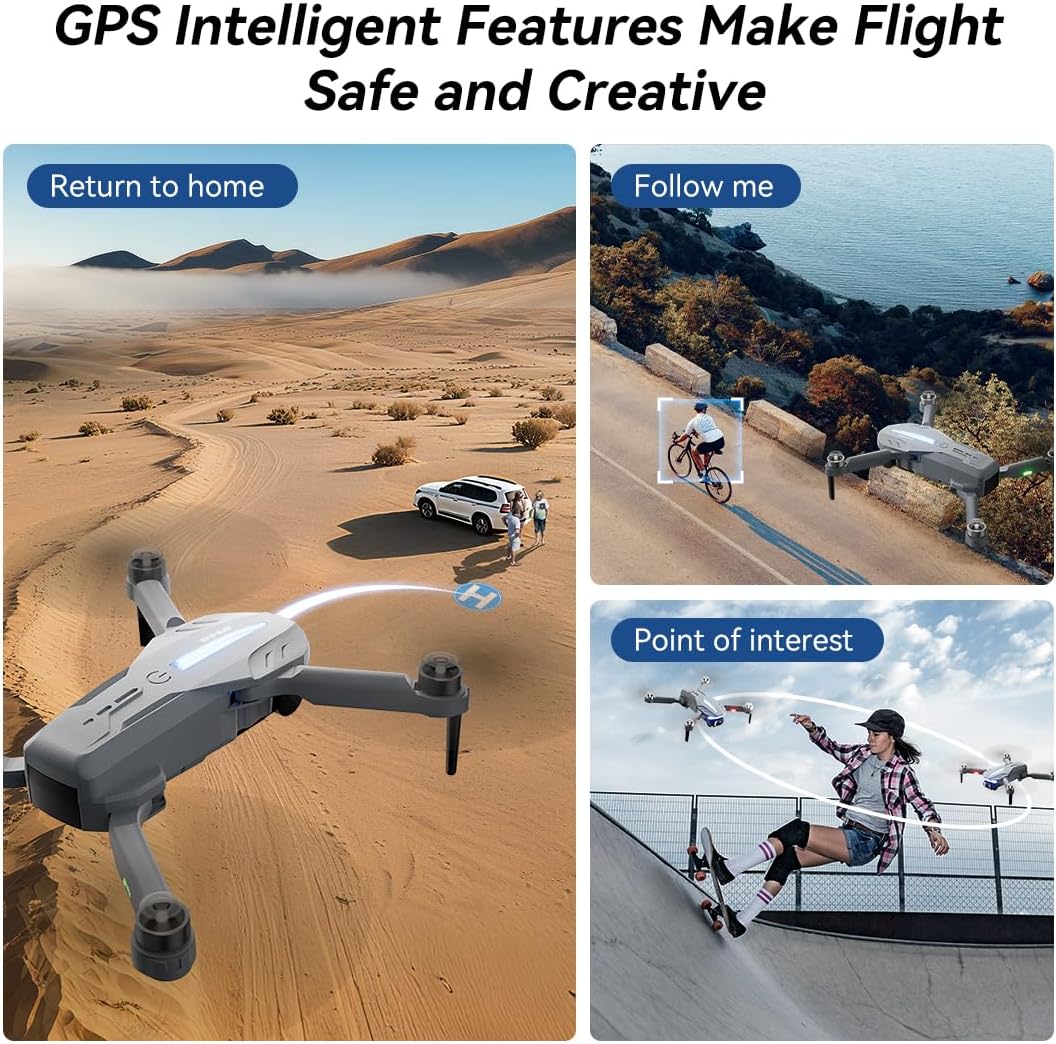
- GPS itzulera automatikoa: In GPS mode, the drone automatically returns to its takeoff point if the signal is lost, battery is low, or the "One-Key Return" button is pressed.
- Jarrai nazazu: Engage Follow Me mode to have the drone automatically track and follow you, freeing your hands for other activities.
- Interesgunea: Set a point of interest, and the drone will orbit around it, capturing dynamic footage.
- Triple-Stable Hover: Built with GPS, barometric pressure, and optical flow systems, the drone ensures steady hovering for stable shots.


9. Lurreratzea
Ensure the landing area is clear of obstacles.
- Eskuzko lurreratzea: Push the left control stick backward to make the drone descend and land.
- Gako bakarreko lurreratzea: Press and hold the Landing button on the remote for 1 second. The drone will automatically descend and land until the propellers stop rotating.
10. Biltegiratzea
Proper storage helps maintain the drone's longevity.
- Itzali: Press and hold the power button on both the drone and the remote controller to turn them off.
- Kendu bateria: Remove the drone battery for better storage and to prevent discharge.
- Besoak tolestuta: Fold the drone arms inward to their compact position.
- Paketatu: Place the drone and remote controller into the portable storage bag.
11. Zehaztapenak
| Ezaugarri | Zehaztapena |
|---|---|
| Marka | FERIETELF |
| Eredua | B16 |
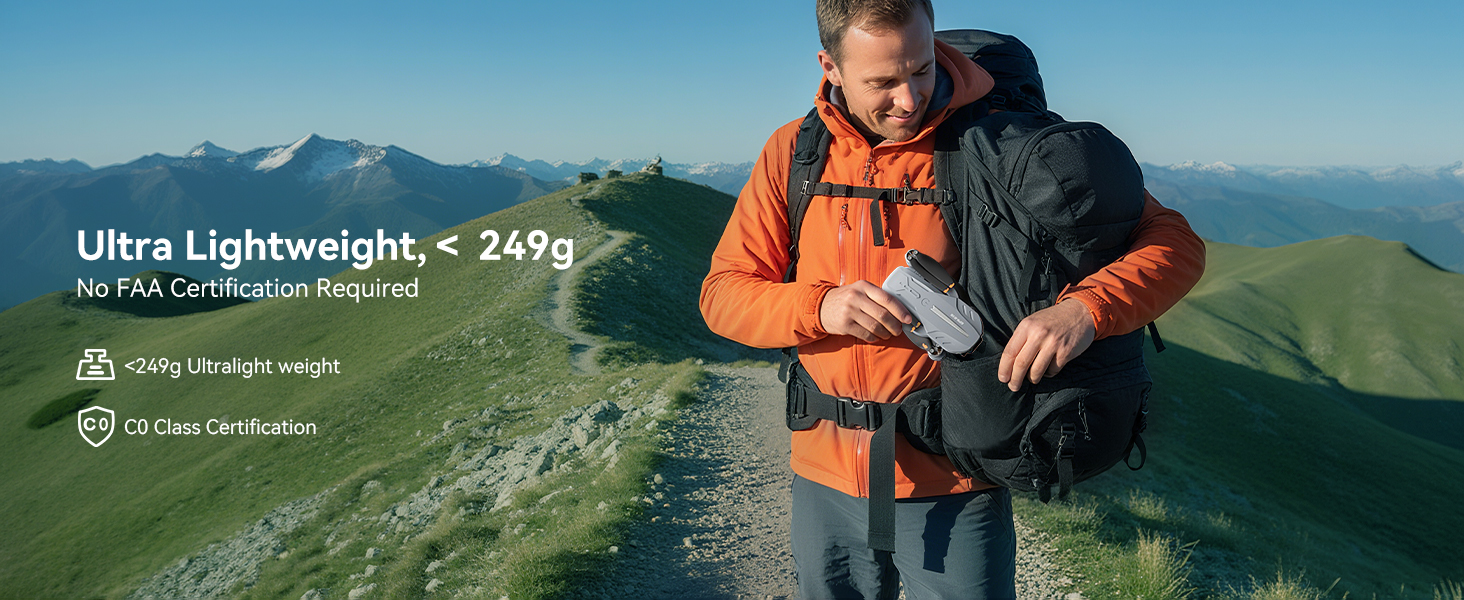
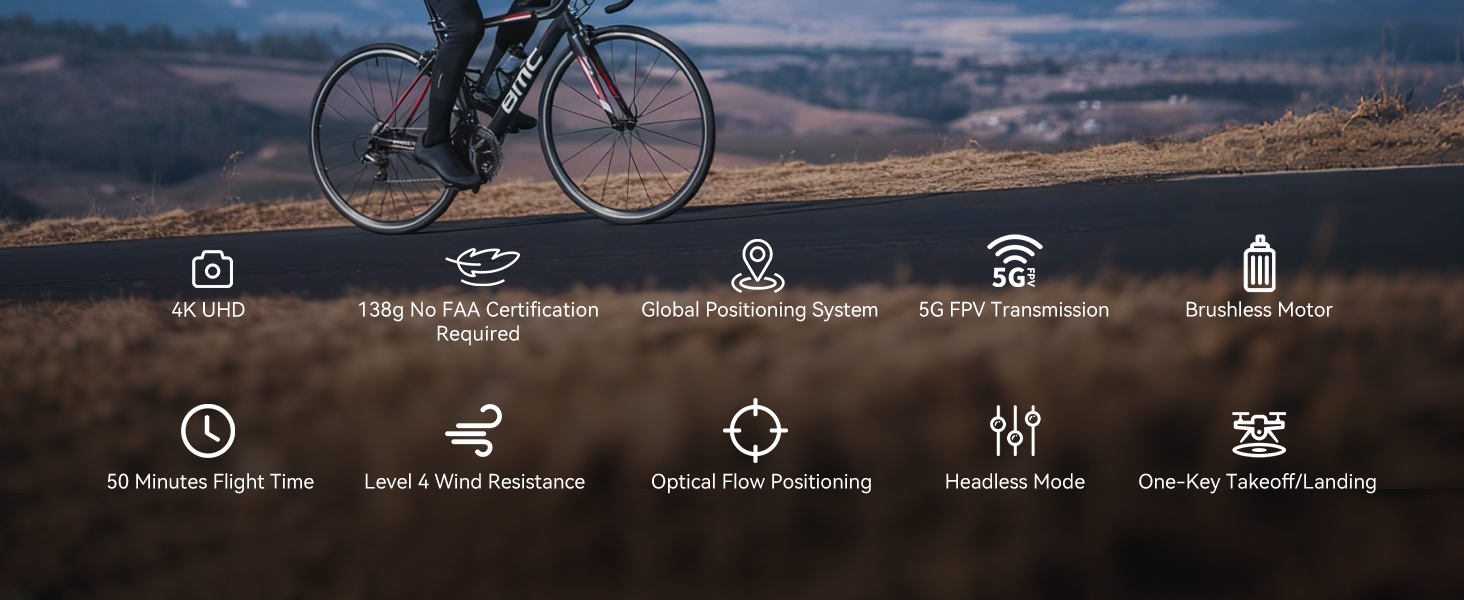
| Pisua | 150 g (Under 249g) |
| Neurriak | 19.5 x 18.8 x 5 cm |
| Kamera | 4K HD, 120° Wide-Angle, 90° Motorized Adjustment |
| Transmisio | 5GHz FPV Real-Time Transmission (up to 1640 feet/500m) |
| Motor Mota | Eskuilarik gabeko Motorra |
| Hegaldi Denbora | Up to 50 minutes (with 2 batteries, 20-25 mins each) |
| Kokapen Sistema | GPS & Optical Flow Dual Positioning |
| Haizearen Erresistentzia | 4 maila |
| Kontrol moduak | Button Control, App Control, Gravity Control, Voice Control |


12. Arazoak
- Dronea ez da pizten: Ziurtatu bateria guztiz kargatuta eta behar bezala sartuta dagoela.
- Urrutiko agintea ez da parekatzen: Ziurtatu drone-a eta urrutiko agintea piztuta daudela eta irismen-eremuan daudela. Saiatu berriro parekatze-prozesua egiten.
- GPS seinalerik ez: Fly the drone outdoors in an open area with a clear view of the sky. GPS function cannot be activated indoors.
- Hegaldi ezegonkorra: Perform compass and gyroscope calibration as described in Section 4. Ensure propellers are correctly installed and undamaged.
- Aplikazioaren konexio arazoak: Ensure your phone is connected to the drone's Wi-Fi network and the app is updated to the latest version.
- Hegaldi-denbora laburra: Ziurtatu bateriak guztiz kargatuta daudela. Hegaldiaren denboran haize-baldintzek eta hegaldi oldarkorrek eragina izan dezakete.
13. Segurtasun Jarraibideak
- Always fly in open areas, away from people, animals, buildings, and trees.
- Ez hegan egin haize bortitzetan edo eguraldi txarra dagoenean.
- Maintain a safe distance from high-voltage hariak eta beste oztopo batzuk.
- Ensure the drone is always within your line of sight.
- Regularly check the drone and its components for any damage before and after each flight.
- Do not operate the drone under the influence of drugs or alcohol.
- Jarraitu droneen funtzionamenduari buruzko tokiko araudi eta lege guztiak.
14. Produktu Ofizialen Bideoak
Watch the official first-use guide for the Ameta S20 drone, which shares similar operational principles with the FERIETELF B16, to assist with initial setup and flight.
