
Produktua amaituview
The BNCF NewBook 11 is a versatile 2-in-1 laptop designed for productivity and entertainment. It features an 11-inch Full HD IPS touchscreen, powered by an Intel N150 processor, 12GB DDR5 RAM, and a 512GB SSD. This device runs on Windows 11 Pro and includes a magnetic keyboard and kickstand for flexible use.
Ezaugarri nagusiak
- Intel N150 CPU with UHD Graphics
- Windows 11 Pro sistema eragilea
- 12GB DDR5 RAM and 512GB NVMe SSD
- 11-inch FHD IPS In-Cell Touchscreen (1920x1200)
- Dual Cameras (5MP front, 8MP rear)
- 34.2Wh Battery with Type-C Fast Charging
- Durable 635g Metal Body
- Included Magnetic Keyboard and Protective Case
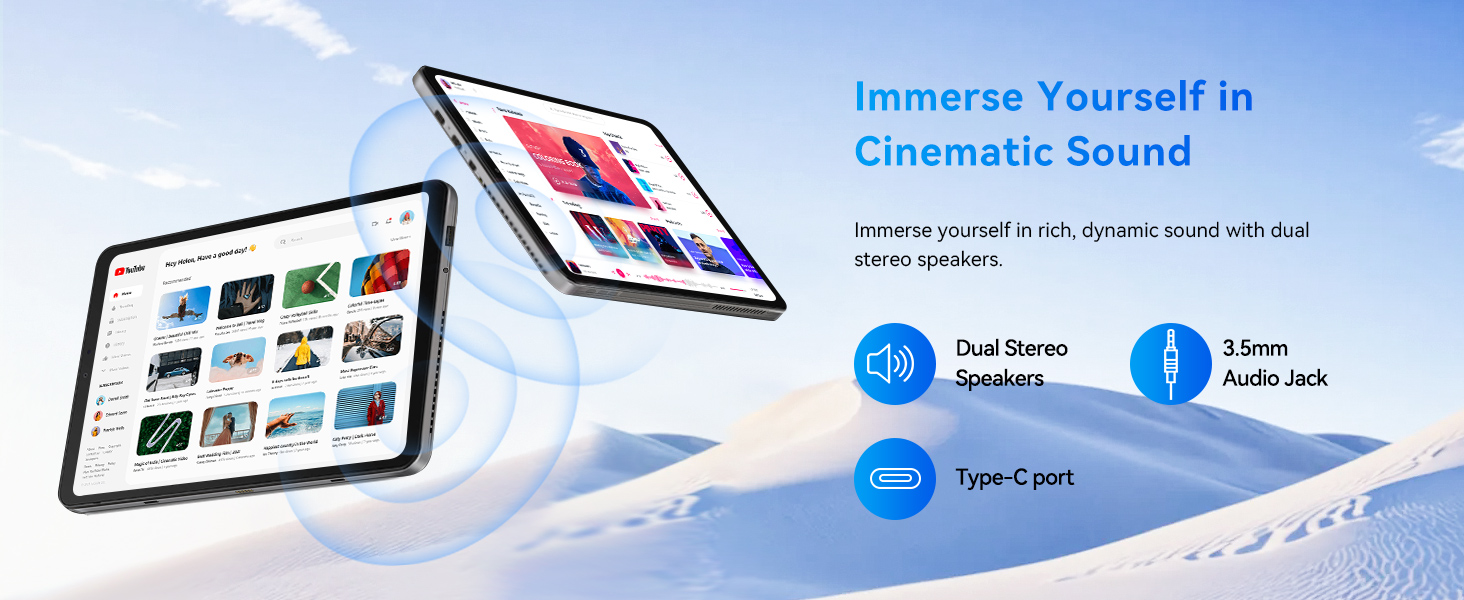
- Connectivity: 2x Type-C, USB 3.0, Micro HDMI, 3.5mm Jack, Wi-Fi 6, Bluetooth 5.0
Kutxan dagoena
Your BNCF NewBook 11 package includes the following items:
- BNCF NewBook 11 2-in-1 Laptop (Tablet Unit)
- Magnetic Pogo Pin Keyboard
- Kickstand / Protective Case
- Korronte egokitzailea (12V/3A)
- Erabiltzailearen eskuliburua

Image: Contents of the BNCF NewBook 11 package.
Hasierako konfigurazioa
Unboxing and First Inspection
Carefully remove all components from the packaging. Inspect the tablet and accessories for any signs of damage.
Video: BNCF NewBook 11 2-in-1 Laptop Unboxing. This video demonstrates the unboxing process and initial handling of the device and its accessories.
Piztea eta hasierako konfigurazioa
Press and hold the power button located on the side of the tablet to turn it on. Follow the on-screen prompts to complete the initial Windows 11 setup. This includes selecting your language, region, and setting up user accounts and passwords.
Video: BNCF NewBook 11 Initial Setup. This video guides you through the first power-on, language selection, and user account setup.
Attaching the Magnetic Keyboard
Align the magnetic pogo pins on the tablet with the corresponding connectors on the keyboard. The keyboard will snap into place magnetically. This allows for instant transition to laptop mode.

Image: The BNCF NewBook 11 in laptop mode with the magnetic keyboard attached.
Operating Your BNCF NewBook 11
Understanding Device Modes
The BNCF NewBook 11 offers three primary modes for versatile usage:
- Ordenagailu eramangarriaren modua: Attach the magnetic keyboard and use the device like a traditional laptop for typing and productivity tasks.
- Tablet modua: Detach the keyboard for a lightweight tablet experience, ideal for browsing, reading, or touch-based applications.
- Zutik egoteko modua: Utilize the integrated kickstand (or protective case) to prop up the tablet for media consumption, presentations, or video calls without the keyboard.

Image: The BNCF NewBook 11 demonstrating its three flexible usage modes: Laptop, Tablet, and Stand.
Windows 11 Pro-ren ezaugarriak
Your device comes pre-installed with Windows 11 Pro, offering enhanced security, productivity, and management features.
- Chip-level Security: Benefit from advanced hardware-based security.
- BitLocker Encryption: Protect your data with full disk encryption.
- Windows Kaixo: Secure and fast login using facial recognition or fingerprint (if applicable).
- Multiataza eraginkorra: Utilize Snap Layouts and Desktops for organized workflows.
Konektibitatea
The NewBook 11 provides comprehensive connectivity options:
- Wi-Fi 6 (2.4/5GHz): Abiadura handiko haririk gabeko interneterako sarbidea lortzeko.
- Bluetooth 5.0: Connect wireless peripherals like headphones, mice, and keyboards.
- USB atakak: Includes 2x Type-C (charging/data) and 1x USB 3.0 for connecting various devices.
- Mikro HDMI: Connect to external displays, monitors, or projectors for extended screen space.
- 3.5 mm-ko audio-konexioa: For wired headphones or external speakers.
Irudia: Xehetasun handikoa view of the BNCF NewBook 11's ports and buttons.
Mantentzea
Zure gailua garbitzea
- Erabili zapi leun eta lihorik gabeko bat pantaila eta gorputza garbitzeko.
- Orban egoskorretarako, apur bat dampGarbitu oihal bat urarekin edo pantailarentzat segurua den garbitzaile batekin.
- Saihestu produktu kimiko gogorrak, material urratzaileak edo gehiegizko hezetasuna.
- Mantendu portuak hauts eta hondakinik gabe.
Software eguneraketak
Egiaztatu eta instalatu aldizka Windows eguneraketak errendimendu, segurtasun eta azken funtzioetarako sarbidea optimoa bermatzeko. Joan honera Ezarpenak > Windows eguneratzea eguneraketak kudeatzeko.
Bateria zaintzea
- Bateriaren iraupen optimoa lortzeko, saihestu bateria maiz erabat deskargatzea.
- Gorde gailua leku fresko eta lehor batean denbora luzez erabiltzen ez duzunean.
- Use only the provided power adapter or a compatible Type-C PD charger.
Arazoak konpontzea
Ohiko arazoak eta irtenbideak
- Gailua ez da pizten: Ziurtatu bateria kargatuta dagoela. Konektatu korronte-egokitzailea eta saiatu berriro.
- Pantailak ez du erantzuten: Restart the device. If the issue persists, check for system updates or contact support.
- Teklatua ez dabil: Ensure the magnetic connection is secure. Restart the device.
- Wi-Fi/Bluetooth konexio arazoak: Check if Wi-Fi/Bluetooth is enabled in settings. Restart your router or device.
- Errendimendu motela: Close unnecessary applications. Check for system updates. Ensure sufficient free storage space.
If you encounter persistent issues, refer to the official BNCF support resources or contact customer service.
Zehaztapen Teknikoak
| Ezaugarri | Zehaztapena |
|---|---|
| Marka | BNCF |
| Ereduaren izena | NewBook 11 |
| Pantailaren tamaina | 11 hazbete |
| Ebazpena | 1920x1200 (FHD IPS) |
| CPU eredua | Intel Twin Lake N150 |
| Prozesadorearen Abiadura | Gehienez 3.6 GHz |
| RAM | 12 GB DDR5 |
| Biltegiratzea | 512 GB-ko SSDa (NVMe) |
| Sistema eragilea | Windows 11 Pro |
| Grafikoak | Intel UHD grafikoak (integratuak) |
| Aurrealdeko kamera | 5 MP |
| Atzeko kamera | 8 MP |
| Bateria | 34.2 Wh |
| Konektibitatea | Wi-Fi 6, Bluetooth 5.0, 2x Type-C, USB 3.0, Micro HDMI, 3.5mm Audio |
| Dimentsioak (Tableta) | 25.7"L x 16.8"Z x 0.96"Lo |
| Pisua (Tableta) | 635 g |
| Weight (with Keyboard/Case) | 1106 g |
Bermea eta Laguntza
Bermearen informazioa
The BNCF NewBook 11 comes with a 1 urteko berme mugatua. This warranty covers manufacturing defects and hardware malfunctions under normal use. Please retain your proof of purchase for warranty claims.
Bezeroarentzako Arreta
For any questions, software glitches, or hardware concerns, please contact BNCF customer support.
- Posta elektronikoko laguntza: service01@bncfai.com
- Sareko baliabideak: Visit the official BNCF website for drivers, firmware downloads, and FAQs.
- Erantzun denbora: Our team aims to respond within 24/7 a week.
When contacting support, please provide your product model number (N150) and order number for faster assistance.