
Sarrera
The Garmin GPSMAP H1 is a rugged handheld GPS navigator designed for outdoor use. It features a hybrid design with a bright 3.5-inch color touchscreen display and physical buttons for versatile operation. This device offers extended battery life and comes with preloaded maps, downloadable satellite imagery, and advanced positioning capabilities.
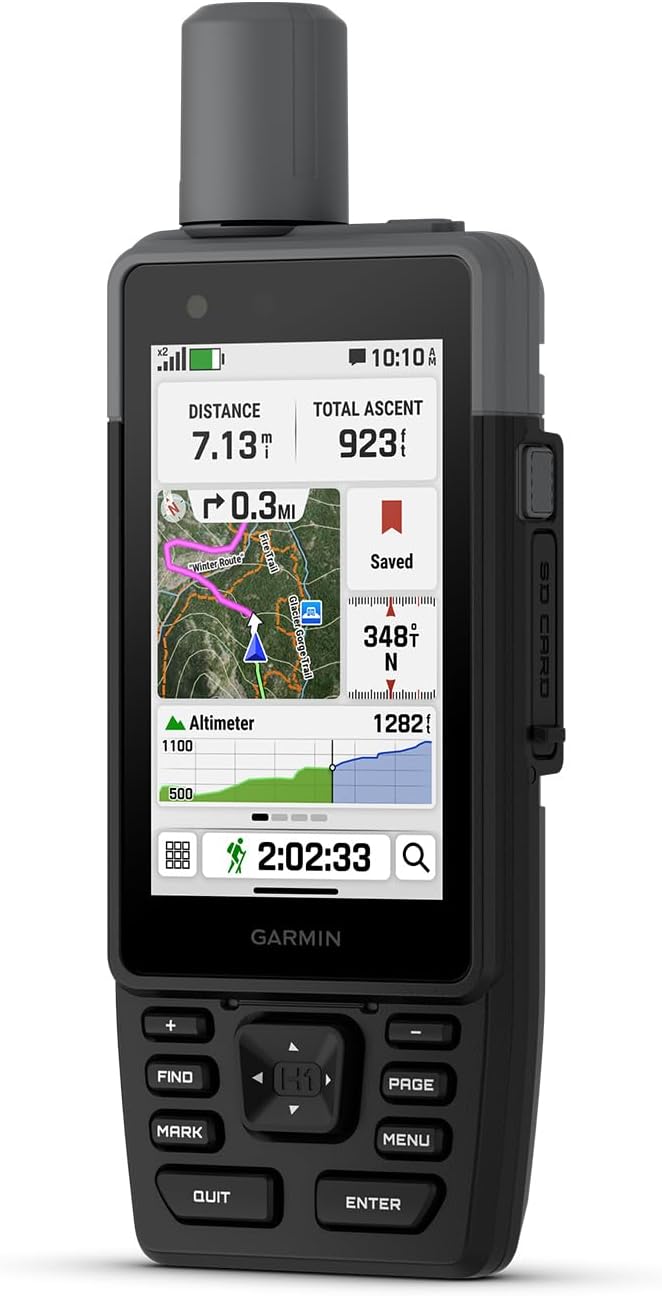
Figure 1: Garmin GPSMAP H1 device displaying navigation data.
Kutxan dagoena
Upon unboxing your Garmin GPSMAP H1, verify that all components are present:
- GPSMAP H1 Device
- Loop Carabiner
- Karga/datu kablea
- Dokumentazioa (Erabiltzaile eskuliburua, Segurtasun informazioa)
Konfigurazioa
1. Initial Power On and Display Adjustment
To power on the device, press and hold the power button located on the side. The device features a bright 3.5-inch color touchscreen. You can adjust the display brightness for optimal visibility in various lighting conditions, including direct sunlight. Navigate to the 'Setup' menu and select 'Display' to modify brightness settings.
2. Bateria instalatzea eta kargatzea
The GPSMAP H1 uses a rechargeable Lithium-Ion battery (included). Ensure the battery is properly installed before first use. Connect the device to a power source using the provided charging/data cable. The USB-C charging port is located on the back of the device. A full charge provides up to 145 hours of battery life in all Satellite Systems + Multi-band mode (typical use with SatIQ technology).
3. Map Loading and Wi-Fi Setup
The device comes with preloaded TopoActive maps for the U.S., Mexico, and Canada. You can download high-resolution satellite imagery directly to your device via Wi-Fi. To set up Wi-Fi, navigate to the 'Setup' menu and select 'Wi-Fi Setup'. An active Wi-Fi connection is required for map downloads and weather updates.
Funtzionamendu-argibideak
1. Navigation and Positioning
The GPSMAP H1 supports multi-band GPS and multi-GNSS for superior positional accuracy. Utilize the preloaded TopoActive maps for trail navigation. An optional Outdoor Maps+ subscription provides ongoing access to premium map content. The device's hybrid design allows for operation using both the touchscreen and physical buttons, offering versatility in various conditions.
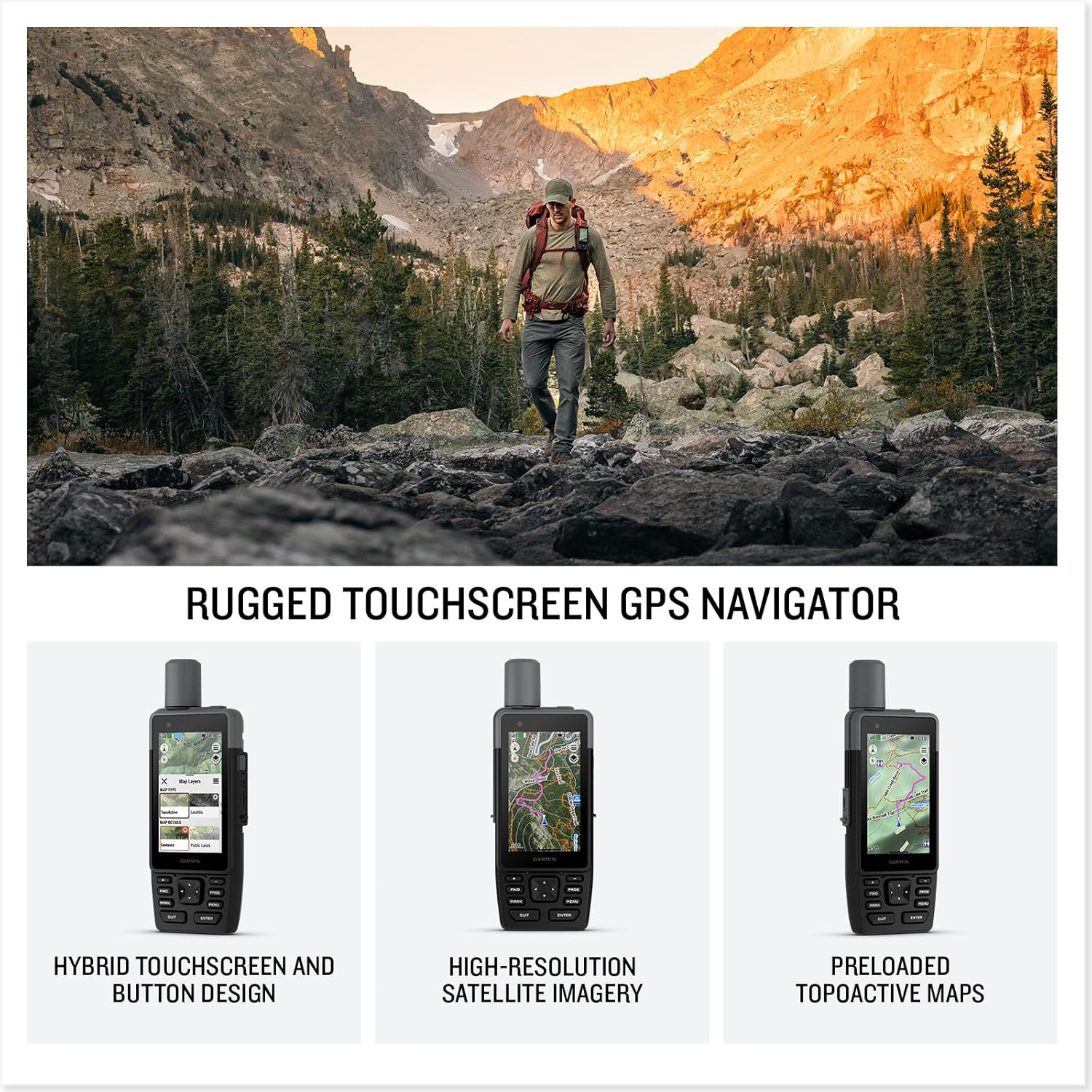
Figure 2: Navigating with the GPSMAP H1's detailed map display.
2. Customizing the Menu
The device menu is customizable. You can add or remove pages and applications to suit your preferences. Access the 'Menu' button to view available options and personalize your device interface.
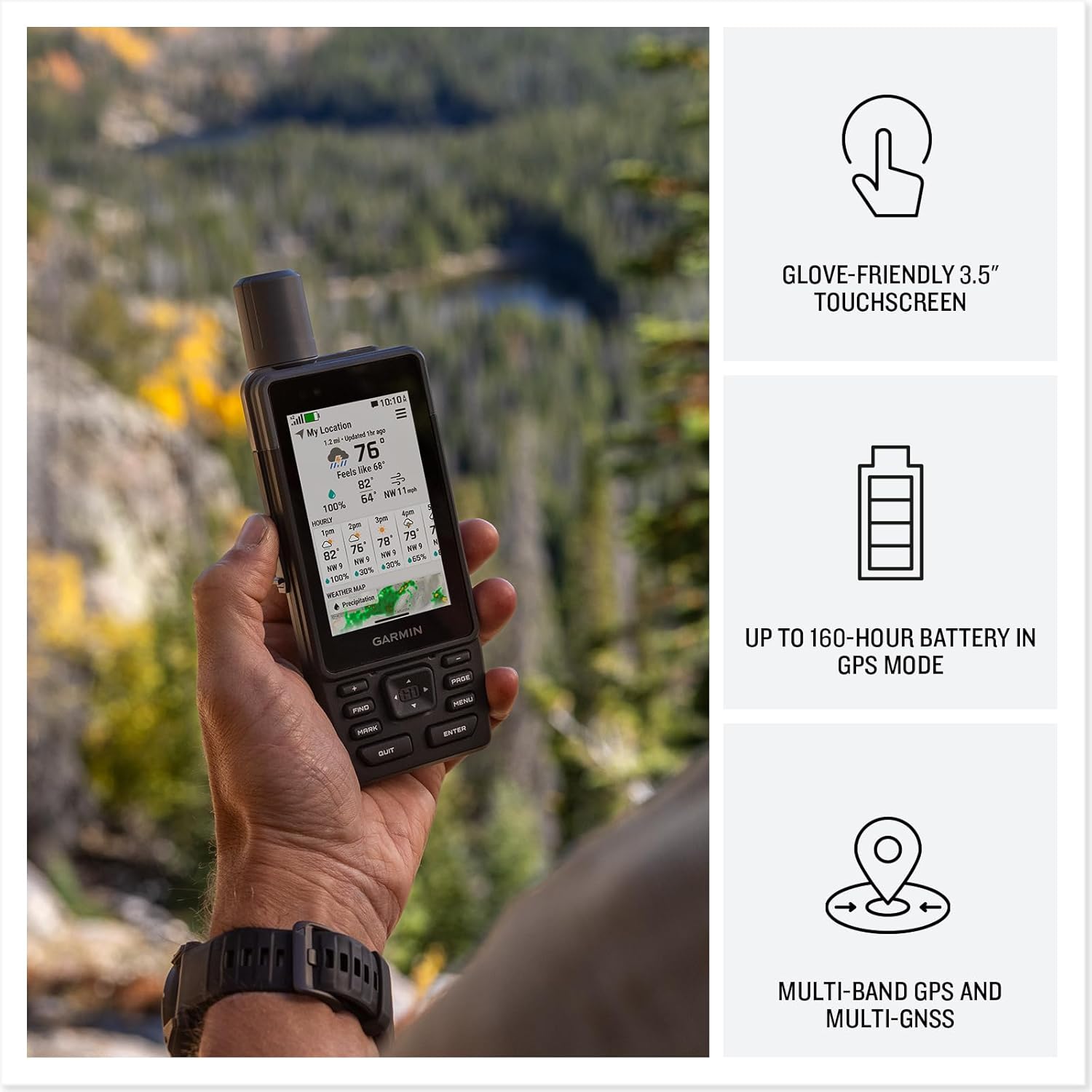
Figure 3: Customizable menu options on the GPSMAP H1.
3. Built-in Tools and Sensors
- Linterna: The device includes a built-in LED flashlight. This can be used for illumination or as a beacon in emergency situations.
- ABC sentsoreak: Integrated altimeter for elevation data, barometer to monitor weather changes, and a 3-axis electronic compass for direction.
- Sirena: A built-in siren can be activated to emit a loud alarm to attract attention if needed.
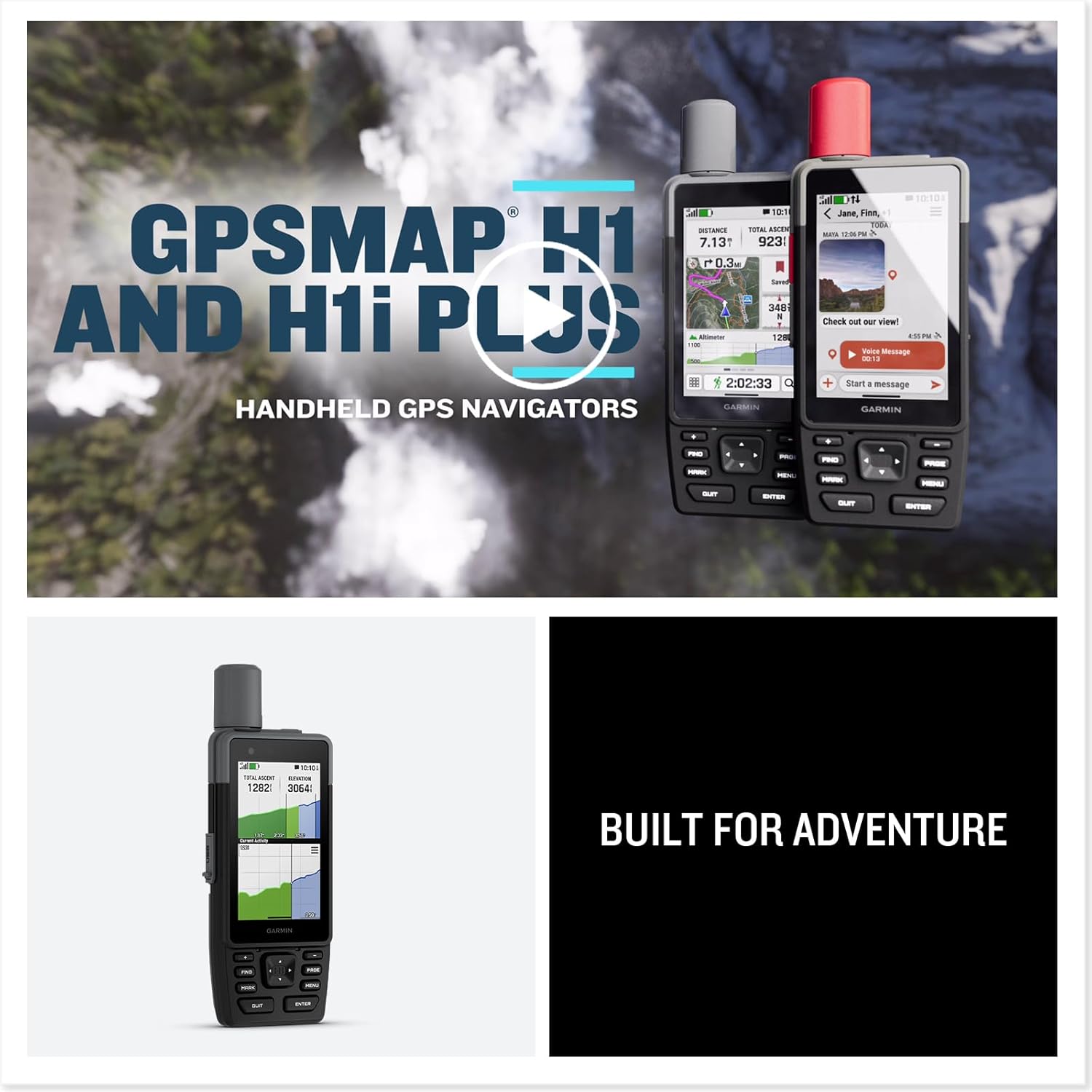
Figure 4: GPSMAP H1 displaying its digital compass.
4. Garmin Explore aplikazioaren integrazioa
The GPSMAP H1 is compatible with the Garmin Explore smartphone app. This app facilitates seamless trip planning, locating geographic points, and sharing routes. An active Wi-Fi or cellular connection is required for full app functionality.
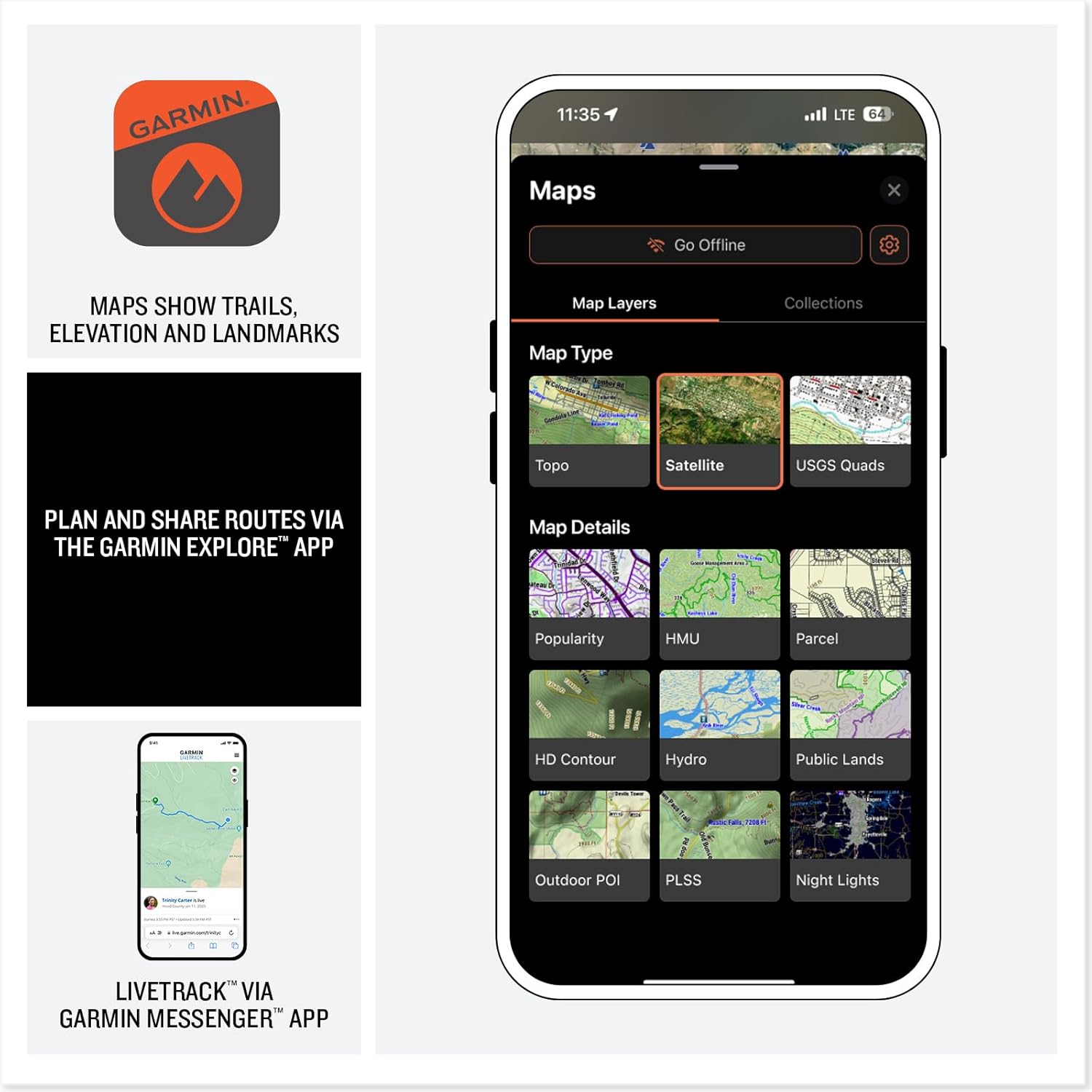
Figure 5: Garmin Explore app interface for trip planning.
5. LiveTrack Sharing and Weather Updates
When paired with a compatible smartphone and an active cellular connection, the Garmin Messenger app allows for LiveTrack sharing, enabling others to follow your location in real-time and view data such as distance, time, and elevation. You can also receive active weather updates through this connection.
Mantentzea
1. Zaintza orokorra
The GPSMAP H1 is built to meet MIL-STD 810 standards for thermal, shock, water (IP67), and vibration resistance. This ensures durability in harsh environments and extreme temperatures. Regularly clean the device with a soft, damp oihal. Saihestu produktu kimiko gogorrak edo material urratzaileak erabiltzea.
2. Bateriaren iraupena
To maximize battery life, ensure the device is fully charged before extended use. The device offers up to 145 hours in all Satellite Systems + Multi-band mode (with typical use and SatIQ technology). For prolonged storage, charge the battery to approximately 50% and store in a cool, dry place.
Arazoak konpontzea
If you encounter issues with your GPSMAP H1, consider the following basic troubleshooting steps:
- Gailua ez da pizten: Ensure the battery is charged. Connect the device to a power source and attempt to power on again.
- GPS seinalearen arazoak: Ziurtatu leku ireki eta garbi batean zaudela view zeruaren. Itxaron minutu batzuk gailuak satelite seinaleak jasotzeko.
- Ukipen-pantailak ez du erantzuten: Perform a soft reset by holding down the power button until the device restarts. If the issue persists, ensure the screen is clean and free of debris.
- Konexio arazoak (Wi-Fi/Bluetooth): Verify that Wi-Fi or Bluetooth is enabled on both the GPSMAP H1 and your paired device. Ensure you are within range of the network or device.
For more complex issues, refer to the official Garmin support resources or contact customer service.
Zehaztapenak
| Ezaugarri | Xehetasuna |
|---|---|
| Produktuaren neurriak | 1.3 x 2.6 x 7 hazbete |
| Elementuaren pisua | 9.7 ontza |
| Elementuaren eredu-zenbakia | 010-02920-00 |
| Pilak | 1 litio ioi bateriak behar dira (barne) |
| OS | Garmin sistema eragilea |
| Haririk gabeko komunikazio teknologiak | Bluetootha |
| Ezaugarri bereziak | Touchscreen, Built-in Flashlight, ABC Sensors |
| Giza Interfazearen Sarrera | Ukipen-pantaila |
| Kolorea | Beltza |
| Fabrikatzailea | Garmin |
| Pantailaren tamaina | 3.5 hazbete |
| Mapa mota | North America (Preloaded) |
| Bateriaren iraupena | 145 Hours (GPS mode, typical use with SatIQ) |
| Muntatze Mota | Eskukoa |
Bermea eta Laguntza
Bermeari buruzko informazioa lortzeko, jo ezazu zure gailuarekin batera datorren dokumentaziora edo bisitatu Garmin-en webgune ofiziala. website. Garmin provides customer support and resources for product registration, software updates, and technical assistance.
Laguntza gehiago lortzeko, bisitatu Garmin denda Amazonen edo Garmin-en laguntza ofiziala webgunea.


