
Sarrera
This manual provides detailed instructions for the setup, operation, and maintenance of your Jectse 5G Mobile Hotspot. Please read this manual thoroughly before using the device to ensure proper functionality and to maximize your user experience. Keep this manual for future reference.
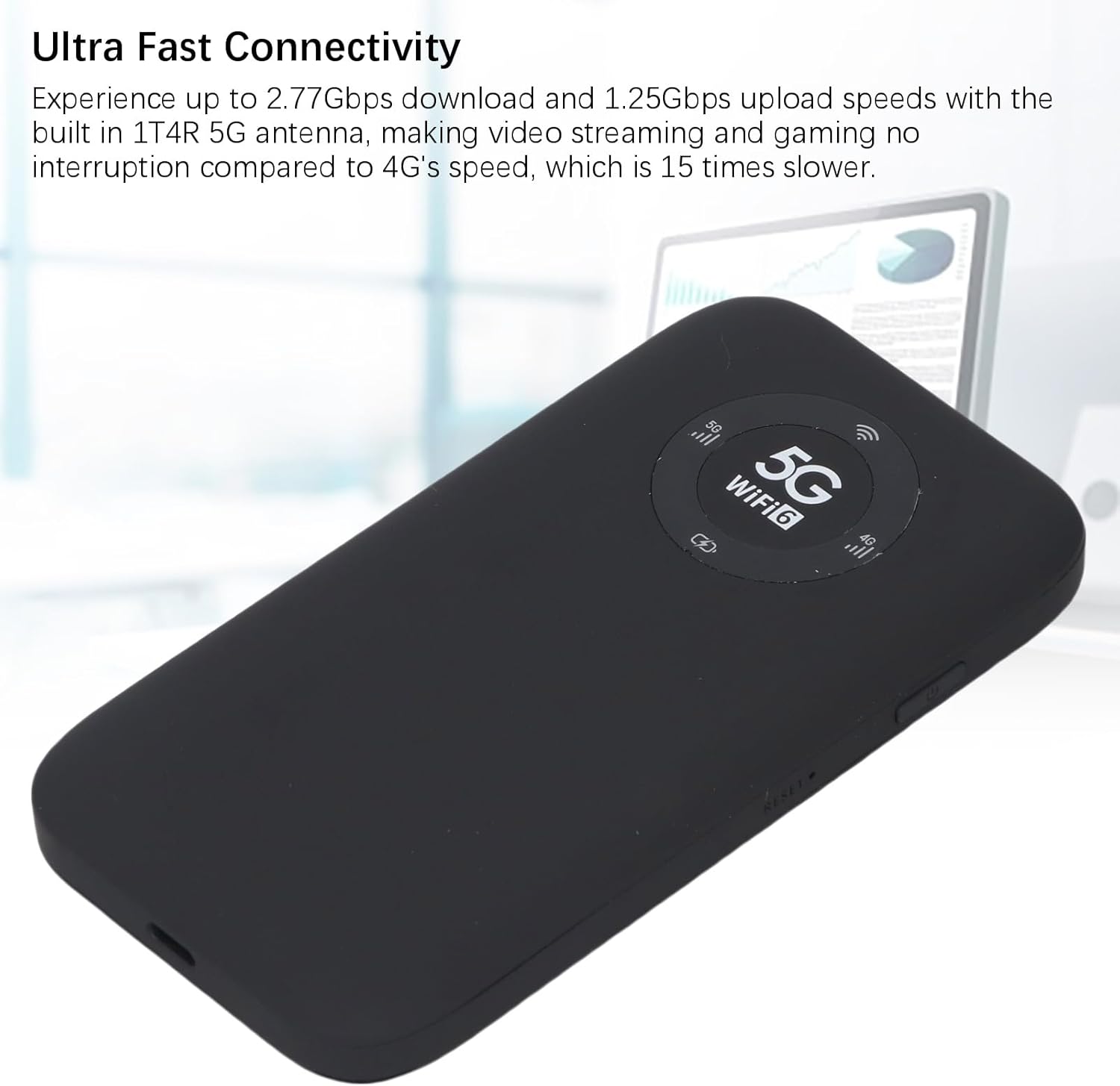
Image: The Jectse 5G Mobile Hotspot, a compact and portable device designed for high-speed 5G and WiFi 6 connectivity.
Produktua amaituview
Ezaugarri nagusiak
- Ultra-Fast 5G Connectivity: Supports up to 2.77Gbps download and 1.25Gbps upload speeds with a built-in 1T4R 5G antenna.
- Extensive Network Band Support: Compatible with multiple 5G NR bands (FDD: N1, N3, N28; TDD: N41, N78) and 4G bands (TDD LTE: B34, 38, 39, 40, 41; FDD LTE: B1, B3, B5, B8), and 3G band B1.
- Banda bikoitzeko WiFi 6: Offers 2.4GHz and 5.8GHz WiFi connectivity (802.11 a/b/g/n/ac/ax protocols) for up to 16 devices simultaneously.
- Iraupen luzeko bateria: Equipped with a 7100mAh Li-Ion battery for extended use.
- Diseinu sendoa: Features an IP67 rating, making it drop-proof, dust-proof, and rain-proof.
- Erabiltzeko erraza den LED pantaila: Provides information on data usage, signal strength, WiFi credentials, and device settings.
- SIM txartelaren zirrikitua: Supports SIM card compatibility for ease of setup (SIM card not included).
Paketearen edukia
Produktu paketeak barne hartzen ditu:
- 1 x Jectse 5G Mobile Hotspot
- 1 x USB kablea (C motakoa)
- 1 x Erabiltzailearen eskuliburua (dokumentu hau)
- 1 x SIM Card Eject Pin

Image: The Jectse 5G Mobile Hotspot device shown alongside its included USB-C charging cable and a SIM card eject pin.
Konfigurazio Gida
1. SIM txartelaren instalazioa
- Ziurtatu gailua itzalita dagoela.
- Locate the SIM card slot on the side of the hotspot.
- Insert the provided SIM eject pin into the small hole next to the SIM card tray. Press gently until the tray pops out.
- Place your activated Nano-SIM card into the tray with the gold contacts facing down and the notched corner aligned correctly.
- Carefully push the SIM card tray back into the slot until it clicks into place.
2. Gailua kargatzea
- Connect the USB-C cable to the charging port on the hotspot.
- Konektatu USB kablearen beste muturra USB elikatze-egokitzaile bateragarri batera (ez dago barne) edo ordenagailuaren USB atakara.
- The LED indicator on the device will show charging status. A full charge is recommended before first use.
3. Piztu/Itzaltzea
- Pizteko: Press and hold the Power button (usually located on the side) for a few seconds until the screen or LED indicators light up.
- Itzaltzeko: Press and hold the Power button until the device prompts you to power off or the indicators turn off.
Funtzionamendu-argibideak
1. Gailuak Hotspot-era konektatzea
- Ensure the Jectse 5G Mobile Hotspot is powered on.
- On your WiFi-enabled device (smartphone, laptop, tablet), open the WiFi settings.
- Scan for available WiFi networks.
- Select the network name (SSID) displayed on your hotspot's screen or indicated in the manual.
- Enter the WiFi password (Key) displayed on the hotspot's screen or in the manual.
- Once connected, your device will have internet access through the hotspot. Up to 16 devices can be connected simultaneously.

Image: The Jectse 5G Mobile Hotspot showing its display with 5G and WiFi 6 indicators, ready for device connection.
2. LED adierazleak ulertzea
The device features an LED light display that provides essential information:
- Seinalearen indarra: Indicates the strength of the 5G/4G cellular signal.
- Bateria maila: Shows the current battery charge status.
- WiFi egoera: Confirms if WiFi is active and broadcasting.
- Datuen erabilera: May display current data consumption (check device interface for details).
- Sare mota: Indicates whether the device is connected to a 5G or 4G network.
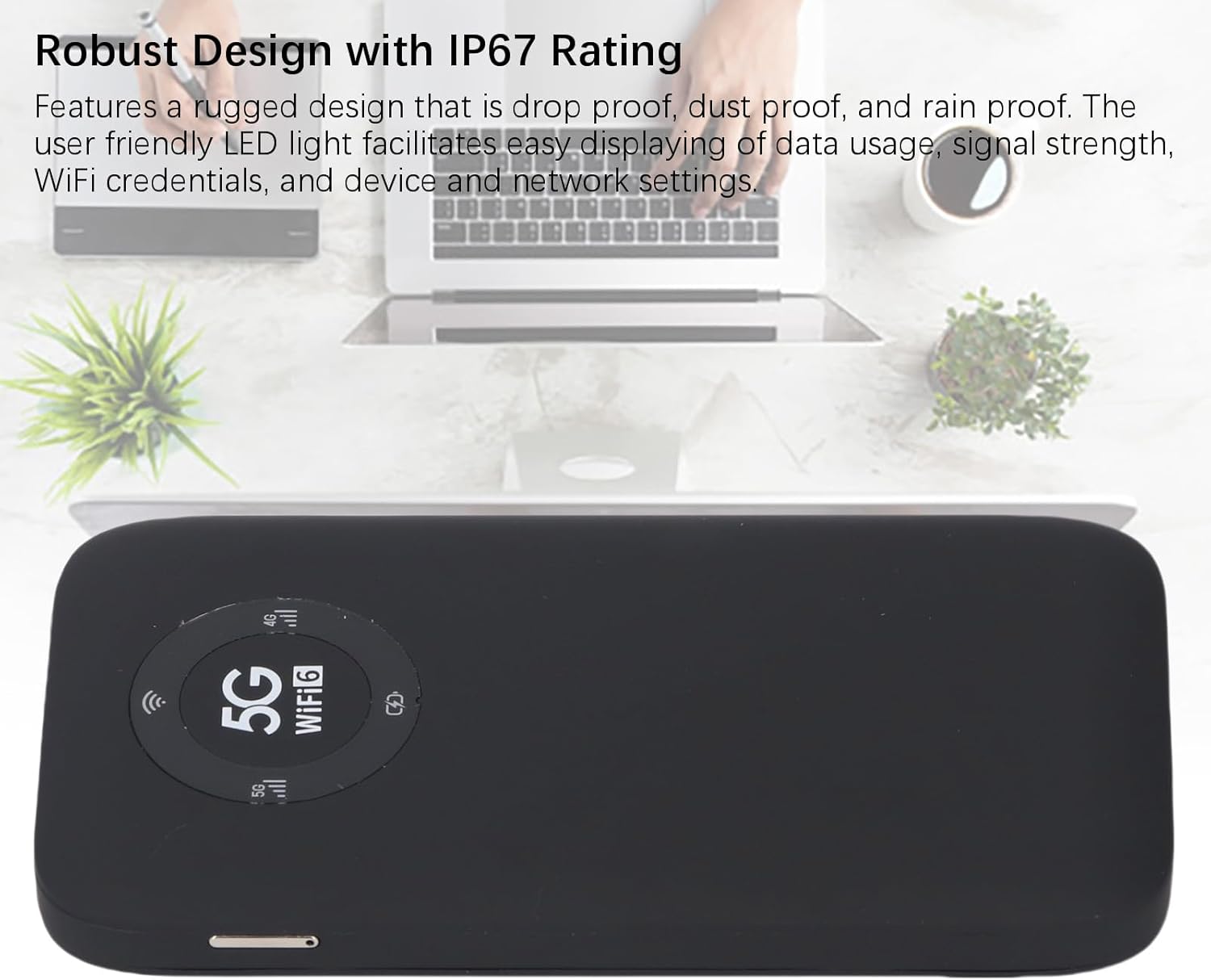
Image: A close-up of the Jectse 5G Mobile Hotspot's LED display, highlighting the 5G and WiFi 6 indicators, along with signal and battery icons.
3. Sartzea Web Management Interface (if applicable)
For advanced settings and configuration, you may access the device's web kudeaketa interfazea:
- Connect your computer or smartphone to the hotspot's WiFi network.
- Ireki a web browser and enter the default IP address (e.g., 192.168.0.1 or 192.168.1.1). This address is usually found on a sticker inside the SIM card slot or in the quick start guide.
- Enter the default username and password (also typically found on the device sticker or in documentation).
- -tik web interface, you can manage WiFi settings, change passwords, view connected devices, and monitor data usage.
Mantentzea
Bateria zaintzea
- Saihestu gailua tenperatura altuetan jartzea (0 °C-tik behera edo 45 °C-tik gora).
- Ez utzi gailua denbora luzez guztiz deskargatuta.
- Epe luzerako biltegiratzeko, kargatu bateria % 50-70ra gutxi gorabehera.
- Erabili emandako USB kablea soilik kargatzeko.
Garbiketa
- Garbitu gailua zapi leun, lehor eta lihorik gabeko batekin.
- Ez erabili garbitzaile likidorik, aerosolik edo disolbatzailerik.
- Ziurtatu portu guztiak hautsik eta hondakinik gabe daudela.
Arazoak konpontzea
| Arazoa | Kausa posiblea | Irtenbidea |
|---|---|---|
| Ez dago Interneteko konexiorik |
|
|
| Ezin da WiFira konektatu |
|
|
| Gailua ez da pizten |
|
|
Zehaztapenak
| Ezaugarri | Xehetasuna |
|---|---|
| Modelo zenbakia | Jectses1yn2px9gw-11 |
| Neurriak | Approx. 136x72x16mm (5.35x2.83x0.63in) |
| Pisua | 10.6 ontza |
| Bateria | 7100mAh Li-Ion Battery (Built-in) |
| Memoria | LPDDR4X 4GB RAM, NAND 2GB ROM |
| Kargatzeko ataka | USB-C |
| SIM txartela mota | Nano-SIM (Not Included) |
| Sare Zelularra | 3GPP Rel.15, 5G NR (SA/NSA, Sub 6G), LTE Category 18 |
| 5G NR Bandak | FDD: N1, N3, N28; TDD: N41, N78 |
| 4G Taldeak | FDD: B1, B3, B5, B8; TDD: B34, B38, B39, B40, B41 |
| 3G Banda | B1 |
| WiFi Bandak | WiFi6 2.4GHz, 5.8GHz |
| WiFi Protokoloa | 802.11 a, b, g, n, ac, ax |
| Max WiFi Connections | Up to 16 Devices Simultaneously |
| NR Download Rate | 2.77Gbps (DL) |
| NR Upload Rate | 1.25Gbps (UL) |
| IP balorazioa | IP67 (Drop-proof, Dust-proof, Rain-proof) |
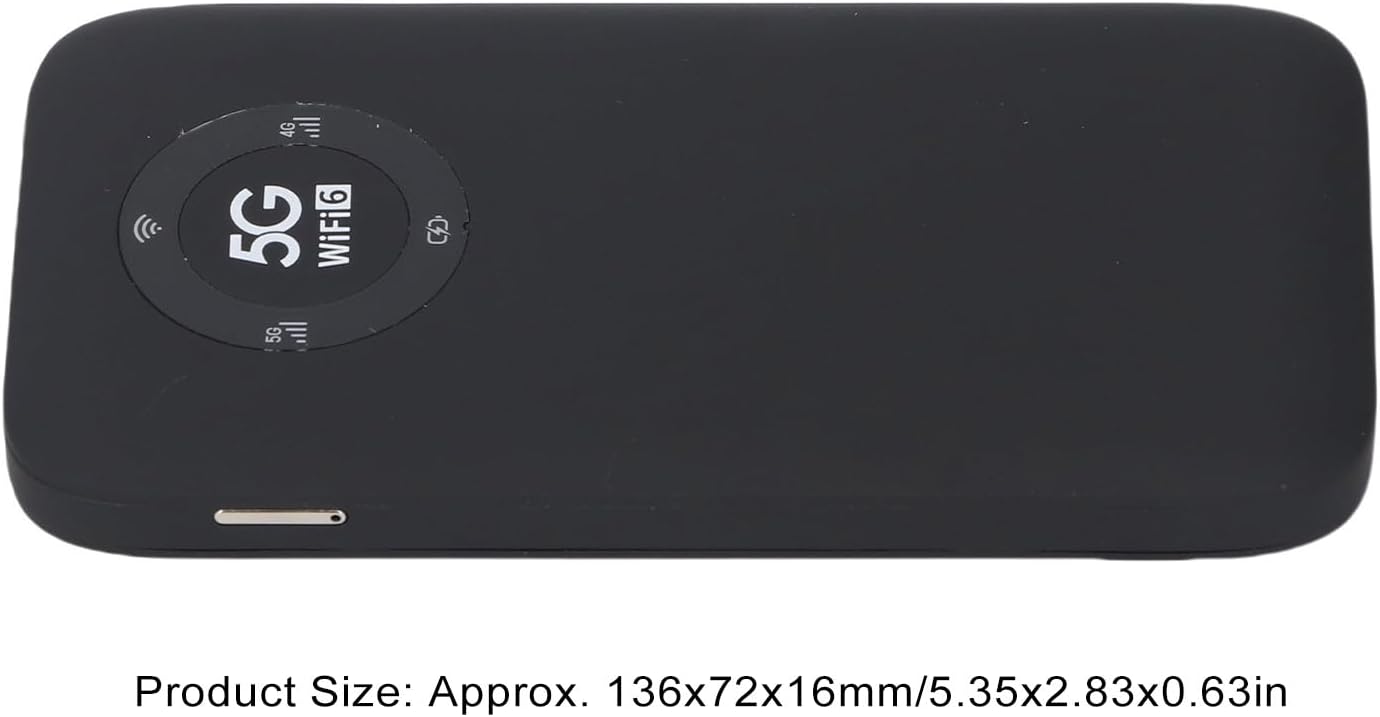
Image: The Jectse 5G Mobile Hotspot, illustrating its compact size with approximate dimensions of 136x72x16mm.
Ohar garrantzitsuak
- Erosketa aurretikasing, ensure that your local network signal frequency band and the SIM card frequency band are compatible with the supported frequency bands of this product.
- This product does not support use in South America, Japan, and South Korea regions.
Bermea eta Laguntza
For warranty information and technical support, please refer to the documentation provided with your purchase or contact Jectse customer service through their official channels. Specific warranty terms may vary by region and retailer.
Bisita dezakezu Jectse Store on Amazon informazio gehiago lortzeko edo laguntzarekin harremanetan jartzeko.