
1. Sarrera
Thank you for choosing the KOOSMILE N80 Mini PC. This compact and versatile device is designed to provide a powerful computing experience in a portable form factor. Featuring an 8-inch multi-touch display, a robust N150 processor, and extensive connectivity options, the N80 is suitable for a wide range of applications from everyday tasks to specialized IT management. This manual provides essential information for setting up, operating, maintaining, and troubleshooting your Mini PC.
2. Zer dago kutxan
Upon unboxing your KOOSMILE N80 Mini PC, please ensure all the following items are present:

Image: All items included in the KOOSMILE N80 Mini PC package.
- 1x KOOSMILE N80 Mini PC
- 1x Power Adapter (Type-C 45W GaN Quick Charger)
- 1x HDMI kablea
- 1x DisplayPort (DP) Cable
- 1x Erabiltzailearen eskuliburua
3. Produktua amaitu daview & Ezaugarriak
The KOOSMILE N80 Mini PC combines powerful components with a compact design, making it highly portable and efficient.
3.1 Funtsezko osagaiak

Irudia: Gainetikview of KOOSMILE N80 Mini PC key features and components.
- Prozesadorea: Intel Twin Lake N150 CPU (4 cores, 4 threads, 6M cache, Base Frequency: 0.8 GHz; Max Turbo Frequency: 3.6GHz).
- Memoria: 12GB DDR5 RAM for smooth multitasking.
- Biltegiratzea: 512GB M.2 SSD (expandable, other configurations available).
- Sistema eragilea: Pre-installed with Windows 11 Pro.
- Grafikoak: Integrated Intel UHD Graphics 600, supporting 4K content.
3.2 Display & Portability

Image: The compact size and portability of the KOOSMILE N80 Mini PC.
- Pantaila integratua: 8.0-inch HD multi-touch display (1280 x 720 resolution).
- Neurriak: 7.62 × 4.88 × 0.91 inches (19.36 x 12.4 x 2.31 cm).
- Pisua: Gutxi gorabehera 2.2 libera (0.55 kg).
- Bateria: Built-in 5000mAh battery for portable use.
- Stand erregulagarria: Integrated metal bracket allows for adjustable viewing angles (45° to 165°).

Image: The adjustable metal stand provides flexible viewaukerak.
3.3 Connectivity & Ports

Image: The extensive port selection on the KOOSMILE N80 Mini PC.
- USB atakak: 2x USB 3.0, 2x USB 2.0.
- Bideo irteerak: HDMI, DisplayPort (DP), Full-function Type-C (supports 4K@60Hz dual display).
- Sarea: Dual RJ45 Ethernet ports (Gigabit).
- Haririk gabekoa: Wi-Fi 6 (802.11ax), Bluetooth 5.2.
- Audioa: 3.5 mm-ko audio-konexioa.
- Biltegiratze hedapena: TF txartelaren zirrikitua.
4. Konfigurazioa
Follow these steps for initial setup of your KOOSMILE N80 Mini PC:
- Potentzia-konexioa: Connect the provided Type-C power adapter to the PD port on the Mini PC and then to a power outlet.
- Hasierako abiarazpena: Press the power button. The device will boot into Windows 11 Pro. Follow the on-screen instructions to complete the initial Windows setup, including region, keyboard layout, and network connection.
- Kanpoko pantaila (aukerakoa): If using an external monitor, connect it via the HDMI, DisplayPort, or Full-function Type-C port using the provided cables or compatible alternatives.
- Periferikoak (aukerakoak): Connect your USB keyboard, mouse, or other peripherals to the available USB 2.0 or USB 3.0 ports. Bluetooth devices can be paired through Windows settings.
- Sare-konexioa: Connect to Wi-Fi via Windows settings or use an Ethernet cable with one of the dual RJ45 ports for a wired connection.
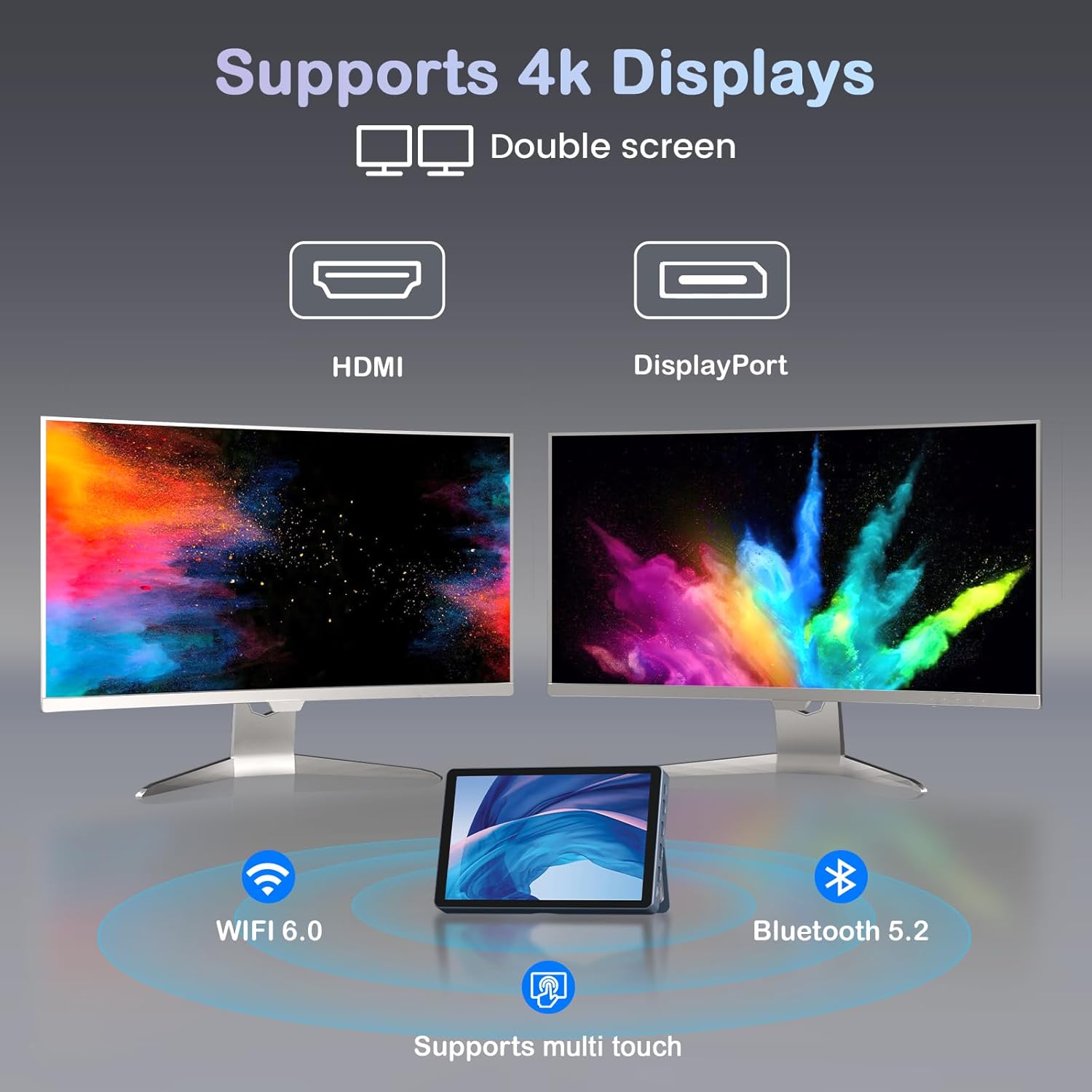
Image: KOOSMILE N80 Mini PC connected to an external 4K display.
5. Funtzionamendu-argibideak
5.1 Ukipen-pantaila erabiltzea
The 8-inch multi-touch display allows for intuitive interaction with Windows 11 Pro. Use touch gestures similar to a tablet for navigation, opening applications, and input.
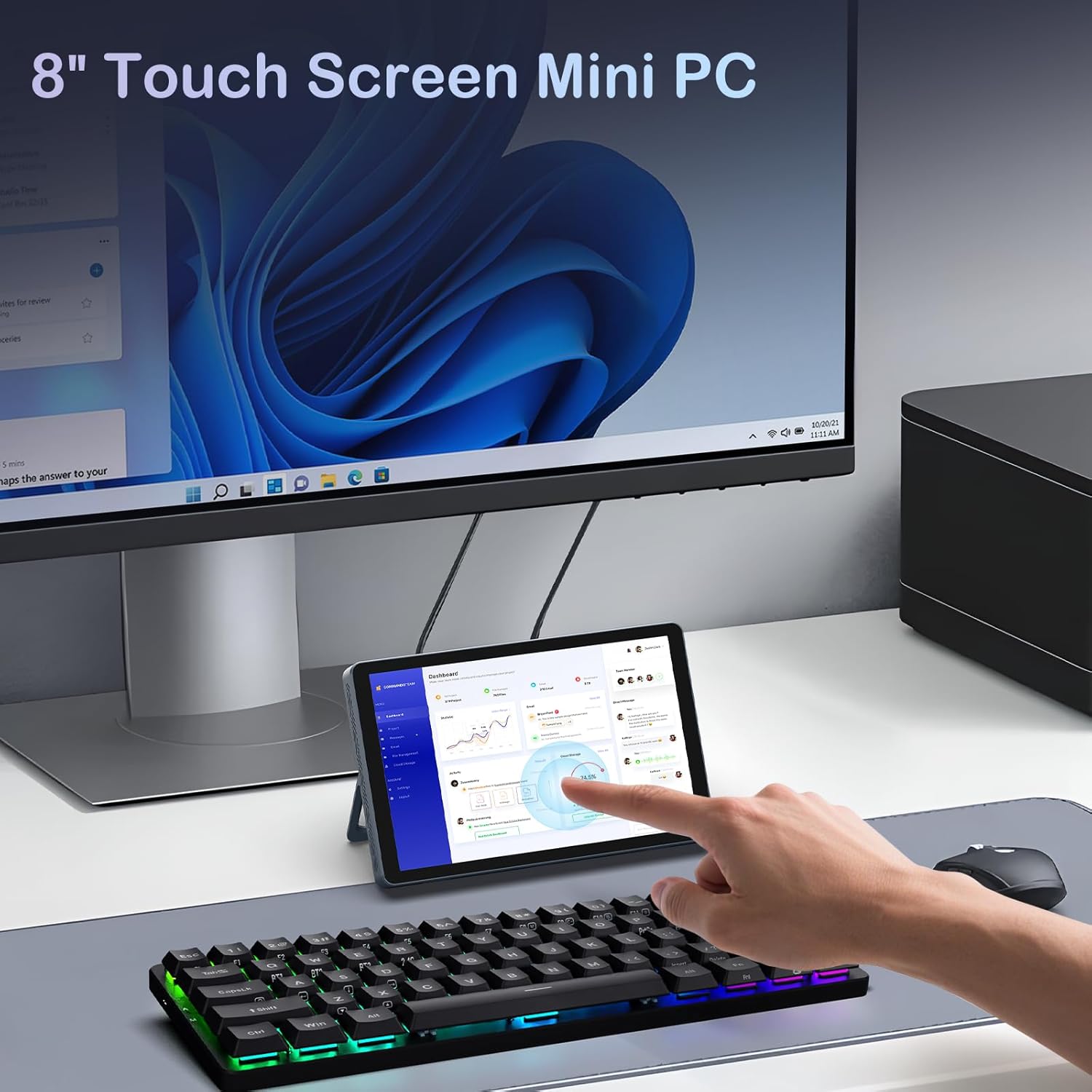
Image: Interacting with the 8-inch multi-touch display.
5.2 Connecting to External Displays
The N80 supports up to two external 4K displays simultaneously via HDMI, DisplayPort, and the Full-function Type-C port. To configure display settings:
- Connect your external monitor(s) to the Mini PC.
- Right-click on the desktop and select 'Display settings'.
- Here you can arrange your displays, choose between 'Extend these displays', 'Duplicate these displays', or 'Show only on 1/2/3'.
5.3 Sarearen konfigurazioa
- Wi-Fi: Access Wi-Fi settings in Windows to connect to available networks. The device supports Wi-Fi 6 for fast wireless connectivity.
- Ethernet: Utilize the dual Gigabit RJ45 ports for stable and high-speed wired network connections. These ports also enable advanced network configurations for IT professionals.
5.4 Energiaren kudeaketa
The built-in 5000mAh battery provides power for on-the-go use. The device can also charge other devices via its Type-C port (PD-Charging).

Image: The KOOSMILE N80 Mini PC's battery supports portable use and charging other devices.
6. Mantentzea
- Software eguneraketak: Egiaztatu eta instalatu aldizka Windows eguneraketak errendimendu eta segurtasun optimoa bermatzeko.
- Garbiketa: Use a soft, dry cloth to clean the device. Avoid liquid cleaners directly on the screen or ports.
- Biltegiratze kudeaketa: Aldian-aldian garbitu beharrezkoak ez direnak files eta aplikazioak biltegiratze espazio eta sistemaren abiadura nahikoa mantentzeko.
7. Arazoak
- Gailua ez da pizten: Ensure the power adapter is securely connected to both the Mini PC and a working power outlet. Check if the power adapter is functioning correctly.
- Ez dago pantailarik kanpoko monitore batean: Verify that the display cable is correctly connected to both the Mini PC and the monitor. Check the monitor's input source settings. Try different video output ports (HDMI, DP, Type-C) on the Mini PC.
- Wi-Fi konexio-arazoak: Ensure Wi-Fi is enabled in Windows settings. Restart the Mini PC and your Wi-Fi router. Check for driver updates for the wireless adapter.
- Errendimendu motela: Close unnecessary applications. Check Task Manager for high CPU or memory usage. Ensure sufficient free storage space on the SSD.
- Ukipen-pantailak ez du erantzuten: Restart the device. Check for any physical obstructions on the screen. Ensure touch drivers are up to date.
8. Zehaztapenak
| Ezaugarri | Zehaztapena |
|---|---|
| Prozesadorea | Intel Twin Lake N150 (4 Cores, 4 Threads, up to 3.6 GHz) |
| RAM | 12 GB DDR5 |
| Biltegiratzea | 512GB M.2 SSD (eSATA interface) |
| Grafikoak | Intel UHD Graphics 600 (Integratua) |
| Sistema eragilea | Windows 11 Pro |
| Bistaratzea | 8-inch HD Multi-touch (1280 x 720) |
| Gehienezko pantailaren bereizmena | 3840x2160 (4K) |
| USB atakak | 2x USB 3.0, 2x USB 2.0 |
| Bideo Irteera | HDMI, DisplayPort, Full-function Type-C |
| Sarea | Dual RJ45 Gigabit Ethernet |
| Haririk gabeko konexioa | Wi-Fi 6 (802.11ax), Bluetooth 5.2 |
| Audioa | 3.5 mm-ko aurikularretarako konektua |
| Txartel irakurgailua | TF txartelaren zirrikitua |
| Bateria | 5000mAh (Nonstandard Battery, included) |
| Elikatze-moldagailua | 45W GaN Quick Charger (Type-C) |
| Neurriak | 7.62 x 4.88 x 0.91 hazbete (19.36 x 12.4 x 2.31 cm) |
| Elementuaren pisua | 2.2 libra (0.55 kg) |
9. Bermea eta laguntza
KOOSMILE is committed to providing excellent customer service and product reliability.
- Bermea: Your Mini PC comes with a 1-year warranty from the date of purchase.
- Laguntza teknikoa: We offer 24-hour technical support to assist with any product-related inquiries or issues.
- Bizi osorako laguntza: Enjoy lifetime technical support and responsive customer service from our professional after-sales team.
For support, please refer to the contact information provided in your product packaging or visit the official KOOSMILE webgunea.