
1. Sarrera
Welcome to the FUNYET 16-inch Laptop Computer NY-08 user manual. This guide provides essential information for setting up, operating, maintaining, and troubleshooting your new laptop. Designed for versatility and performance, the FUNYET NY-08 is equipped with an Intel 13th Gen N150 processor, ample memory, and a vibrant display to support your daily computing needs, from productivity to entertainment.
Figure 1: The FUNYET 16-inch Laptop Computer, showcasinbere diseinu dotorea eta pantaila handia ditu.
2. Konfigurazioa
2.1 Kutxatik ateratzea eta hasierako ikuskapena
Kontu handiz atera osagai guztiak paketetik. Ziurtatu elementu hauek daudela:
- FUNYET 16-inch Laptop Computer
- AC egokigailua
- Erabiltzailearen eskuliburua (dokumentu hau)
- Berme Txartela
2.2 Powering On and First Boot
Connect the AC adapter to the laptop's DC port and a power outlet. Press the power button to turn on the laptop. Follow the on-screen instructions to complete the initial Windows 11 Pro setup, including language, region, and user account creation.
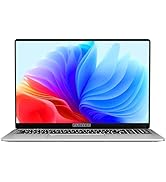
Figure 2: The laptop displaying the Windows 11 Pro operating system during initial setup.
2.3 Wi-Fira konektatzea
During the Windows setup or afterwards, navigate to the network settings. Select your desired Wi-Fi network from the list, enter the password if prompted, and click 'Connect'.
3. Zure ordenagailu eramangarria erabiltzea
3.1 Windows 11 Pro baino gehiagoview
Your FUNYET laptop comes with Windows 11 Pro pre-installed, offering enhanced security, productivity features, and a redesigned user interface. Explore the Start Menu, Taskbar, and Widgets for a personalized experience.
3.2 Teklatua eta ukipen-panela
The laptop features a full-size backlit keyboard for comfortable typing in various lighting conditions and a numeric keypad for efficient data entry. The integrated touchpad supports multi-touch gestures for navigation. A fingerprint scanner is integrated for secure and quick login.
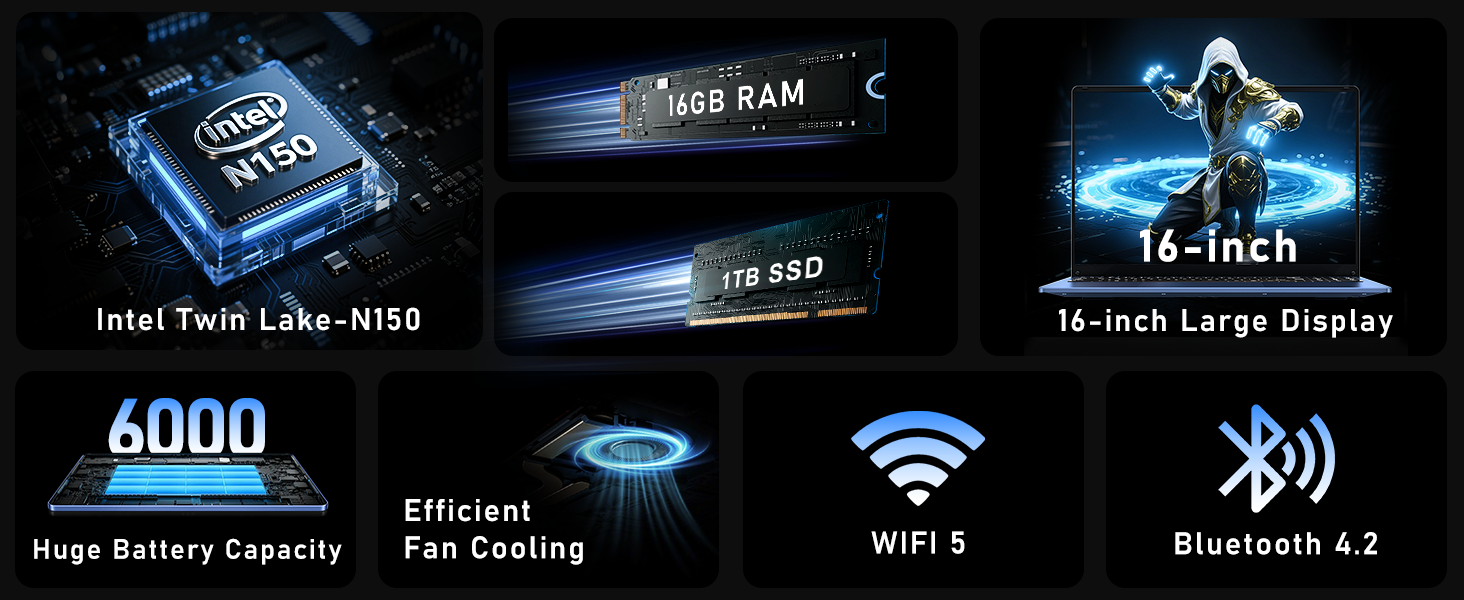
Figure 3: Close-up of the laptop's full-size backlit keyboard and numeric keypad.
3.3 Konexio-ataka
The laptop is equipped with various ports for external device connectivity:
- USB 2.0 ataka: USB gailu zaharragoak konektatzeko.
- USB 3.0 portuak: Two ports for high-speed data transfer with compatible devices.
- Mini HDMI ataka: Kanpoko pantailetara edo proiektoreetara konektatzeko.
- 3.5 mm aurikularretarako konektua: Audio irteera entzungailuetara edo kanpoko bozgorailuetara bidaltzeko.
- DC portua: Ordenagailu eramangarria kargatzeko korronte-egokitzailea konektatzeko.
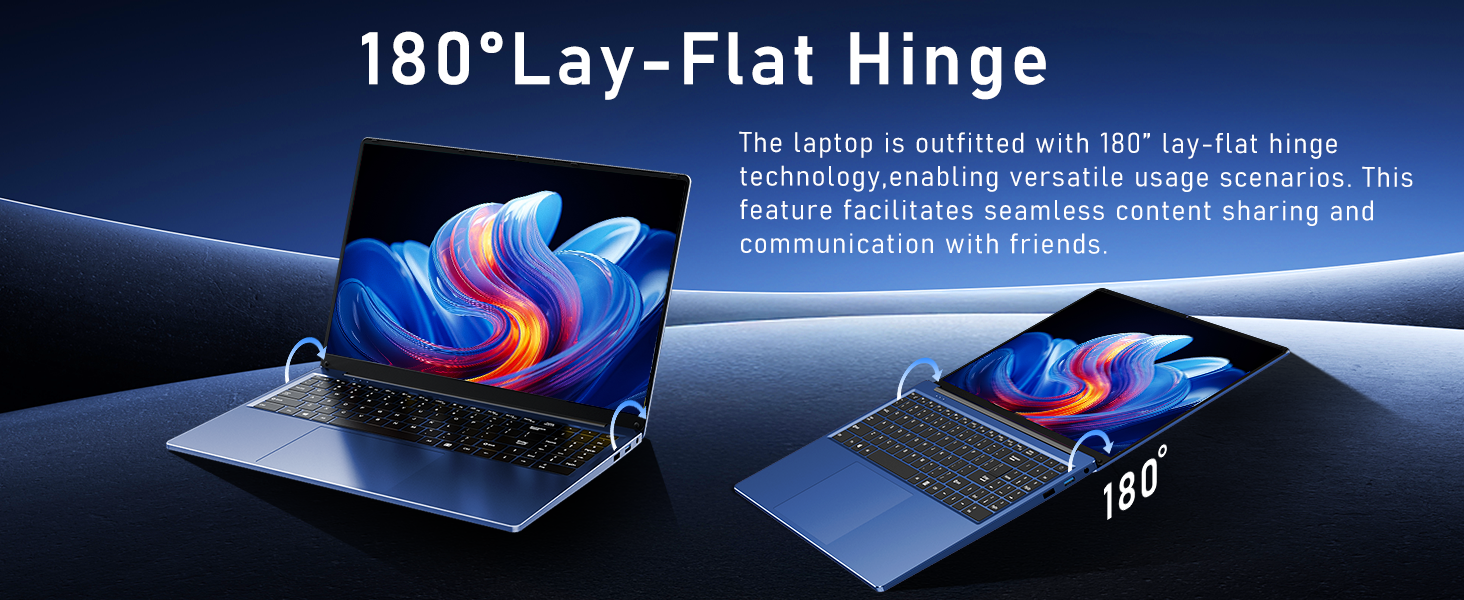
Figure 4: Diagram illustrating the various connectivity ports on the FUNYET laptop.
4. Ezaugarri nagusiak
The FUNYET NY-08 laptop is engineered with components designed for optimal performance and user experience.
4.1 Advanced Processor
Equipped with the latest 13th generation Intel Alder Lake N150 processor, featuring a boost frequency of up to 3.6GHz, 4 cores, and 4 threads. This provides robust performance for multitasking, streaming, and light gaming.
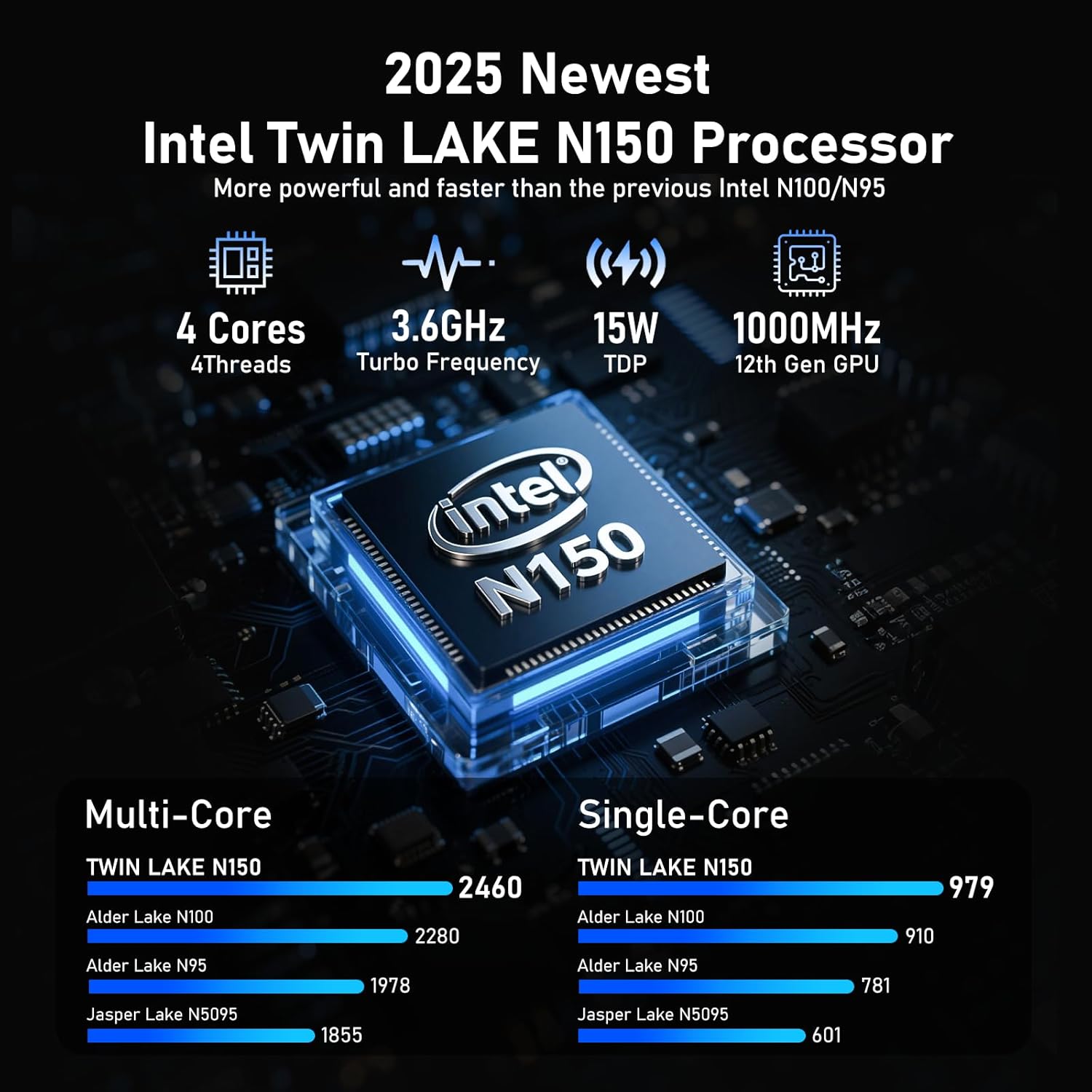
5. irudia: Xehetasuna view of the Intel N150 processor, highlighting its core specifications.
4.2 Memoria eta biltegiratzea
With 16GB of DDR4 RAM and a 1TB high-speed SSD, the laptop ensures effortless multitasking and provides ample space for all your data, applications, and media files.
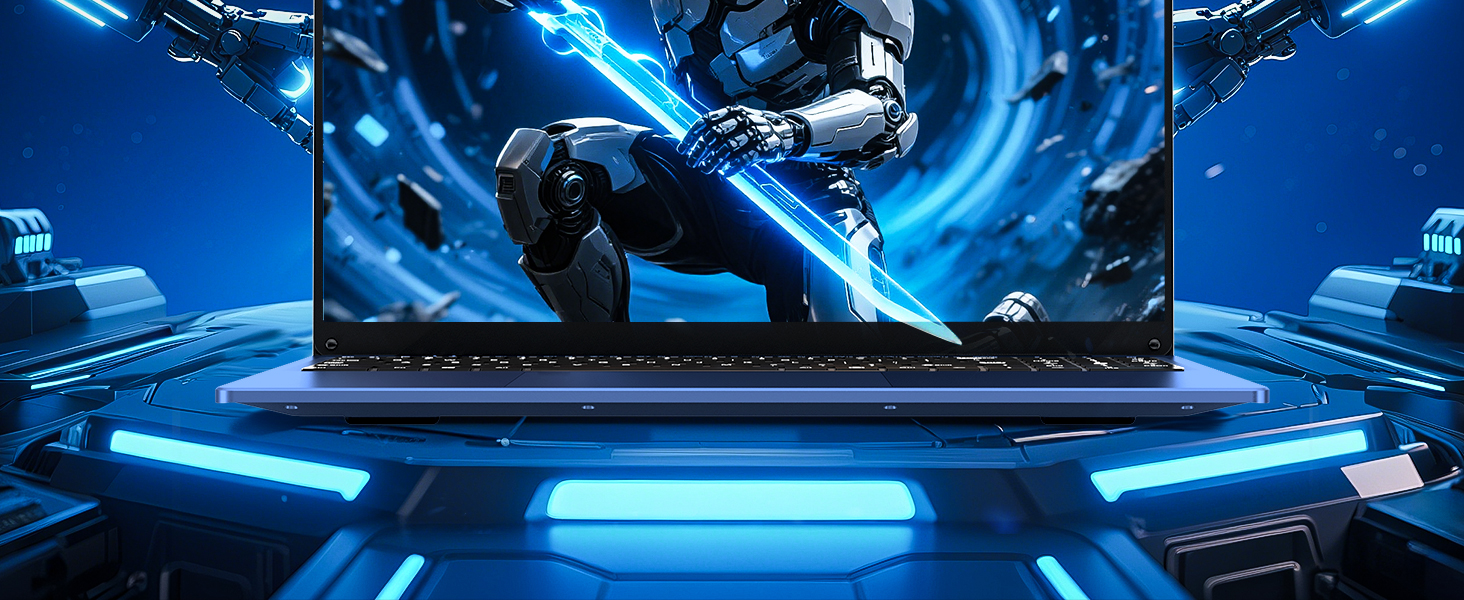
Figure 6: Visual representation of the 16GB RAM and 1TB SSD for high capacity and performance.
4.3 Visual Brilliance Display
Experience stunning visuals on the 16.0-inch Full HD IPS display with a 1920x1200 resolution. The 0.2-inch micro-bezel and 90% screen-to-body ratio provide an immersive viewing experience with vivid colors and eye protection features.

Figure 7: The laptop's 16-inch FHD IPS display, showcasing its visual clarity and narrow bezels.
4.4 Iraupen luzeko bateria
The laptop is equipped with a 6000mAh (46.2Wh) rechargeable battery, offering up to 6 hours of battery life, making it suitable for on-the-go use.
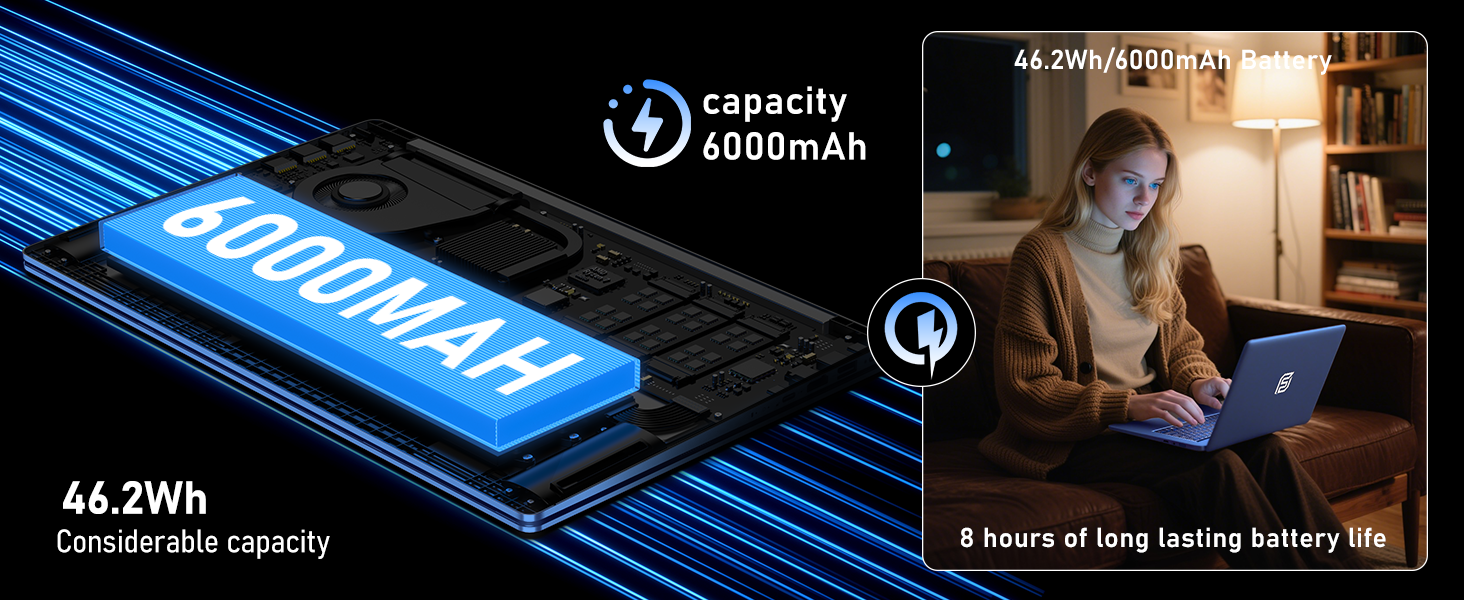
Figure 8: Illustration of the laptop's 6000mAh battery, providing extended usage.
4.5 Portable Design
With a slim 0.8-inch body and a weight of only 3.5 pounds, this laptop is highly portable. It also features a 180° lay-flat hinge, allowing for versatile usage scenarios and easy content sharing.
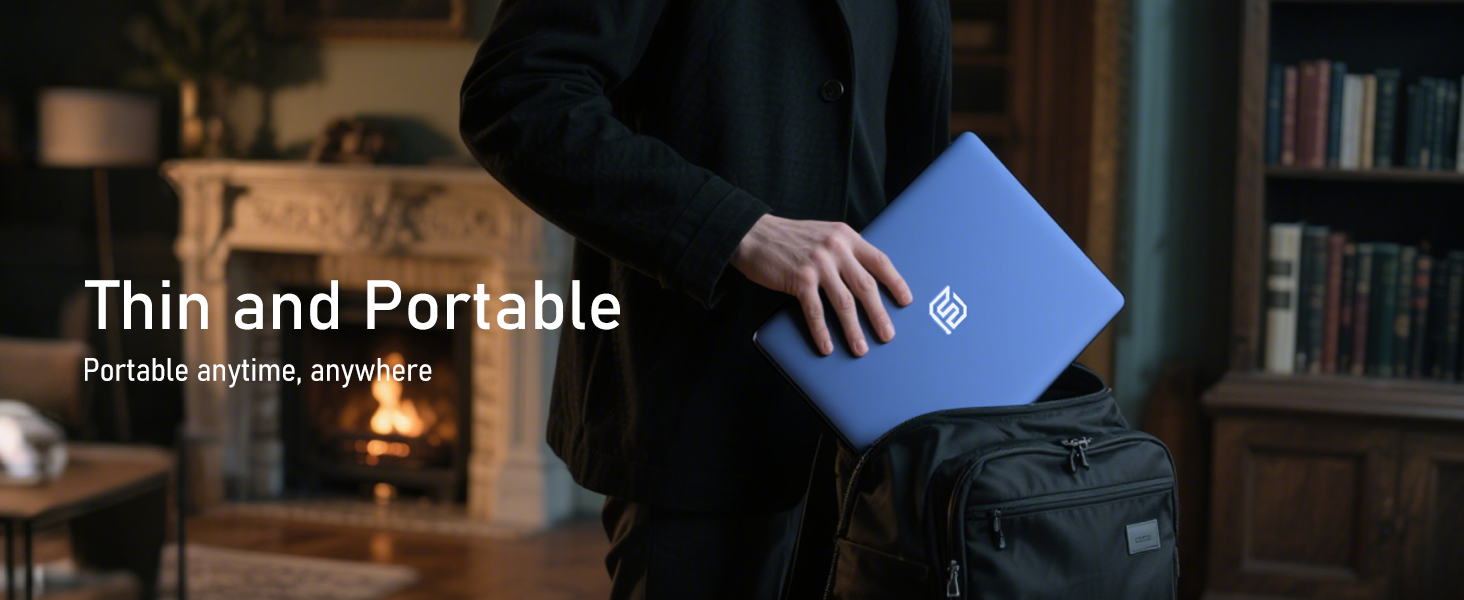
Figure 9: The laptop demonstrating its 180-degree lay-flat hinge for flexible use.
5. Mantentzea
To ensure the longevity and optimal performance of your FUNYET laptop, follow these maintenance guidelines:
- Garbiketa: Erabili zapi leun eta lihorik gabeko bat pantaila eta kanpoaldea garbitzeko. Saihestu produktu kimiko gogorrak.
- Software eguneraketak: Regularly update Windows 11 Pro and drivers to ensure security and performance.
- Bateria zaintzea: Avoid fully discharging the battery frequently. For long-term storage, charge the battery to about 50-70%.
- Aireztapena: Ziurtatu ordenagailu eramangarriaren aireztapen-zuloak ez daudela oztopatuta gehiegi berotzea saihesteko.
6. Arazoak
Hona hemen aurki ditzakezun arazo ohikoen irtenbideak:
| Gaia | Irtenbidea |
|---|---|
| Ordenagailu eramangarria ez da pizten | Ziurtatu korronte-egokitzailea ondo konektatuta dagoela eta entxufea funtzionatzen duela. Saiatu pizteko botoia 10-15 segundoz sakatuta edukitzen berrezarpen gogorra egiteko. |
| Ez dago Wi-Fi konexiorik | Check if Wi-Fi is enabled in Windows settings. Restart your router and the laptop. Verify your Wi-Fi password. |
| Errendimendu motela | Close unnecessary applications. Check for background processes consuming resources. Ensure Windows and drivers are up to date. Run a disk cleanup. |
| Erakutsi arazoak | Adjust screen brightness. Ensure display drivers are updated. If connected to an external monitor, check cable connections. |
7. Zehaztapenak
Detailed technical specifications for the FUNYET 16-inch Laptop Computer NY-08:
| Ezaugarri | Xehetasuna |
|---|---|
| Ereduaren izena | NY-08 |
| Pantailaren tamaina | 16 hazbete |
| Pantailaren bereizmena | 1920 x 1200 pixel (FHD IPS) |
| Prozesadorea | Intel 13th Gen Alder Lake N150 (up to 3.6GHz, 4 Cores, 4 Threads) |
| RAM | 16 GB DDR4 |
| Disko gogorra | 1TB SSD |
| Sistema eragilea | Windows 11 Pro |
| Txartel grafikoa | Integrated Celeron Graphics |
| Haririk gabeko mota | 5 GHz Radio Frequency (Wi-Fi 5) |
| Bluetootha | Bluetooth 4.2 |
| USB atakak | 1x USB 2.0, 2x USB 3.0 |
| Bideo Irteera | Mini HDMI |
| Audio Jack | 3.5 mm-ko entzungailuak |
| Bateriaren iraupena | Up to 6-8 Hours (6000mAh) |
| Elementuaren pisua | 3.5 kilo |
| Produktuaren neurriak | 14 x 9 x 0.8 hazbete |
| Ezaugarri Berezia | Backlit Keyboard, Fingerprint Scanner |
8. Bermea eta laguntza
Your FUNYET NY-08 laptop comes with a 2 urteko bermea, ensuring peace of mind. For any issues or queries, our dedicated customer support team is available 24/7 to provide prompt and efficient assistance.
Harremanetarako informazioa:
- Telefonoa: +1 800-986-9631 (4AM-10PM PT)
- Posta elektronikoa: funyetstore@outlook.com

Figure 10: FUNYET customer support information, including warranty and contact details.
9. Produktuen bideoak
9.1 FUNYET Gaming Laptop Overview
1. bideoa: Ofizial bat amaitu daview of the FUNYET Gaming Laptop, highlighting its design and core features. This video provides a visual introduction to the product's capabilities and aesthetics.
9.2 FUNYET Laptop for Gaming Features
Video 2: A detailed look at the FUNYET Laptop's features optimized for gaming and productivity. This video demonstrates the laptop's performance and various functionalities in action.