
1. Sarrera
The SinoTrack V529 OBD2 Scanner is a professional diagnostic tool designed to provide comprehensive vehicle health reports. It offers a range of functions including reading and clearing diagnostic trouble codes, live data streaming, battery health tests, I/M readiness checks, and performance testing for gasoline vehicles. This manual provides detailed instructions for setting up and operating your V529 scanner.
1.1 Paketearen edukia
- V529 OBD2 Diagnostic Scanner
- PU Waterproof Bag
- Erabiltzailearen eskuliburua
1.2 Ezaugarri nagusiak
- Irakurri eta garbitu kodeak: Access and clear diagnostic trouble codes (DTCs) across multiple vehicle systems.
- Datu-jario zuzena: View real-time data from various sensors, including oxygen sensor tests, with graphing capabilities.
- Battery Test & Voltage Jarraipena: Neurtu bateria bolumenatage and cranking health to prevent unexpected breakdowns.
- I/M Prestutasun Egoera: Check the status of emission-related monitors to determine if the vehicle is ready for an inspection/maintenance test.
- Mode 6 & Mode 8 (EVAP Test): Utilize advanced emissions monitoring and EVAP system tests.
- Errendimendu probak: Conduct acceleration, braking, and distance tests to evaluate vehicle safety and performance.
- DTC Library & Repair Guidance: Access an extensive built-in database of over 40,000 fault codes with definitions and troubleshooting guides.
- Erabiltzaileentzako diseinua: Features a 2.8-inch color screen, quick search function, data replay, and a smart indicator light.
- Laguntza eleanitza: Supports 12 languages including English, German, French, Spanish, Japanese, and Russian.
2. Segurtasun informazioa
Please read and understand all safety instructions before using the SinoTrack V529 OBD2 Scanner. Failure to follow these instructions may result in injury or damage to the device or vehicle.
- Egin beti automobilen probak ingurune seguru batean.
- Do not wear loose clothing or jewelry when working on a vehicle.
- Keep the scanner away from hot engine parts or moving components.
- Ziurtatu ibilgailua gainazal lauan aparkatuta dagoela, balazta jarrita duzula.
- Never connect or disconnect the scanner while the ignition is on or the engine is running, unless specifically instructed by a diagnostic procedure.
- Use appropriate eye protection and gloves when necessary.
- The V529 is designed for gasoline vehicles and does not support advanced functions like ABS, SRS, TPMS, transmission temperature, service resets, or MS-CAN connections.
3. Konfigurazioa
The SinoTrack V529 scanner is designed for easy plug-and-play operation. It draws power directly from your vehicle's OBD-II port.
3.1 OBD-II ataka kokatzea
The OBD-II (On-Board Diagnostics II) port is typically located under the dashboard on the driver's side of the vehicle. In some vehicles, it may be found in the center console area or near the passenger side. Refer to your vehicle's owner's manual if you have difficulty locating it.
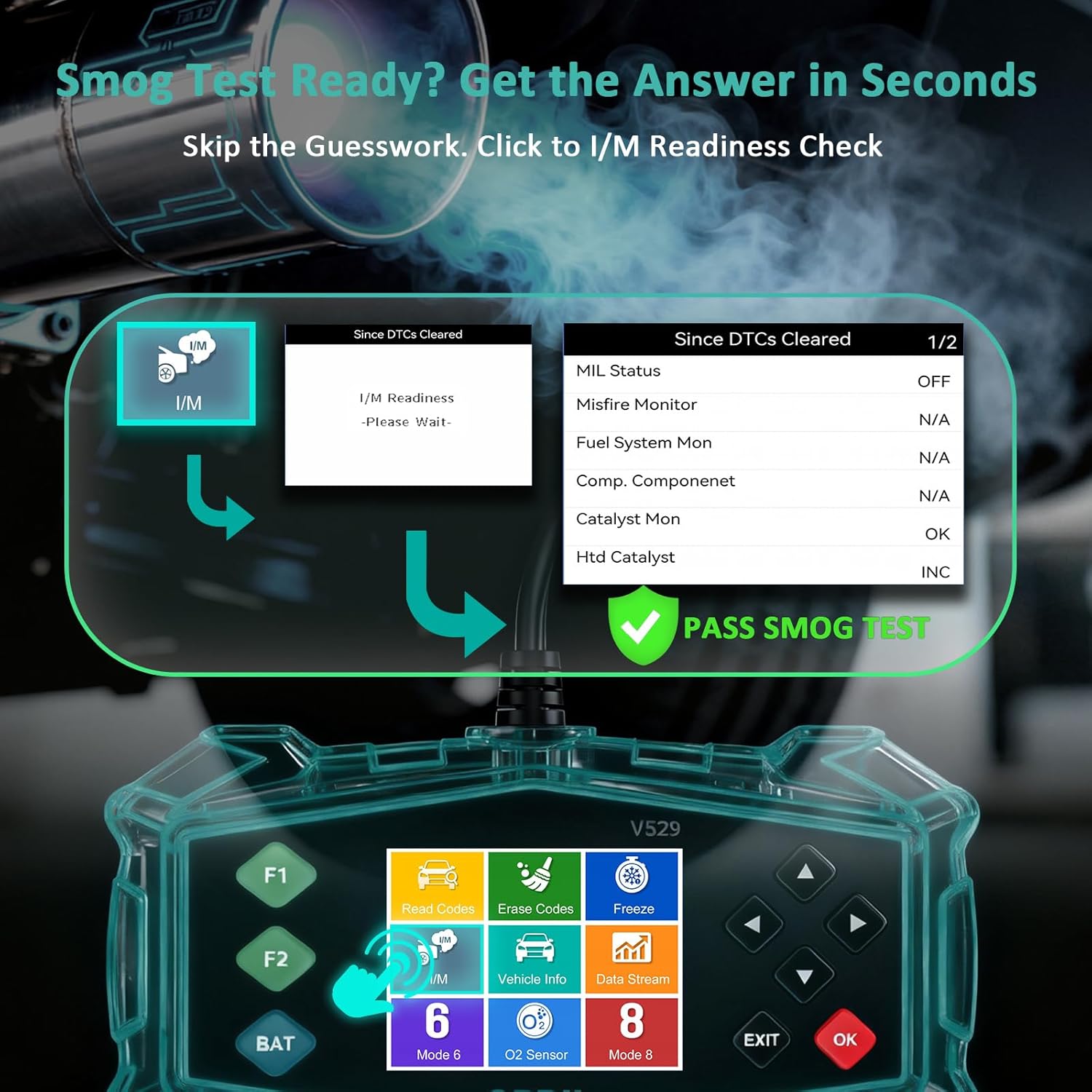
Figure 3.1: Universal Compatibility and OBD-II Port Location
3.2 Eskanerra konektatzea
- Ziurtatu ibilgailuaren piztea itzalita dagoela.
- Plug the V529 scanner's OBD-II connector firmly into the vehicle's OBD-II port.
- Jarri ibilgailuaren piztea ON posizioan (motorra itzalita edo martxan egon daiteke, probaren arabera). Eskanerra automatikoki piztuko da.
4. Funtzionamendu-argibideak
The V529 features a user-friendly interface with a 2.8-inch color screen and intuitive navigation buttons.
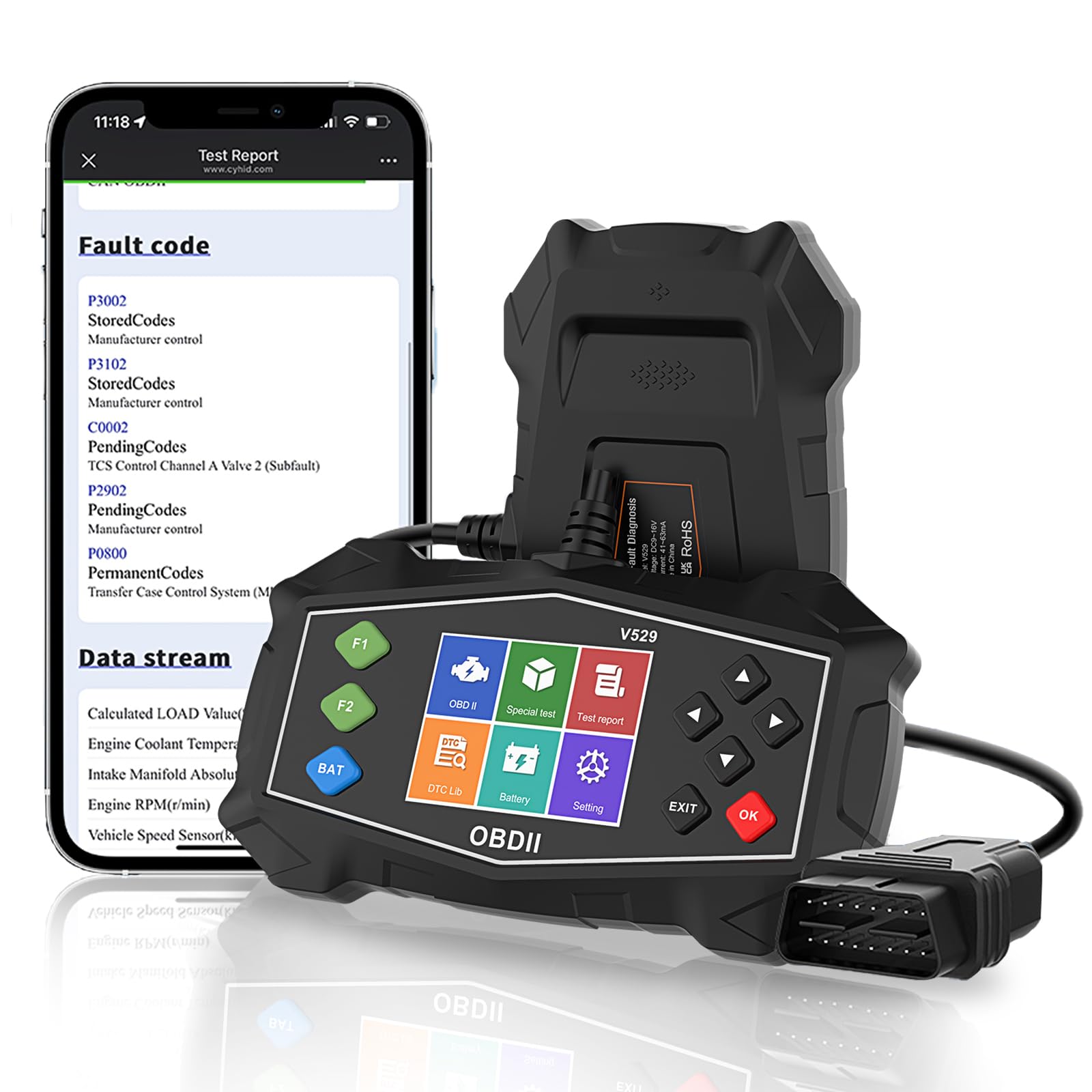
Figure 4.1: SinoTrack V529 Main Interface Overview
4.1 Oinarrizko nabigazioa
- Erabili GORA/BEHERA gezi-botoiak menuko aukeretan zehar mugitzeko.
- Erabili EZKER/ESKUINA arrow buttons to navigate between screens or adjust values.
- Sakatu OK button to confirm a selection or enter a menu.
- Sakatu EXIT botoia aurreko pantailara itzultzeko edo funtzio batetik irteteko.
4.2 Diagnostiko-arazoen kodeak (DTC) irakurtzea eta ezabatzea
This function allows you to retrieve and clear fault codes that illuminate the Check Engine Light (MIL).

Figure 4.2: Core Diagnostic Functions
- Menu nagusitik, hautatu Irakurri kodeak to view uneko, izapidetzen ari diren eta behin betiko DTCak.
- The scanner will display the codes and their definitions.
- Kodeak ezabatzeko, hautatu Ezabatu kodeak from the main menu. Confirm your selection when prompted.
- Note: Clearing codes will turn off the Check Engine Light, but if the underlying issue is not resolved, the light will reappear.
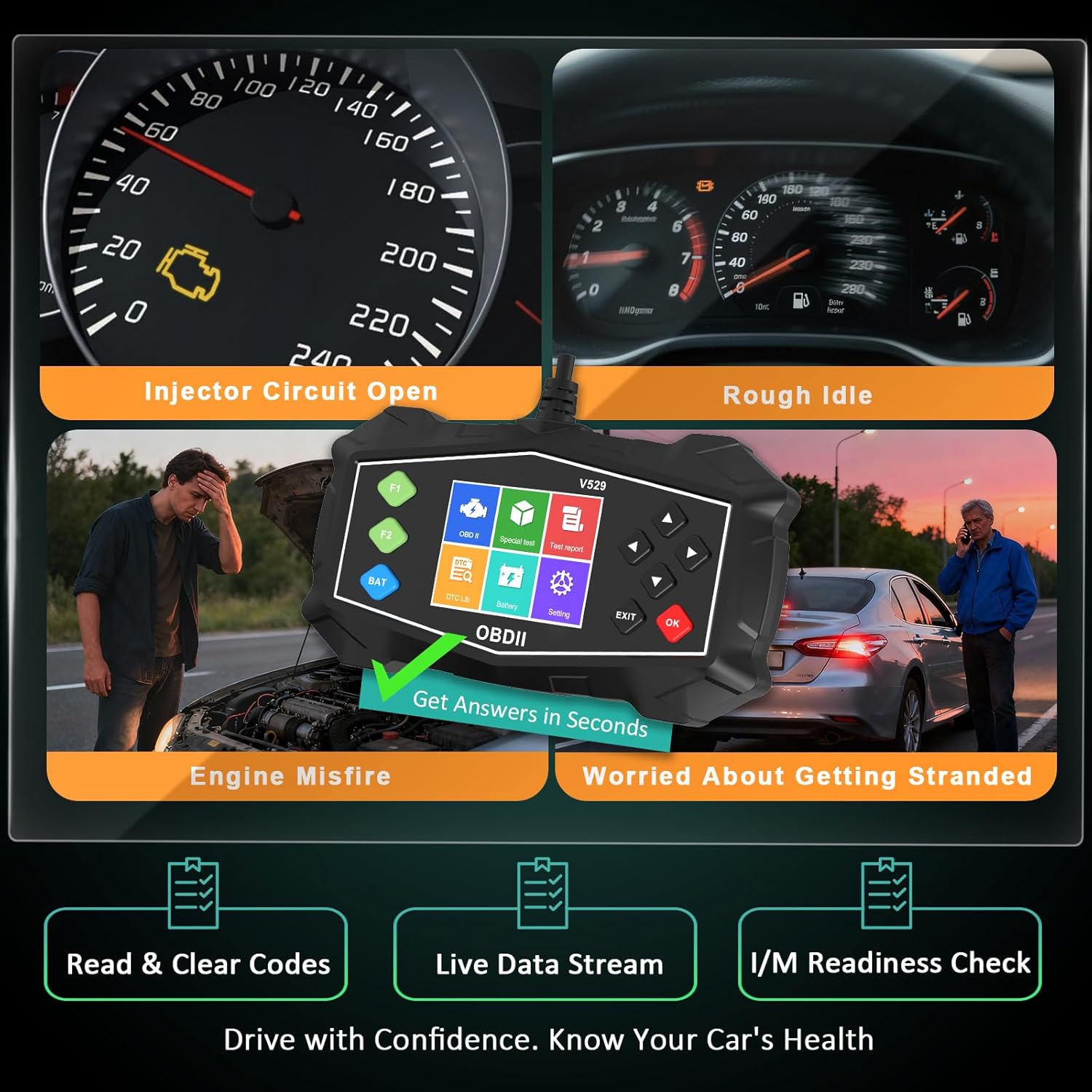
Figure 4.3: Identifying Common Vehicle Issues
4.3 DTC bilaketa
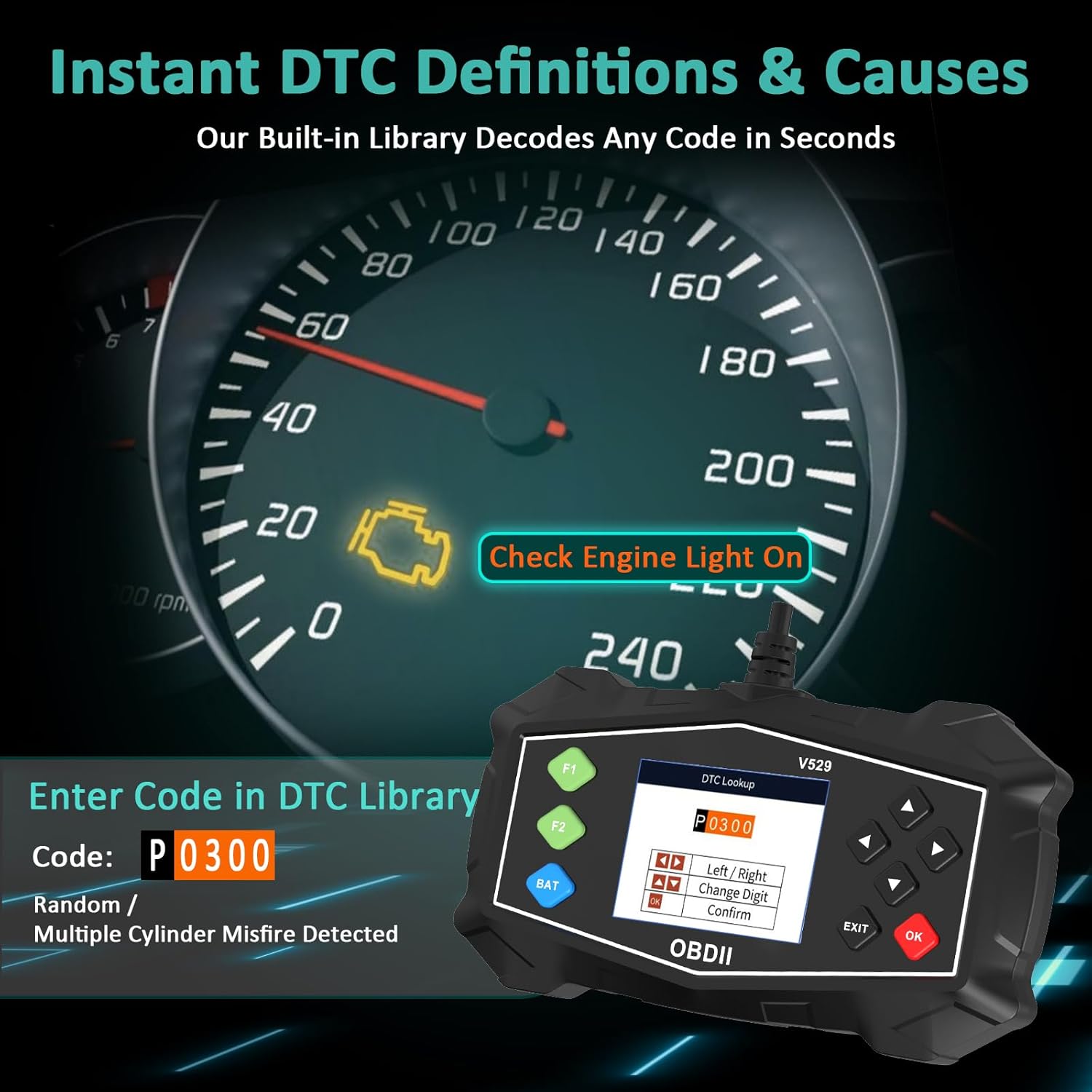
The V529 includes an extensive built-in library to define DTCs.
- Menu nagusitik, hautatu DTC liburutegia.
- Enter the 5-character DTC using the arrow buttons and OK botoia.
- The scanner will display the definition and potential causes for the code.

Figure 4.4: Instant DTC Definitions
4.4 Datu-jario zuzena
Monitor real-time sensor data to observe vehicle performance and diagnose intermittent issues.
- Menu nagusitik, hautatu Zuzeneko datuak.
- Aukeratu view data in list format or graphical format.
- Scroll through the various parameters such as engine RPM, coolant temperature, fuel trim, and oxygen sensor readings.
4.5. irudia: Datu-jario zuzenaren interfazea
4.5 I/M Prestutasun Egiaztapena
This function checks the status of the vehicle's emission-related monitoring systems.
- Menu nagusitik, hautatu I/M Presttasuna.
- The scanner will display the status of various monitors (e.g., Misfire Monitor, Fuel System Monitor, O2 Sensor Monitor).
- A 'Ready' status indicates the monitor has completed its diagnostic cycle. 'Not Ready' means the cycle is incomplete.

Figure 4.6: I/M Readiness Status
4.6 Bateria proba
Perform a quick test to assess the vehicle's battery voltage and cranking health.
- Menu nagusitik, hautatu Bateria proba.
- Follow the on-screen prompts to perform the test.
- The scanner will display the battery voltage and a health assessment.
4.7 Mode 6 & Mode 8 (EVAP Test)
These advanced functions provide access to non-continuous monitor test results and allow for control of the EVAP system leak test.
- 6. modua: Retrieves test results for continuously and non-continuously monitored systems.
- Mode 8 (EVAP Test): Initiates a test of the Evaporative Emission Control System (EVAP) to check for leaks.
4.8 Performance Tests
Evaluate your vehicle's acceleration, braking, and distance performance.
- Menu nagusitik, hautatu Errendimendu proba.
- Choose the desired test (Acceleration, Braking, or Distance).
- Follow the on-screen instructions carefully to perform the test safely.
5. Mantentzea
Proper maintenance ensures the longevity and reliable operation of your SinoTrack V529 scanner.
- Garbiketa: Erabili biguna, damp eskanerra kanpoaldea garbitzeko zapi bat erabili. Ez erabili garbitzaile edo disolbatzaile urratzailerik.
- Biltegiratzea: Store the scanner in its protective PU waterproof bag when not in use. Keep it in a dry, cool place away from direct sunlight and extreme temperatures.
- Kableen zainketa: Avoid bending or crimping the OBD-II cable excessively. Always grasp the connector when plugging or unplugging, not the cable itself.
- Software eguneraketak: Check the SinoTrack official website periodically for any available software updates to ensure optimal performance and compatibility.
6. Arazoak
If you encounter issues while using your SinoTrack V529 scanner, refer to the following common problems and solutions:
| Arazoa | Kausa posiblea | Irtenbidea |
|---|---|---|
| Eskanerra ez da pizten. | Loose connection; vehicle ignition off; blown fuse in vehicle's OBD-II circuit. | Ensure the scanner is firmly connected. Turn vehicle ignition to ON. Check vehicle's fuse box for a blown fuse related to the OBD-II port. |
| "Link Error" or "Communication Error" message. | Incorrect protocol; vehicle not OBD-II compliant; faulty connection. | Verify your vehicle is OBD-II compliant (most vehicles 1996 and newer). Ensure the connection is secure. Try on another OBD-II compliant vehicle if possible. |
| Ezin dira DTCak garbitu. | Ignition not in ON position; underlying fault still present. | Ensure ignition is ON (engine off). If the fault is still active, the code cannot be cleared until the issue is repaired. |
| Pantaila izoztuta dago edo ez du erantzuten. | Softwarearen aldi baterako akatsa. | Disconnect the scanner from the vehicle, wait a few seconds, then reconnect. If the issue persists, contact customer support. |
7. Zehaztapenak
| Ezaugarri | Xehetasuna |
|---|---|
| Marka | SinoTrack |
| Eredua | V529 |
| Pantailaren tamaina | 2.8 hazbete |
| Energia iturria | Corded Electric (via OBD-II port) |
| Sistema eragilea | Android 4.0 (Internal System) |
| Automozio Fit Mota | Universal Fit (for OBD-II compliant gasoline vehicles) |
| Onartutako OBDII protokoloak | SAE J1850 PWM, SAE J1850 VPW, ISO9141-2, ISO14230-4 KWP (5 baud init), ISO14230-4 KWP (fast init), ISO15765-4 CAN (11bit ID, 500 Kbaud), ISO15765-4 CAN (29bit ID, 500 Kbaud), ISO15765-4 CAN (11bit ID, 250 Kbaud), ISO15765-4 CAN (29bit ID, 250 Kbaud) |
| Elementuaren pisua | 15.5 ontza |
| Paketearen neurriak | 8.7 x 5.08 x 1.93 hazbete |
8. Bermea eta Laguntza
SinoTrack products are designed for reliability and performance. For warranty information, technical support, or service inquiries, please refer to the contact information provided in your product packaging or visit the official SinoTrack webgunea. Gorde erosketa-agiria berme-erreklamazioetarako.
Baliabide gehigarriak eta maiz egiten diren galderak lortzeko, bisita dezakezu SinoTrack Store on Amazon.