
1. Sarrera
Welcome to your new NIMO 15.6" IPS FHD Student Laptop, Model N154. This manual provides essential information to help you get started, operate, and maintain your device. Designed for both home and business use, this laptop combines performance with user-friendly features to enhance your productivity and entertainment experience.
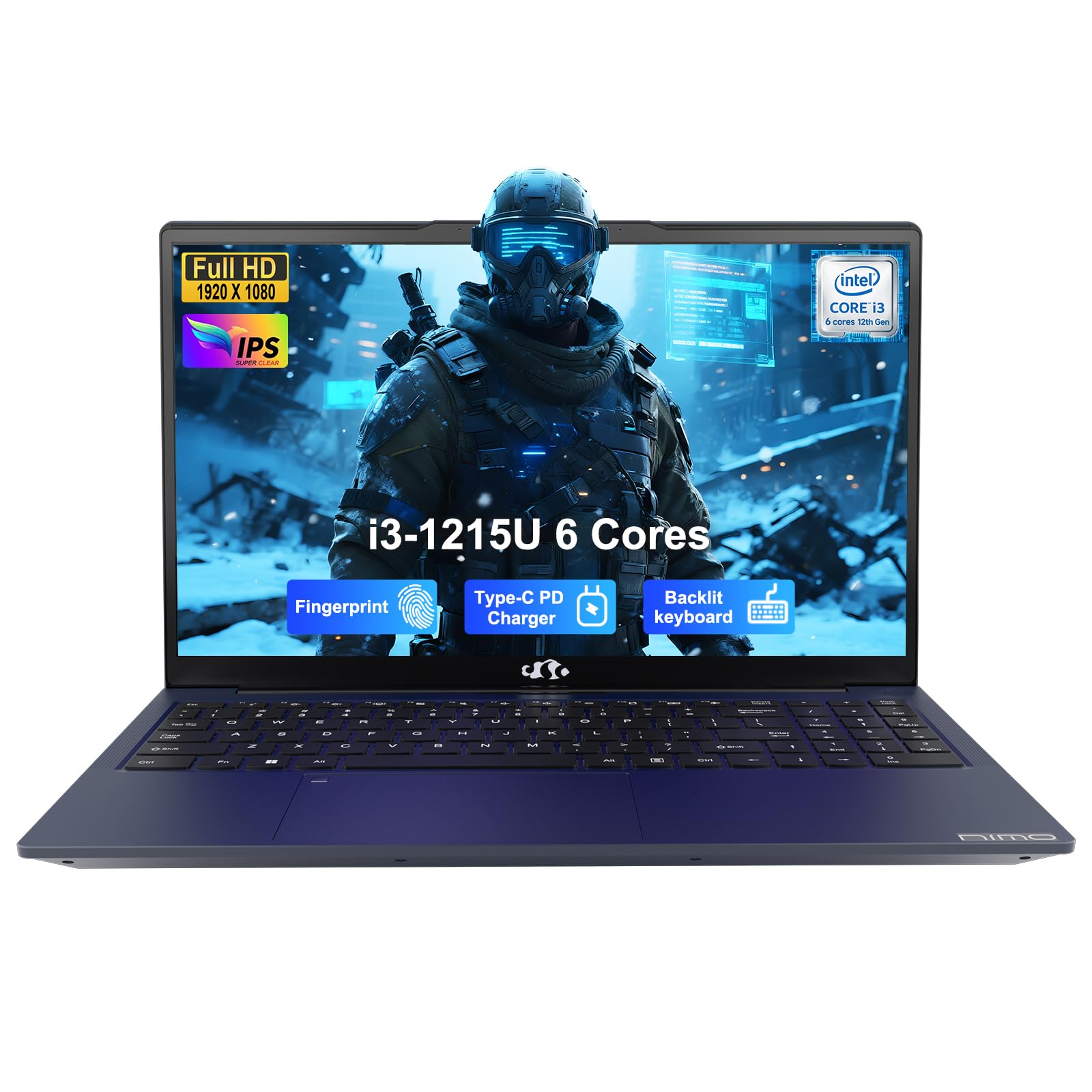
Image: The NIMO 15.6-inch IPS FHD Student Laptop, showcasinbere diseinu dotorea.
2. Zer dago kutxan
Mesedez, egiaztatu paketearen edukia elementu guztiak daudela ziurtatzeko:
- 1 x NIMO N154 Laptop
- 1 x Type-C 65W PD Fast Charger
- 1 x Erabiltzailearen eskuliburua (dokumentu hau)
- Windows 11 Home (pre-installed)
3. Hasierako konfigurazioa
3.1. Charging the Laptop
Before first use, fully charge your NIMO laptop using the included 65W USB-C PD Fast Charger. Connect the charger to the Type-C port on your laptop and a power outlet. The charging indicator light will illuminate.

Image: The 65W USB-C PD Fast Charger, capable of charging the laptop, tablet, and smartphone.
3.2. Piztea eta hasierako konfigurazioa
Sakatu pizteko botoia ordenagailu eramangarria pizteko. Jarraitu pantailan agertzen diren argibideei Windows 11 Home konfigurazioa osatzeko, hizkuntza hautatzea, sareko konexioa eta erabiltzaile kontua sortzea barne.
4. Zure ordenagailu eramangarria erabiltzea
4.1. Pantaila
Your laptop features a 15.6-inch Full HD (1920x1080) IPS anti-glare display. This screen provides clear visuals and reduces eye strain during extended use. The 180° open angle allows for flexible viewposizioak egitea.
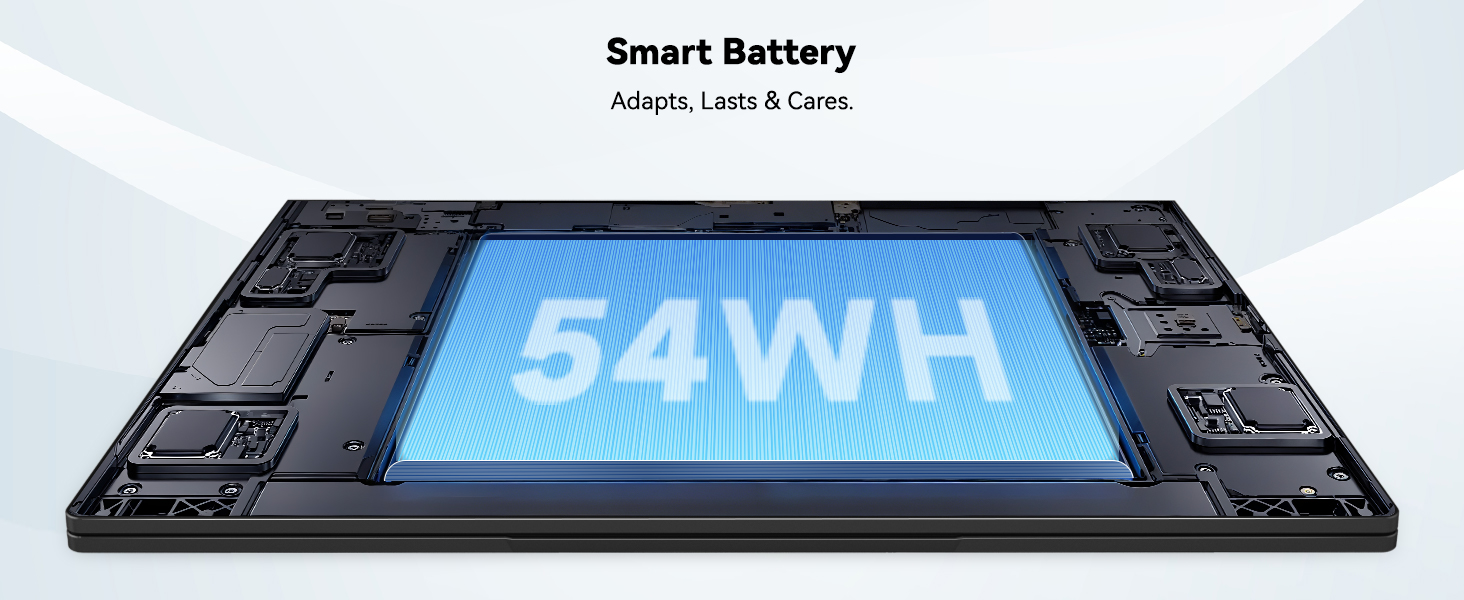
Image: The laptop's 15.6-inch Full HD IPS display with vibrant colors.
4.2. Teklatua eta ukipen-panela
The ergonomic backlit keyboard allows for comfortable typing in various lighting conditions, with adjustable brightness. The touchpad includes an integrated fingerprint sensor for secure, one-touch login.

Image: Features of the laptop's input, including backlit keyboard, webcam shield, fingerprint sensor, and numeric keypad.
4.3. Fingerprint Login
Utilize the fingerprint sensor on the touchpad for quick and secure access to your laptop. Configure your fingerprint in the Windows settings for enhanced security.

Image: Close-up of the integrated fingerprint scanner on the touchpad for secure login.
4.4. Portuak eta Konektibitatea
The NIMO N154 laptop offers a variety of ports for versatile connectivity:
- USB 2.0 ataka: 1
- USB 3.0 portuak: 3
- HDMI ataka: For external display connections.
- C motako ataka: Supports 65W Power Delivery for charging and data transfer.
- Mikro SD txartelaren zirrikitua: Biltegiratzea zabaltzeko edo transferitzeko files.
- Headphone Combo Jack: Audio sarrera/irteerarako.
- Kensington blokeoaren zirrikitua: Segurtasun fisikoagatik.
The laptop also features Wi-Fi 6 for fast and reliable wireless internet access.

Image: Diagram illustrating the various ports available on the NIMO laptop, including USB, HDMI, Type-C, Micro SD, headphone jack, and Kensington lock.
4.5. Audioa eta Webkamara
Integrated speakers provide clear audio for video calls, online classes, and media consumption. The 2.0MP webcam is suitable for video conferencing, complemented by a privacy switch for enhanced security.
Image: Details on the 1080p FHD camera and privacy camera convenience features.
4.6. Prozesadorea eta errendimendua
Powered by the 6-Core Intel i3-1215U processor, your laptop is designed for efficient multitasking, handling numerous browser tabs, spreadsheets, and video calls without significant slowdowns.
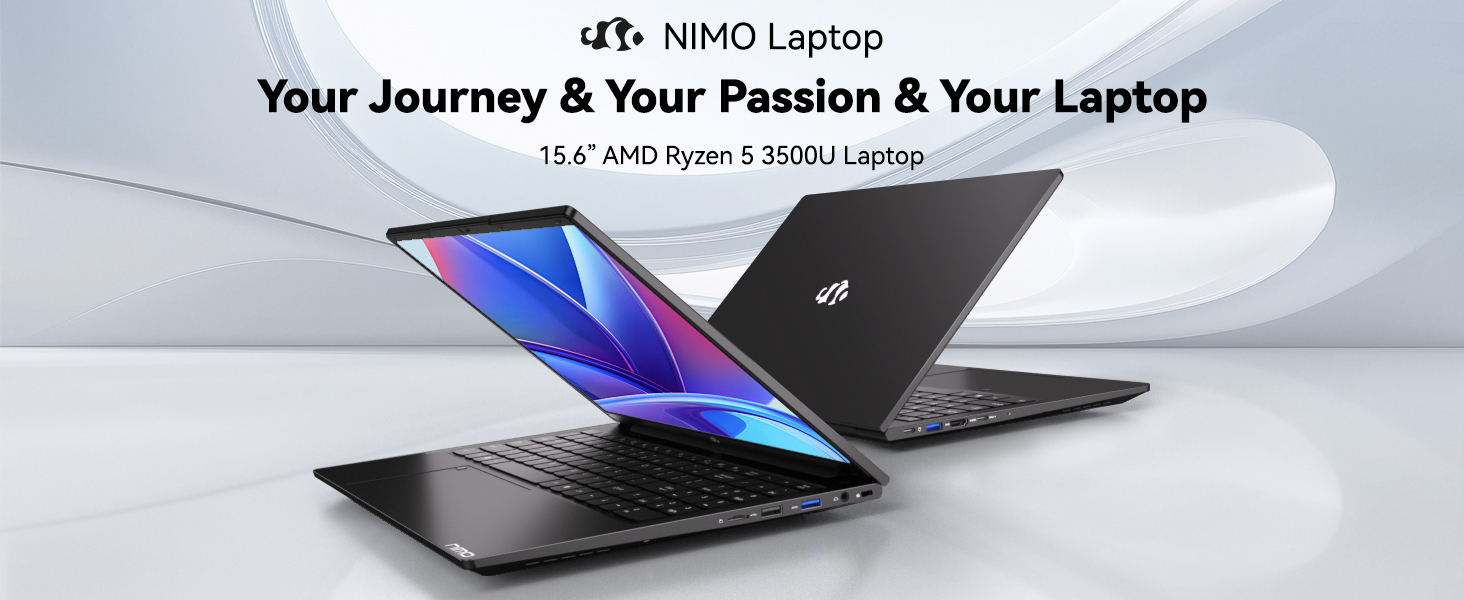
Image: Visual representation of the 12th Gen Intel Core i3-1215U Processor, highlighting its 6 cores, 8 threads, 15W power consumption, and 3.7 GHz Turbo Boost.
5. Mantentzea
5.1. Garbiketa
Regularly clean your laptop to ensure optimal performance and longevity. Use a soft, lint-free cloth for the screen and exterior. For stubborn marks, dampGarbitu zapia ur pixka batekin edo pantaila-garbitzaile batekin. Saihestu produktu kimiko gogorrak.
5.2. Software eguneraketak
Keep your operating system and drivers updated to benefit from the latest security patches and performance improvements. Windows Update can be accessed through the Settings menu.
5.3. Bateria zaintzea
To maximize battery life, avoid extreme temperatures and fully discharging the battery frequently. For long-term storage, charge the battery to around 50-70%.

Image: An illustration of the laptop's internal battery, labeled 54WH, emphasizing smart battery management.
6. Arazoak
6.1. Ordenagailu eramangarria ez da pizten
- Ziurtatu kargagailua ordenagailu eramangarrira eta funtzionatzen duen entxufe batera ondo konektatuta dagoela.
- Egiaztatu korronte-moldagailua behar bezala funtzionatzen duen.
- Saiatu pizteko botoia 10-15 segundoz sakatuta berrezarpen gogorra egiteko.
6.2. Wi-Fi konexio arazoak
- Egiaztatu Wi-Fi gaituta dagoela Windows ezarpenetan.
- Berrabiarazi zure bideratzailea eta modema.
- Ensure your Wi-Fi drivers are up to date.
6.3. Errendimendu motela
- Itxi atzeko planoan exekutatzen ari diren beharrezkoak ez diren aplikazioak.
- Begiratu eta instalatu zain dauden Windows eguneratzeak.
- Ensure your storage (SSD) has sufficient free space.
Laguntza gehiago behar baduzu, jo ezazu Bermea eta Laguntza atalera.
7. Zehaztapenak
| Ezaugarri | Zehaztapena |
|---|---|
| Ereduaren izena | NIMO N154 |
| Pantailaren tamaina | 15.6 hazbete |
| Pantailaren bereizmena | 1920 x 1080 pixel (Full HD) |
| Prozesadorea | Intel Core i3-1215U (6 nukleo, 4.4 GHz arte) |
| RAM | 8 GB DDR4 (3200 MHz) |
| Disko gogorra | 512 GB SSD |
| Koprozesadore grafikoa | Grafiko Integratua |
| Sistema eragilea | Windows 11 Home |
| Haririk gabeko mota | Wi-Fi 6 (802.11a/b/g/n/ac) |
| USB 2.0 Portuak | 1 |
| USB 3.0 Portuak | 3 |
| Bateriaren batez besteko iraupena | 9 ordu |
| Elementuaren pisua | 3.75 kilo |
| Produktuaren neurriak | 14.07 x 8.98 x 0.76 hazbete |
| Ezaugarri bereziak | Fingerprint Reader, HD Audio, Memory Card Slot, Numeric Keypad |
8. Bermea eta Laguntza
NIMO is committed to providing quality products and excellent customer service.
8.1. Bermearen informazioa
Your NIMO N154 laptop comes with a comprehensive 2 urteko bermea, covering manufacturing defects and hardware malfunctions under normal use. This warranty ensures your investment is protected.

Image: Text indicating '2-Year Support' for Nimo products.
8.2. Itzultzeko politika
Eskaintzen dugu 90 eguneko itzulera politika from the date of purchase. If you are not satisfied with your product, you may return it within this period according to the terms and conditions.

Image: Text indicating '90-Day Return' for Nimo products.
8.3. Jarri laguntzarekin harremanetan
Our dedicated US-based support team is available to assist you with any questions or issues. You can reach us via email at service@nimopc.com. We aim to provide professional and high-quality customer service.

Image: A customer service representative wearing a headset, representing professional customer assistance.