
1. Sarrera
The Redragon GS821 Soundbar is a versatile audio system designed to enhance your entertainment experience. It features dual powerful drivers and dual diaphragms for high-fidelity stereo sound, rich bass, and clear dialogue. With multiple connectivity options including HDMI ARC, Optical, Bluetooth 5.3, AUX, and USB, it integrates seamlessly with various devices such as TVs, PCs, projectors, and smartphones. The soundbar also offers three specialized equalizer modes to optimize audio for movies, music, and dialogue.
This manual provides detailed instructions for setting up, operating, and maintaining your Redragon GS821 Soundbar. Please read it thoroughly before use to ensure proper functionality and to maximize your audio experience.
2. Paketearen edukia
Egiaztatu behean zerrendatutako elementu guztiak zure paketean sartuta daudela:
- Redragon GS821 Soundbar
- Urruneko Kontrola
- Elikatze-moldagailua
- 3.5 mm-ko audio kablea
- Horman muntatzeko kita (torlojuak eta aingurak)
- Erabiltzailearen eskuliburua (dokumentu hau)
3. Produktua amaitu daview
3.1 Aurrealdea eta albokoa View
The soundbar features a sleek, compact design suitable for various placements.

The Redragon GS821 Soundbar, a compact audio device designed for TV and PC use.
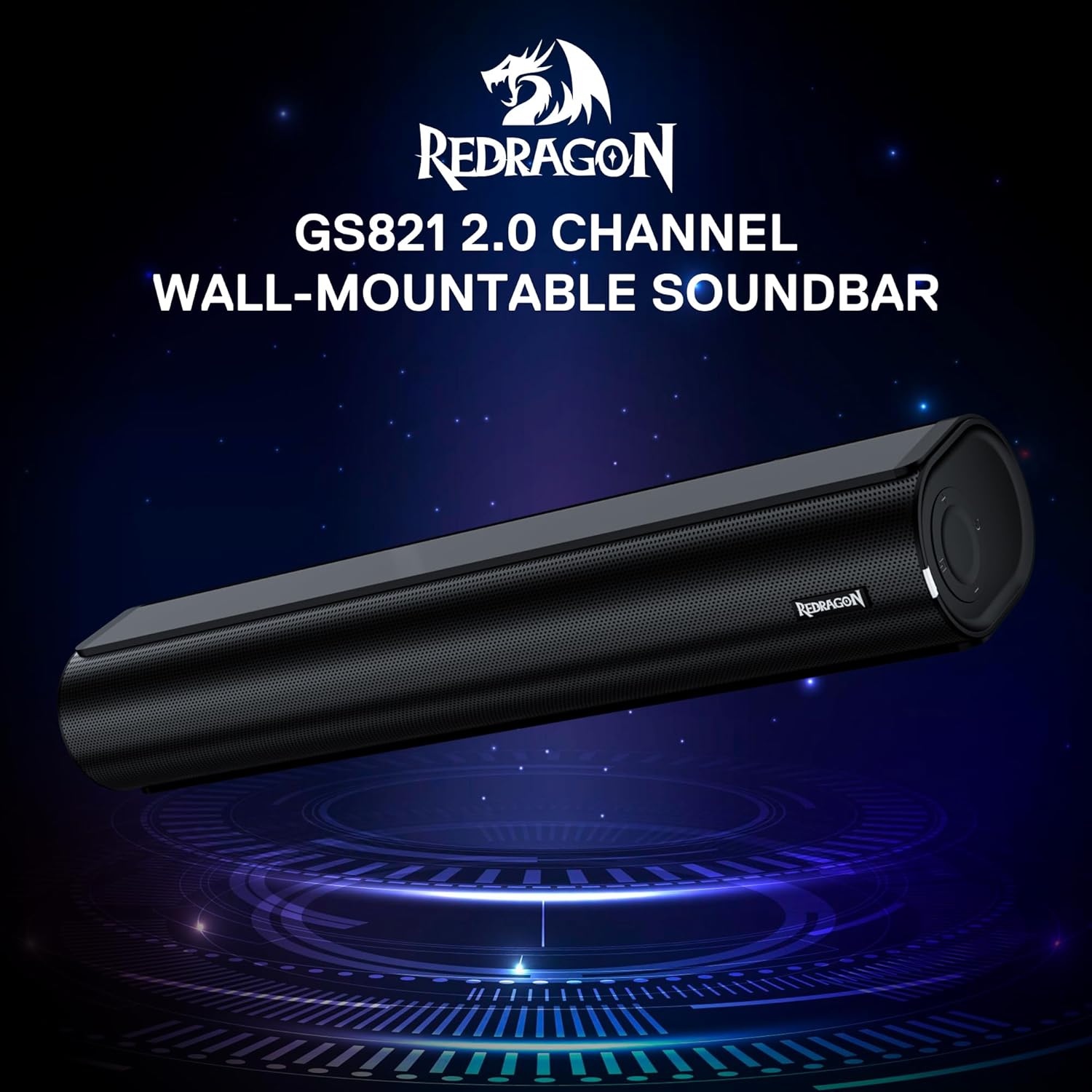
The Redragon GS821 Soundbar showing its compact dimensions: 15.9 inches wide, 4 inches deep, and 2.8 inches high.

Bat eztanda egin zuen view illustrating the dual 45mm sound units and internal components of the Redragon GS821 Soundbar, designed for Hi-Fi stereo sound.
3.2 Atzeko panela eta konexioak
The rear panel provides various ports for connecting to your devices.
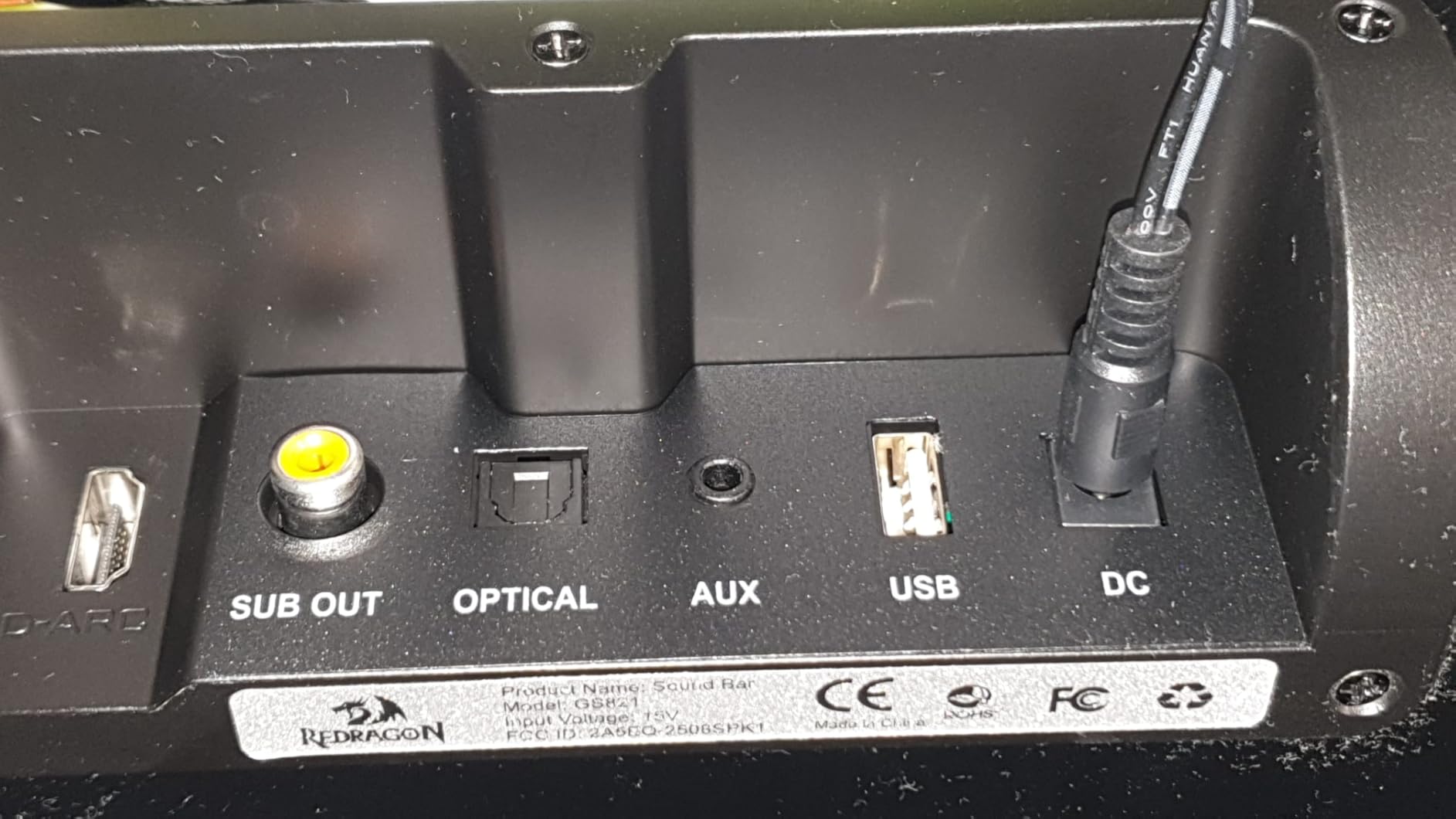
The rear panel of the Redragon GS821 Soundbar, featuring various input ports including HDMI ARC, Optical, AUX, and USB for versatile connectivity.
3.3 Controls and Remote
The soundbar can be controlled via its side buttons or the included remote control.

The included remote control for the Redragon GS821 Soundbar, alongside the manual control buttons located on the side of the soundbar for easy access.
4. Konfigurazioa
4.1 Jartzea
The Redragon GS821 Soundbar can be placed on a tabletop or mounted on a wall.
- Mahai gaineko kokapena: Position the soundbar on a flat, stable surface directly in front of your TV or monitor. Ensure it does not block any sensors or the screen.
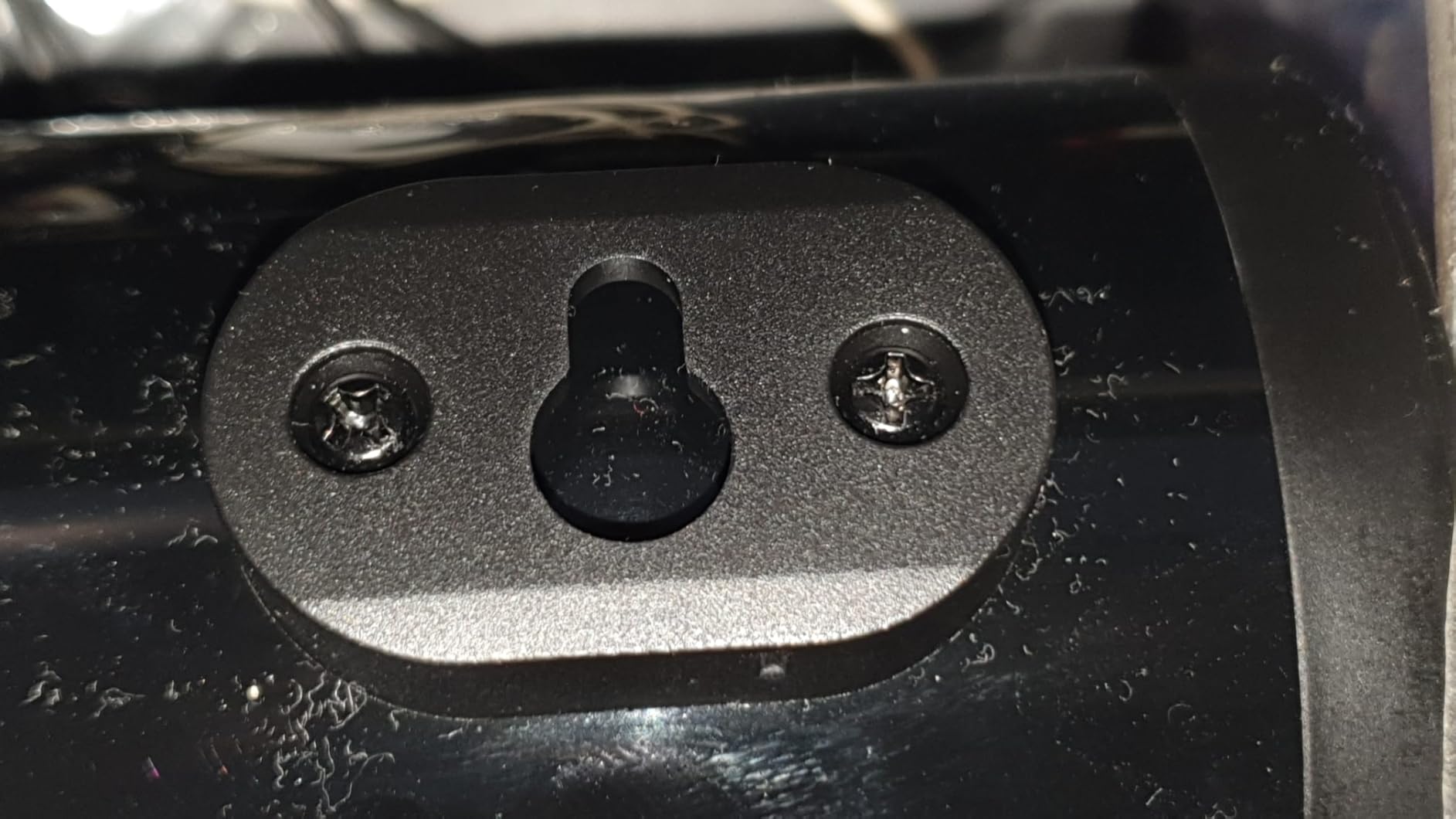
- Horman muntatzea: Use the provided wall mounting kit. Mark the desired positions on the wall, drill pilot holes, insert anchors, and secure the soundbar using the screws. Ensure the soundbar is level and securely fastened.
4.2 Energia-konexioa
- Connect the power adapter to the DC IN port on the soundbar.
- Entxufatu korronte-egokigailua hormako entxufe batera.
4.3 Audio-konexioak
Choose one of the following methods to connect the soundbar to your audio source:
- HDMI ARC: Konektatu HDMI kable bat soinu-barraren HDMI ARC atakatik telebistaren HDMI ARC atakara. Ziurtatu telebistaren HDMI ARC funtzioa gaituta dagoela ezarpenetan.
- Optikoa: Connect an optical cable from the soundbar's OPTICAL port to your TV's or device's optical output port.
- AUX (3.5 mm): Use the provided 3.5mm audio cable to connect the soundbar's AUX port to the headphone jack or audio output of your device.
- USBa: Sartu audioa duen USB flash drive bat files into the USB port. The soundbar will automatically detect and play compatible audio files.
- Bluetootha: For wireless connection, refer to section 5.3 Bluetooth Pairing.
5. Funtzionamendu-argibideak
5.1 Piztu/Itzali
- Sakatu soinu-barran edo urrutiko agintean dagoen pizteko botoia unitatea pizteko edo itzaltzeko.
5.2 Sarrera hautatzea
Cycle through input modes using the 'M' button on the soundbar or the 'Input' button on the remote control. The LED indicator will change color to show the active input:
A guide to the LED indicator colors on the Redragon GS821 Soundbar, showing which color corresponds to each input mode (Standby, BT, ARC, Optical, AUX, USB).
- Gorria: Egonean
- Urdina: Bluetootha (BT)
- Zian: HDMI ARC
- Zuria: Optikoa
- Horiak: AUX
- Morea: USBa
5.3 Bluetooth parekatzea
Zure gailua Bluetooth bidez konektatzeko:

A visual representation of the advanced Bluetooth 5.3 technology integrated into the Redragon GS821 Soundbar, ensuring ultra-low latency for perfect audio synchronization.
- Switch the soundbar to Bluetooth mode (Blue LED). The soundbar will enter pairing mode automatically.
- Zure gailuan (smartphone-an, tabletan, etab.), gaitu Bluetooth-a eta bilatu eskuragarri dauden gailuak.
- Select "Redragon GS821" from the list to pair.
- Parekatu ondoren, LED adierazlea keinuka geldituko da eta urdin mantenduko da.
5.4 EQ moduak
The soundbar offers three specialized EQ modes to optimize your listening experience. Press the EQ button on the remote control to cycle through them:

An illustration of the three specialized sound modes available on the Redragon GS821 Soundbar: Music, Movie, and Dialogue, each optimized for different audio experiences.
- Filmen modua: Enhances surround sound effects for cinematic immersion.
- Musika modua: Boosts bass and high frequencies for a rich, full-bodied audio experience.
- Elkarrizketa modua: Isolates and clarifies human voices, ideal for news, podcasts, or talk shows.
5.5 Bolumen kontrola
Adjust the volume using the volume buttons on the soundbar or the remote control.
- Sakatu + bolumena handitzeko.
- Sakatu - bolumena gutxitzeko.
- Sakatu Isildu button on the remote to mute/unmute the sound.
6. Mantentzea
- Garbiketa: Erabili zapi leun eta lehor bat soinu-barraren gainazala garbitzeko. Ez erabili garbitzaile likidorik edo material urratzailerik.
- Biltegiratzea: Denbora luzez erabiltzen ez baduzu, gorde soinu-barra leku fresko eta lehor batean, eguzki-argitik eta muturreko tenperaturetatik babestuta.
- Saihestu oztopoak: Ensure the speaker grilles are not obstructed to maintain optimal sound quality.
7. Arazoak
| Arazoa | Irtenbidea |
|---|---|
| Botererik ez | Ziurtatu korronte-egokitzailea soinu-barrara eta funtzionatzen duen entxufe batera ondo konektatuta dagoela. |
| Soinurik ez | Check the input source selection. Ensure the volume is not muted and is turned up. Verify audio cables are correctly connected. If using HDMI ARC, ensure the TV's ARC function is enabled. |
| Bluetooth-a parekatzeko arazoak | Ensure the soundbar is in Bluetooth mode. Turn off and on Bluetooth on your device. Move your device closer to the soundbar. Forget the device from your Bluetooth list and try pairing again. |
| Urruneko kontrola ez dabil | Check the battery in the remote control and replace if necessary. Ensure there are no obstructions between the remote and the soundbar. |
| Soinu kalitate eskasa / Distortsioa | Adjust the volume level. Try different EQ modes. Ensure the audio source is of good quality. Check cable connections for any damage. |
8. Zehaztapenak
| Ezaugarri | Balioa |
|---|---|
| Marka | Redragon |
| Modelo zenbakia | GS821 |
| Bozgorailuaren irteera-potentzia maximoa | 20 Watt |
| Maiztasun Erantzuna | 20000 Hz |
| Konektibitate Teknologia | Bluetooth (BT 5.3), HDMI ARC, Optical, USB, 3.5mm AUX |
| Audio irteera modua | Estereoa |
| Muntatze Mota | Tabletop Mount, Wall Mountable |
| Kolorea | Beltza |
| Elementuaren neurriak (L x W x H) | 2.8" L x 15.9" W x 4" H |
| Seinaleen eta zarataren arteko erlazioa | 80 dB |
| Gailu bateragarriak | Desktop, Laptop, Projector, Tablet, Television |
9. Bermearen informazioa
The Redragon GS821 Soundbar comes with a 1 urteko bermea from the date of purchase. This warranty covers manufacturing defects and workmanship under normal use. It does not cover damage caused by misuse, accidents, unauthorized modifications, or external factors. Please retain your proof of purchase for warranty claims.
10. Bezeroarentzako arreta
If you encounter any issues or have questions regarding your Redragon GS821 Soundbar that are not addressed in this manual, please contact Redragon customer support. Refer to the official Redragon webwebgunean edo produktuaren ontzian kontaktu-informazio eguneratuena lortzeko.
For online support and FAQs, visit: www.redragonzone.com