1. Sarrera
Welcome to your new Xiaomi 32-inch G QLED Smart TV. This manual provides essential information for setting up, operating, and maintaining your television. Please read it thoroughly before use and retain it for future reference.
Segurtasun Informazioa
- Ziurtatu aireztapen egokia telebistaren inguruan.
- Ez jarri telebista euri edo hezetasunera.
- Avoid placing the TV near heat sources or in direct sunlight.
- Erabili telebistarekin batera datorren elikatze-kablea soilik.
- Jarri zerbitzu-zerbitzu guztiak zerbitzu-pertsonal kualifikatuari.

1.1. irudia: Aurrealdea view of the Xiaomi 32-inch G QLED Smart TV.
2. Zer dago kutxan
Egiaztatu osagai guztiak ontzian daudela:
- 1 x Xiaomi 32-inch G QLED Smart TV
- 1 x Urruneko kontrola
- 1 x Erabiltzailearen eskuliburua (dokumentu hau)
- 2 x Telebista-euskarri
- 4 x Torlojuak telebistarako euskarrietarako
- 2 x AAA bateria (urrutiko aginterako)
- 1 x kablea

Figure 2.1: Illustration of included items in the product packaging.
3. Konfigurazioa
3.1 Telebista-euskarriak lotzea
- Kontu handiz jarri telebista aurpegia behera gainazal bigun eta lau batean, pantaila kaltetu ez dadin.
- Lerrokatu euskarri bakoitza telebistaren behealdean dauden torloju-zuloekin.
- Secure each stand using the provided screws.
- Altxa telebista zutik eta jarri gainazal egonkor eta mailakatu batean.
3.2 Horman muntatzea (aukerakoa)
If you choose to wall mount your TV, ensure you use a compatible VESA mount (not included) and follow the instructions provided with the wall mount kit. Professional installation is recommended.
3.3 Periferikoak konektatzea
Refer to the port diagram below for connecting external devices.
3.1. Irudia: Atzealdea view of the TV showing various input/output ports.
- HDMI atakak (x2): Connect Blu-ray players, gaming consoles, set-top boxes.
- USB atakak (x2): Konektatu USB biltegiratze gailuak multimedia erreproduzitzeko.
- Sarea (Ethernet): Connect to your home network via a wired connection.
- Antena sarrera: Konektatu antena bat aireko emisioetarako.
- AV sarrera: Konektatu gailu zaharragoak bideo konposatu eta audio estereo kableekin.
- 3.5 mm-ko audio-konexioa: Konektatu kanpoko entzungailuak edo bozgorailuak.
3.4 Energia-konexioa
Konektatu elikatze-kablea telebistaren elikatze-sarrerara eta gero hormako entxufe batera. Telebista itxarote-moduan sartuko da.
4. Zure telebista funtzionatzea
4.1 Urruneko kontrola
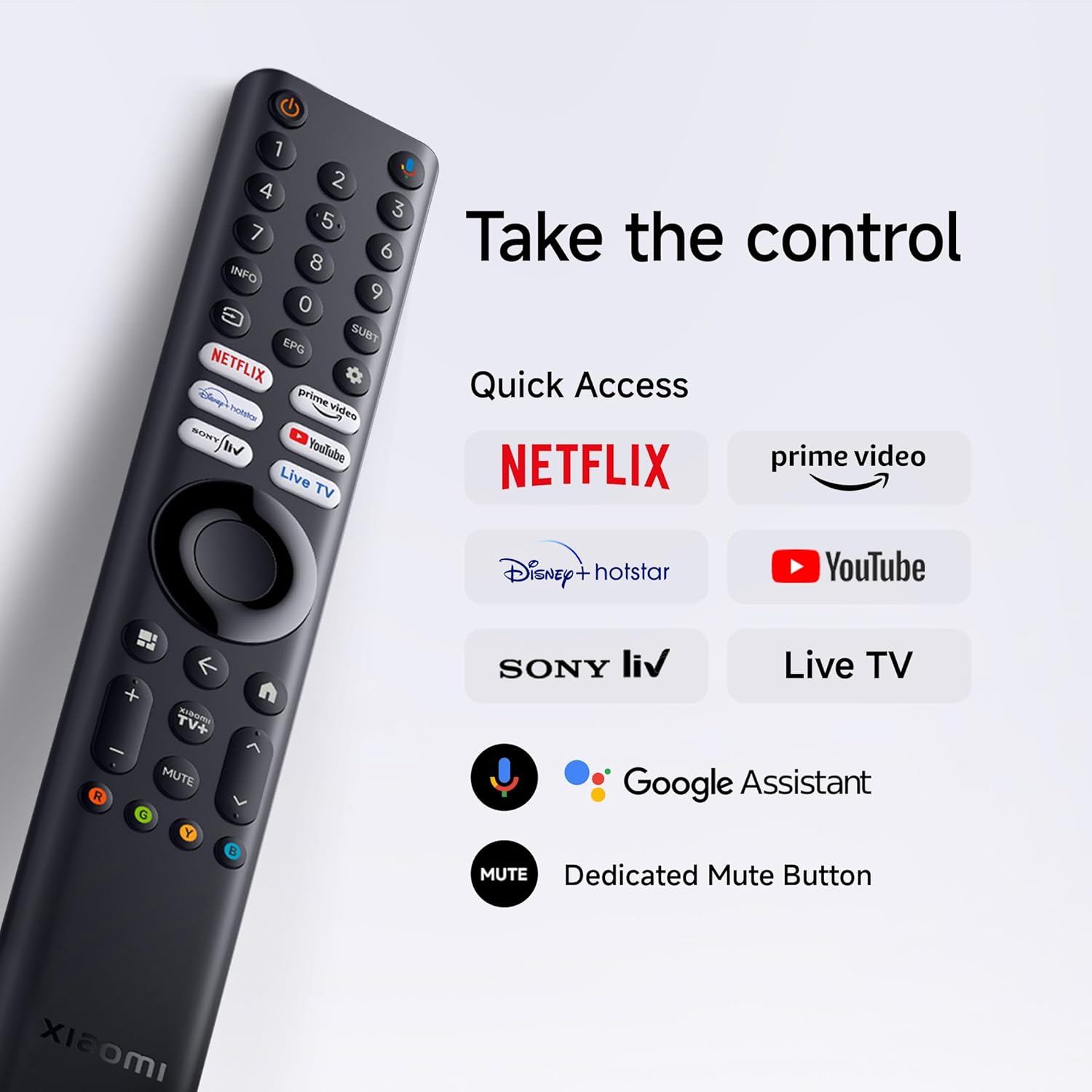
Insert the two AAA batteries into the remote control, observing polarity. The remote allows navigation, volume control, channel selection, and quick access to streaming services and Google Assistant.
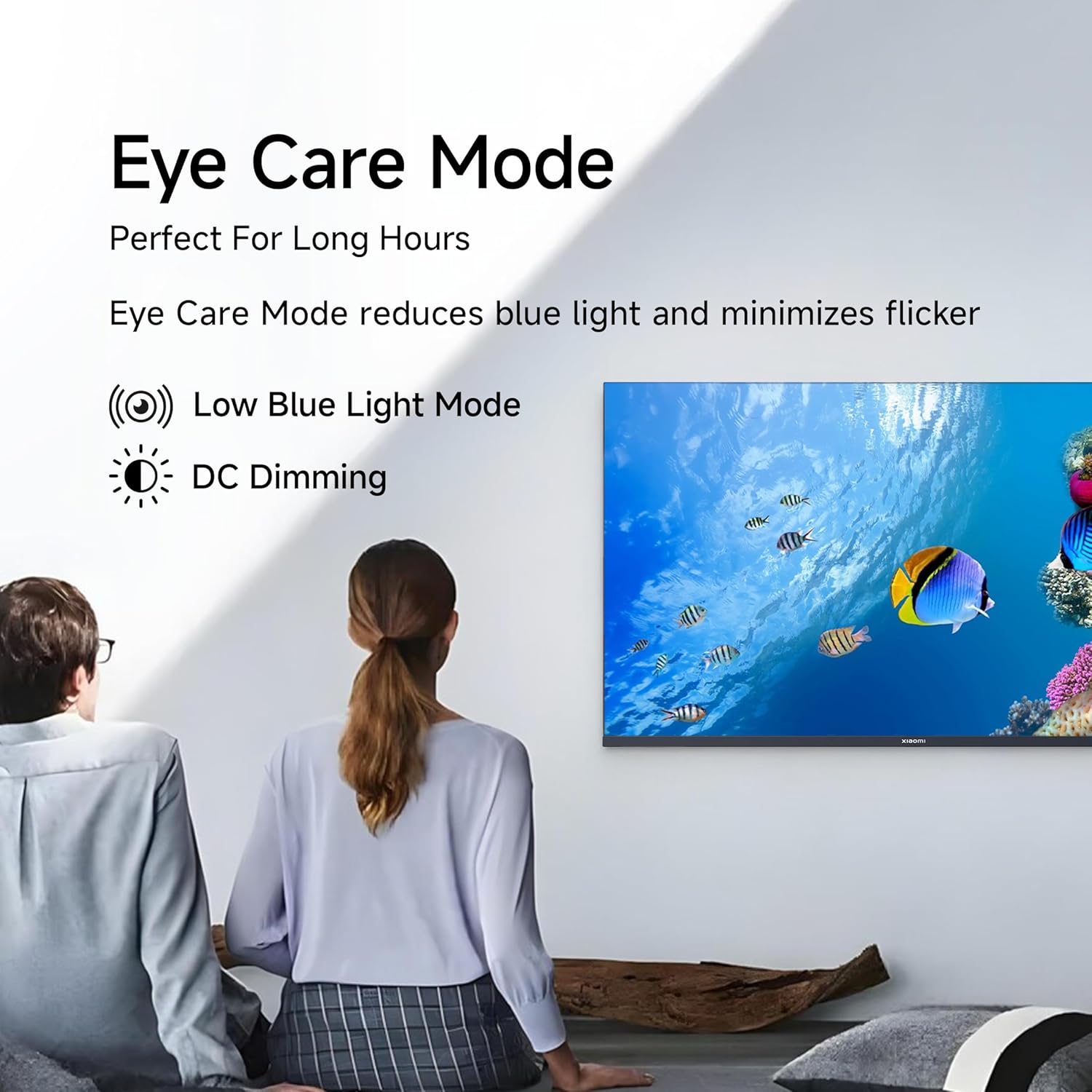
Figure 4.1: Xiaomi Smart TV remote control layout.
- Pizteko botoia: Telebista piztu/itzali edo standby moduan jartzen du.
- Nabigazio Pad: Menu nabigaziorako.
- Ados botoia: Hautaketak berresten ditu.
- Atzera botoia: Aurreko pantailara itzultzen da.
- Hasierako botoia: Google TV-ren hasierako pantailara sartzen da.
- +/- bolumena: Bolumena doitzen du.
- Mututu botoia: Audioa desaktibatu/aktibatzen du.
- Google Laguntzailearen botoia: Ahots-kontrola aktibatzen du.
- Sarbide azkarreko botoiak: Dedicated buttons for Netflix, Prime Video, YouTube, and other streaming services.
4.2 Telebista adimendunaren ezaugarriak (Google TV)
Your TV runs on Android 14 OS with Google TV, offering a personalized entertainment experience.

4.2 Irudia: Gainetikview of Google TV features.
- Edukia Lehenengo UIa: Edukien aurkikuntza lehenesten du.
- Pro pertsonalafiles: Sortu banakako profiles gomendio pertsonalizatuetarako.
- Google Laguntzailea: Erabili ahots-komandoak bilaketa, kontrola eta informazioa lortzeko.
- Chromecast integratua: Cast content from compatible mobile devices.
- Jarraipen-zerrenda: Jarrai ezazu ikusi nahi dituzun film eta saioen jarraipena.
- Giro modua: Erakutsi argazkiak edo informazio baliagarria telebista inaktibo dagoenean.
- Kids Profile: Curated content and parental controls for children.
- Gomendioak: Zure araberako iradokizun pertsonalizatuak viewohiturak.
4.3 Onartutako aplikazioak
The TV comes with pre-installed applications and supports downloads from the Google Play Store. Popular supported apps include Netflix, Prime Video, YouTube, JioCinema, JioHotstar, SonyLiv, and Zee5.

4.3. irudia: Adibamples of supported streaming applications.
5. Pantailaren ezaugarriak
Experience enhanced visuals with the following display technologies:
- QLED pantaila: Quantum Dot technology delivers vivid, vibrant, and sharp picture quality.
- HD Ready (1366 x 768) Resolution: Irudi argi eta zehatzak eskaintzen ditu.
- HDR 10 eta HLG euskarria: Enhances contrast and color accuracy for compatible content.
- Irudi bizien motorra 2: Proprietary technology that fine-tunes every frame for improved clarity and realism.
- Kolore gama zabala: Offers a broad spectrum of colors (up to 16.7 million) for rich and vivid visuals.
- Begien erosotasun modua: Reduces blue light and minimizes flicker for comfortable long-term viewing.
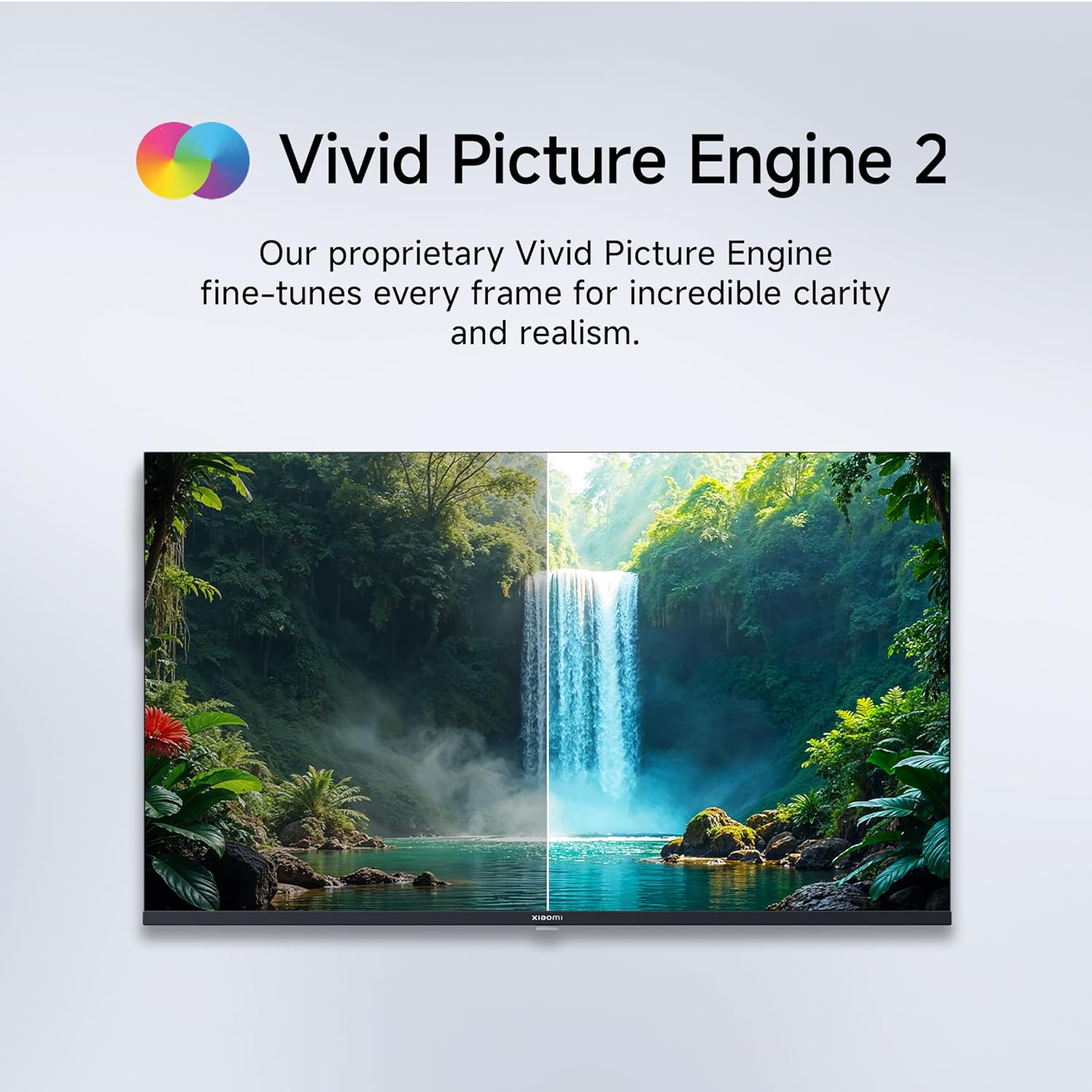
Figure 5.1: Quantum Clarity for exceptional contrast and color.
Figure 5.2: Vivid Picture Engine 2 for enhanced realism.
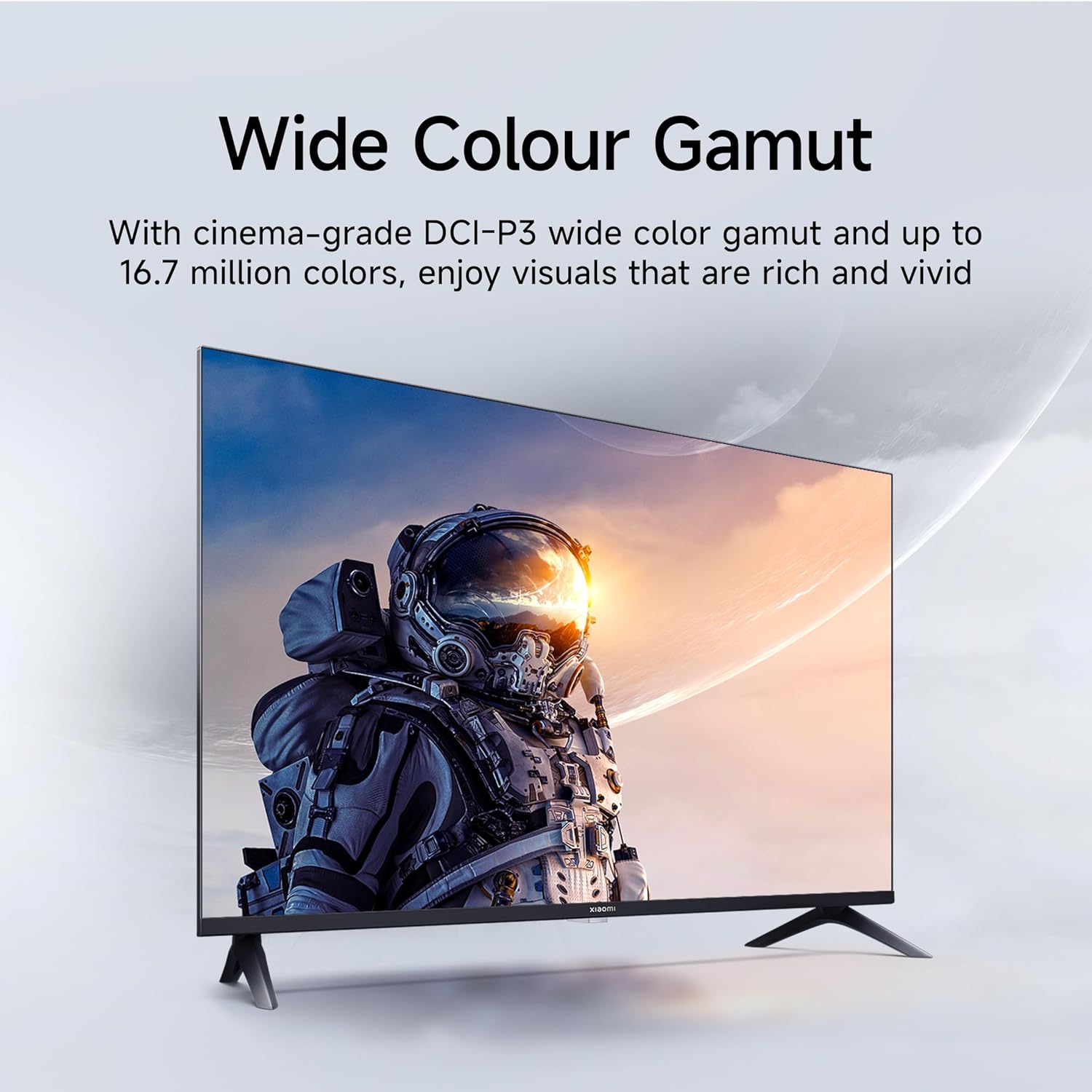
Figure 5.3: Eye Care Mode for reduced eye strain.
6. Audio Ezaugarriak
Your TV is equipped with advanced audio technologies for an immersive sound experience:
- 20 watt-eko irteera: Powerful stereo speakers deliver clear and dynamic sound.
- Dolby Audio: Provides rich, clear, and powerful sound for movies, shows, and games.
- DTS-X eta DTS Virtual:X: Creates a multi-dimensional audio experience, simulating surround sound without additional speakers.
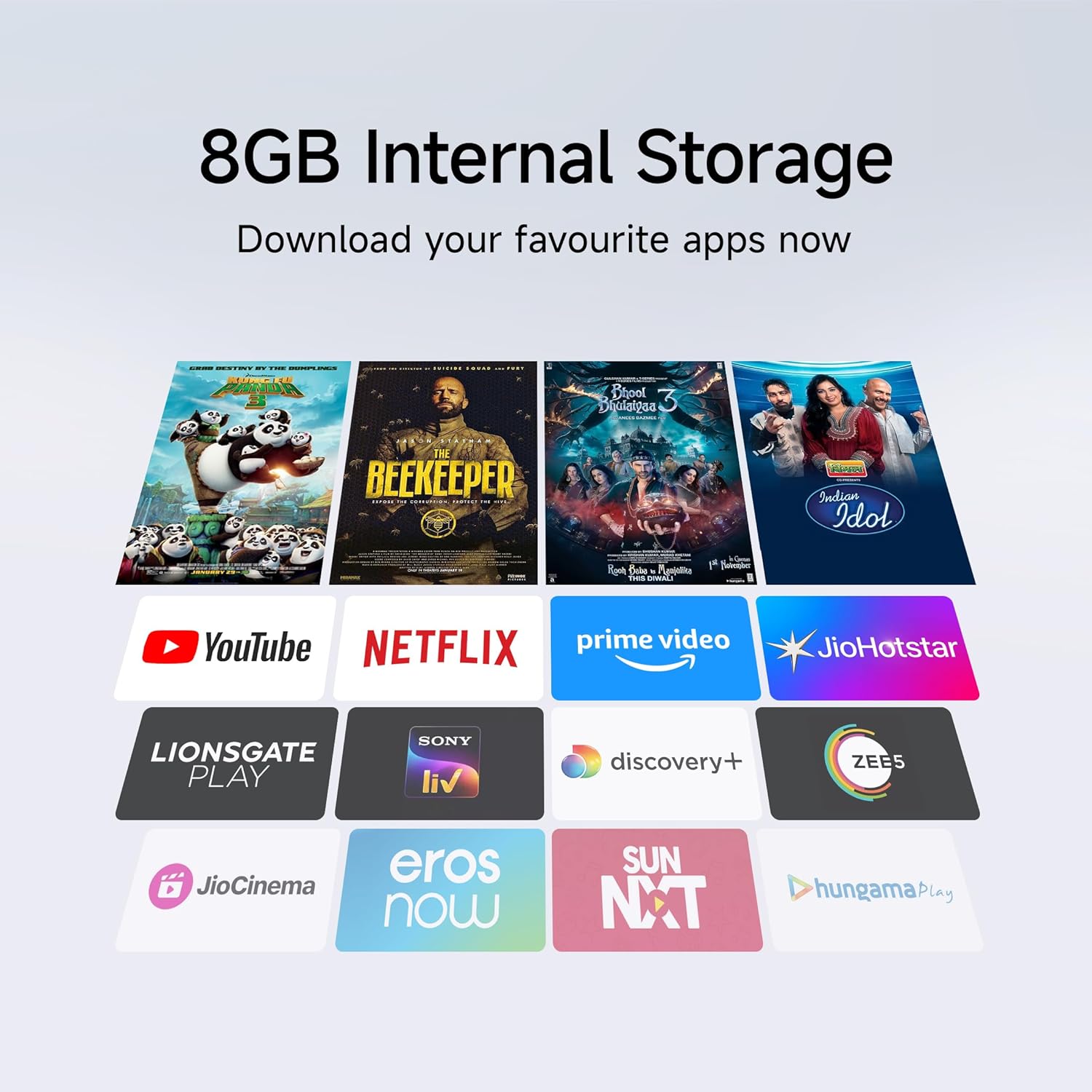
Figure 6.1: Enhanced audio experience with 20W speakers and Dolby/DTS technologies.
7. Konektibitatea
The TV offers various options for connecting to networks and other devices:
- Banda bikoitzeko Wi-Fia: Connect wirelessly to your home network (2.4GHz and 5GHz).
- Ethernet: Interneteko konexio egonkor bat kable bidez lortzeko.
- Bluetootha: Connect wireless headphones, speakers, or other Bluetooth-enabled accessories.
- HDMI (x2) with ARC: Audio Return Channel (ARC) allows audio to be sent from the TV to a compatible sound system via a single HDMI cable.
- USB (x2): For connecting external storage.
8. Mantentzea
8.1 Telebista garbitzea
- Deskonektatu beti telebista garbitu aurretik.
- Erabili zapi leun, lehor eta lihorik gabeko bat pantaila eta kabina garbitzeko.
- Marka egoskorretarako, arinki garbituampGarbitu oihal bat urarekin edo pantaila-garbitzaile espezializatu batekin (saihestu produktu kimiko gogorrak).
- Do not spray liquid directly onto the TV.
8.2 Arreta orokorra
- Saihestu objektu astunak telebistan jartzea.
- Babestu telebista muturreko tenperatura eta hezetasunetik.
- If moving the TV, ensure it is properly supported and handled to prevent damage.
9. Arazoak
Before contacting customer support, try these common solutions:
| Arazoa | Kausa posiblea | Irtenbidea |
|---|---|---|
| Botererik ez | Kable elektrikoa deskonektatuta; Entxufearen arazoa | Egiaztatu kablearen konexioa; Probatu entxufea beste gailu batekin. |
| Ez dago irudirik, baina soinua badago | Sarrera-iturri okerra; HDMI/AV kablea soltea | Press the "Input" button on the remote to select the correct source; Reconnect cables securely. |
| Soinurik ez, baina irudia badago | Volume muted or too low; External audio device issue | Unmute or increase volume; Check connections to external audio systems. |
| Urruneko kontrola ez dabil | Pila agortuak; Oztopoa urrutiko agintearen eta telebistaren artean | Ordeztu bateriak; kendu oztopo guztiak. |
| Ezin da wifira konektatu | Pasahitz okerra; Routerraren arazoa; Telebista routerretik urrunegi dago | Verify Wi-Fi password; Restart router; Move TV closer or use Ethernet. |
10. Zehaztapenak
| Ezaugarri | Xehetasuna |
|---|---|
| Marka | XIAOMI |
| Eredua | L32MB-APIN |
| Pantailaren tamaina | 32 hazbete (80 cm) |
| Bistaratzeko Teknologia | QLED |
| Ebazpena | HD prest (1366 x 768 pixel) |
| Freskatze tasa | 60 Hz |
| Sistema eragilea | Android 14 OS, Google TV |
| RAM Memoria | 1 GB |
| Barne Biltegiratzea | 8 GB |
| Prozesadorea | A53 Quad Core Processor |
| Audio Irteera | 20 Watt |
| Audio Teknologiak | Dolby Audio, DTS-X, DTS Virtual:X |
| Konektibitatea | Dual Band Wi-Fi, Bluetooth, 2 x HDMI (ARC), 2 x USB, Ethernet, 3.5mm Audio, AV Input |
| Viewangelua | 178 gradu |
| Produktuaren neurriak (LxWxH) | 19.8 x 71.6 x 46.9 cm (euskarriarekin) |
| Elementuaren pisua | 3.2 kg |
| Eredu Urtea | 2025 |

10.1 irudia: Produktuaren neurriak eta pisua.

Figure 10.2: A53 Quad Core Processor for optimal performance.

10.3 irudia: Energia-eraginkortasunaren etiketa.
11. Bermea eta Laguntza
11.1 Bermearen informazioa
Zure Xiaomi telebistak honekin dator 1 urteko berme integrala produktuaren eta urtebeteko berme gehigarria panelean, markak erosketa-datatik aurrera emana. Gorde erosketa-agiria berme-erreklamazioetarako.
11.2 Bezeroarentzako laguntza
For technical assistance, service requests, or warranty claims, please contact Xiaomi customer support. Refer to the official Xiaomi webwebgunean edo zure erosketa-dokumentazioan kontaktu-informazio eguneratuena lortzeko.