
1. Produktua amaitu daview
The SGIN S15 is a 15.6-inch laptop designed for versatile use, featuring a powerful Intel Celeron N5100 processor, ample memory, and fast storage. It comes pre-installed with Windows 11 Pro and offers a range of connectivity options.
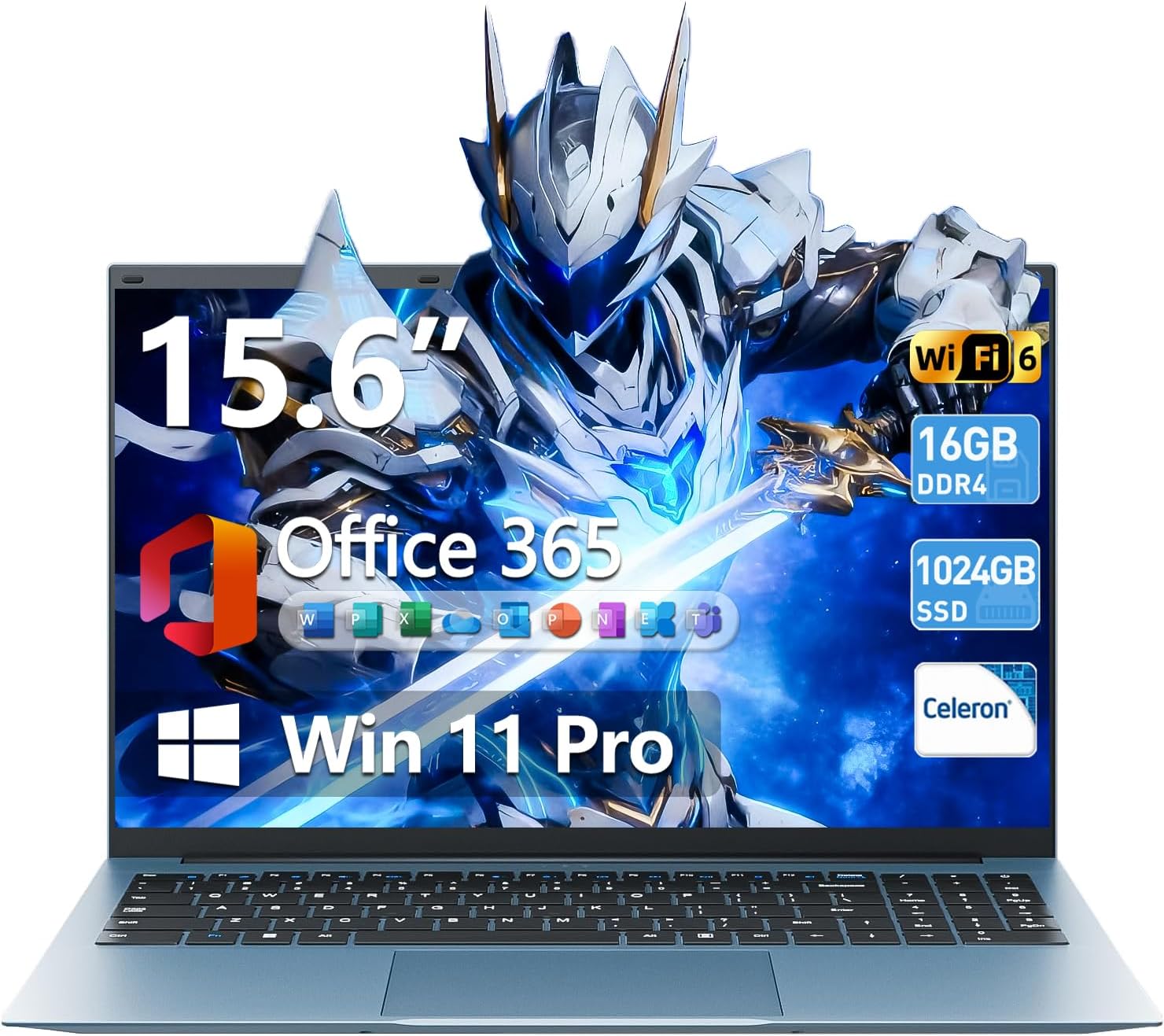
Image 1.1: The SGIN S15 15.6-inch laptop, showcasinbere pantaila eta teklatua.

Image 1.2: Visual representation of the SGIN S15 laptop's key advantages, including battery, processor, RAM, storage, display, Wi-Fi 6, and 180-degree hinge.
2. Zer dago kutxan
Upon unboxing your SGIN S15 laptop, you should find the following items:
- SGIN S15 Laptop (1 unit)
- Power Adapter/Charger (1 unit)
- Erabiltzailearen eskuliburua (unitate 1)
- Windows 11 Pro (aurrez instalatuta)
Video 2.1: An unboxing and initial setup guide for the SGIN 15.6-inch laptop, demonstrating the contents of the package and the first power-on sequence.
3. Hasierako konfigurazioa
Follow these steps to set up your SGIN S15 laptop for the first time:
- Deskargatzea: Kontu handiz kendu osagai guztiak ontzitik.
- Konektatu energia: Plug the power adapter into the laptop's charging port and then into a power outlet. Ensure the laptop is connected to power before its first use.
- Piztu: Open the laptop lid and press the power button. The laptop will begin its initial boot sequence.
- Windows 11 konfigurazioa: Follow the on-screen prompts to configure Windows 11. This includes selecting your language, region, and keyboard layout.
- Sare-konexioa: Connect to your Wi-Fi network when prompted. This is necessary for updates and full functionality.
- Microsoft kontua: Sign in with an existing Microsoft account or create a new one. This allows access to Microsoft services and applications.
- Eguneraketak: The system will check for and install necessary updates. Allow this process to complete to ensure optimal performance and security.
4. Zure ordenagailu eramangarria erabiltzea
The SGIN S15 laptop runs on Windows 11 Pro, offering a user-friendly interface and access to a wide range of applications. It is equipped with a 15.6-inch Full HD IPS anti-glare display for clear visuals and a 180-degree hinge for flexible viewangeluak.

Image 4.1: The laptop's 15.6-inch Full HD IPS display, highlighting its wide viewing angles and anti-glare properties.
The laptop also includes a 1-year subscription to Microsoft 365 Personal, providing access to applications like Word, Excel, and PowerPoint.

Image 4.2: A visual demonstrating the inclusion of Microsoft 365 Personal with the laptop, showing various Microsoft Office application icons.
5. Ezaugarri nagusiak
- Prozesadorea: Intel Celeron N5100 (4 Cores, 4 Threads, up to 2.8GHz) for reliable performance.
- Memoria: 16GB DDR4 RAM for smooth multitasking.
- Biltegiratzea: 1024GB SSD (Solid State Drive) for fast boot-up and data access, expandable up to 1TB with a TF card.
- Pantaila: 15.6-inch Full HD (1920x1080) IPS Anti-Glare Display with 85% screen-to-body ratio and 180° viewangelua.
- Sistema eragilea: Windows 11 Pro.
- Bateria: 7000 mAh-ko bateriak 8 orduko erabilera jarraitua ahalbidetzen du.
- Konektibitatea: WiFi 6 and Bluetooth 5.2 for fast and stable wireless connections.
- Portuak: HDMI, Type-C, 3.5mm TRRS jack, memory card slot, and USB 3.2 ports.
- Hoztea: Dual cooling fans for efficient heat dissipation.
- Pribatutasuna: Integratua webcam with a privacy switch.

Image 5.1: A close-up of the Intel Celeron N5100 processor, illustrating its core and thread count, cache, and turbo speed.

Image 5.2: A visual representation of the laptop's 16GB DDR4 RAM and 1024GB SSD, emphasizing fast data access and multitasking capabilities.
6. Konektibitatea
The SGIN S15 laptop offers comprehensive connectivity options:
- Haririk gabekoa: Integrated WiFi 6 provides enhanced network efficiency and reduced latency. Bluetooth 5.2 enables connection to various wireless peripherals.
- Portuak: The laptop includes multiple ports for external devices and displays.

Image 6.1: An illustration detailing the various ports available on the SGIN S15 laptop, including HDMI, Type-C, USB 3.2, 3.5mm audio jack, TF card slot, and security lock.
7. Energia eta bateria
The SGIN S15 is equipped with a 7000mAh battery, providing extended usage time. The included charger ensures efficient recharging.
- Bateriaren iraupena: Expect up to 8 hours of continuous use on a full charge, depending on usage patterns.
- Kargatzen: Use only the provided power adapter to charge the laptop.
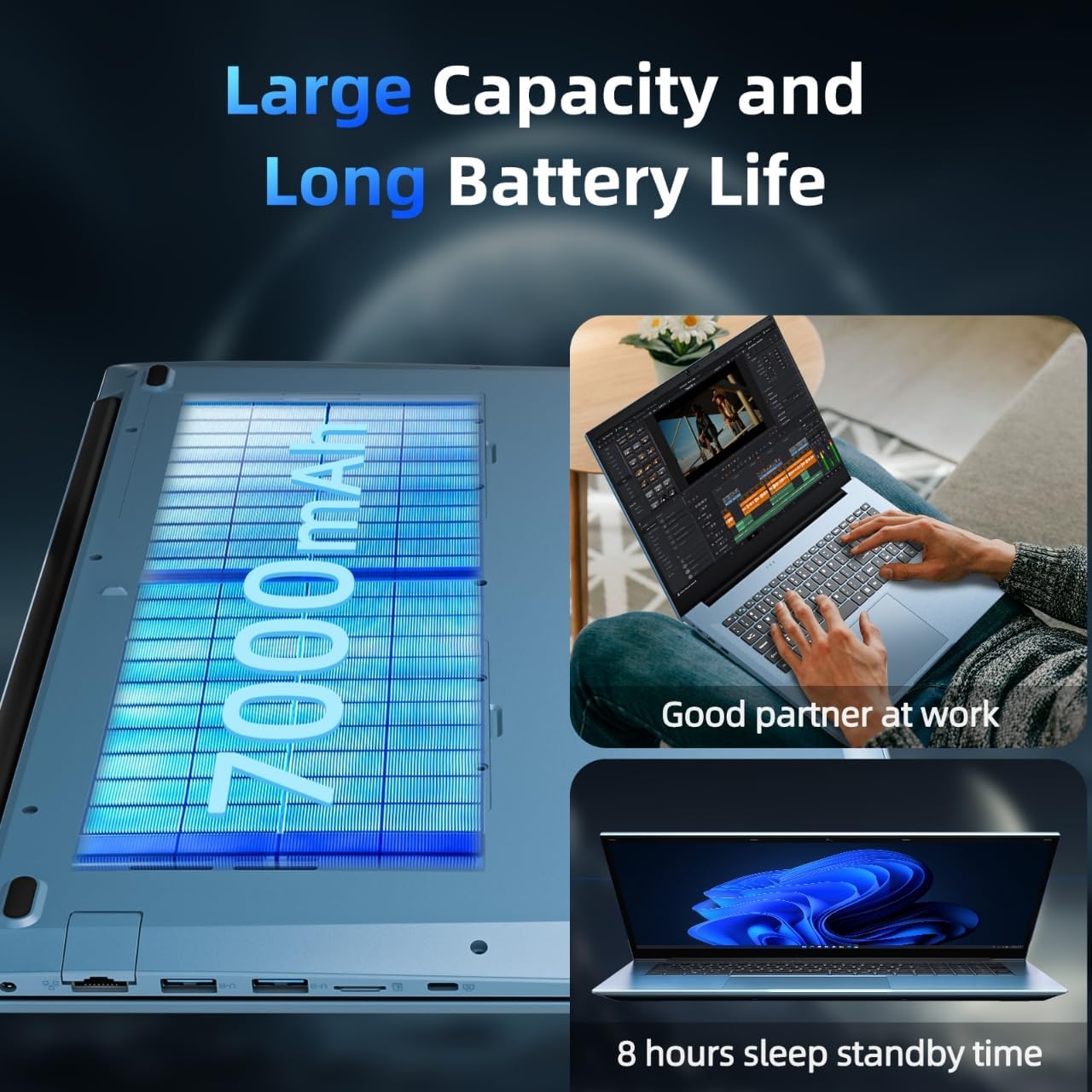
Image 7.1: A depiction of the laptop's 7000mAh battery, highlighting its capacity for extended work and standby times.
8. Hozte Sistema
To maintain optimal performance and prevent overheating, the SGIN S15 laptop features an internal cooling system with dual fans.
- Bero xahutze eraginkorra: The cooling system is designed to manage heat effectively, especially during demanding tasks.
- Funtzionamendu isila: The fans operate at low decibel levels to minimize distraction.

8.1 irudia: Barneko bat view illustrating the laptop's cooling system with its high-speed motor fan and air ducting for rapid heat dissipation.
9. Zehaztapenak
| Ezaugarri | Zehaztapena |
|---|---|
| Marka | SGIN |
| Ereduaren izena | SGIN-S15 |
| Pantaila zutik bistaratzeko tamaina | 15.6 hazbete |
| Pantailaren bereizmena | 1920 x 1080 pixel (FHD IPS) |
| Prozesadorea | Intel Celeron N5100 (up to 2.8 GHz) |
| RAM | 16 GB DDR4 |
| Disko gogorra | 1024 GB SSD (expandable with TF card) |
| Koprozesadore grafikoa | Integratua |
| Sistema eragilea | Windows 11 Pro |
| Haririk gabeko mota | WiFi 6, Bluetooth 5.2 |
| USB 3.0 ataka kopurua | 3 |
| Elementuaren pisua | 5.04 kilo |
| Produktuaren neurriak | 15.6 x 9 x 0.6 hazbete |
| Kolorea | Grisa |
| Bateria | 7000mAh (12V batteries included) |
| Ezaugarri Berezia | Memoria txartelaren zirrikitua |
10. Mantentzea eta Arazoak Konpontzea
To ensure the longevity and optimal performance of your SGIN S15 laptop, consider the following maintenance tips and basic troubleshooting steps:
- Mantendu garbi: Regularly clean the screen with a microfiber cloth and the keyboard with compressed air.
- Software eguneraketak: Ensure Windows 11 and all drivers are kept up-to-date.
- Saihestu gehiegi berotzea: Use the laptop on a flat, hard surface to allow proper airflow to the cooling vents. Avoid blocking the vents.
- Bateria zaintzea: Bateriaren osasun optimoa lortzeko, saihestu bateria etengabe % 0ra hustea edo denbora luzez % 100ean mantentzea.
- Energia arazoak konpontzea: If the laptop does not power on, ensure the charger is securely connected and the power outlet is functional.
- Troubleshooting Connectivity: If experiencing Wi-Fi issues, try restarting your router and the laptop. Ensure Wi-Fi is enabled in Windows settings.
11. Bermea eta Laguntza
SGIN provides comprehensive support for your laptop:
- Bermea: The SGIN S15 laptop comes with a 1-year protection plan.
- Konponketa Zerbitzua: A 365-day repair service is available.
- Bezeroarentzako laguntza: 24/7 customer instant help is provided.
- Arazoaren ebazpena: SGIN products include a 360-day issue resolution service.
For support, you can contact SGIN via email at sgin-tech@sginservice.com.

Image 11.1: Details on how to access SGIN customer service, including email contact and information about repair services.
Image 11.2: Information regarding SGIN's 360-day issue resolution service and 24/7 instant laptop support.