
Sarrera
This manual provides essential information for setting up, operating, maintaining, and troubleshooting your ADREAMER WinsPad 10 Pro 2-in-1 Tablet Laptop. Please read this guide thoroughly to ensure optimal performance and longevity of your device.
Kutxan dagoena
Egiaztatu elementu guztiak paketean daudela:
- ADREAMER WinsPad 10 Pro Tablet
- Teklatu desmuntagarria
- C motako kablea
- Elikatze-moldagailua
Konfigurazioa
1. Hasierako piztea
- Connect the power adapter to the tablet's Type-C port and plug it into a power outlet.
- Press and hold the power button located on the side of the tablet until the screen illuminates.
- Follow the on-screen instructions to complete the Windows 11 initial setup, including language, region, and user account creation.
2. Connecting the Detachable Keyboard
The keyboard connects magnetically to the bottom edge of the tablet. Align the magnetic connectors on the keyboard with the corresponding pins on the tablet until it snaps into place. The keyboard will be automatically recognized by the system.

Image: The ADREAMER WinsPad 10 Pro tablet with its detachable keyboard connected, illustrating its use as a laptop.
3. Sare-konexioa
Wi-Fi sare batera konektatzeko:
- Joan zaitez Ezarpenak > Sarea eta Internet > Wi-Fi.
- Aktibatu Wi-Fia eta hautatu nahi duzun sarea zerrendatik.
- Sareko pasahitza idatzi behar baduzu eta egin klik Konektatu.
For Bluetooth device pairing:
- Joan zaitez Ezarpenak > Bluetootha eta gailuak.
- Turn on Bluetooth and click Gehitu gailua.
- Select the type of device you want to add and follow the pairing instructions.
Zure gailua funtzionatzea
1. Tableta eta ordenagailu eramangarri moduak
The ADREAMER WinsPad 10 Pro functions as both a tablet and a laptop. Simply attach the detachable keyboard to switch to laptop mode for typing and productivity. Detach the keyboard for a full tablet experience, ideal for touch-based applications and media consumption.
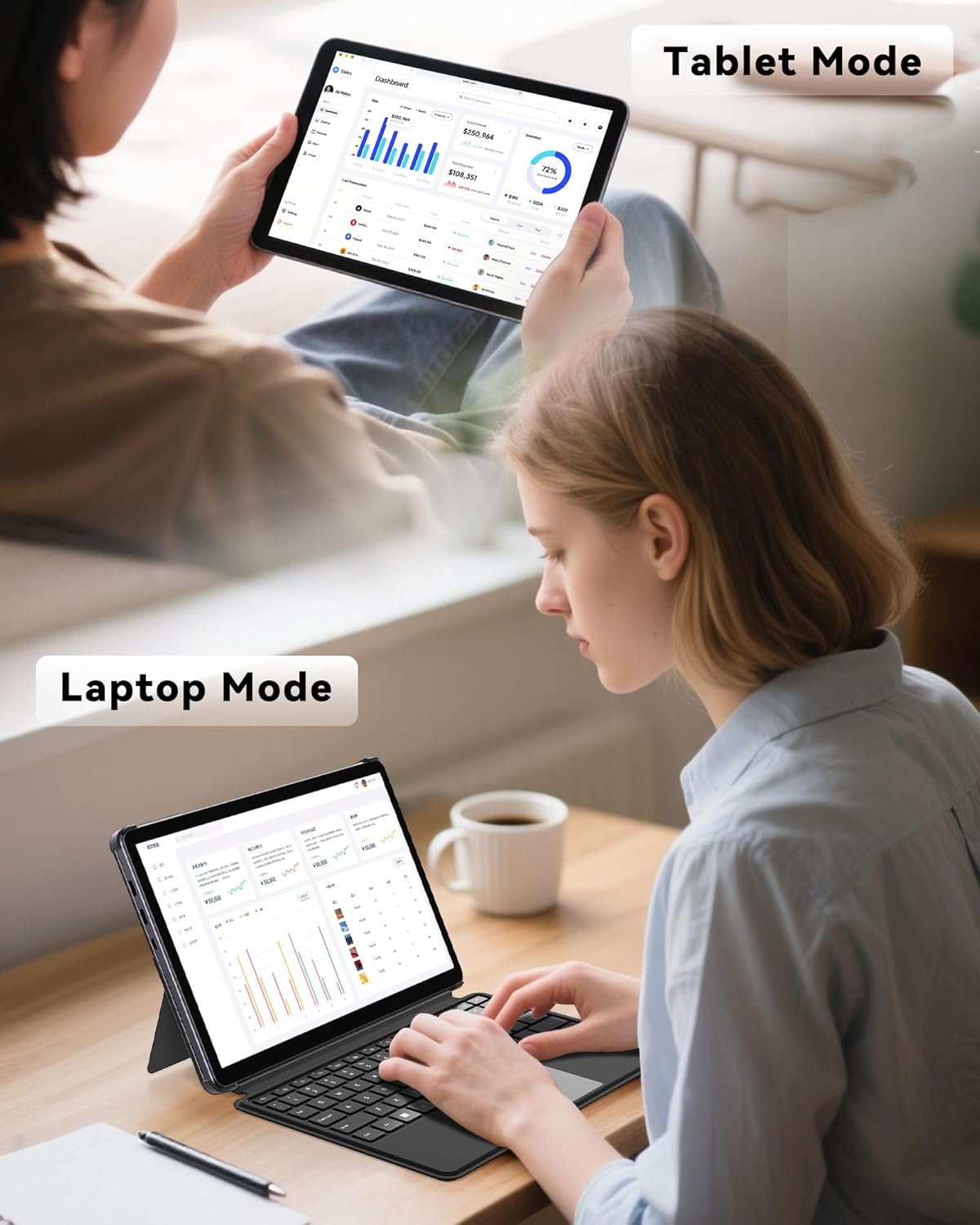
Image: The ADREAMER WinsPad 10 Pro demonstrating its versatility in both tablet and laptop configurations.
2. Errendimendua eta biltegiratzea
Your device is equipped with a 12th Gen Intel N150 processor, 8GB LPDDR5 RAM, and a 256GB SSD. This configuration ensures smooth multitasking, quick application loading, and efficient handling of various tasks from office work to entertainment.

Irudia: Xehetasun handikoa view of the Intel N150 processor specifications and performance comparison.
3. Pantaila eta audioa
The 10.1-inch HD IPS touchscreen (1280x800 resolution, 300 nits brightness) provides clear and vibrant visuals. Dual cameras (5MP front, 8MP rear) are integrated for video calls and photography. Dual speakers deliver immersive audio for media playback.
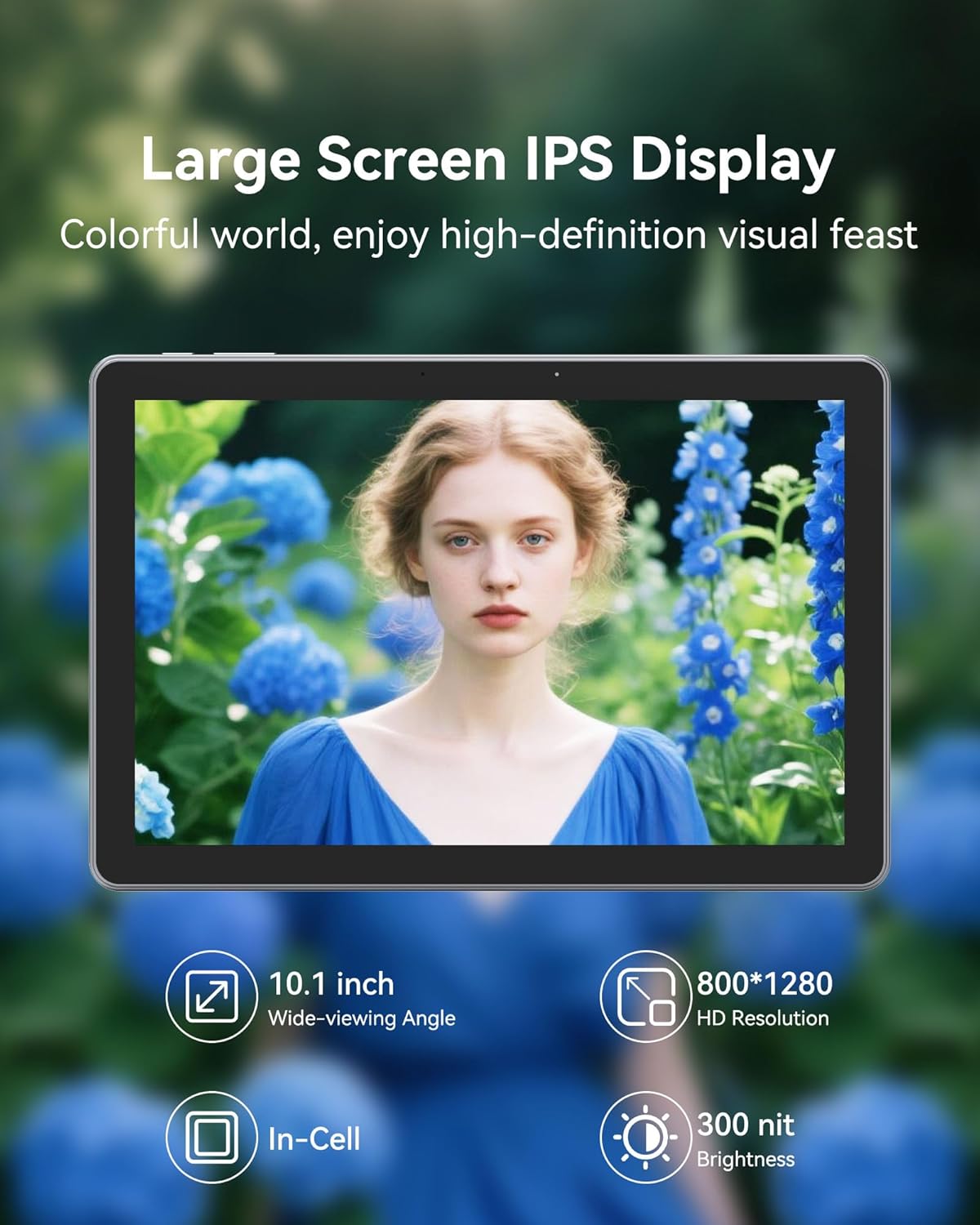
Irudia: Tabletaren pantaila erakusten duasing its high-definition capabilities.
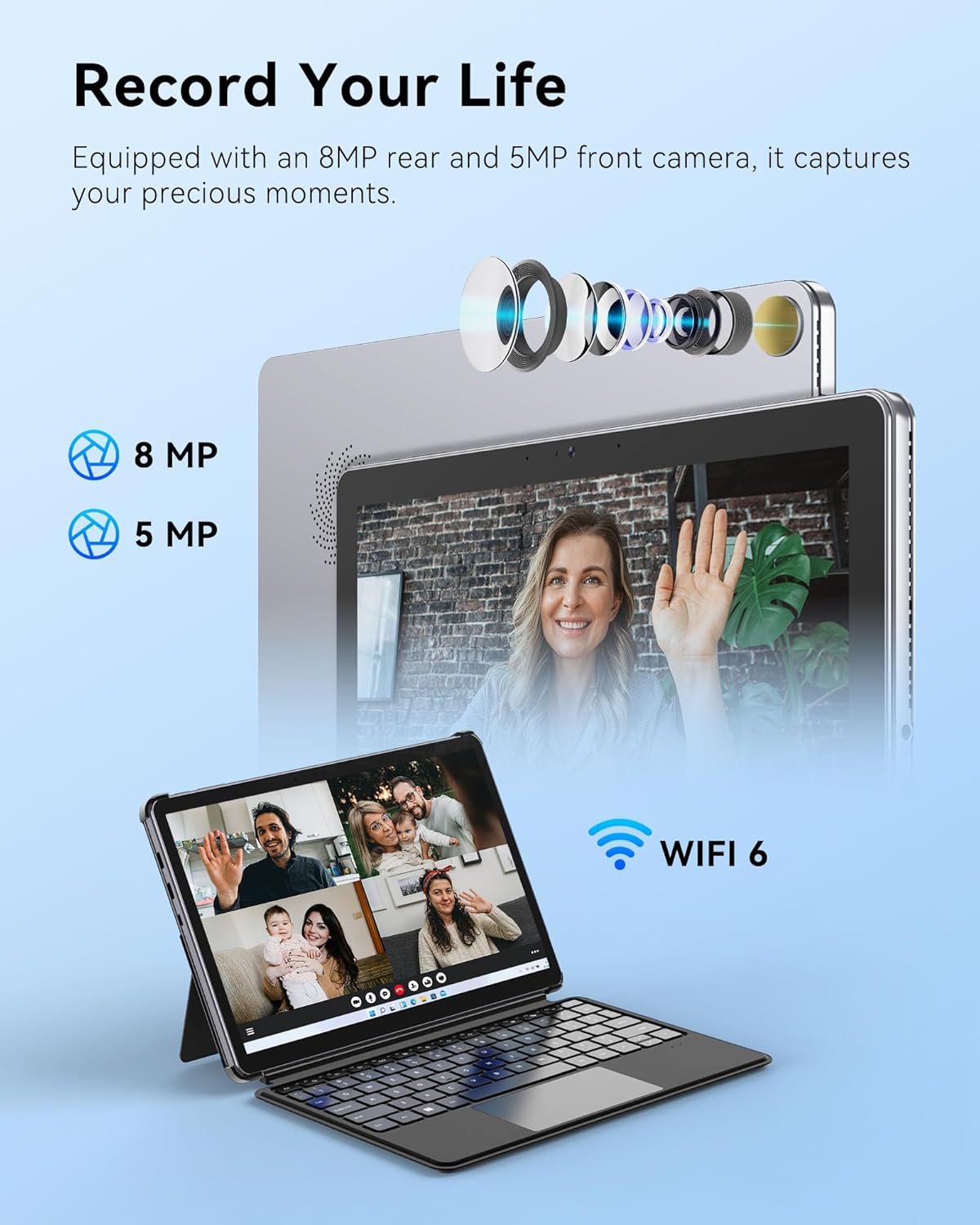
Image: The tablet's camera features for capturing moments and video calls.
4. Konektibitatea
The tablet includes multiple functional interfaces: two full-function Type-C ports, one Micro HDMI port, one USB 3.0 port, and a 3.5mm headphone jack. It supports WiFi 6 for fast wireless internet and Bluetooth 5.2 for connecting peripherals.

Image: The side view of the tablet showing its various ports and sleek design.
5. Bateria eta kargatzea
The 4500mAh battery provides up to 6 hours of typical use. The device supports 30W PD fast charging, allowing a full charge in approximately 2 hours.

Image: Information on the tablet's battery life and fast charging capabilities.
6. Produktua amaitu daview Bideoa
Bideoa: Ofizial bat amaitu daview of the ADREAMER 10.1" Win 11 Tablet, showcasing its features and 2-in-1 functionality.
Mantentzea
1. Bateria zaintzea
- Saihestu bateria maiz erabat deskargatzea.
- Ez jarri gailua muturreko tenperaturetara.
- If storing the device for an extended period, charge it to approximately 50% and power it off.
2. Gailua garbitzea
- Erabili zapi leun eta lihorik gabeko bat pantaila eta gorputza garbitzeko.
- Orban egoskorretarako, apur bat dampGarbitu oihalak urarekin edo pantaila garbitzeko soluzio batekin.
- Saihestu produktu kimiko gogorrak, material urratzaileak edo gehiegizko hezetasuna erabiltzea.
Arazoak konpontzea
Ohiko arazoak eta irtenbideak
- Keyboard Disconnection: If the detachable keyboard frequently disconnects, ensure the magnetic connectors are clean and fully engaged. Avoid lifting or moving the tablet by the keyboard alone. If issues persist, gently clean the connector pins on both the tablet and keyboard.
- Kargatzeko arazoak: Ensure you are using the original ADREAMER power adapter and Type-C cable provided with your device. Some third-party chargers may not provide sufficient power or be compatible, leading to slow or no charging. Verify the charging port is free of debris.
- Gailua ez da pizten: Connect the tablet to the power adapter and allow it to charge for at least 30 minutes. Then, attempt to power it on again. If it still doesn't turn on, perform a hard reset by holding the power button for 10-15 seconds.
- Errendimendu motela: Close unnecessary applications running in the background. Check for available Windows updates and install them. Consider running a disk cleanup to free up storage space.
Zehaztapenak
| Ezaugarri | Zehaztapena |
|---|---|
| Marka | ADREAMER |
| Ereduaren izena | WinsPad 10 Pro |
| Prozesadorea | Intel N150 (4 cores, up to 3.6GHz) |
| Koprozesadore grafikoa | Intel UHD Graphics (1000MHz) |
| RAM Memoria | 8 GB LPDDR5 |
| Disko gogorraren tamaina | 256 GB SSD |
| Sistema eragilea | Win11 Hasiera |
| Pantailaren tamaina | 10.1 hazbete |
| Bistaratzeko ebazpena | 1280 x 800 Pixels (HD IPS Touchscreen) |
| Maximum Display Brightness | 300 nit |
| Konektibitate Teknologia | Bluetooth 5.2, Micro HDMI, USB 3.0, Dual Type-C, Wi-Fi 6 (802.11ax) |
| Bateria Edukiera | 4500 mAh |
| Bateriaren batez besteko bizitza | Gehienez 6 ordu |
| Aurrealdeko kamera | 5 MP |
| Atzeko kamera | 8 MP |
| Elementuaren pisua | 2.5 kilo |
| Elementuaren neurriak (L x W x lodiera) | 9.7"L x 6.5"Z x 0.37"Lo |
| Kolorea | Grisa |
Bermea eta Laguntza
Bermearen informazioa
Your ADREAMER WinsPad 10 Pro comes with a Urtebeteko fabrikatzailearen berme mugatuaBerme honek materialen eta fabrikazioaren akatsak estaltzen ditu erabilera normalaren pean. Gorde erosketaren egiaztagiria bermearen erreklamazioak egiteko.
Bezeroarentzako Arreta
For technical assistance, warranty service, or any questions regarding your device, please contact ADREAMER customer support. Refer to the contact information provided in your product packaging or visit the official ADREAMER weblaguntza baliabideen gunea.