
AcclaFit P5
AcclaFit P5 Smart Watch User Manual
Your guide to setting up and utilizing all features of your AcclaFit P5 Smart Watch.
Sarrera
The AcclaFit P5 Smart Watch is designed to enhance your daily life with its comprehensive health and fitness tracking capabilities, smart communication features, and durable design. This manual provides detailed instructions to help you get the most out of your device.

Image: The AcclaFit P5 Smart Watch, showcasinbere diseinu dotorea eta pantaila g.
Kutxan dagoena
Upon unboxing your AcclaFit P5 Smart Watch, please ensure all the following items are present:
- AcclaFit P5 Smart Watch
- Kargatzeko kablea
- Erabiltzailearen eskuliburua
- Watch Band
Konfigurazio Gida
1. Gailua kargatzea
Before initial use, fully charge your AcclaFit P5 Smart Watch. Connect the charging cable to the watch's charging points and a USB power source. A full charge typically takes approximately 2 hours.
2. Installing the 'H Band' App
The AcclaFit P5 Smart Watch requires the 'H Band' application for full functionality and data synchronization. Download the app from your smartphone's app store (compatible with iOS 10.0/Android 5.0 or above) or scan the QR code below:

Image: Screenshot showing the 'H Band' app QR code and compatibility details for Android 5.0+ and iOS 10.0+.
Alternatively, visit the official H Band app webgunea: www.vphband.com/hband/hband.html
3. Zure telefonoarekin parekatzea
- Ziurtatu Bluetootha gaituta dagoela zure telefonoan.
- Open the 'H Band' app and follow the on-screen instructions to add your device.
- Select the AcclaFit P5 Smart Watch from the list of available devices to complete the pairing process.
Bideoa: Amaiera batview of the P5 Smart Watch features and basic setup. This video is provided by JUJUBANG-CC.
Funtzionamendu-argibideak
Oinarrizko Nabigazioa
The AcclaFit P5 Smart Watch features a 1.85-inch HD full touch screen for intuitive navigation. Swipe across the screen to access different menus and functions. The side button can be used to return to the home screen or activate certain features.
Bluetooth deiak eta jakinarazpenak
With its built-in microphone and Hi-Fi speaker, the watch allows you to make and answer calls directly from your wrist. Once synced with your smartphone, you will receive SMS, SNS messages (including Facebook, Twitter, WhatsApp, LinkedIn, Messenger), and app notifications via vibration alerts.
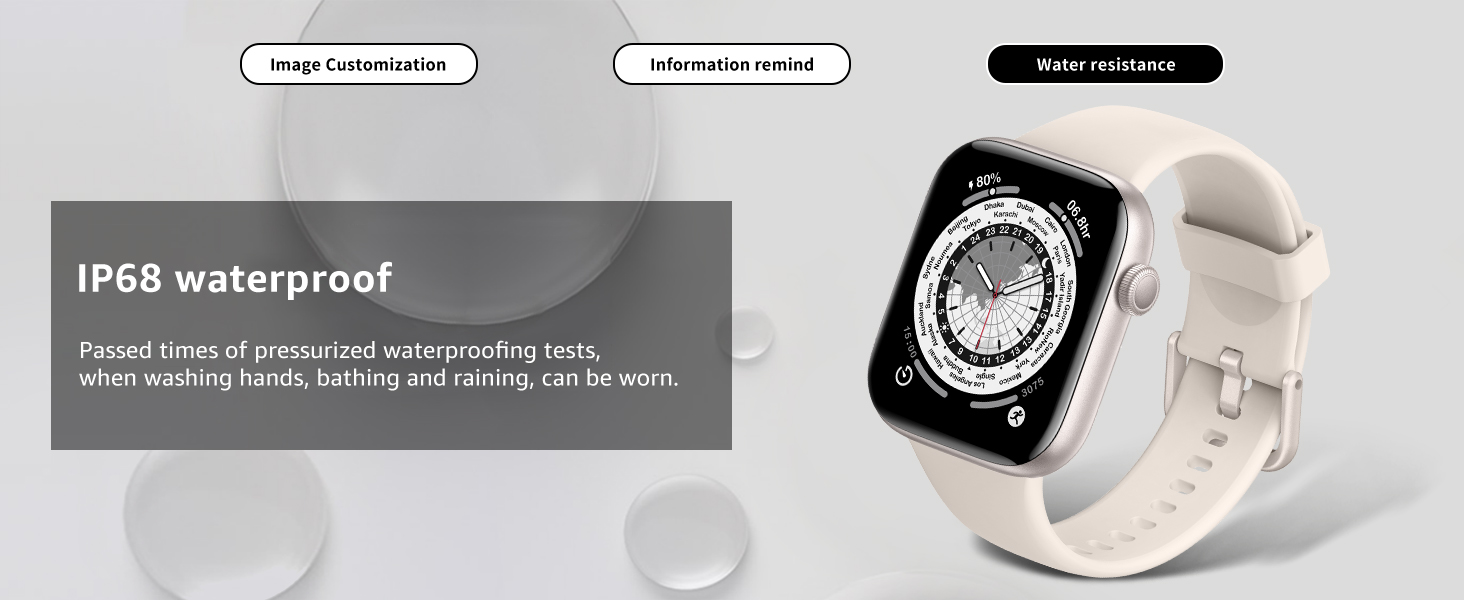
Image: The smartwatch screen showing an incoming call and various message notifications.
Musika Kontrola
Control your smartphone's music playback directly from your watch, allowing you to play, pause, skip tracks, and adjust volume.
Urruneko Argazkia
Use your watch as a remote shutter for your smartphone camera. This feature is useful for group photos or selfies.
Alarma eta abisuak
Set alarms and sedentary reminders to help you stay on schedule and maintain an active lifestyle. The watch also provides weather reminders.
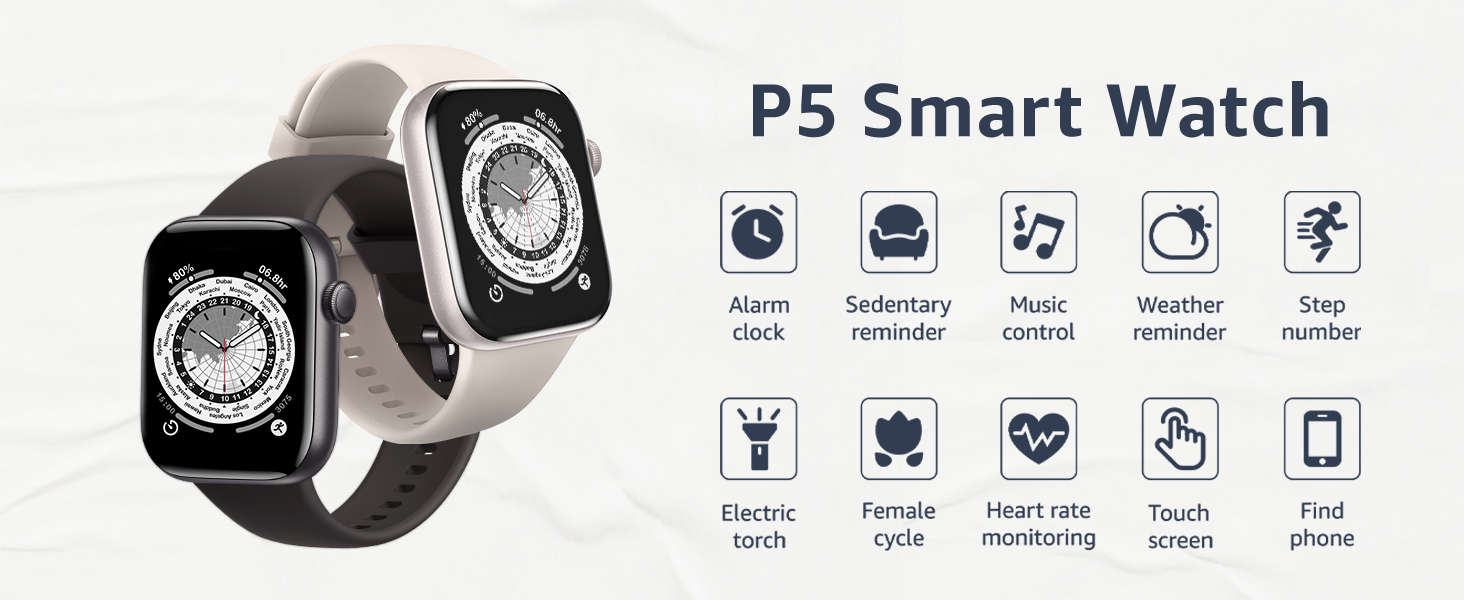
Image: A visual representation of the AcclaFit P5 Smart Watch's key features.
Health Tracking Features
The AcclaFit P5 Smart Watch is equipped with a high-precision PPG sensor to monitor various health metrics:
- Bihotz taupadaren jarraipena: Tracks your heart rate 24 hours a day and saves 7 days of resting heart rate data for long-term trend analysis via the 'H Band' app.
- Odol-oxigenoaren (SpO2) monitorizazioa: Measures your blood oxygen levels using a reflective-light based sensor.
- Odol-presioaren kontrola: Provides blood pressure measurements.
- Loaren jarraipena: Tracks your sleep patterns to help you understand and improve your sleep quality.
- Period Tracking: Offers cycle tracking functionality for female users.
- Arnasketa ariketa: Guides you through breathing exercises for relaxation.

Image: Health metrics displayed on the smartwatch and companion app.
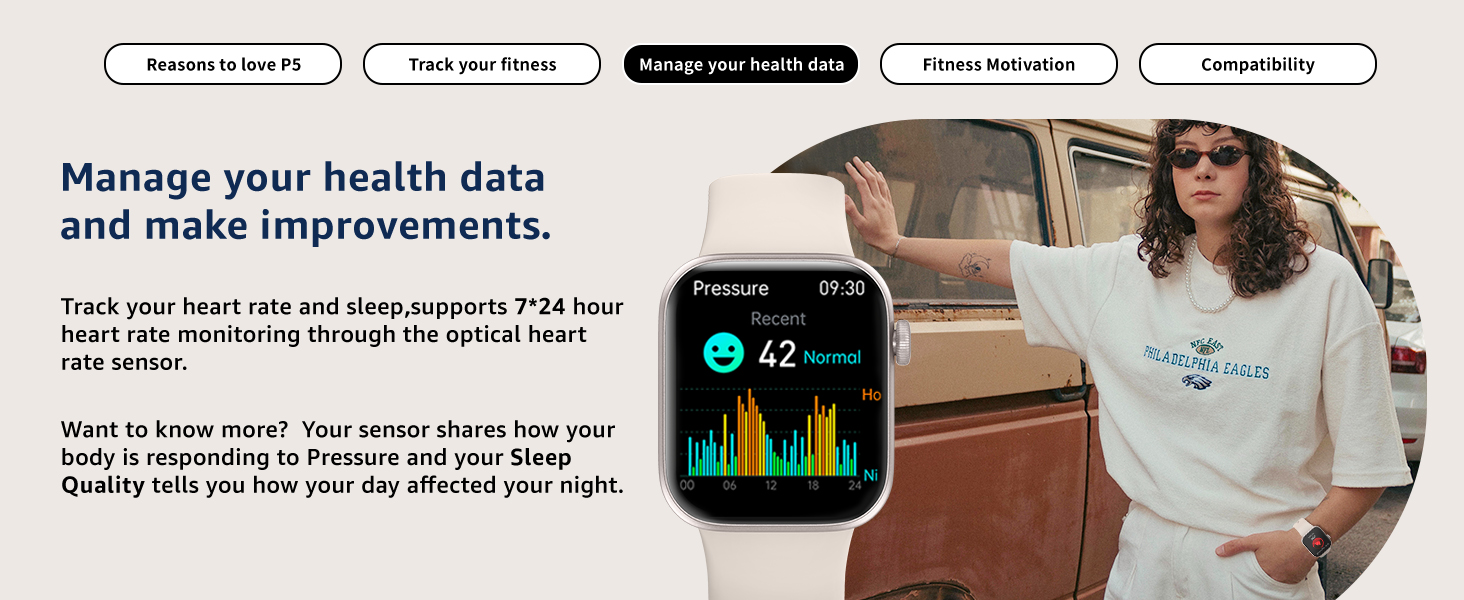
Image: The smartwatch showing blood pressure data, emphasizing health data management.
Fitness moduak
The AcclaFit P5 Smart Watch supports over 140 professional and extended workout modes, including yoga, swimming, HIIT, running, skipping, cycling, badminton, and football. It tracks activity data such as steps, active minutes, distance, and calorie consumption, providing real-time exercise status.

Image: The smartwatch highlighting its extensive sports modes and fitness tracking capabilities.
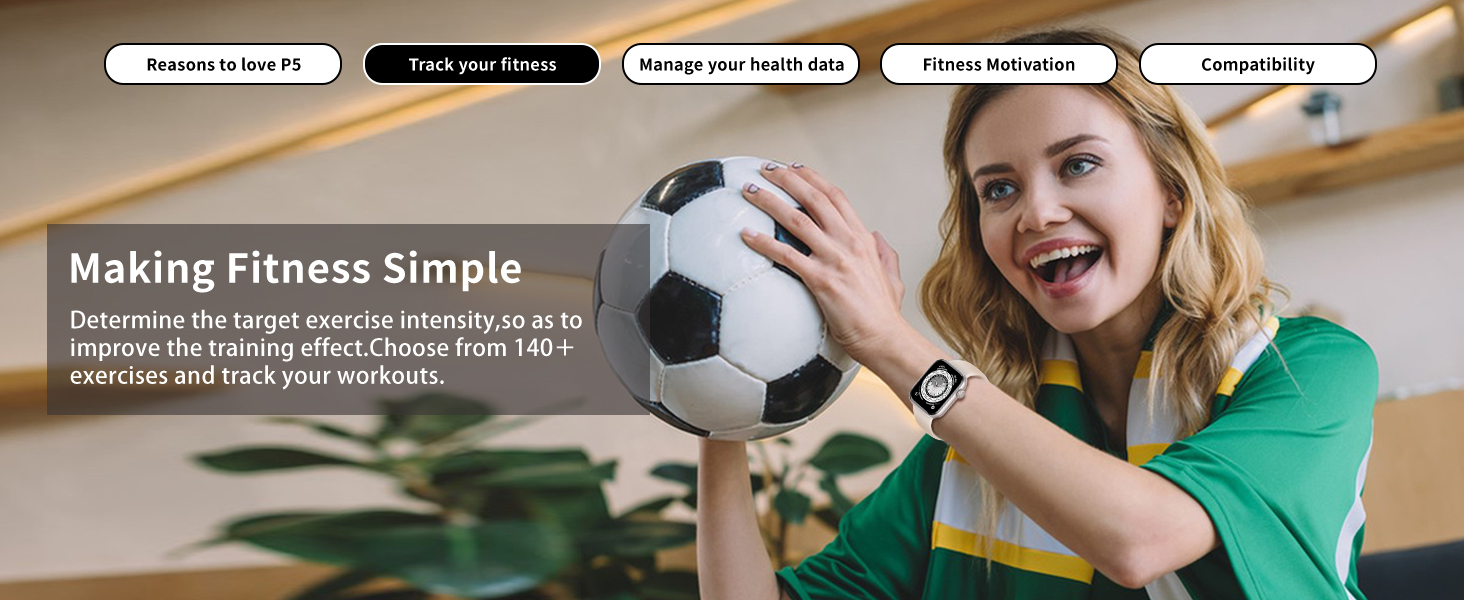
Image: A woman engaged in physical activity, demonstrating the watch's fitness tracking in action.
Uraren Erresistentzia
The AcclaFit P5 Smart Watch has an IP68 water resistance rating. This means it can withstand water exposure during activities such as hand washing, showering, swimming, and diving. Avoid wearing the watch in hot water, including hot showers, as this may compromise its water resistance.

Image: The smartwatch demonstrating its IP68 water resistance.
Bateriaren iraupena
The AcclaFit P5 Smart Watch is equipped with a 250 mAh battery, providing approximately 7 days of normal usage and up to 30 days of standby time. A full charge takes about 2 hours.

Image: The smartwatch highlighting its smart notification capabilities and extended battery life.
Pertsonalizazioa
Personalize your AcclaFit P5 Smart Watch with over 100 dial options or by uploading your own custom pictures to display on the watch face.
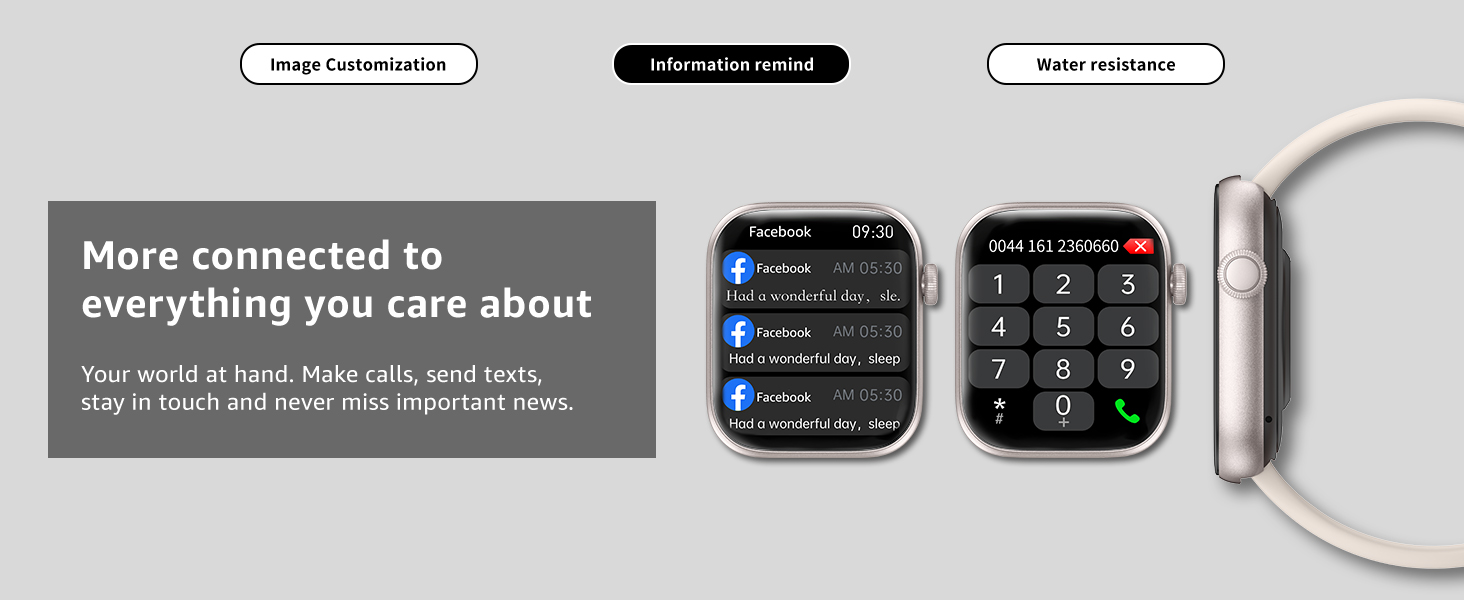
Image: Various customizable watch faces available for the AcclaFit P5 Smart Watch.
Mantentzea
To ensure the longevity and optimal performance of your AcclaFit P5 Smart Watch, follow these maintenance guidelines:
- Garbiketa: Garbitu erlojuaren pantaila eta uhala aldizka zapi leun eta lehor batekinamp oihal. Saihestu produktu kimiko gogorrak edo material urratzaileak erabiltzea.
- Kargatzen: Erabili emandako kargatzeko kablea soilik. Ziurtatu kargatzeko kontaktuak garbi eta lehor daudela kargatu aurretik.
- Biltegiratzea: Gorde erlojua leku fresko eta lehor batean erabiltzen ez duzunean.
- Saihestu muturreko tenperaturak: Do not expose the watch to extremely high or low temperatures.
Arazoak konpontzea
If you encounter issues with your AcclaFit P5 Smart Watch, consider the following common solutions:
- Erlojua ez da pizten: Ziurtatu erlojua guztiz kargatuta dagoela. Konektatu kargagailura gutxienez 30 minutuz.
- Konektibitate arazoak: Verify that Bluetooth is enabled on your smartphone and the watch is within range. Restart both your watch and smartphone, then attempt to re-pair via the 'H Band' app.
- Datu zehaztugabeak: Ensure the watch is worn snugly on your wrist, but not too tight. Clean the sensors on the back of the watch.
- Ez dira agertzen jakinarazpenak: Check your smartphone's app notification settings and ensure the 'H Band' app has the necessary permissions. Also, confirm notifications are enabled within the 'H Band' app settings.
- Aplikazioak sinkronizatzeko arazoak: Ensure your 'H Band' app is up to date. Close and reopen the app, or restart your phone.
If problems persist, refer to the 'H Band' app's help section or contact AcclaFit customer support.
Zehaztapenak
| Ezaugarri | Xehetasuna |
|---|---|
| Modelo zenbakia | P5 |
| Marka | AcclaFit |
| Pantailaren tamaina | 1.85 hazbete |
| Sistema eragilea | Wear OS 3.0 |
| Konektibitate Teknologia | Bluetooth 5.3 |
| Bateria Edukiera | 250 mAh (typical usage 7 days, standby 30 days) |
| Uraren Erresistentzia | IP68 |
| Memoria Biltegiratzeko Ahalmena | 128 MB |
| RAM memoria instalatuaren tamaina | 128 MB |
| Elementuaren pisua | 3.2 ontza |
| Paketearen neurriak | 11.02 x 2.87 x 0.71 hazbete |
| Onartutako hizkuntzak | Ingelesa, frantsesa, alemana, italiera, gaztelania |
Bermea eta Laguntza
For warranty information or technical assistance, please refer to the documentation included with your product or visit the official AcclaFit brand store:
Ask a question about this manual
Ask about setup, troubleshooting, compatibility, parts, safety, or missing instructions. Manuals+ will review the question and use this page’s manual context to help answer it.