
Sarrera
This manual provides essential instructions for setting up, operating, and maintaining your SGIN-T12S Android Tablet. Please read this guide thoroughly to ensure proper use and to maximize your tablet's performance and longevity.

Image: The SGIN-T12S Android Tablet, showcasing its 12-inch screen with the Android 13 operating system and a protective blue case.
Konfigurazioa
1. Gailua amaitu daview eta Portuak

Image: A detailed diagram illustrating the various components and ports of the SGIN-T12S tablet, including cameras, power button, volume controls, speakers, Type-C port, and TF mount.
- Aurrealdeko kamera: Bideo-deietarako eta selfieetarako.
- Atzeko kamera: Argazkiak eta bideoak ateratzeko.
- Pizteko / itzaltzeko botoia: Eduki sakatuta pizteko edo itzaltzeko.
- Increase Volume Button: Audio irteerako maila doitzen du.
- Reduce Volume Button: Audio irteerako maila doitzen du.
- Bozgorailu estereoa: Audio irteera eskaintzen du.
- TF Mount: Slot for inserting a Micro TF (microSD) card.
- C motako ataka: Kargatzeko eta datuak transferitzeko.
2. Tableta kargatzea
Before first use, fully charge your tablet. Use the included Type-C fast charger.
- Connect the Type-C cable to the tablet's Type-C port.
- Entxufatu kargagailua korronte-hartune batera.
- Pantailan dagoen bateriaren adierazleak kargatze-egoera erakutsiko du.
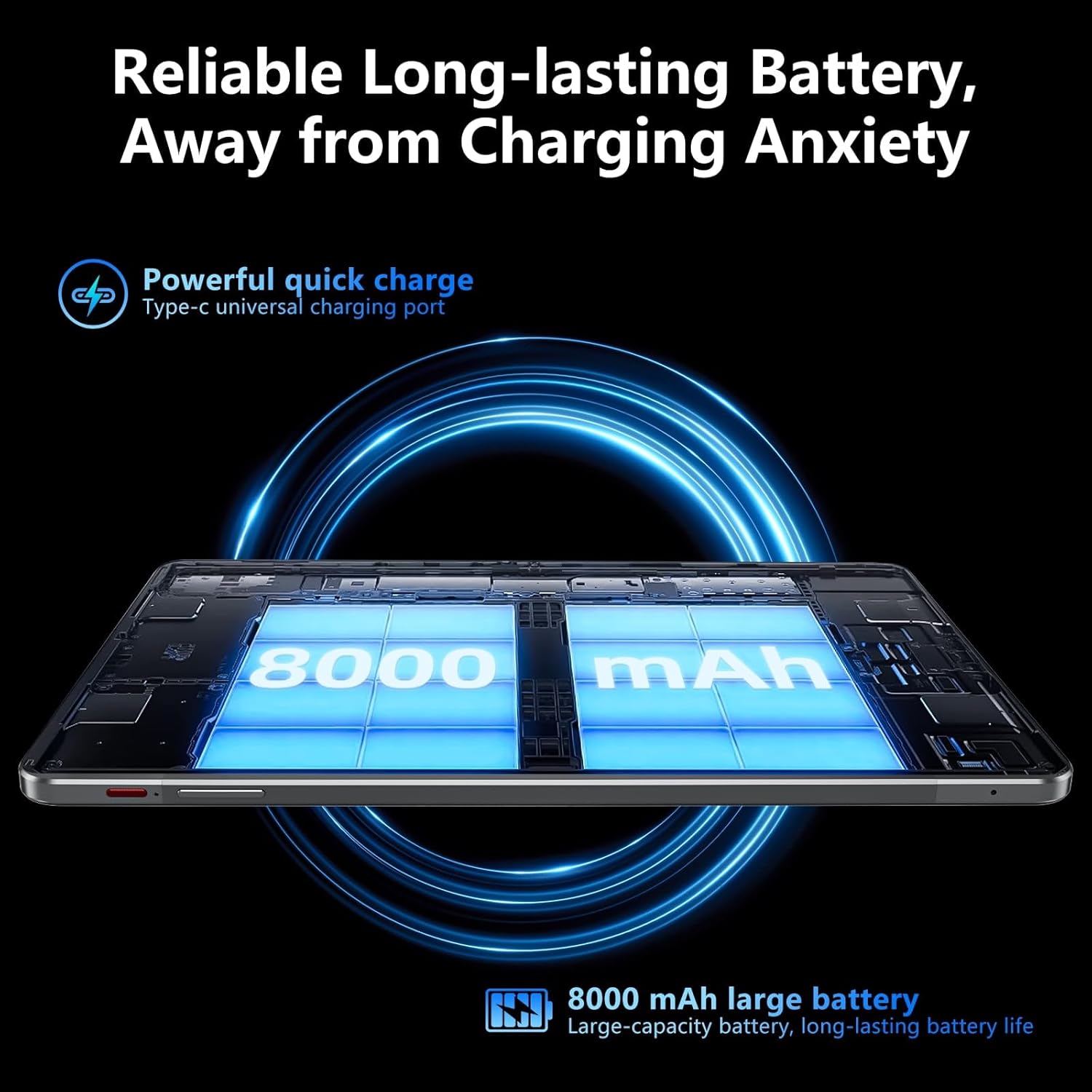
Image: Visual representation of the tablet's 8000mAh battery capacity and the Type-C universal charging port, emphasizing long battery life.
3. Piztu/Itzaltzea
- Pizteko: Press and hold the Power ON/OFF button until the SGIN logo appears.
- Itzaltzeko: Press and hold the Power ON/OFF button, then select 'Power off' from the options on the screen.
- Berrabiarazteko: Press and hold the Power ON/OFF button, then select 'Restart' from the options.
4. Hasierako konfigurazioa
Upon first power-on, the tablet will guide you through the initial setup process for Android 13. This includes:
- Zure hizkuntza hautatzea.
- Wi-Fi sare batera konektatzen.
- Setting up your Google account (required for Google Mobile Services and app downloads).
- Setting up screen lock (PIN, pattern, or password).
5. Inserting a Micro TF Card
To expand storage, insert a Micro TF (microSD) card into the TF mount.
- Locate the TF mount on the side of the tablet (refer to the Device Overview irudia).
- Gently insert the Micro TF card into the slot until it clicks into place.
- The tablet supports up to 256GB TF card expansion.
Funtzionamendu-argibideak
1. Display and Touch Screen
The tablet features an 11.97-inch Full HD IPS touch screen with a resolution of 1920x1200 pixels.
- Ukipen-keinuak: Use standard Android touch gestures such as tap, swipe, pinch-to-zoom, and long-press.
- Pantailaren biraketa: The display automatically adjusts orientation based on how you hold the tablet. This can be locked or unlocked in the Quick Settings panel.
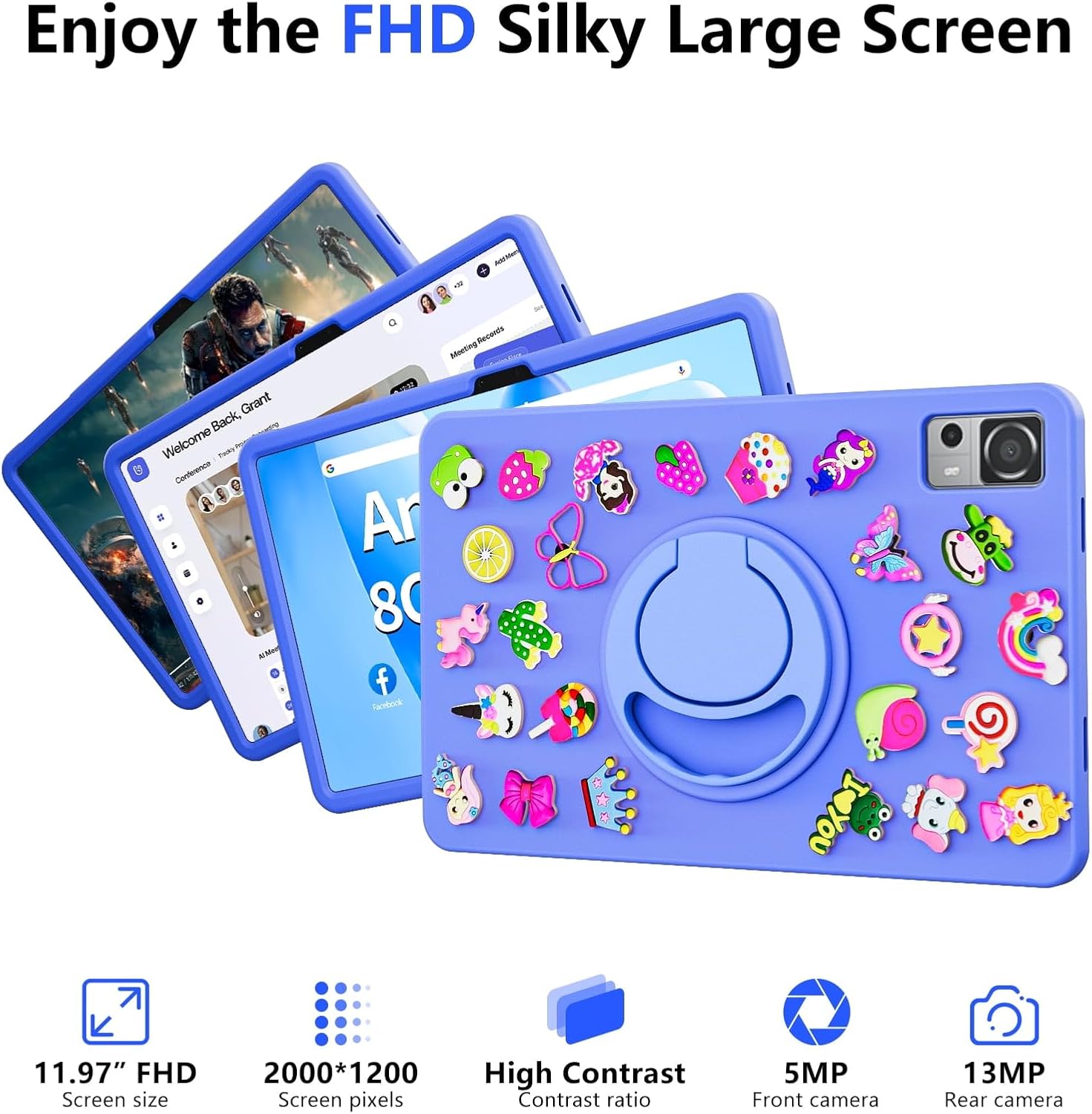
Image: The SGIN-T12S tablet highlighting its 11.97-inch FHD screen, 2000x1200 pixel resolution, 5MP front camera, and 13MP rear camera.
2. Kamerak
Tabletak 5MP-ko aurrealdeko kamera eta 13MP-ko atzeko kamera ditu.
- Ireki Kamera aplikazioa hasierako pantailatik edo aplikazioen tiraderatik.
- Aldatu aurreko eta atzeko kameren artean pantailan dagoen ikonoa erabiliz.
- Tap to focus and press the shutter button to capture photos or start/stop video recording.
3. Audioa
Experience immersive sound with the tablet's quad speakers and 3.5mm headphone jack.
- Lau bozgorailu: Located on the sides of the tablet, providing stereo sound.
- Aurikularrak Jack: Konektatu 3.5 mm-ko entzungailu estandarrak entzuteko modu pribatuan.
- Adjust volume using the physical volume buttons or the on-screen controls.

Image: The SGIN-T12S tablet illustrating its surround four-speaker stereo system, designed for an immersive audio experience.
4. Konektibitatea
- Wi-Fi: Supports dual-band Wi-Fi (2.4G/5G). Go to Ezarpenak > Sarea eta internet > Wi-Fi eskuragarri dauden sareetara konektatzeko.
- Bluetooth 5.0: For connecting wireless accessories like headphones, keyboards, or mice. Go to Ezarpenak> Konektatutako gailuak> Konexio hobespenak> Bluetooth to pair devices.
5. Biltegiratzea eta errendimendua
The tablet comes with 8GB RAM and 256GB internal storage, expandable via Micro TF card.
- RAM: 8GB LPDDR4 RAM ensures smooth multitasking and app performance.
- Barne biltegiratzea: 256GB ROM for apps, photos, videos, and documents.
- Biltegiratze zabalgarria: Supports Micro TF cards up to 256GB for additional storage.
- Prozesadorea: Powered by an ARM high-performance 8-core CPU with a frequency up to 2GHz for efficient operation.
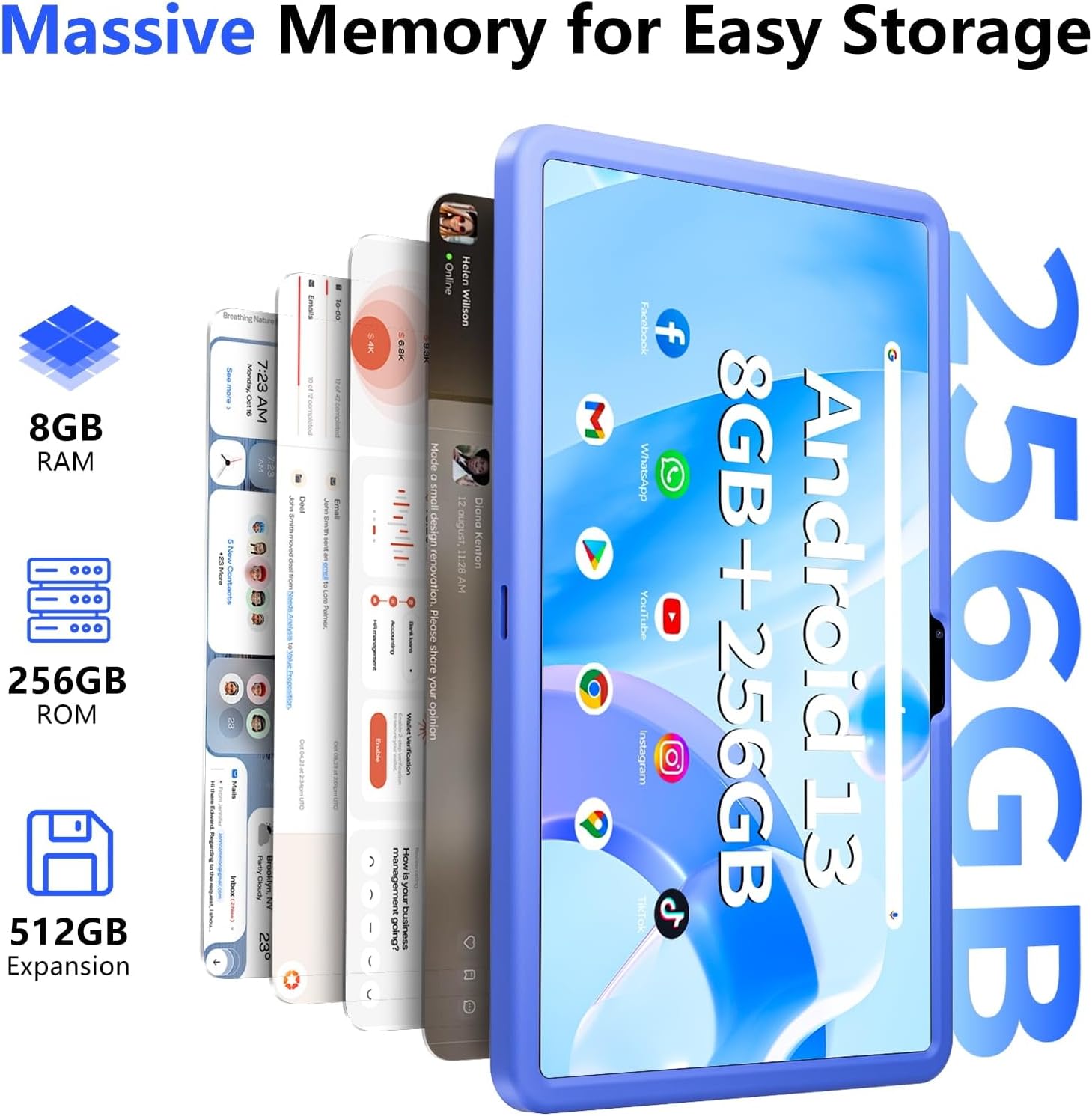
Image: The SGIN-T12S tablet emphasizing its large memory capacity, including 8GB RAM, 256GB ROM, and the potential for 512GB expansion.
6. Android 13 sistema eragilea
The tablet runs on Android 13, offering enhanced security and personalization features.
- Segurtasuna: Android 13 provides improved privacy controls and system security.
- Pertsonalizazioa: Customize your tablet's interface, themes, and widgets to suit your preferences.
- Google Mobile Services: Access to Google Play Store for apps, Gmail, Google Maps, and other Google services.

Image: The SGIN-T12S tablet highlighting the benefits of Android 13, such as enhanced security and personalization, alongside its matte metal body and silicone shell options.
Mantentzea
1. Garbiketa
- Erabili zapi leun eta lihorik gabeko bat tabletaren pantaila eta gorputza garbitzeko.
- Orban egoskorretarako, apur bat dampGarbitu oihalak urarekin edo pantaila garbitzeko soluzio batekin.
- Saihestu produktu kimiko gogorrak, material urratzaileak edo gehiegizko hezetasuna erabiltzea.
2. Bateria zaintzea
- Saihestu tenperatura muturrekoak, bateriaren iraupena murriztu baitezakete.
- Bateriaren osasun optimoa lortzeko, saihestu bateria maiz erabat deskargatzea edo denbora luzez % 100eko kargarekin mantentzea.
- The 8000mAh battery provides approximately 7-9 hours of usage depending on activity.
3. Software eguneraketak
- Egiaztatu eta instalatu sistemaren eguneraketak aldizka, zure tabletak azken funtzioak, segurtasun-adabakiak eta errendimendu-hobekuntzak dituela ziurtatzeko.
- Joan zaitez Ezarpenak > Sistema > Sistemaren eguneraketa eguneraketak ikusteko.
Arazoak konpontzea
- Tableta ez da pizten: Ensure the tablet is charged. Connect it to the charger and wait a few minutes before attempting to power on again. If it still doesn't turn on, try holding the power button for 10-15 seconds.
- Pantailak ez du erantzuten: Try restarting the tablet. If the issue persists, ensure the screen is clean and free of debris.
- Wi-Fi konexio arazoak: Check if Wi-Fi is enabled in settings. Restart your router and the tablet. Ensure you are within range of the Wi-Fi signal and have entered the correct password.
- Aplikazioak huts egiten edo blokeatzen: Close and reopen the app. Clear the app's cache (Settings > Apps > [App Name] > Storage & cache > Clear cache). If the problem continues, uninstall and reinstall the app.
- Errendimendu motela: Close unnecessary background apps. Clear cached data. Consider removing unused apps or large files biltegiratze lekua askatzeko.
Zehaztapenak
| Ezaugarri | Zehaztapena |
|---|---|
| Ereduaren izena | SGIN-T12S |
| Sistema eragilea | Android 13 |
| Pantailaren tamaina | 11.97 hazbete |
| Gehienezko pantailaren bereizmena | 2000*1200 Pixels (FHD IPS) |
| Prozesadorea | ARM Octa-Core 2.0 GHz (ARM_Cortex_A5) |
| RAM | 8 GB DDR4 SDRAM |
| Hard Drive (ROM) | 256 GB |
| Biltegiratze zabalgarria | Supports Micro TF card up to 256 GB |
| Aurrealdeko kamera | 5 MP |
| Atzeko kamera | 13 MP |
| Haririk gabeko mota | 802.11bgn (Dual-band 2.4G/5G Wi-Fi) |
| Bluetootha | Bluetooth 5.0 |
| Bateria | 8000 mAh Lithium Ion (Average 6-9 hours) |
| Portuak | Type-C, Micro TF slot, 3.5mm Headphone Jack |
| Audioa | Quad Speakers |
| Elementuaren pisua | 2.2 kilo (gutxi gorabehera 500 gramo) |
| Produktuaren neurriak | 11.97 x 6.85 x 0.3 hazbete |
Bermea eta Laguntza
Information regarding specific warranty terms and direct support contact details for the SGIN-T12S tablet is not provided in the available product data. Please refer to the product packaging or the official SGIN website for the most current warranty information and customer support options.