
1. Sarrera
Welcome to the NIMO N15A 15.6" Laptop User Manual. This guide provides essential information for setting up, operating, maintaining, and troubleshooting your new laptop. Please read this manual thoroughly to ensure optimal performance and longevity of your device.
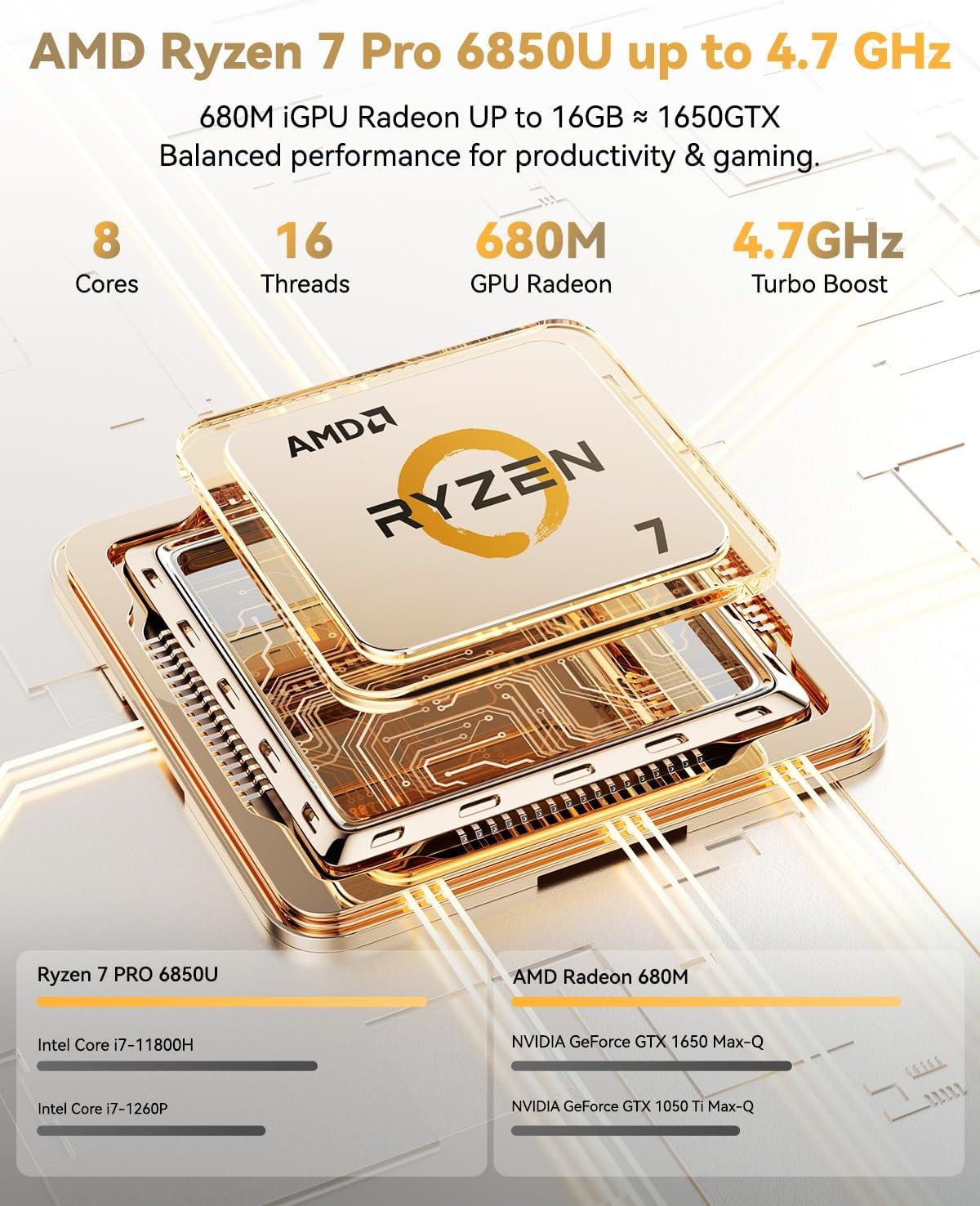
Figure 1: NIMO N15A 15.6" Laptop
2. Segurtasun informazioa
To prevent damage to your NIMO N15A laptop and ensure your safety, please observe the following guidelines:
- Use only original chargers and regularly inspect cables for any signs of damage.
- Handle the laptop by its base and consider using a protective case to prevent physical damage.
- Saihestu objektu astunak ordenagailu eramangarriaren gainean jartzea.
- Ensure the laptop is placed on a hard, flat surface to allow for proper ventilation and prevent overheating.
- Mantendu gailua muturreko tenperaturetatik eta hezetasunetik urrun.
- Do not overcharge the battery. Discontinue use immediately if the battery shows signs of swelling or damage.
- Set strong passwords, keep your software updated, use antivirus protection, and regularly back up your data.
- In case of liquid spills, immediately unplug the laptop and allow it to dry completely before attempting to power it on.
- For any issues, consult qualified professionals. Do not attempt to disassemble or repair the laptop yourself, as this may void the warranty and cause further damage.
3. Zer dago kutxan
Your NIMO N15A laptop package includes the following items:
- 1 x NIMO N15A Laptop
- 1 x Type-C 100W PD Fast Charger
- 1 x Erabiltzailearen eskuliburua (dokumentu hau)
- Windows 11 Home (pre-installed)
- Warranty Information (2 Years Warranty, 90 Days Return)
Video 1: Unboxing and Initial Setup of the NIMO 15.6" Laptop. This video demonstrates the contents of the package and the first steps to power on the device.
4. Produktua amaitu daview
4.1. Ezaugarri fisikoak
The NIMO N15A laptop features a durable metal shell, combining a sleek aesthetic with robust protection. Its slim profile and lightweight design (3.75 lbs) make it highly portable.
4.2. Portuak eta Konektibitatea
The laptop is equipped with a variety of ports for versatile connectivity:
- Mikro SD txartelaren irakurgailua
- USB 2.0 ataka
- USB 3.2 atakak (hainbat)
- Aurikularretarako Jack
- Kensington blokeo zirrikitua
- HDMI ataka
- Type-C (Multifunction) Ports (multiple, supporting 100W PD fast charging)
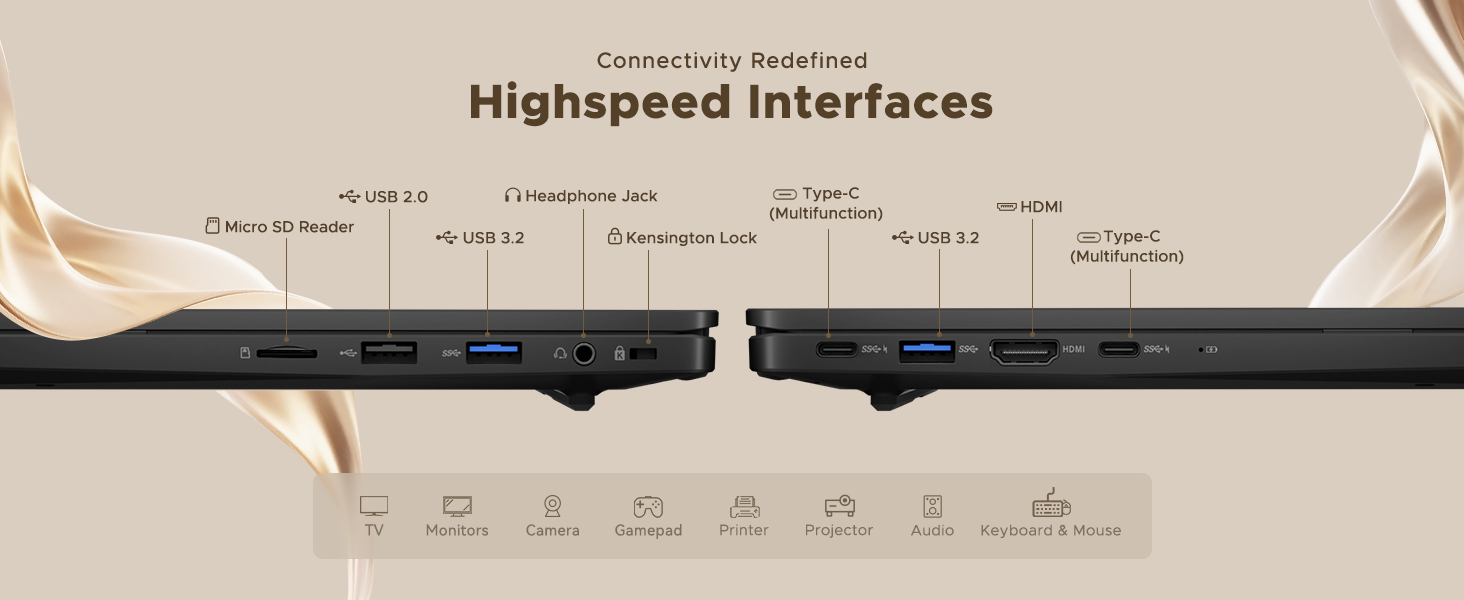
Figure 2: High-Speed Interfaces and Ports
Video 2: NIMO Laptop Overview. This video highlights the laptop's design, display, camera, keyboard, and various ports.
5. Konfigurazioa
5.1. Hasierako piztea
- Unpack your NIMO N15A laptop and all accessories from the box.
- Connect the 100W Type-C PD Fast Charger to the laptop's Type-C port and a power outlet.
- Ireki ordenagailu eramangarriaren tapa. Baliteke ordenagailu eramangarria automatikoki piztea, edo pizteko botoia sakatu behar izatea.
- Jarraitu pantailan agertzen diren argibideei Windows 11 Home konfigurazioa osatzeko, hizkuntza, eskualdea, sareko konexioa eta erabiltzaile-kontua sortzea barne.
5.2. Wi-Fira konektatzen
During the initial setup or at any time, you can connect to a Wi-Fi network:
- Click the Wi-Fi icon in the taskbar (bottom right corner of the screen).
- Hautatu nahi duzun Wi-Fi sarea zerrendatik.
- Sareko pasahitza idatzi behar baduzu eta egin klik 'Konektatu'.
6. Zure ordenagailu eramangarria erabiltzea
6.1. Pantaila
The NIMO N15A features a 15.6" Full HD (1920x1080) IPS anti-glare display with an 85% screen-to-body ratio, providing clear and vibrant visuals for work, entertainment, and light gaming.
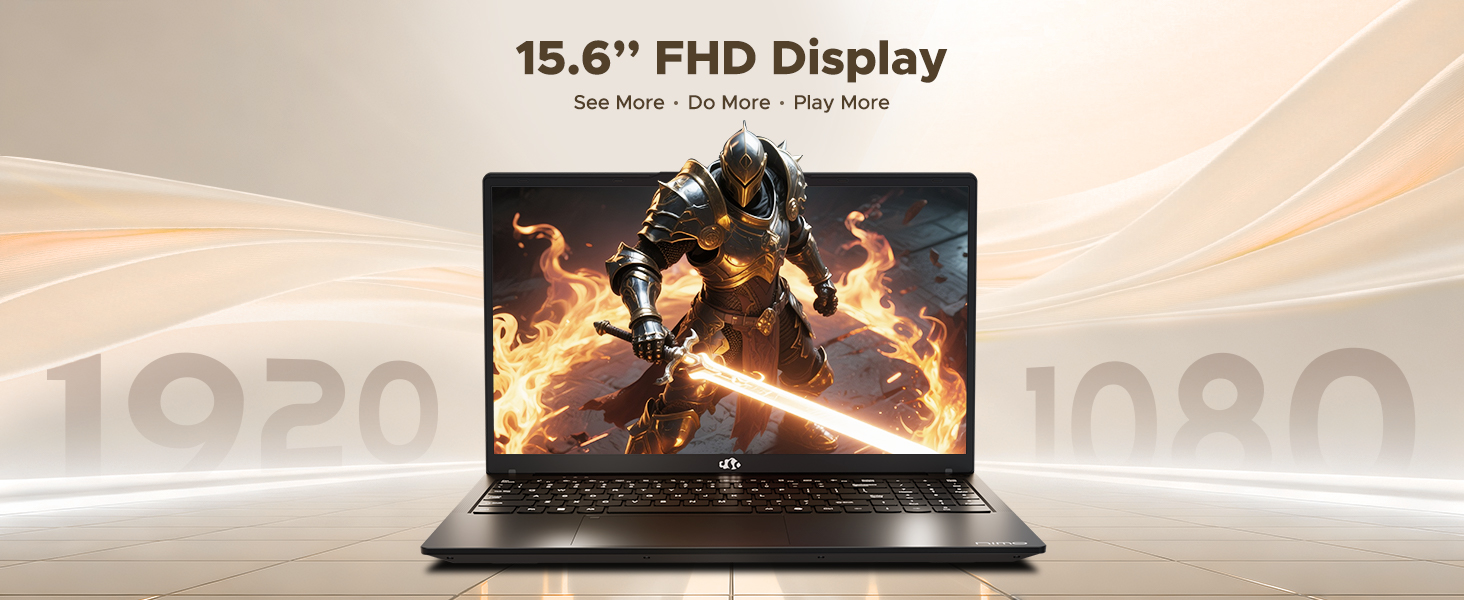
Figure 3: 15.6" FHD IPS Display
6.2. Teklatua eta ukipen-panela
The laptop includes an ergonomic backlit keyboard for comfortable typing in various lighting conditions and a precision gesture touchpad for smooth navigation.
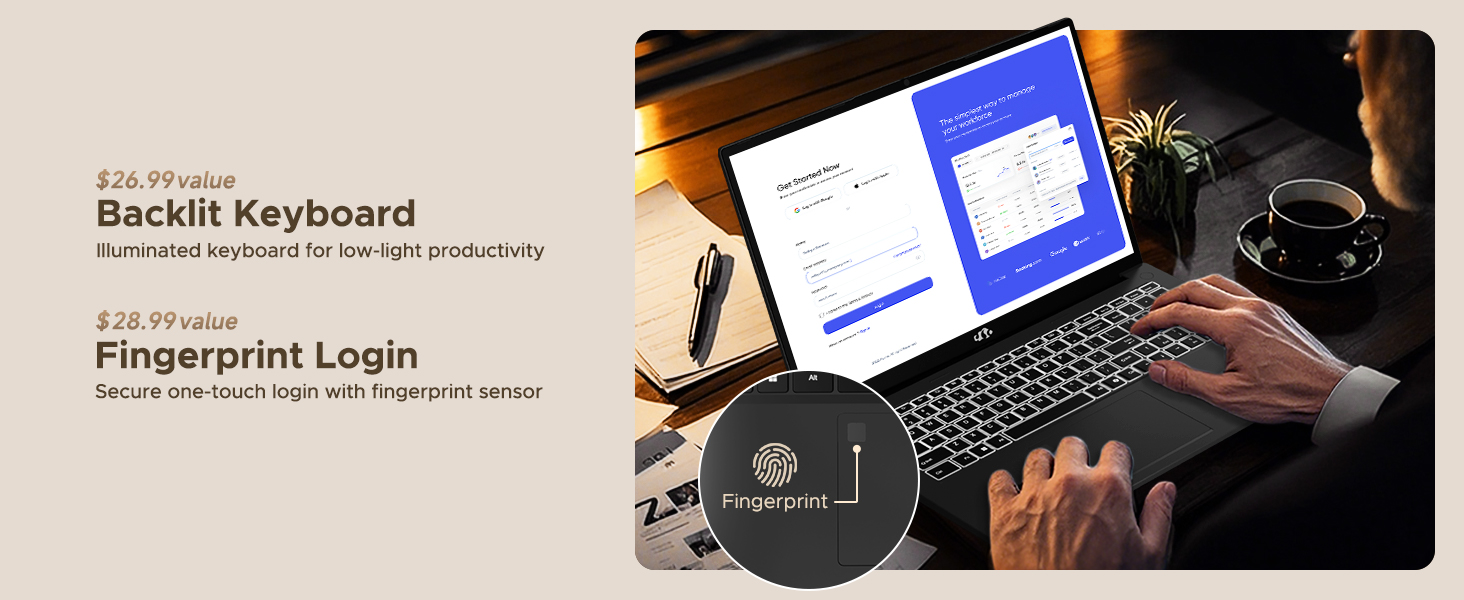
Figure 4: Backlit Keyboard and Fingerprint Sensor
6.3. Fingerprint Login
For enhanced security and convenience, the laptop features a fingerprint reader integrated into the touchpad. You can set up fingerprint login through Windows Settings for quick and secure access.
6.4. Kamera
The integrated 2MP front camera is suitable for video calls and online meetings. It includes a privacy shutter for when the camera is not in use.

Figure 5: Privacy-Focused Camera Convenience
6.5. Errendimendua
Powered by the AMD Ryzen 7 Pro 6850U processor (8 cores, 16 threads, up to 4.7GHz) and AMD Radeon 680M GPU, the NIMO N15A delivers balanced performance for productivity, content creation, and light gaming.
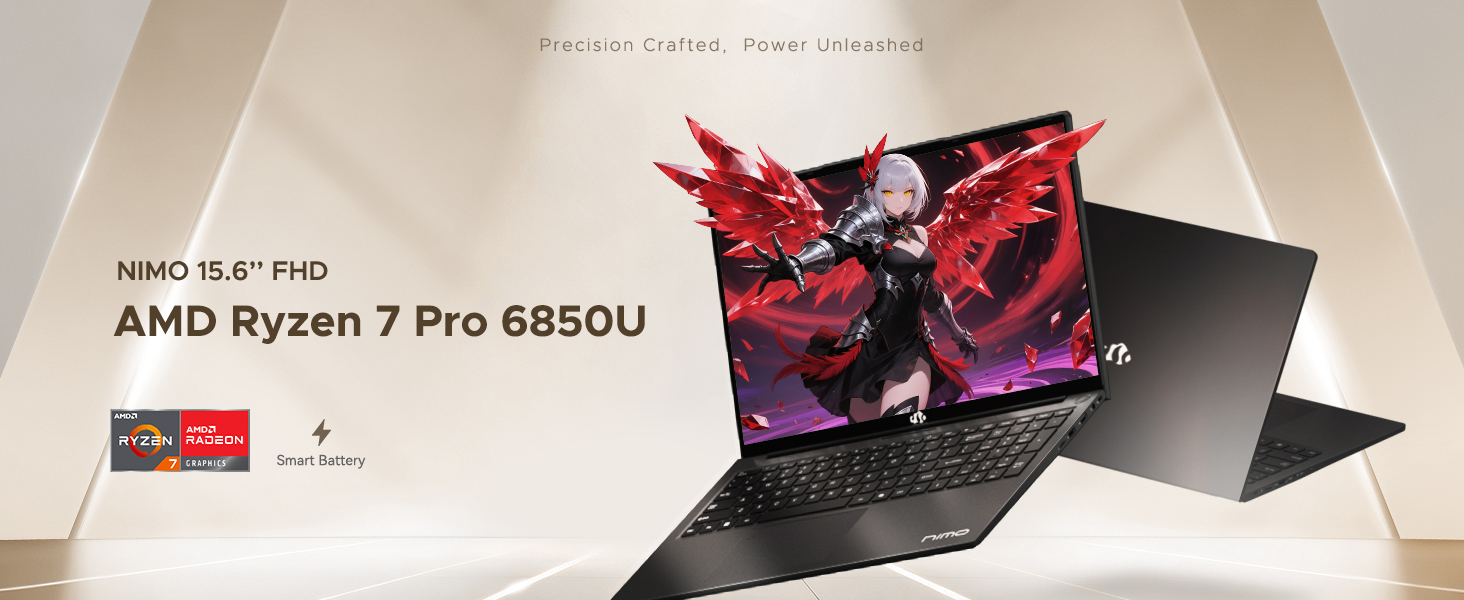
Figure 6: AMD Ryzen 7 Pro 6850U Processor Details
Video 3: NIMO Gaming Laptop Demonstration. This video showcases the laptop's performance in gaming and creative applications.
7. Kargatzea eta bateria
The NIMO N15A is equipped with a 53.58 Watt-Hour Lithium Polymer battery, offering up to 9 hours of typical use and 12.75 hours of standby time. It supports 100W USB-C PD fast charging, allowing for approximately 2 hours of use from just a 15-minute charge.
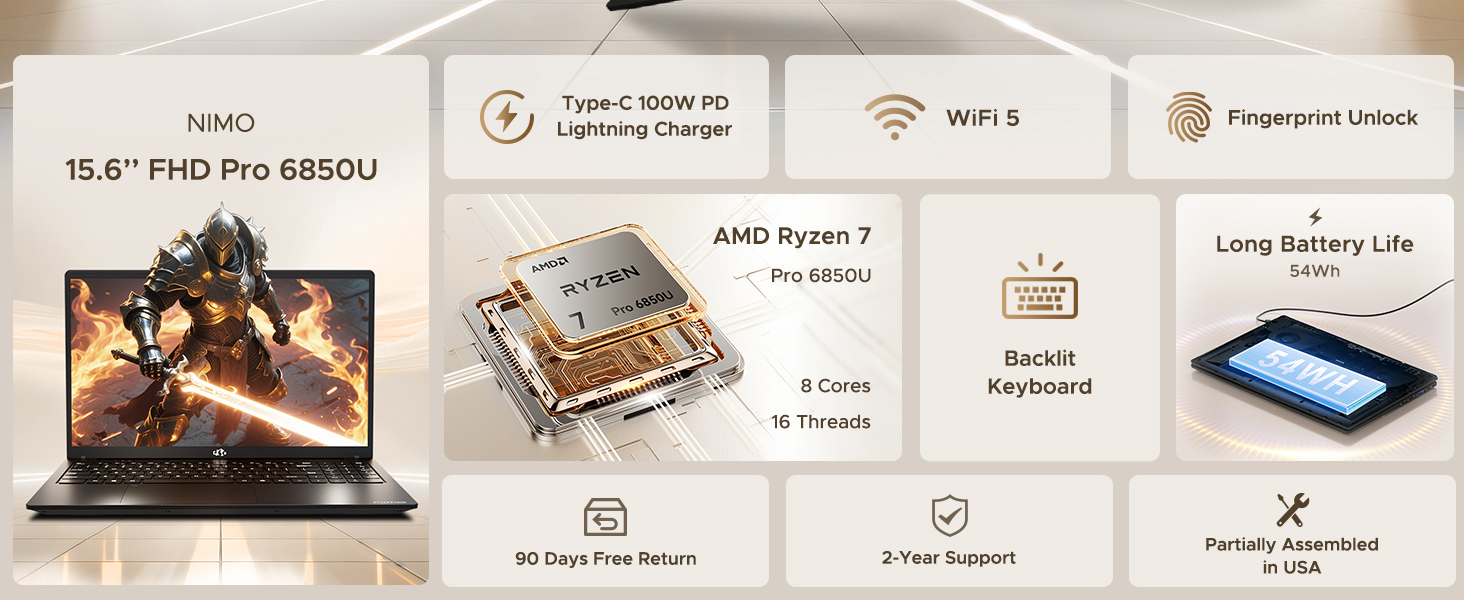
Figure 7: 100W USB-C Fast Charging
8. Biltegiratzea eta memoria
The laptop features 16GB of lightning-fast LPDDR5 RAM (6400 MHz) for seamless multitasking and a pre-installed 1TB PCIe 4.0 SSD for rapid boot times and file transferentziak.
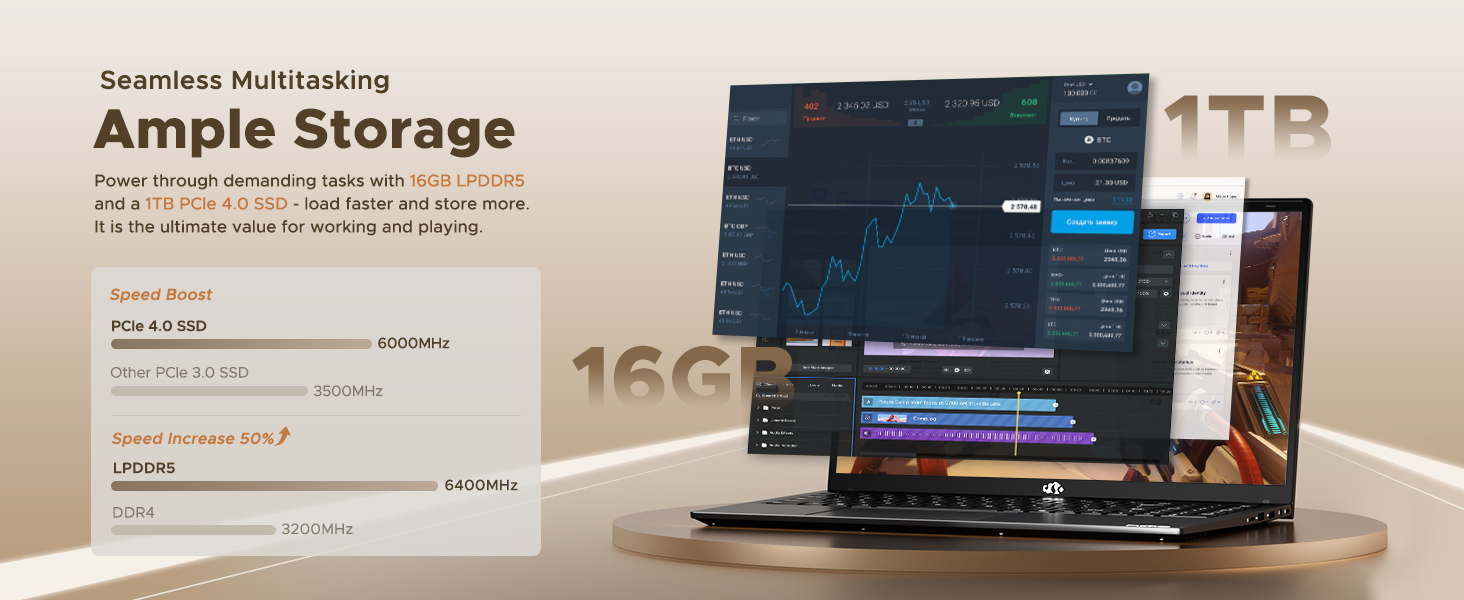
Figure 8: 16GB LPDDR5 RAM and 1TB PCIe 4.0 SSD
9. Mantentzea
Regular maintenance helps ensure the longevity and optimal performance of your NIMO N15A laptop:
- Garbiketa: Erabili zapi leun eta lihorik gabeko bat pantaila eta kanpoaldea garbitzeko. Orban egoskorrak izanez gero, garbitu apur batampGarbitu zapi bat urarekin edo pantailarako segurua den garbitzaile batekin. Saihestu produktu kimiko gogorrak.
- Software eguneraketak: Regularly install operating system and driver updates to ensure security and performance improvements.
- Aireztapena: Keep the ventilation openings clear of obstructions to prevent overheating. Avoid using the laptop on soft surfaces like beds or couches for extended periods.
- Bateria zaintzea: To prolong battery life, avoid fully discharging the battery frequently. If storing the laptop for a long time, charge it to about 50-60%.
- Datuen babeskopia: Periodically back up your important filekanpoko disko gogor batera edo hodeiko biltegiratzera gorde datuak galtzea saihesteko.
10. Arazoak
If you encounter issues with your NIMO N15A laptop, try the following basic troubleshooting steps:
- Ordenagailu eramangarria ez da pizten: Ensure the charger is securely connected and the power outlet is functional. Try a different outlet or charger if available.
- Pantaila hutsik dago: Connect an external monitor to check if the display is the issue. If the external monitor works, the laptop's screen may require service.
- Errendimendu motela: Close unnecessary applications, check for malware, ensure sufficient free storage space, and update drivers.
- Wi-Fi konexio arazoak: Berrabiarazi zure bideratzailea eta modema. Ziurtatu Wi-Fia gaituta dagoela zure ordenagailu eramangarrian eta saiatu sarera berriro konektatzen.
- Teklatuak edo ukipen-panelak ez du erantzuten: Restart the laptop. If the issue persists, check for driver updates.
For more complex issues, please refer to the support section or contact NIMO customer service.
11. Zehaztapenak
Below are the detailed specifications for the NIMO N15A laptop:
| Ezaugarri | Zehaztapena |
|---|---|
| Marka | NIMO |
| Ereduaren izena | NIMO N15A |
| Pantailaren tamaina | 15.6 hazbete |
| Ebazpena | 1920x1080 Pixels (FHD IPS) |
| Kolorea | Beltza |
| CPU eredua | AMD Ryzen 7 Pro 6850U (8 Cores, 16 Threads, up to 4.7 GHz) |
| Koprozesadore grafikoa | AMD Radeon 680M (Integratua) |
| RAM memoria instalatuaren tamaina | 16 GB LPDDR5 (6400 MHz) |
| Disko gogorraren tamaina | 1024 GB (1TB PCIe 4.0 SSD) |
| Sistema eragilea | Windows 11 Home |
| Ezaugarri bereziak | Backlit Keyboard, Fingerprint Reader, HD Audio, Numeric Keypad |
| Konektibitate Teknologia | Bluetooth, Wi-Fi (802.11a/b/g/n/ac) |
| USB portuak guztira | 5 |
| HDMI portuak guztira | 1 |
| Bateriaren iraupena | 9 Hours (typical use), 12.75 Hours (standby) |
| Bateriaren energia-edukia | 53.58 watt ordu |
| Webcam Capability | Yes (2 MP Front Camera) |
| Elementuaren pisua | 3.75 kilo |
| Item Dimensions L x W x Thickness | 14.07"L x 8.98"Z x 0.76"Lo |
12. Bermea eta Laguntza
12.1. Bermearen informazioa
Your NIMO N15A laptop comes with a 2 urteko fabrikatzailearen bermea from NIMO Direct Inc. This warranty covers manufacturing defects and ensures peace of mind for your purchase.
12.2. Itzultzeko politika
A 90-day hassle-free return policy is provided, allowing you to return the product if you are not completely satisfied.
12.3. Bezeroarentzako arreta
For any technical assistance, warranty claims, or support inquiries, please contact NIMO customer service. Our dedicated support team is ready to provide quick and effective assistance.
Please visit the official NIMO website or refer to the contact information provided with your product for the most up-to-date support details.