
1. Sarrera
Thank you for choosing the GOBOULT Mustang Thunder Bluetooth Headphones. This manual will guide you through the features, setup, and operation of your new headphones, ensuring an optimal audio experience. Please read these instructions carefully before use.

Image 1.1: GOBOULT Mustang Thunder Bluetooth Headphones in Silver Black.
2. Paketearen edukia
Ziurtatu elementu guztiak zure paketean daudela:
- GOBOULT Mustang Thunder Bluetooth Headphones
- USB motako C kargatzeko kablea
- 3.5 mm-ko audio kablea (kable bidezko konexiorako)
- Erabiltzailearen eskuliburua
3. Produktua amaitu daview
Familiarize yourself with the main components and controls of your headphones.

Image 3.1: Illustration of tactile controls and AI Voice Assistant feature on the headphone.
Ezaugarri nagusiak:
- 40mm Bass Drivers: For powerful and immersive sound.
- Zen ENC Mic: Environmental Noise Cancellation for clear calls.
- Bluetooth v5.4: Stable and low-latency wireless connectivity.
- C motako karga azkarra: Efficient power replenishment.
- 70 ordu jolasteko denbora: Bateriaren iraupen luzeagoa erabilera luzerako.
- 4 EQ soinu moduak: Customizable audio profiles (Rock, Pop, Vocal, Bass).
- 3 Brightness LED Modes: Adjustable LED lighting on the earcups.
4. Konfigurazioa eta hasierako erabilera
4.1 Entzungailuak kargatzea
Lehenengo aldiz erabili aurretik, kargatu guztiz entzungailuak.
- Konektatu USB C motako kargatzeko kablea entzungailuen kargatzeko atakara.
- Konektatu kablearen beste muturra USB elikatze-egokitzaile batera (ez dago barne) edo ordenagailuaren USB atakara.
- The LED indicator will show charging status. It will turn off or change color once fully charged.
A full charge provides up to 70 hours of playtime without LED lights, or 50 hours with LED lights active.
4.2 Piztu/Itzaltzea
- Pizteko: Sakatu eta eutsi pizteko botoia 3 segundo inguru, LED adierazlea piztu arte.
- Itzaltzeko: Sakatu eta eutsi pizteko botoia 3 segundo inguru LED adierazlea itzali arte.
4.3 Bluetooth parekatzea
Parekatu entzungailuak Bluetooth gaitutako gailu batekin.
- Ziurtatu entzungailuak itzalita daudela.
- Sakatu eta eutsi pizteko botoia 5-7 segundoz, LED adierazlea txandaka gorriz eta urdinez keinuka hasi arte, parekatze modua adieraziz.
- Zure gailuan (telefono adimenduna, tableta, ordenagailua), gaitu Bluetooth eta bilatu eskuragarri dauden gailuak.
- Select "GOBOULT Mustang Thunder" from the list of found devices.
- Behin konektatuta, LED adierazlea urdinez keinuka hasiko da poliki edo urdin finko mantenduko da.
The headphones support Bluetooth v5.4 for a stable connection up to 10 meters.
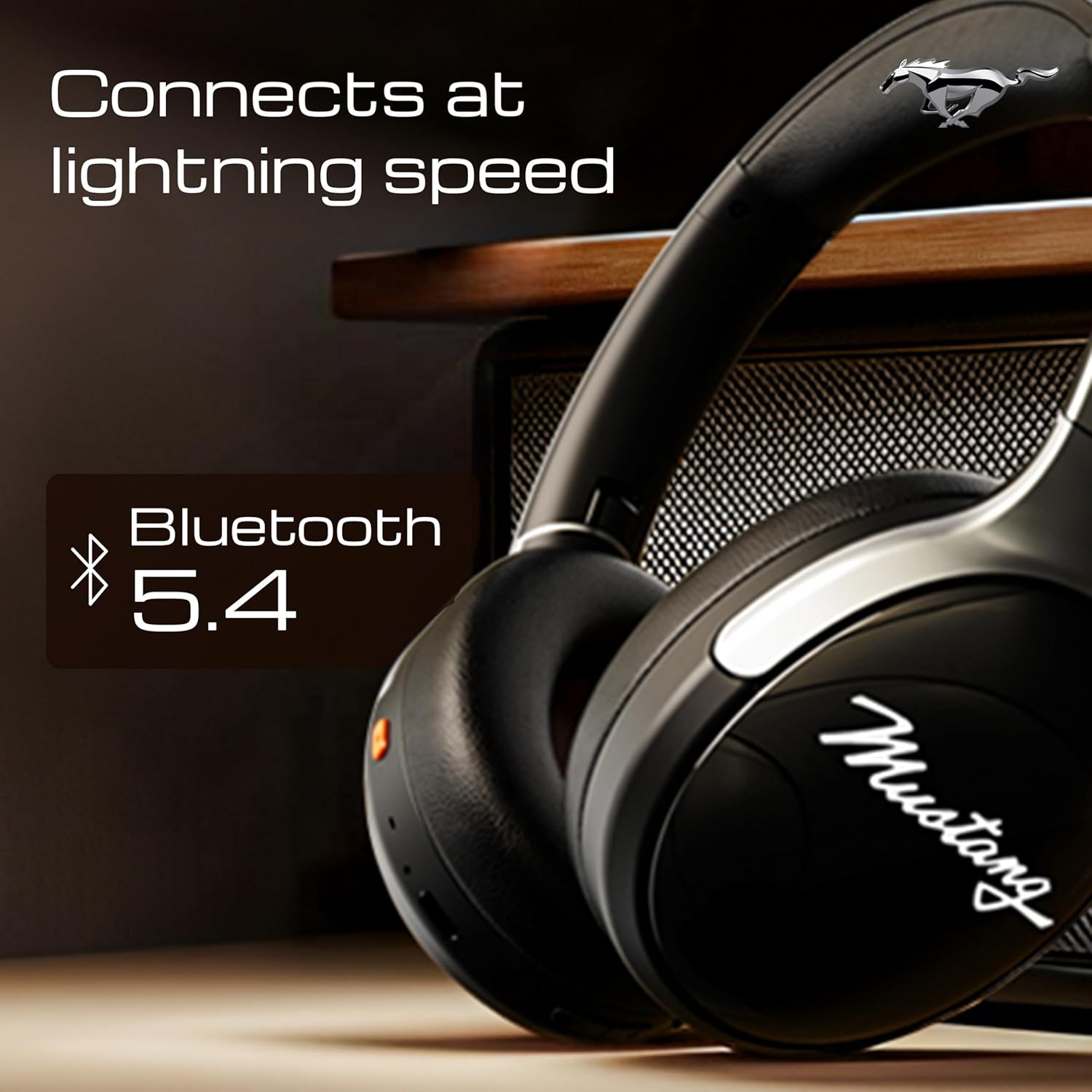
Image 4.1: Bluetooth 5.4 connectivity for fast and stable pairing.
5. Funtzionamendu-argibideak
5.1 Musika erreproduzitzea
- Erreproduzitu/Pausatu: Sakatu funtzio anitzeko botoia behin.
- Hurrengo ibilbidea: Sakatu eta eutsi bolumena igotzeko botoiari.
- Aurreko pista: Eduki sakatuta bolumena jaisteko botoia.
- Bolumena igo: Sakatu labur bolumena igotzeko botoia.
- Bolumena jaitsi: Sakatu labur Bolumena Jaisteko botoia.
5.2 Deien kudeaketa
The integrated Zen ENC Mic ensures clear communication.
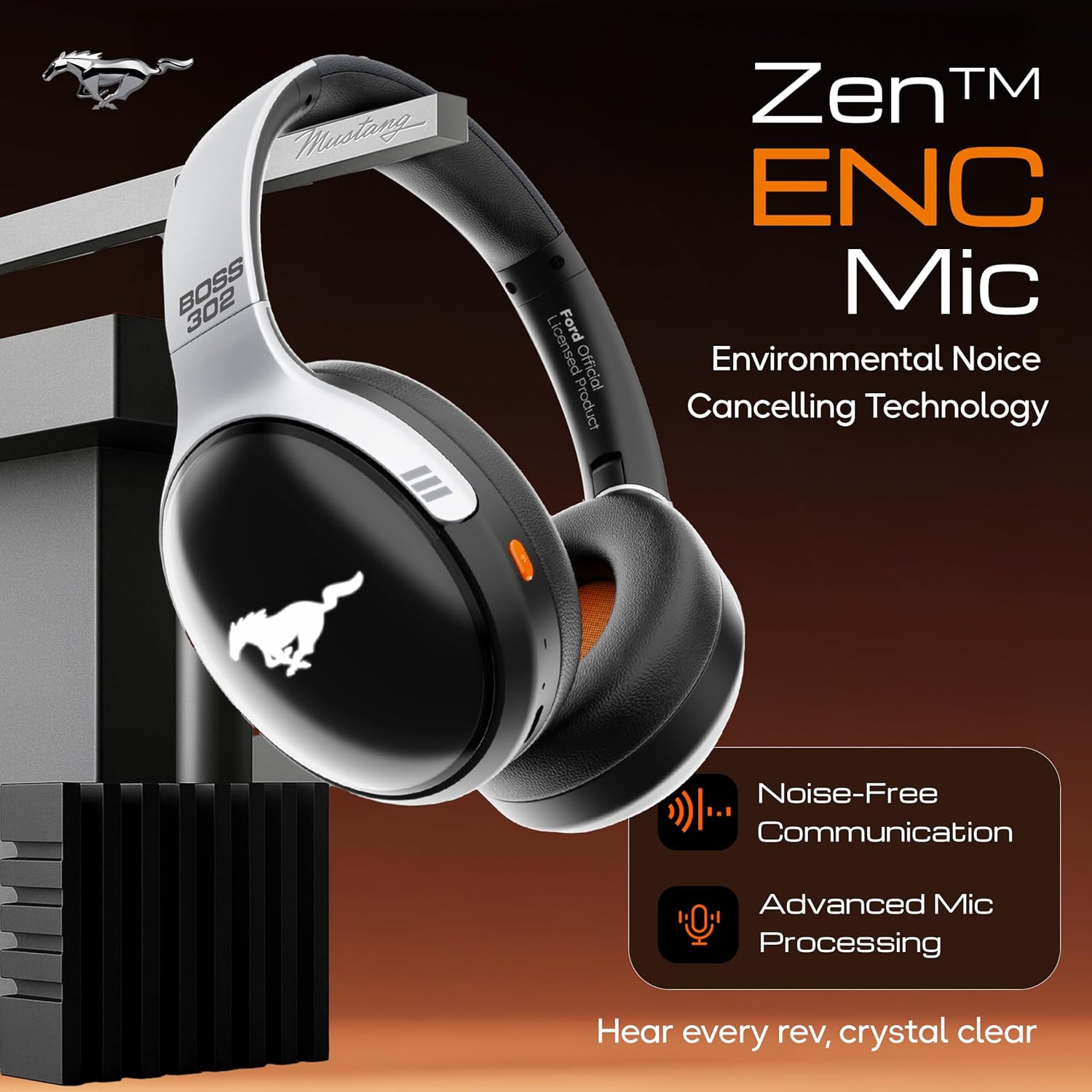
Image 5.1: Zen ENC Mic technology for noise-free communication.
- Deia erantzun/amaitu: Sakatu funtzio anitzeko botoia behin.
- Deia baztertu: Eduki sakatuta funtzio anitzeko botoia 2 segundoz.
- Berriz markatu azken zenbakia: Sakatu birritan funtzio anitzeko botoia.
5.3 EQ soinu moduak
Customize your audio experience with 4 distinct EQ modes.
- Aldatu moduak: Press the EQ button (refer to product diagram for location) to cycle through Rock, Pop, Vocal, and Bass modes.
5.4 LED argiztapen modu
Activate and change the dynamic LED lights on your earcups.

Image 5.2: Dynamic LED lights and glowing Mustang emblem on the headphones.
- Activate/Change Modes: Press the LED button (refer to product diagram for location) to cycle through the 3 brightness LED modes.
5.5 AI Ahots Laguntzailea
Access your device's voice assistant directly from the headphones.
- Aktibatu: Triple-press the Multi-function button to activate Google Assistant or your device's default voice assistant.
5.6 Kable bidezko konexioa (AUX modua)
Use the included 3.5mm audio cable for a wired connection, conserving battery or connecting to non-Bluetooth devices.
- Konektatu 3.5 mm-ko audio kablearen mutur bat entzungailuen AUX atakan.
- Konektatu beste muturra zure gailuaren 3.5 mm-ko audio-hartunean.
- Entzungailuak automatikoki aldatuko dira AUX modura.
6. Mantentzea eta Zainketa
Behar bezalako zaintzak zure entzungailuen iraupena eta errendimendua bermatzen ditu.
- Garbiketa: Erabili zapi leun eta lehor bat entzungailuak garbitzeko. Ez erabili produktu kimiko gogorrik edo material urratzailerik.
- Biltegiratzea: Store the headphones in a cool, dry place, away from direct sunlight and extreme temperatures. The foldable design allows for compact storage.
- Uraren erresistentzia: Entzungailuak urarekiko erresistenteak dira. Saihestu uretan murgiltzea edo euri jasa handien eraginpean jartzea.
- Bateria: To preserve battery life, charge the headphones at least once every three months if not in regular use.
7. Arazoak
Arazoak badituzu, jo ezazu honako ohiko irtenbide hauetara:
| Arazoa | Kausa posiblea | Irtenbidea |
|---|---|---|
| Entzungailuak ez dira pizten | Bateria baxua | Kargatu entzungailuak guztiz emandako C motako kablea erabiliz. |
| Ezin da gailuarekin parekatu | Headphones not in pairing mode; Bluetooth off on device; device too far | Ensure headphones are in pairing mode (flashing red/blue). Turn on Bluetooth on your device. Move device closer to headphones (within 10m). |
| Erreprodukzioan ez dago soinurik | Volume too low; incorrect audio source; headphones not connected | Increase volume on headphones and device. Check if headphones are properly connected via Bluetooth or AUX. Ensure correct audio output is selected on your device. |
| Deien kalitate eskasa | Environmental noise; weak Bluetooth connection | Move to a quieter environment. Ensure a stable Bluetooth connection. |
8. Zehaztapenak
Detailed technical specifications for the GOBOULT Mustang Thunder Bluetooth Headphones:
| Ezaugarri | Zehaztapena |
|---|---|
| Ereduaren izena | Airbass |
| Konektibitate Teknologia | Haririk gabekoa (Bluetooth 5.4 bertsioa) |
| Bluetooth barrutia | 10 metro |
| Audio kontrolatzailearen tamaina | 40 milimetro |
| Maiztasun Erantzuna | 20 Hz |
| Sentikortasuna | 118 dB |
| Aurikularretarako Jack | 3.5 mm Jack |
| Bateriaren iraupena (erreprodukzio-denbora) | Up to 70 Hours (without LEDs), 50 Hours (with LEDs) |
| Bateriaren konposizioa | Litio Polimeroa |
| Kargatzeko ataka | USB C motakoa |
| Elementuaren pisua | 234 gramo |
| Produktuaren neurriak | 18 x 5 x 19.5 cm |
| Uraren Erresistentzia Maila | Urarekiko erresistentea |
| Kontrol mota | Button Control, Google Assistant |
9. Bermea eta Laguntza
9.1 Bermearen informazioa
The GOBOULT Mustang Thunder Bluetooth Headphones come with a 1 urteko fabrikatzailearen bermea from the date of purchase. This warranty covers manufacturing defects and ensures trusted performance and premium build quality.
Mesedez, gorde zure erosketa-froga berme-erreklamazioetarako.
9.2 Bezeroarentzako laguntza
For any questions, technical assistance, or warranty claims, please contact GOBOULT customer support through their official webproduktua erosi zen gunea edo dendaria.