
1. Sarrera
This manual provides essential information for setting up, operating, maintaining, and troubleshooting your NIMO 15.6-inch Laptop N152. Please read this manual thoroughly before using your device to ensure proper functionality and longevity.

Image 1.1: NIMO 15.6-inch Laptop, top-down view.
2. Konfigurazioa
2.1 Kutxatik ateratzea eta hasierako ikuskapena
Carefully remove all components from the packaging. Verify that all items listed in the 'What's in the Box' section (Section 6) are present and undamaged. If any items are missing or damaged, contact customer support.
2.2 Charging the Laptop
Before first use, fully charge your NIMO laptop. Connect the provided 65W USB-C PD Fast Charger to the laptop's USB-C port and then to a power outlet. The charging indicator light will illuminate. A 15-minute charge provides approximately 2 hours of use.

Image 2.1: The 65W USB-C PD Fast Charger can charge multiple devices.
2.3 Piztea eta hasierako konfigurazioa
Press the power button to turn on the laptop. Follow the on-screen instructions to complete the Windows 11 Home setup, including language selection, network connection, and user account creation. You can set up the fingerprint reader during this process for secure login.
3. Funtzionamendu-argibideak
3.1 Teklatua eta ukipen-panela
The NIMO N152 features an ergonomic backlit keyboard. To adjust the backlight brightness or toggle it on/off, use the dedicated function keys (Fn + F-key combination, refer to keyboard legends). The touchpad supports multi-touch gestures for enhanced navigation.
3.2 hatz-marken irakurgailua
The fingerprint reader is integrated into the touchpad for secure and instant login. Once configured, simply place your registered finger on the sensor to unlock your device.
3.3 Bistaratzeko Ezaugarriak
The 15.6-inch Full HD (1920x1080) IPS anti-glare display offers clear visuals. The 180° hinge allows the screen to lay completely flat, useful for sharing content or collaborating.

Image 3.1: The 180° lay-flat hinge for versatile viewing.
3.4 Konektibitatea
The laptop is equipped with various ports for external devices:
- USB 3.0 portuak: Abiadura handiko datuak transferitzeko.
- USB 2.0 ataka: USB gailu estandarretarako.
- HDMI: Kanpoko pantailetara edo proiektoreetara konektatu.
- Type-C Ports: Kargatzeko eta datuak transferitzeko.
- Mikro SD irakurgailua: Biltegiratzea zabaltzeko edo transferitzeko files memoria-txarteletatik.
- Audio Jack: Entzungailuetarako edo kanpoko bozgorailuetarako.
- Kensington blokeoa: Segurtasun fisikoagatik.
3.2 irudia: Albokoa view of the NIMO laptop showing available ports.
For wireless connectivity, the laptop supports Wi-Fi 6 for stable, high-speed internet and Bluetooth 5.2 for connecting wireless peripherals.
4. Ezaugarri nagusiak
4.1 Errendimendua
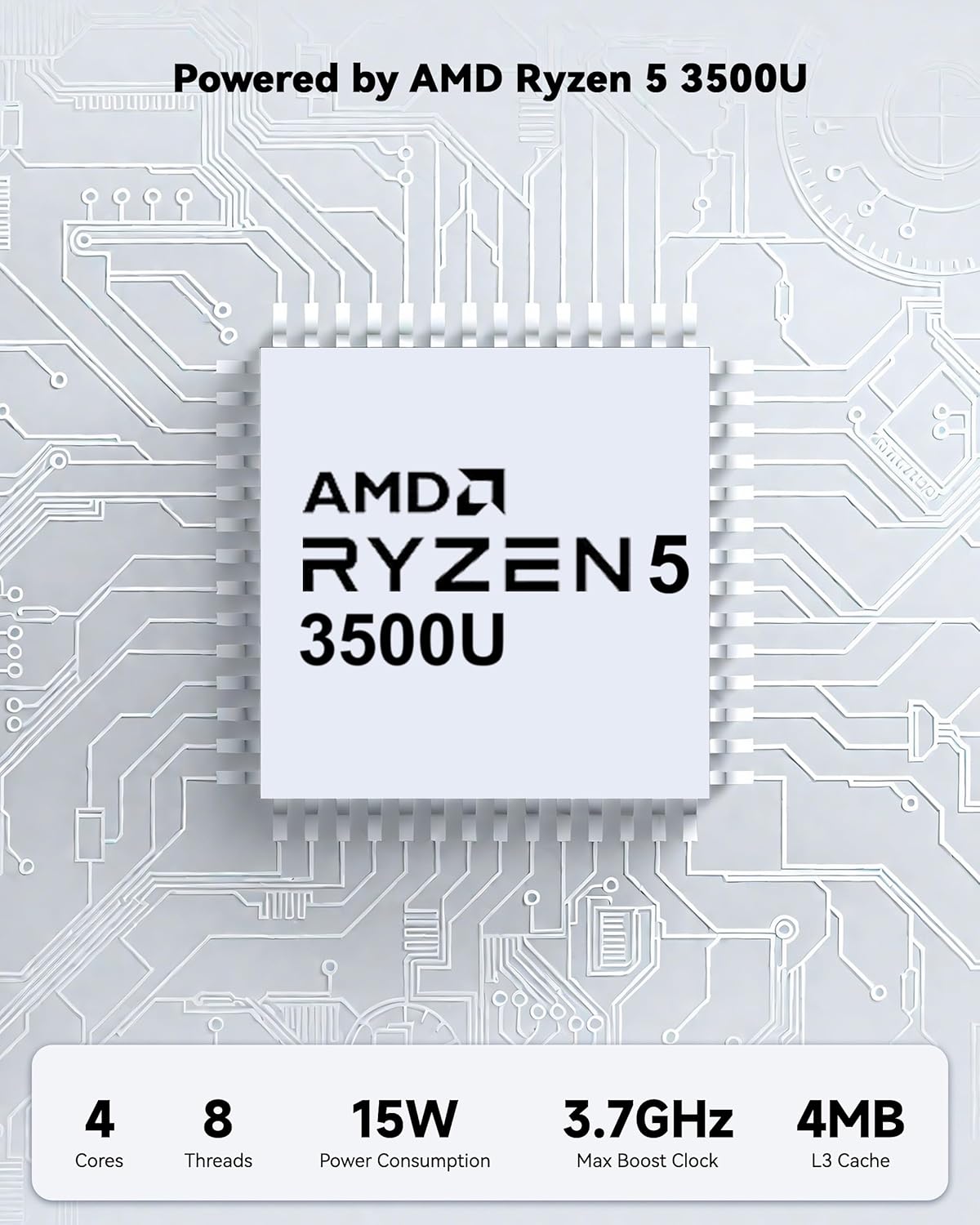
Powered by an AMD Ryzen 5 processor with 4 cores up to 3.7GHz and 16GB DDR4 RAM, the NIMO N152 is designed for efficient multitasking. The 512GB PCIe SSD ensures fast boot-ups and quick file transfers. The RAM is upgradable for future needs.

Image 4.1: AMD Ryzen 5 processor details.
4.2 Visuals and Audio
The 15.6-inch Full HD (1920x1080) IPS anti-glare display provides vibrant visuals with an 85% screen-to-body ratio. The integrated 2MP webcam allows for clear video calls.
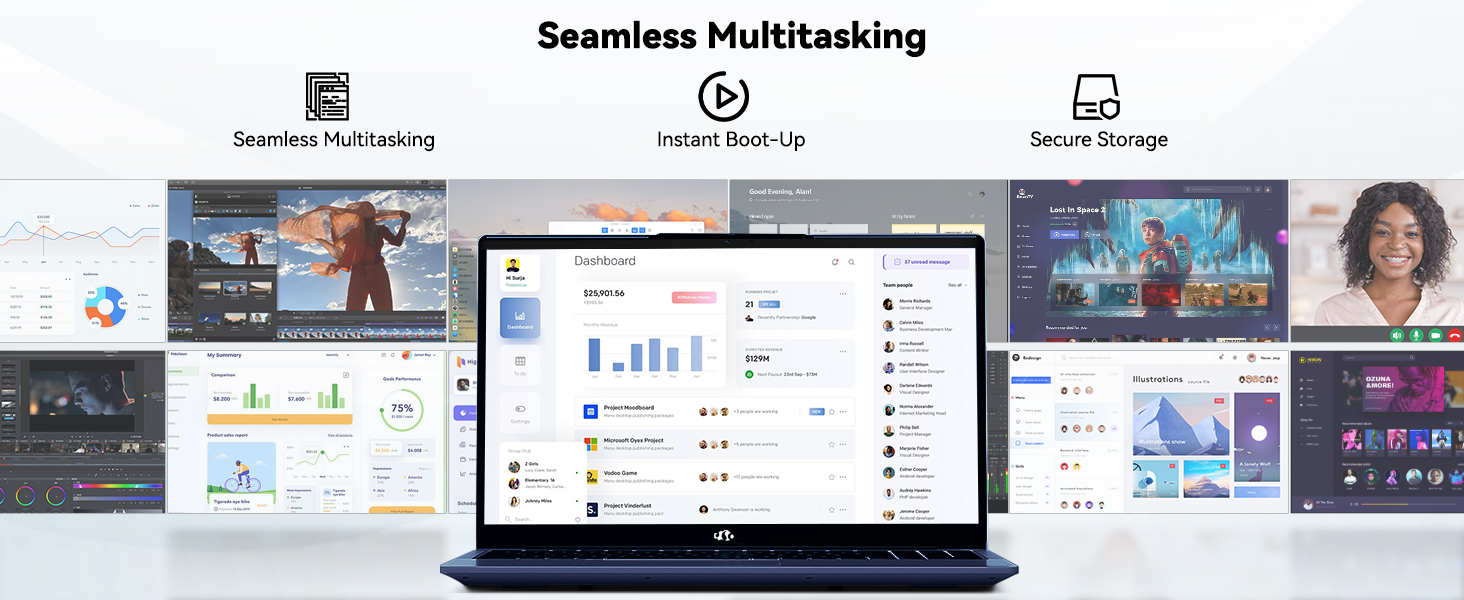
Image 4.2: The laptop's stunning Full HD display.

Image 4.3: The 1080p FHD camera for clear video conferencing.
4.3 Bateriaren iraupena
The laptop features a 54WH battery with smart battery optimization for extended lifespan and efficient power control, providing approximately 9 hours of average battery life.

Image 4.4: Smart Battery Optimization features.
4.4 Diseinua eta eramangarritasuna
The NIMO N152 has a durable metal A-shell and a slim, lightweight design, weighing approximately 3.75 pounds.

Image 4.5: The NIMO laptop's lightweight and slim profile.
4.5 Produktua gainditzeaview Bideoa
4.1. bideoa: Orokorra amaitu daview of the NIMO 15.6-inch laptop, highlighting its features and design.
4.6 Power and Portability Video
Video 4.2: This video demonstrates the power and portability aspects of the NIMO 15.6-inch laptop.
5. Mantentzea
5.1 Garbiketa
- Erabili zapi leun eta lihorik gabeko bat pantaila eta kanpoaldea garbitzeko.
- Orban egoskorretarako, arinki garbituampGarbitu oihal bat urarekin edo pantailarentzat segurua den garbitzaile batekin.
- Saihestu produktu kimiko gogorrak, urratzaileak edo disolbatzaileak.
- Keep vents clear of dust and debris to ensure proper airflow.
5.2 Bateria zaintzea
- Saihestu bateria maiz erabat deskargatzea.
- Denbora luzez erabiltzen ez duzunean, gorde ordenagailu eramangarria leku fresko eta lehor batean.
- Use only the provided NIMO charger.
5.3 Software eguneraketak
Regularly update your operating system and drivers to ensure optimal performance and security. Windows 11 Home will prompt you for updates.
6. Arazoak
6.1 Ordenagailu eramangarria ez da pizten
- Ziurtatu kargagailua ordenagailu eramangarrira eta funtzionatzen duen entxufe batera ondo konektatuta dagoela.
- Egiaztatu entxufea funtzionatzen duela beste gailu bat konektatuz.
- Allow the laptop to charge for at least 30 minutes before attempting to power on again.
6.2 Pantailaren arazoak
- Pantaila hutsik badago, saiatu kanpoko monitore bat konektatzen pantailaren irteera funtzionatzen duen egiaztatzeko.
- Doitu pantailaren distira funtzio-teklak erabiliz.
- Berrabiarazi ordenagailu eramangarria.
6.3 Konexio arazoak
- Wi-Fi: Check your router and internet connection. Ensure Wi-Fi is enabled on the laptop.
- Bluetootha: Verify Bluetooth is enabled and devices are in pairing mode.
- USB gailuak: Try connecting the device to a different USB port or another computer to rule out device issues.
6.4 Errendimendu motela
- Itxi atzeko planoan exekutatzen ari diren beharrezkoak ez diren aplikazioak.
- Begiratu eta instalatu zain dauden Windows eguneratzeak.
- Ziurtatu SSDan nahikoa leku libre dagoela.
- Birusen eskaneatzea egin.
7. Zehaztapenak
| Ezaugarri | Zehaztapena |
|---|---|
| Ereduaren izena | NIMO N152 |
| Pantailaren tamaina | 15.6 hazbete |
| Pantailaren bereizmena | 1920 x 1080 pixel (Full HD IPS) |
| Prozesadorea | AMD Ryzen 5 (4 Cores, up to 3.7 GHz) |
| RAM | 16 GB DDR4 (Upgradable) |
| Memoria Abiadura | 3200 MHz |
| Disko gogorra | 512 GB-ko SSDa (PCIe) |
| Koprozesadore grafikoa | AMD Integrated graphics |
| Sistema eragilea | Windows 11 Home |
| Haririk gabeko mota | Wi-Fi 6 (802.11a/b/g/n/ac), Bluetooth 5.2 |
| USB 2.0 Portuak | 1 |
| USB 3.0 Portuak | 3 |
| Bateriaren batez besteko iraupena | 9 ordu |
| Elementuaren pisua | 3.75 kilo |
| Produktuaren neurriak | 14.07 x 8.98 x 0.76 hazbete |
| Kolorea | Urdina |
| Atzekoa Webkamaren ebazpena | 2 MP |
| Ezaugarri bereziak | Backlit Keyboard, Fingerprint Reader, HD Audio, Numeric Keypad |
7.1 Zer dago kutxan
- 1 x NIMO N152 Laptop
- 1 x Type-C 65W PD Fast Charger
- 1 x Erabiltzailearen eskuliburua
- Windows 11 Home (Pre-installed)
8. Bermea eta Laguntza
Your NIMO N152 laptop comes with a 2 urteko fabrikatzailearen bermea. Additionally, NIMO offers a 90-day hassle-free return and exchange policy. For any product-related questions, technical assistance, or warranty claims, please contact NIMO customer service.
8.1 Harremanetarako informazioa
For support, you can reach out to the professional after-sales team via email or phone. Please refer to the official NIMO website or product page for the most current contact details.

Image 8.1: NIMO products are covered by a 2-year support.

Image 8.2: 90-Day Return policy.