
1. Sarrera
This manual provides detailed instructions for the installation, operation, maintenance, and troubleshooting of your Rimoody 4Core 4G+128G Android 15 Car Stereo. This unit is specifically designed for Honda Fit models manufactured between 2008 and 2013. Please read this manual thoroughly before installation and use to ensure proper functionality and safety.
2. Produktuaren edukia
Carefully unpack the box and ensure all items listed below are present. If any items are missing or damaged, please contact customer support.
- Car Radio Head Unit
- Backup Kamera
- Mikrofonoa
- Wiring Harnesses (Power Cable, RCA Cable, Camera Input Cable)
- GPS antena
- USB kableak
- Instalazio tresna
- Erabiltzailearen eskuliburua (dokumentu hau)

3. Instalazio gida
Professional installation is recommended for this car stereo. Incorrect wiring can damage the unit or your vehicle's electrical system. Ensure the vehicle's battery is disconnected before beginning installation.
3.1 Ibilgailuen bateragarritasuna
This car stereo is designed to fit Honda Fit models from 2008 to 2013. The included wiring harnesses are specific to these models.

3.2 Basic Installation Steps
- Remove the Factory Radio: Carefully remove the existing car radio and trim panels using appropriate tools.
- Konektatu kableatu-arnesak: Connect the provided wiring harnesses to the vehicle's factory wiring. Ensure all connections are secure.
- Connect GPS Antenna: GPS antena argia duen leku batean jarri view zeruarena, normalean aginte-panelean edo haizetakoaren azpian.
- Konektatu USB kableak: Route the USB cables to a convenient location, such as the glove compartment or center console.
- Mikrofonoa konektatu: Install the external microphone in a suitable position for clear voice pickup, such as near the rearview mirror or on the steering column.
- Install Backup Camera (Optional): If installing the backup camera, route its cable from the rear of the vehicle to the head unit and connect it to the designated video input port.
- Mount the Head Unit: Secure the new car stereo into the dashboard opening.
- Berriro konektatu bateria: Reconnect the vehicle's battery and test the unit.
4. Oinarrizko Funtzionamendua
4.1 Piztu/Itzali
Press the power button (usually located on the front panel or a soft button on the screen) to turn the unit on or off. The unit will automatically power on when the vehicle's ignition is turned on.
4.2 Ukipen-pantailaren interfazea
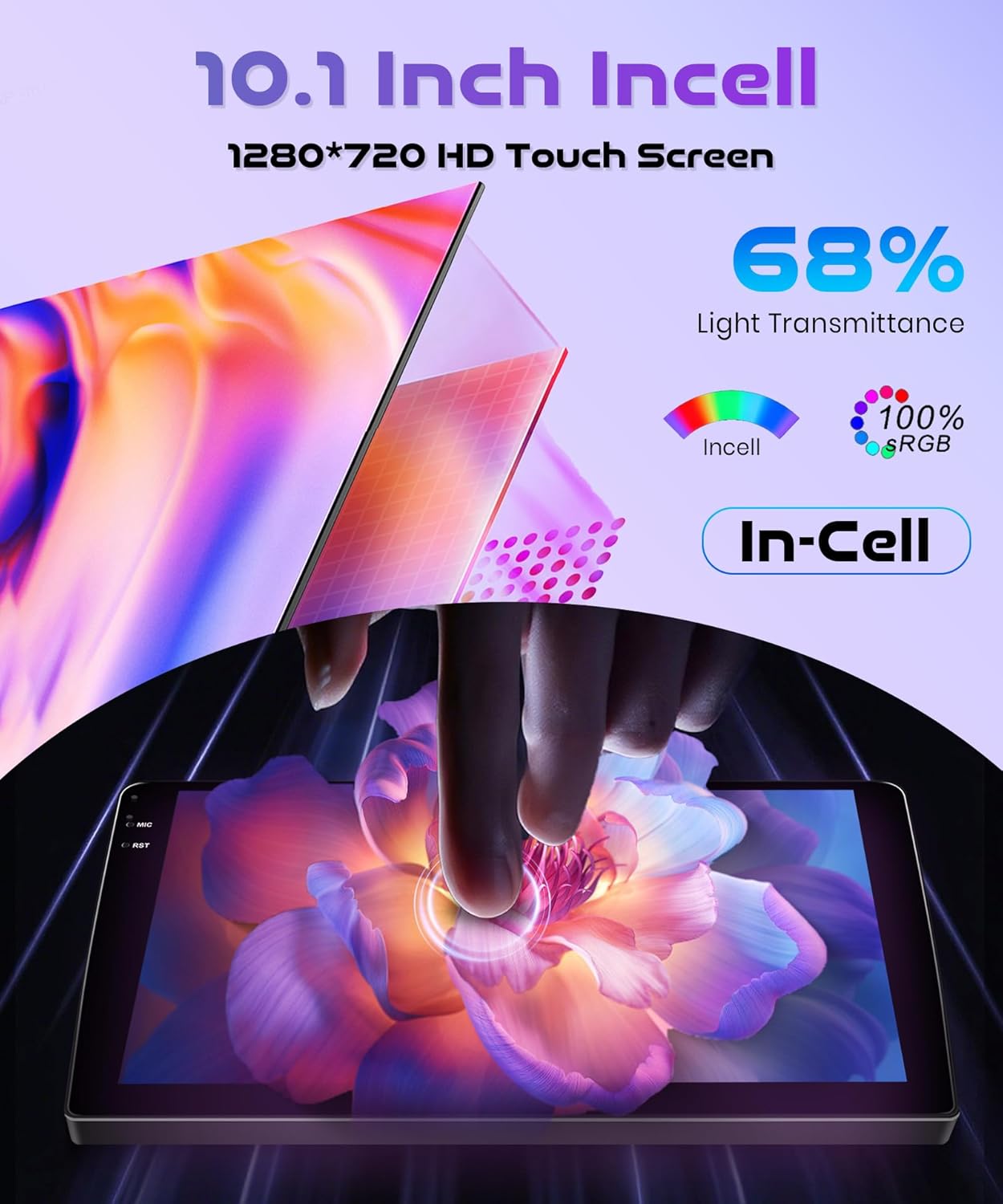
The 10.1-inch INCELL touchscreen provides a responsive and clear interface. Navigate through menus and applications by tapping, swiping, and dragging gestures, similar to a smartphone.
5. Ezaugarri aurreratuak
5.1 Wireless Carplay & Android Auto & Mirror Link
Connect your smartphone wirelessly to access navigation, music, messages, and calls directly from the car stereo display. The unit supports both Wireless Carplay for iOS devices and Wireless Android Auto for Android devices. Additionally, Mirror Link functionality allows you to mirror your phone's screen via USB cable or Wi-Fi.
- Haririk gabeko konexioa: Enable Bluetooth and Wi-Fi on your smartphone. On the car stereo, navigate to the Carplay or Android Auto application and follow the on-screen instructions to pair your device.
- Ispilu esteka: For Mirror Link, connect your phone via a USB cable or establish a Wi-Fi connection, then select the Mirror Link option on the stereo.

5.2 GPS nabigazioa
The built-in GPS module supports both online and offline maps. You can use pre-installed maps or download additional maps via Wi-Fi. Voice guidance and real-time traffic information are available with online map services.
- Lineako mapak: Connect the unit to a Wi-Fi hotspot (e.g., from your smartphone) to access real-time traffic and map updates.
- Lineaz kanpoko mapak: Download map data for your region to use navigation without an internet connection.

5.3 Bluetooth 5.0
Pair your phone or other Bluetooth-enabled devices to the car stereo for hands-free calling, music streaming, and file transferentzia.
- Parekatzea: Go to the Bluetooth settings on the car stereo and your device. Bilatu available devices and select the car stereo's name to pair.
- Musika Streaming: Once paired, you can play audio from your phone through the car stereo's speakers.
- Esku libreko deiak: Make and receive calls directly from the car stereo interface.
5.4 FM/RDS Radio and EQ-32
The unit features an FM/RDS radio tuner for receiving radio signals with clear sound quality. The 32-band equalizer (EQ-32) allows for detailed sound customization.
- FM/RDS: Scan for stations, save presets, and view RDS information (if available).
- Equalizer: Adjust audio frequencies to tailor the sound output to your preference.
5.5 Bolantearen kontrola (SWC)
The unit supports the original car's steering wheel button learning function. This allows you to map functions like volume control, track skipping, and mode selection to your steering wheel buttons for convenient operation.
- Konfigurazioa: Access the SWC settings in the car stereo menu. Follow the on-screen prompts to assign functions to each steering wheel button.
5.6 Atzekoa View Kamera
Connect the included reversing camera to the dedicated video input port. When you shift the vehicle into reverse gear, the car stereo screen will automatically display the rear view, assisting with safe parking and obstacle avoidance.

6. Mantentzea
- Pantaila garbitzea: Erabili zapi leun eta lihorik gabeko bat ukipen-pantaila astiro-astiro garbitzeko. Orban egoskorrak izanez gero, garbitu apur batampGarbitu zapi bat urarekin edo pantaila-garbitzaile batekin. Saihestu material urratzaileak edo produktu kimiko gogorrak.
- Software eguneraketak: Periodically check for software updates through the system settings. Updates can improve performance, add new features, and fix bugs. Connect to Wi-Fi to download updates.
- Arreta orokorra: Mantendu unitatea hautsik eta hondakinik gabe. Saihestu tenperatura altuetan edo eguzki-argitan denbora luzez jartzea.
7. Arazoak
Atal honek aurki ditzakezun arazo ohikoenak jorratzen ditu. Hemen zerrendatzen ez diren arazoetarako, jarri harremanetan bezeroarentzako arreta-zerbitzuarekin.
| Arazoa | Kausa posiblea | Irtenbidea |
|---|---|---|
| Unitatea ez da pizten | Kableatu okerra; Fusible erreta; Ibilgailuaren bateriaren arazoa | Check power connections and fuses. Ensure vehicle battery is charged. Consult a professional installer. |
| Soinurik ez | Speaker wiring issue; Volume too low; Mute function active | Check speaker connections. Increase volume. Disable mute. |
| Wireless Carplay/Android Auto fails to connect or disconnects | Bluetooth/Wi-Fi interference; Multiple devices connected; Software glitch | Ensure only one device is attempting to connect wirelessly. Restart phone and car stereo. Check for software updates. Avoid connecting multiple devices simultaneously. |
| GPS seinalea galduta edo zehaztugabea | GPS antenna obstruction; Antenna not properly connected | Ziurtatu GPS antenak argia duela view zeruaren. Egiaztatu antenaren konexioa. |
| Atzeko kamera ez da bistaratzen | Camera wiring issue; Incorrect input selected | Check camera power and video signal connections. Ensure vehicle is in reverse. |
8. Zehaztapenak
| Ezaugarri | Zehaztapena |
|---|---|
| Marka | Rimoody |
| Eredua | 4Core 4G+128G Wireless Carplay |
| Sistema eragilea | Android 15 |
| CPU | 4Core |
| Memoria (RAM+ROM) | 4 GB RAM + 128 GB ROM |
| Pantailaren tamaina | 10.1 hazbete |
| Pantaila mota | INCELL Touchscreen |
| Ebazpena | 1280 x 720 |
| Konektibitatea | Wireless Carplay, Wireless Android Auto, Mirror Link, Built-in Wi-Fi, Bluetooth 5.0, USB |
| Nabigazioa | Built-in GPS Module (Online/Offline Maps) |
| Audio Ezaugarriak | FM/RDS Radio, 32-band Equalizer (EQ-32) |
| Kontrola | Steering Wheel Control (SWC) Support |
| Pisua | 1.8 kilogramo |
| Ibilgailu bateragarriak | Honda Fit 2008-2013 |
9. Bermea eta Laguntza
Rimoody is committed to providing quality products and excellent customer service.
9.1 Bermearen informazioa
Produktu hau a 2 urteko fabrikatzailearen bermea covering defects in materials and workmanship from the date of purchase.
9.2 Bezeroarentzako laguntza
For any questions, installation assistance, or troubleshooting, please contact our support team. We offer:
- 24-Hour Quick Response: Gure laguntza-taldeak 24 orduko epean erantzun nahi die kontsultei.
- Professional Installation Guide and Video: Access to detailed guides and videos for installation assistance.
- 90 Days Free Return: Enjoy a 90-day free return period for refunds or exchanges.
- Bizi osorako laguntza teknikoa: Receive technical support for the lifetime of your product.
