
1. Produktua amaitu daview
The SGIN Y101 is a 15.6-inch laptop designed for everyday computing tasks, featuring a Core i3 processor, 16GB RAM, and a 1024GB SSD. It operates on Windows 11 Home and includes a backlit keyboard, WiFi 6 connectivity, and a 180-degree hinge for flexible use.

Image: SGIN Y101 Laptop highlighting its Core i3 processor, Windows 11, 7000mAh battery, backlit keyboard, WiFi 6, 180-degree hinge, 16GB RAM, and 1024GB SSD.
2. Zer dago kutxan
- 1 x SGIN Y101 Laptop
- 1 x Korronte egokitzailea/kargagailua
- 1 x Erabiltzailearen eskuliburua (dokumentu hau)
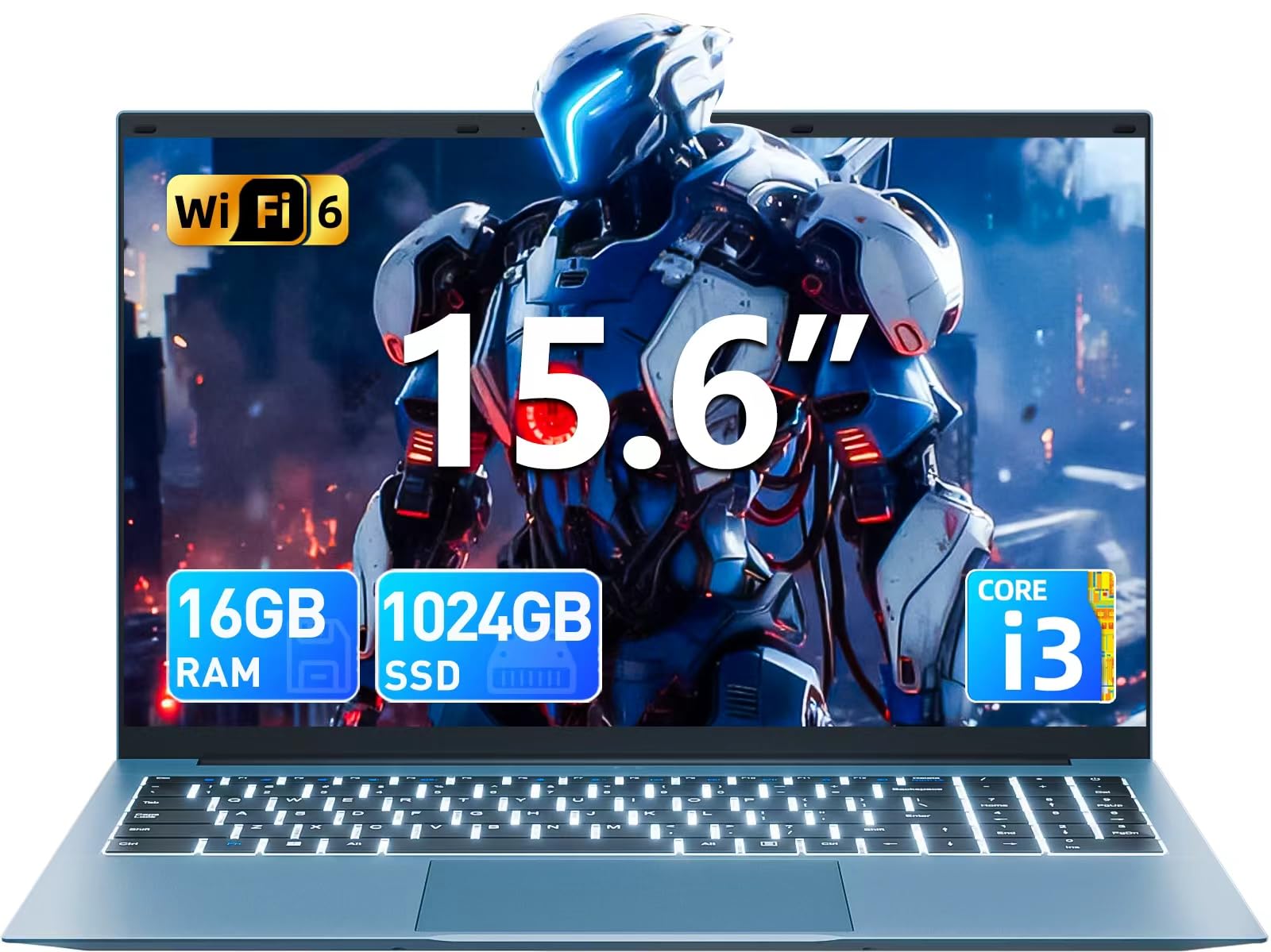
Image: The SGIN Y101 laptop, its power adapter, and the user manual as typically found in the product packaging.
3. Konfigurazioa
3.1 Hasierako kargatzea eta piztea
- Konektatu korronte-moldagailua: Plug the power adapter into the DC jack on the side of the laptop and then into a power outlet.
- Kargatu bateria: Utzi ordenagailu eramangarria gutxienez 30 minutuz kargatzen lehenengo aldiz erabili aurretik, edo bateriaren adierazleak karga nahikoa erakutsi arte.
- Piztu: Open the laptop lid and press the power button, usually located on the top right of the keyboard, to turn on the device.
3.2 Windows 11 konfigurazioa
Follow the on-screen instructions to complete the initial Windows 11 Home setup. This typically includes:
- Zure eskualdea eta teklatuaren diseinua hautatzea.
- Connecting to a Wi-Fi network (WiFi 6 supported).
- Microsoft kontu batekin saioa hastea edo bat sortzea.
- PIN edo pasahitz bat konfiguratzea.
3.3 Periferikoak konektatzea
The SGIN Y101 laptop offers various ports for connecting external devices:
Irudia: Xehetasun handikoa view of the laptop's multiple interfaces, including DC jack, Type-C, HDMI, USB 3.2, Security lock, TF card slot, 3.5mm Headphone jack, and RJ45 Ethernet port.
- USB 3.0/3.2 atakak: USB gailuak konektatzeko, hala nola saguak, teklatuak edo kanpoko biltegiratzea.
- HDMI ataka: Konektatu kanpoko monitore edo telebista batera pantaila zabalagoa lortzeko.
- C motako ataka: For data transfer and potentially charging compatible devices.
- Mikro SD zirrikitua: Insert a TF card for expanded storage up to 1TB.
- 3.5 mm aurikularretarako konektua: Konektatu entzungailuak edo kanpoko bozgorailuak.
- RJ45 Ethernet ataka: Interneteko kable bidezko konexio baterako.
- Kensington blokeoaren zirrikitua: Segurtasun fisikoagatik.
4. Ordenagailu eramangarria erabiltzea
4.1 Teklatua eta ukipen-panela
The laptop features a full-size keyboard with a numeric keypad and a large touchpad for navigation. The keyboard is backlit for use in low-light conditions.
- Atzeko argiztatutako teklatua: Sakatu Fn + F5 to toggle the keyboard backlight on or off.
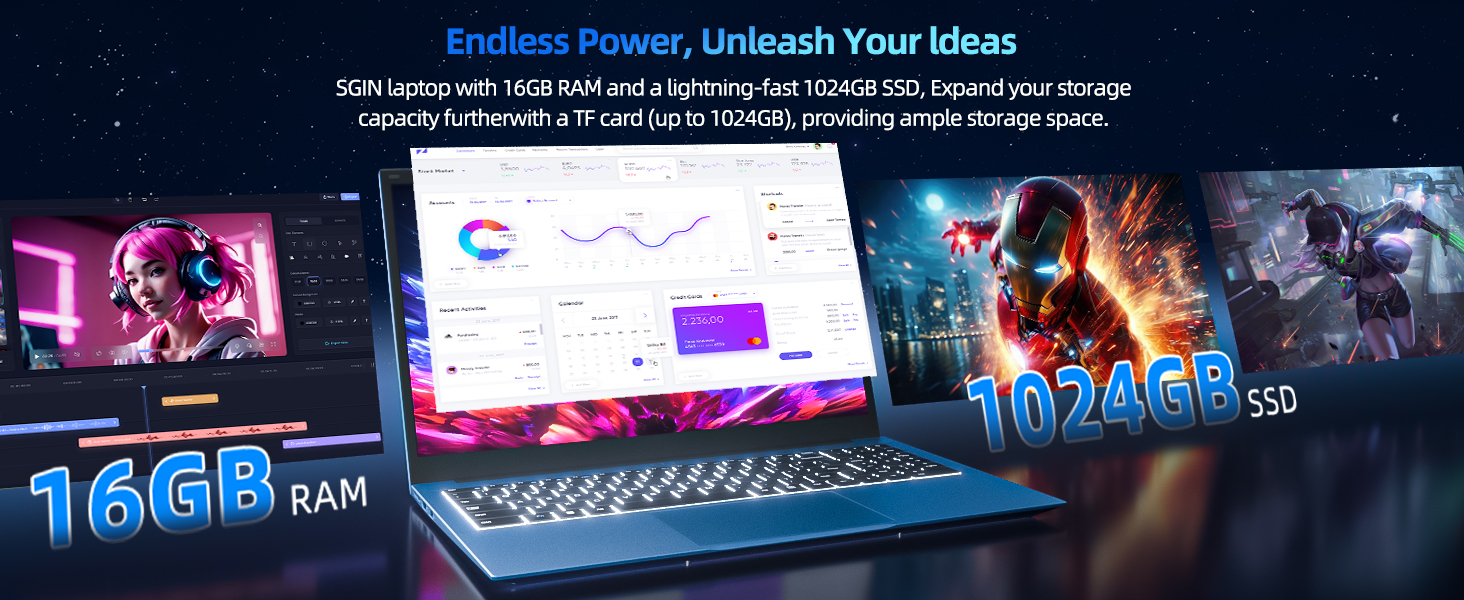
Image: Close-up of the SGIN Y101 laptop's backlit keyboard and numeric keypad, illustrating the Fn+F5 shortcut for backlight control.
4.2 Bistaratzeko Ezaugarriak
The 15.6-inch Full HD (1920x1080) IPS screen provides clear visuals and wide viewing angles. The laptop also features a 180-degree hinge, allowing the screen to lay flat for easy sharing and collaboration.
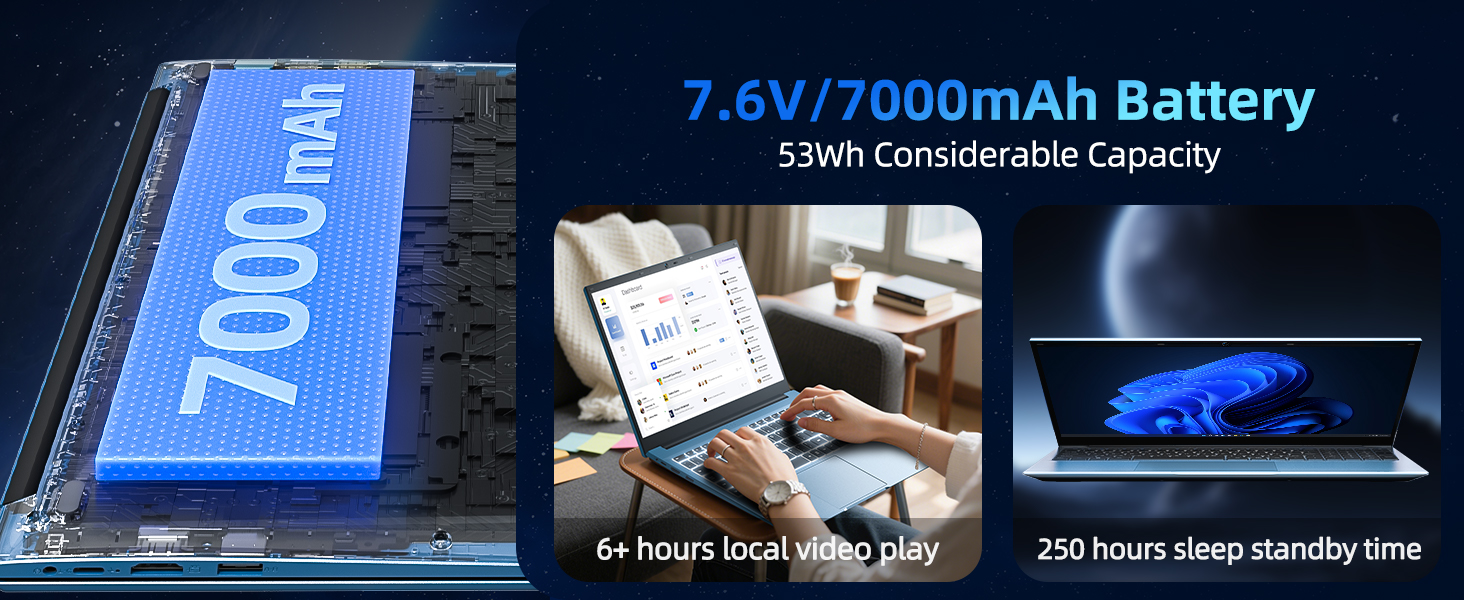
Image: The SGIN Y101 laptop displaying vibrant visuals on its 15.6-inch Full HD IPS screen.
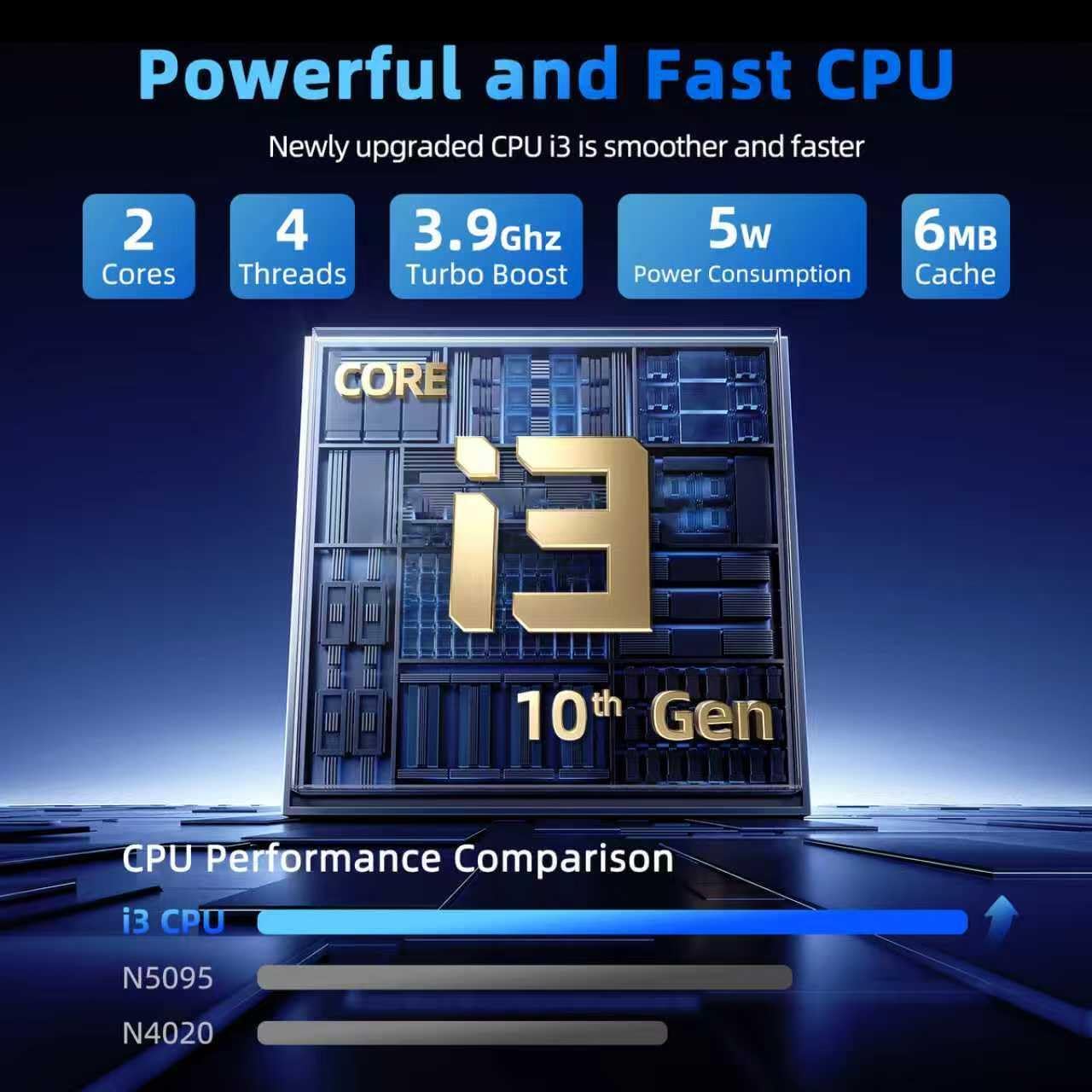
Image: The SGIN Y101 laptop open, illustrating its 180-degree hinge design for flexible viewegitea eta partekatzea.
4.3 pribatutasuna Webcam estalkia
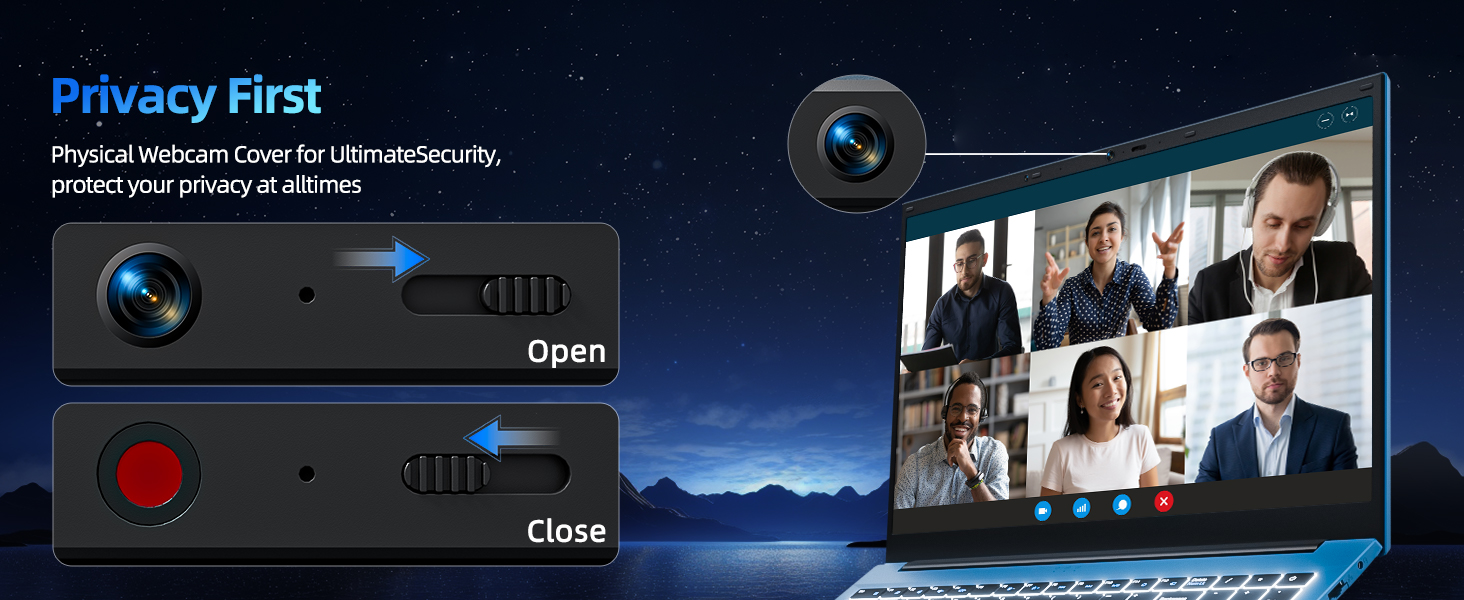
For enhanced privacy, the laptop includes a built-in physical webcam switch. Slide the cover to open or close the webcam behar den moduan.
5. Mantentzea
5.1 Arreta orokorra
- Saihestu ordenagailu eramangarria tenperatura altuetan, eguzki-argia zuzenean edo hezetasun handian jartzea.
- Mantendu likidoak gailutik urrun.
- Handle the laptop with care to prevent physical damage.
5.2 Garbiketa
- Erabili zapi leun eta lihorik gabeko bat pantaila eta kanpoaldea garbitzeko.
- Marka egoskorretarako, apur bat dampGarbitu oihal bat urarekin edo pantailarentzat segurua den garbitzaile batekin.
- Do not spray cleaners directly onto the laptop.
5.3 Bateria zaintzea
- Bateriaren iraupena luzatzeko, saihestu bateria maiz erabat deskargatzea.
- Denbora luzez erabiltzen ez baduzu, gorde ordenagailu eramangarria leku fresko eta lehor batean.
- The 7000mAh/53.2Wh battery provides up to 8 hours of typical use.
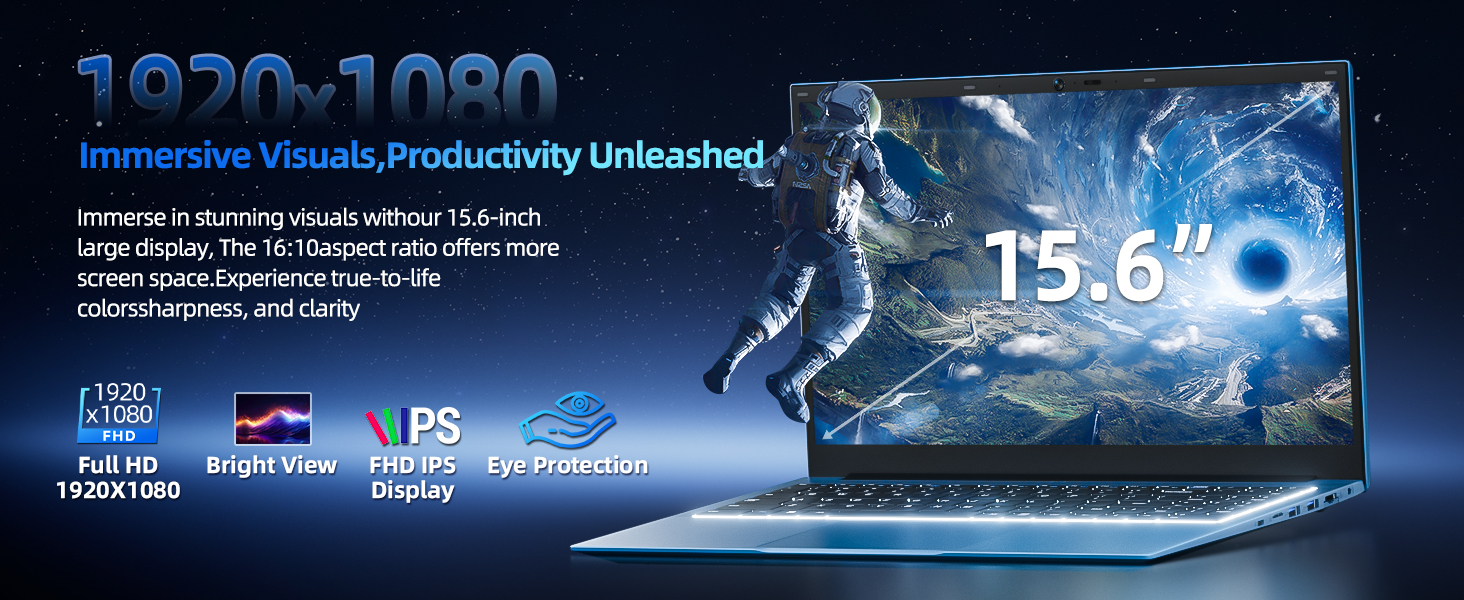
Image: Visual representation of the SGIN Y101 laptop's 7000mAh/53.2Wh large capacity battery, indicating its suitability for extended use.
6. Arazoak
This section addresses common issues you might encounter with your SGIN Y101 laptop.
6.1 Energia eta abio arazoak
- Ordenagailu eramangarria ez da pizten: Ziurtatu korronte-egokitzailea ondo konektatuta dagoela eta bateriak nahikoa karga duela. Saiatu beste korronte-hartune batekin.
- Laptop turns on but screen is black: Connect to an external monitor via HDMI to check if the display is the issue. Restart the laptop.
6.2 Pantaila eta grafikoak
- Screen flickering or unusual display: Update graphics drivers. If connecting to an external display, ensure the cable is secure.
- Screen appears dim or too bright: Adjust brightness settings in Windows or using keyboard function keys.
6.3 Konexio arazoak
- Wi-Fia ez da konektatzen: Check if Wi-Fi is enabled in Windows settings. Restart your router and the laptop. Ensure correct password entry.
- USB gailuak ez dira ezagutzen: Try a different USB port. Ensure the device drivers are installed.
6.4 Teklatua eta ukipen-panela
- Teklatuak ez du erantzuten: Restart the laptop. Ensure no foreign objects are under the keys.
- Ukipen-panela ez dabil: Check Windows settings to ensure the touchpad is enabled. Restart the laptop.
- Atzeko argia ez dabil: Sakatu Fn + F5 to ensure it's toggled on.
If you encounter persistent issues not covered here, please refer to the support section for assistance.
7. Zehaztapenak
| Ezaugarri | Xehetasuna |
|---|---|
| Ereduaren izena | SGIN-Y101 |
| Prozesadorea | Intel Core i3-10100 (2-core, 4-thread, 6MB cache, up to 3.9GHz) |
| RAM | 16 GB DDR3 SDRAM |
| Biltegiratzea | 1024GB SSD (expandable with TF card up to 1TB) |
| Bistaratzea | 15.6-inch Full HD (1920x1080) IPS |
| Sistema eragilea | Windows 11 Home |
| Bateria | 7000mAh / 53.2Wh (up to 8 hours battery life) |
| Haririk gabeko konexioa | WiFi 6 (802.11ax) |
| Portuak | USB 3.0, HDMI, Micro SD slot, Type-C, Kensington lock, 3.5mm Headphone jack, RJ45 Ethernet |
| Neurriak (LxWxH) | 15.6 x 9 x 0.6 hazbete |
| Pisua | 4.97 kilo |
| Kolorea | Grisa |
8. Bermea eta Laguntza
Your SGIN Y101 laptop comes with comprehensive support and warranty:
- 1 Urteko Babesa: Enjoy a 1-year protection plan covering manufacturing defects.
- 1-Year Repair Service: The product includes a 1-year repair service.
- 30 eguneko itzulera politika: Eligible for returns within 30 days of purchase.
- Bezeroarentzako arreta 24/7: Access instant customer help for any queries or issues.
For support, please contact SGIN customer service through the official channels provided at the time of purchase or on the SGIN webgunea.
9. Produktuaren erakustaldi bideoa
Watch this official video for a visual guide on the SGIN 15.6 Inch Laptop Computer's features and connectivity options.
Bideoa: Amaiera batview and demonstration of the SGIN 15.6-inch laptop, showcasing its design, features, and available ports.