
1. Sarrera
This manual provides instructions for the setup, operation, maintenance, and troubleshooting of your LETSUNG Golite11 Mini PC. The Golite11 is a compact desktop computer designed for various tasks, from web browsing and office applications to light gaming and multimedia playback. It features an Intel Celeron N4000 processor, 6GB LPDDR4 RAM, and a 128GB M.2 SSD, offering efficient performance in a small form factor.
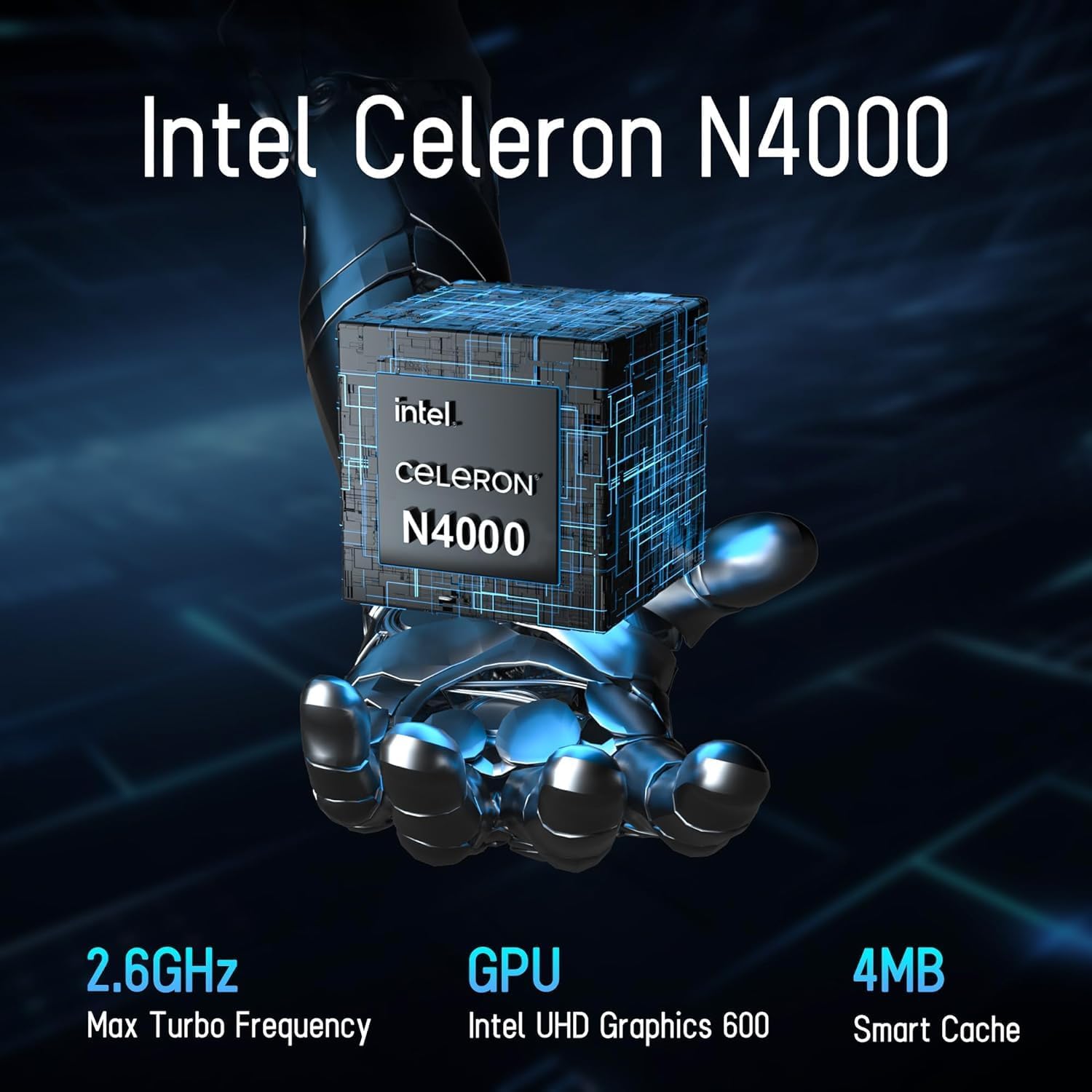
Image 1.1: LETSUNG Golite11 Mini PC, front view.
2. Zer dago kutxan
Egiaztatu elementu guztiak paketean daudela:
- 1 x Golite 11 Mini PC
- 1 x HDMI kablea
- 1 x VESA euskarria
- 1 x korronte egokitzailea
- 1 x Erabiltzailearen Gida
3. Produktua amaitu daview
3.1. Prozesadorea eta memoria
The Golite11 Mini PC is equipped with an Intel Celeron N4000 processor, providing efficient performance for daily computing tasks. It includes 6GB of LPDDR4 RAM for smooth multitasking.

Image 3.1: Intel Celeron N4000 Processor.

Image 3.2: DDR4 Memory Module.
3.2. Biltegiratzea
The device comes with a 128GB M.2 SATA SSD, offering fast boot times and data access. Storage can be expanded up to 512GB.
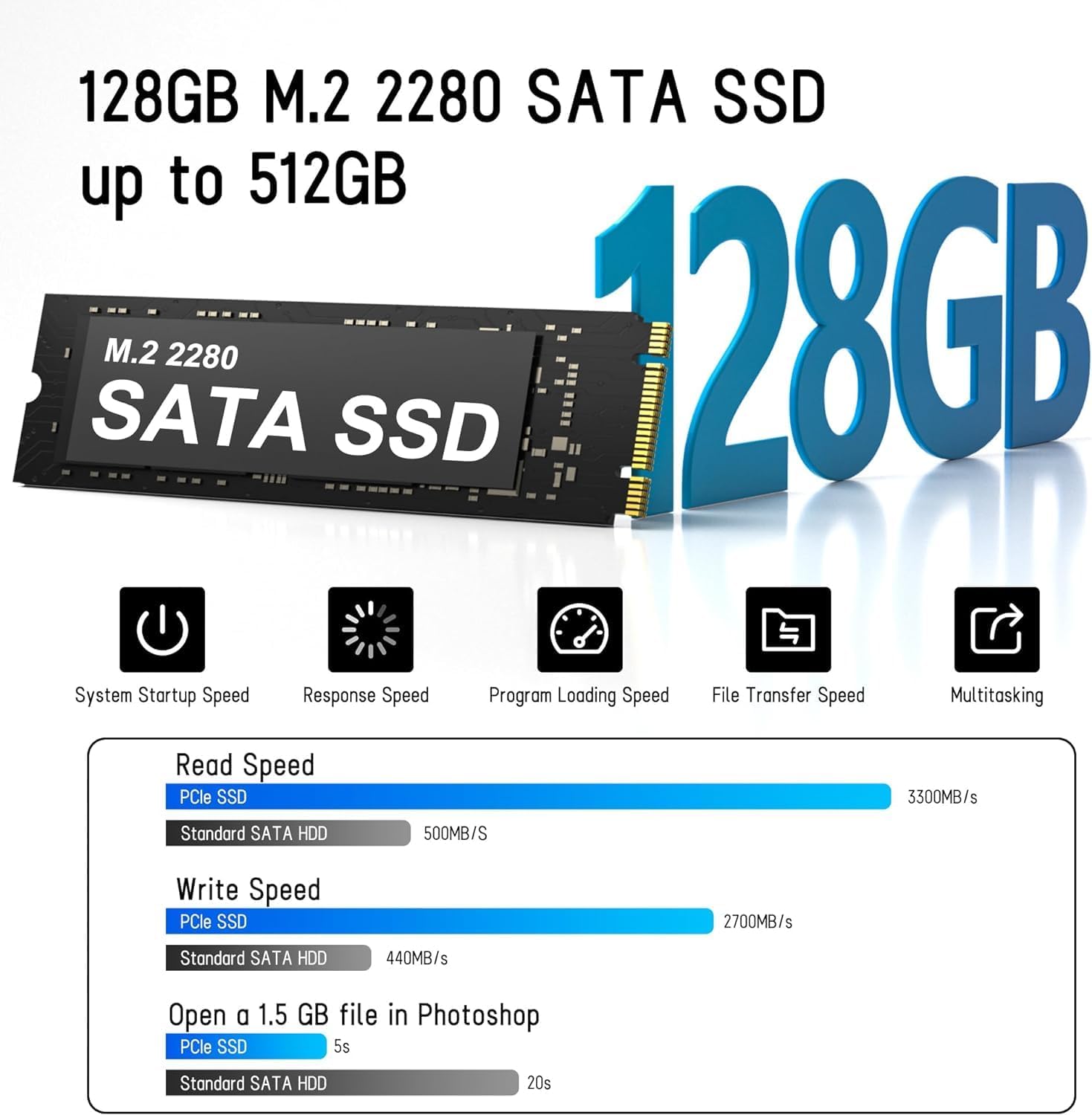
Image 3.3: M.2 SATA SSD.
3.3. Ataka eta konektoreak
The Golite11 Mini PC features a variety of ports for connectivity:
- Pizteko botoia: Gailua pizteko edo itzaltzeko.
- 3.5 mm aurikularretarako konektua: Audio irteerarako.
- USB 3.2 1. belaunaldiko atakak: Hainbat ataka periferikoak konektatzeko.
- RJ45 LAN Port: Kable bidezko sare konexiorako.
- HDMI 1.4 atakak: Two ports for connecting displays.
- DC Jack: Potentzia sarrerarako.

3.4 irudia: Xehetasun zehatza view of ports and connectors.
4. Konfigurazioa
Follow these steps to set up your LETSUNG Golite11 Mini PC:
- Pantaila batera konektatu: Use the provided HDMI cable to connect the Mini PC to a monitor or TV. The device supports dual displays.
- Konektatu periferikoak: Konektatu zure USB teklatua eta sagua eskuragarri dauden USB ataketan.
- Konektatu energia: Connect the power adapter to the DC jack on the Mini PC, then plug the adapter into a power outlet.
- Piztu: Press the power button located on the device. The system will boot up.
- Hasierako Windows konfigurazioa: Follow the on-screen instructions to complete the initial Windows operating system setup, including language, region, and network configuration.
5. Funtzionamendu-argibideak
5.1. Oinarrizko Funtzionamendua
Once the initial setup is complete, your Mini PC is ready for use. Navigate the operating system using your connected keyboard and mouse. You can install applications, browse the internet, and perform other computing tasks.
5.2. Pantaila bikoitzaren konfigurazioa
The Golite11 supports connecting two displays simultaneously for an extended desktop experience. Connect a second monitor using the additional HDMI port. The operating system should automatically detect the second display. You can configure display settings (e.g., extend, duplicate) through the display settings in your operating system.

Image 5.1: Dual display setup with the Mini PC.
5.3. Sare-konektibitatea
- Wi-Fi: The Mini PC supports WiFi 5.0. To connect to a wireless network, go to your operating system's network settings, select your desired Wi-Fi network, and enter the password.
- Ethernet: For a wired connection, connect an Ethernet cable from your router or modem to the RJ45 LAN port on the Mini PC.
5.4. Bluetooth Devices
The Mini PC supports Bluetooth 4.2. To pair Bluetooth devices (e.g., headphones, speakers), enable Bluetooth in your operating system's settings, search for devices, and follow the pairing instructions.
6. Mantentzea
6.1. Garbiketa
To maintain optimal performance, keep the Mini PC clean. Use a soft, dry cloth to wipe the exterior. For dust accumulation in vents, use compressed air. Ensure the device is powered off and unplugged before cleaning.

Image 6.1: Internal cooling system for efficient heat dissipation.
6.2. Software eguneraketak
Regularly update your operating system and drivers to ensure security, stability, and optimal performance. Check for updates through your operating system's settings.
6.3. Biltegiratze-hedapena
The internal M.2 SATA SSD can be upgraded up to 512GB. Refer to the detailed instructions for internal component access if you plan to upgrade the storage. It is recommended to seek professional assistance for hardware upgrades.
7. Arazoak
If you encounter issues with your Mini PC, refer to the following common problems and solutions:
- Potentziarik gabe:
- Ziurtatu korronte-egokitzailea ondo konektatuta dagoela bai Mini PCra bai funtzionatzen duen korronte-entxufe batera.
- Egiaztatu entxufea funtzionatzen duela beste gailu bat konektatuz.
- Ez dago pantailarik:
- Check that the HDMI cable is firmly connected to both the Mini PC and the monitor.
- Ensure the monitor is powered on and set to the correct input source (HDMI).
- Ahal bada, saiatu beste HDMI kable edo monitore batekin.
- Errendimendu motela:
- Itxi atzeko planoan exekutatzen ari diren beharrezkoak ez diren aplikazioak.
- Check for and install any available operating system updates.
- Ziurtatu SSDan leku libre nahikoa dagoela.
- Sarearen konexio arazoak:
- For Wi-Fi, ensure the correct password is entered and the signal strength is adequate.
- For Ethernet, check the cable connection and ensure your router/modem is working correctly.
- Restart your router/modem and the Mini PC.
8. Zehaztapenak
| Ezaugarri | Zehaztapena |
|---|---|
| Eredua | Golite11 |
| Prozesadorea | Intel Celeron N4000 (2 Cores, 2 Threads, up to 2.8 GHz) |
| Grafikoak | Intel UHD Graphics 600 |
| RAM | 6 GB LPDDR4 |
| Barne Biltegiratzea | 128GB M.2 SATA SSD (Expandable up to 512GB) |
| Sistema eragilea | Pre-installed (e.g., Windows 11, specific version may vary) |
| Bideo Irteera | 2 x HDMI 1.4 (Supports 1920x1080 @60Hz, Dual Display) |
| USB atakak | 4 x USB 3.2 1. belaunaldia |
| Sarea | WiFi 5.0, Bluetooth 4.2, 1 x RJ45 LAN Port |
| Audioa | 1 x 3.5 mm entzungailuen hargunea |
| Neurriak | Gutxi gorabehera 4.52 hazbete x 4.42 hazbete x 1.61 hazbete |
| Pisua | Gutxi gorabehera. 0.6 lb |
| Hozte Sistema | Built-in ultra-low power cooling fan |
9. Bermea eta Laguntza
LETSUNG products are designed for reliability and performance. For warranty information, please refer to the warranty card included with your purchase or visit the official LETSUNG website. For technical support, troubleshooting assistance beyond this manual, or service inquiries, please contact LETSUNG customer support through the contact information provided on the official webgunea edo zure erosketa plataforma.
Mesedez, gorde zure erosketa-froga berme-erreklamazioetarako.