
1. Produktua amaitu daview
The UGREEN HDMI Dummy Plug (Model 95994) is designed to emulate a connected display, enabling full graphics card functionality in headless computer setups. This device is essential for remote desktop access, cryptocurrency mining, server management, and other applications where a physical monitor is not present but a virtual display is required. It supports resolutions up to 4K at 60Hz and 1080P at 120Hz, ensuring optimal performance for various tasks.
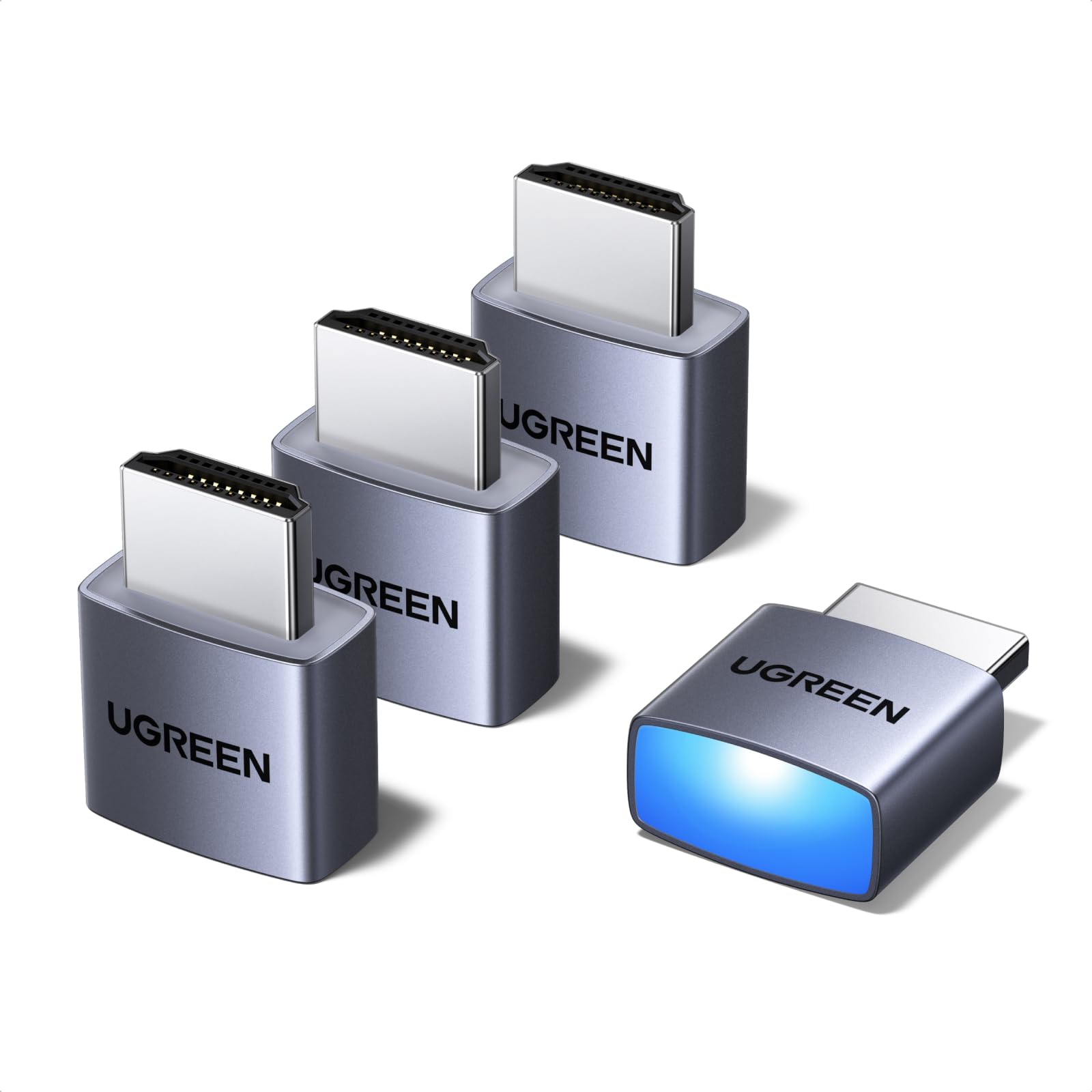
Image: The UGREEN HDMI Dummy Plug, a compact silver adapter designed for HDMI ports.
2. Paketearen edukia
- 4 x UGREEN HDMI Dummy Plugs (Model 95994)
3. Konfigurazio gida
The UGREEN HDMI Dummy Plug features a plug-and-play design, requiring no drivers, software, or external power. Simply insert the dummy plug into an available HDMI port on your computer or device. The integrated LED light indicates an active connection.

Image: The HDMI dummy plug shown inserted into a laptop and a server, illustrating its plug-and-play functionality and active indicator light.
4. Funtzionamendu-argibideak
Once connected, the HDMI Dummy Plug activates your system's graphics processing unit (GPU), allowing it to render a virtual display. This enables high-resolution remote desktop sessions, smooth video editing, and efficient game development or streaming from a headless PC. It ensures that your system operates as if a monitor were connected, preventing resolution limitations or GPU inactivity.

Image: A headless PC with the dummy plug connected, alongside a tablet showing a remote desktop interface, demonstrating its use for remote control.
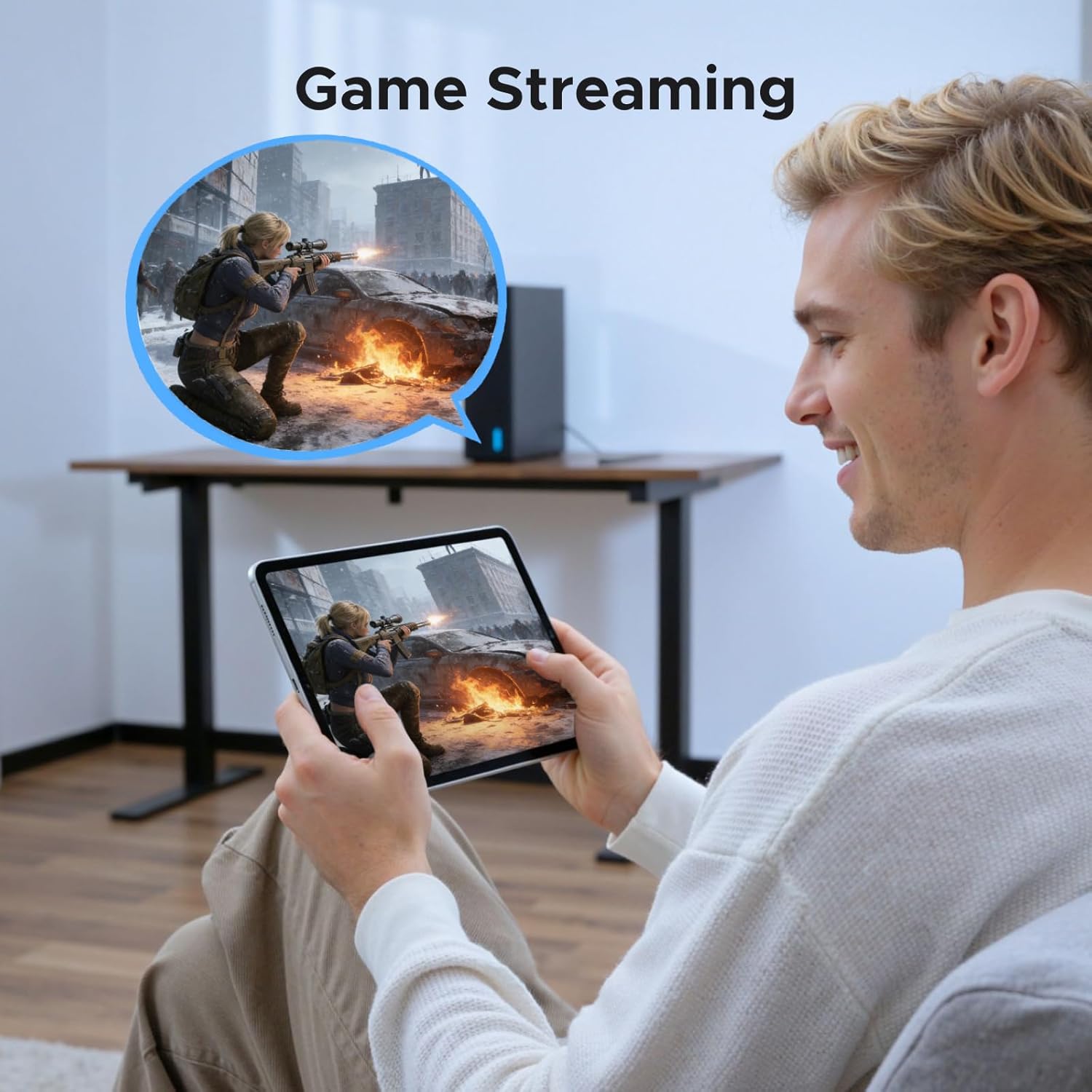
Image: A user engaged in game streaming on a tablet, facilitated by the virtual display from a remote PC.
5. Bateragarritasuna
This HDMI Dummy Plug is compatible with any discrete graphics card, laptop, or device featuring an HDMI output. It supports various operating systems, including PC Windows, macOS, and Linux. It integrates seamlessly with remote access applications such as RustDesk, TeamViewer, Sunshine+Moonlight, Parsec, and VNC.

Image: A visual representation of the dummy plug's wide compatibility with different operating systems and remote desktop software.
6. Resolution and Performance
The UGREEN HDMI Dummy Plug supports a maximum resolution of 4K (3840x2160) at 60Hz (4:2:0 chroma subsampling) and 1080P at 120Hz. It incorporates EDID (Extended Display Identification Data) emulation to ensure stable and consistent resolution detection by the operating system. This allows for custom resolution settings and prevents issues related to display detection in headless environments.

Image: Visual comparison of 1080P, 2K, and 4K resolutions, demonstrating the dummy plug's capability to support high-definition displays.

Image: A screenshot of display settings, illustrating the ability to select custom resolutions when using the dummy plug.
7. Mantentze-lanak eta iraunkortasuna
Constructed with a robust aluminum shell, the UGREEN HDMI Dummy Plug is designed for enhanced heat dissipation, preventing overheating during continuous operation. Its durable build ensures long-lasting performance and resistance to wear. No specific maintenance is required beyond keeping the connectors clean.

Image: Depiction of the internal chipset for stable transmission and the aluminum casing for efficient heat dissipation, highlighting product quality.
8. Arazoak
- Is this a wireless HDMI transmitter? No, this is a virtual display emulator (dummy plug). It does not transmit video signals and has no output port.
- Does it support high refresh rates like 144Hz? It is optimized for stability at 60Hz (4K/1080P). It is not recommended for high-refresh-rate gaming monitoring beyond its specified capabilities.
- Will it work with my Mac mini? Yes, it is fully compatible with macOS, Windows 10/11, and Linux. Ensure your Mac mini model has an HDMI output port, as this product connects via HDMI.
- No virtual display detected? Ensure the dummy plug is fully inserted into the HDMI port. Verify that your graphics card drivers are up to date. Restart the system if necessary.
9. Produktuaren zehaztapenak
| Ezaugarri | Zehaztapena |
|---|---|
| Modelo zenbakia | 95994 |
| Konektore mota | HDMI |
| Onartutako Ebazpenak | Up to 4K@60Hz (4:2:0), 1080P@120Hz |
| Bateragarritasuna | Discrete graphics cards, laptops, devices with HDMI output; PC Windows, macOS, Linux |
| Ezaugarriak | EDID Emulator, Virtual Monitor, Headless Adapter, Status LED, Aluminum Shell |
| Paketearen neurriak | 5.63 x 3.23 x 0.43 hazbete |
| Elementuaren pisua | 1.06 ontza |
| Portu kopurua | 1 |
| Entxufe mota | No Plug (passive device) |
| Fabrikatzailea | Ugreen Group Limited |
10. Bermea eta Laguntza
Bermeari buruzko informazioa eta laguntza teknikoa lortzeko, jo ezazu UGREENen webgune ofizialera. website or contact UGREEN customer service directly. Contact details can typically be found on the product packaging or the UGREEN official webgunea.


