
1. Sarrera
The aosu T2 Ultra 4K Security Camera is a wireless outdoor surveillance system designed for comprehensive home security. It features advanced imaging capabilities, intelligent detection, and flexible power options to provide reliable monitoring day and night. This manual provides detailed instructions for setting up, operating, and maintaining your camera system.
2. Zer dago barne
Mesedez, egiaztatu osagai guztiak zure paketean daudela:
- 1 × 4K Security Camera
- 1 × Removable Solar Panel
- Muntatzeko Torlojuak
- Kargatzeko kablea
- Kokapen eranskailuak
3. Produktua amaitu daview
The aosu T2 Ultra camera combines a high-resolution lens with a solar panel for continuous operation. Key features include:
- 4K Ultra HD bideoa: Janari argi eta zehatza jasotzen dutage.
- TrueColor Night Vision: Provides full-color video even in low-light conditions without a spotlight.
- AI Triple Detection: Utilizes PIR heat sensing, radar, and on-device AI to accurately identify people, vehicles, and pets, reducing false alarms.
- 360° Auto Tracking: Offers 355° pan and 90° tilt for comprehensive coverage and intelligent tracking of moving objects.
- Eguzki-energia: Detachable solar panel ensures continuous power with minimal direct sunlight.
- Bi norabideko hitzaldia: Kameraren bidez denbora errealeko komunikazioa ahalbidetzen du.
- IP65 Eguraldiarekiko erresistentea: Kanpoko hainbat eguraldi baldintza jasateko diseinatua.
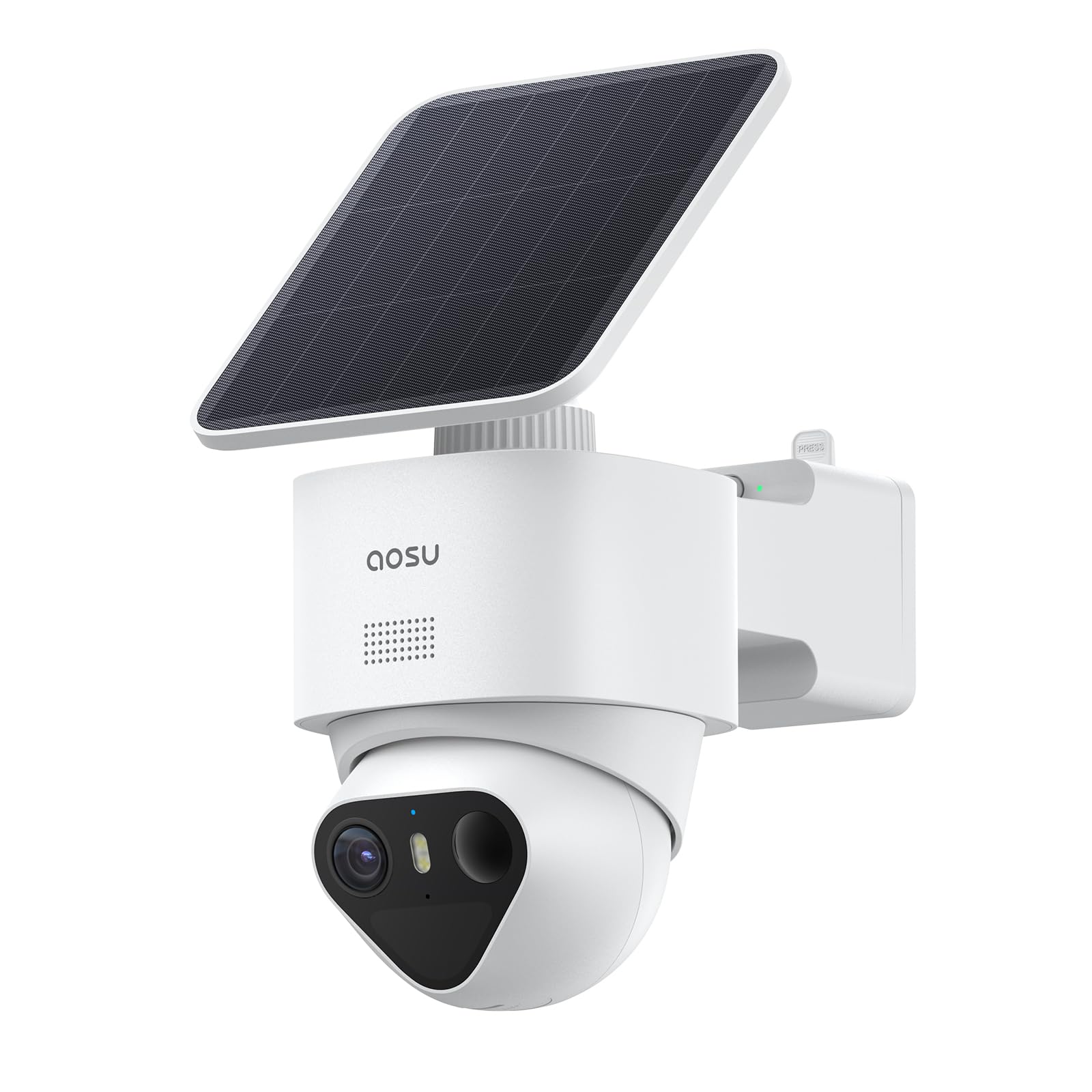
Figure 3.1: aosu T2 Ultra 4K Security Camera with attached solar panel.
4. Konfigurazioa
4.1 Hasierako karga
Before installation, fully charge the camera using the provided charging cable. This ensures optimal performance from the start.
4.2 App Installation & Account Creation
Download the 'aosu' app from your smartphone's app store (available for Android and iOS). Follow the on-screen instructions to create an account and log in.
4.3 HomeBase Connection (Optional)
For enhanced security features, cross-camera tracking, and expanded local storage, connect your camera to an aosu HomeBase (sold separately or included in kits). The HomeBase connects to your router via an Ethernet cable.
4.4 Kameraren parekatzea
In the aosu app, select 'Add Device' and follow the prompts to scan the QR code on the camera. The app will guide you through the pairing process. You can choose to use the camera independently or connect it to a HomeBase.
4.5 Firmware eguneratzea
After successful pairing, the app may prompt you to update the camera's firmware. It is recommended to perform this update to ensure you have the latest features and security enhancements.
5. Instalazioa
The aosu T2 Ultra camera offers flexible installation options, including integrated and detached solar panel setups.
5.1 Muntatzeko aukerak
- Instalazio integratua: The solar panel is directly attached to the camera. Recommended for open areas without obstructions to sunlight.
- Banakako instalazioa: The solar panel is mounted separately from the camera using an extension cable. Ideal for locations under eaves or other shaded areas where the camera needs to be placed but direct sunlight is not available.

Figure 5.1: Illustration of integrated and detached solar panel installation options.
5.2 Instalazio fisikoaren urratsak
- Choose a suitable mounting location that provides optimal sunlight exposure for the solar panel and a clear view kamerarentzat.
- Use the provided positioning stickers to mark the drill holes.
- Beharrezkoa bada, zuloak egin eta hormako aingurak sartu.
- Lotu muntatzeko euskarria hormara torlojuak erabiliz.
- Lotu kamera muntatzeko euskarriari.
- Connect the solar panel to the camera. If using detached installation, connect the extension cable between the solar panel and the camera.

Figure 5.2: The detachable solar panel allows for flexible placement to maximize sun exposure.
6. Funtzionamendua
6.1 Bizi View & Grabaketa
Access live 4K video streams through the aosu app. You can view multiple cameras simultaneously and review foo grabatuatage.

Figure 6.1: The camera offers 360° pan and tilt for full coverage.
6.2 Bi norabideko elkarrizketa
Use the two-way talk feature in the app to communicate with visitors or deter intruders. The camera's microphone and speaker enable clear audio.
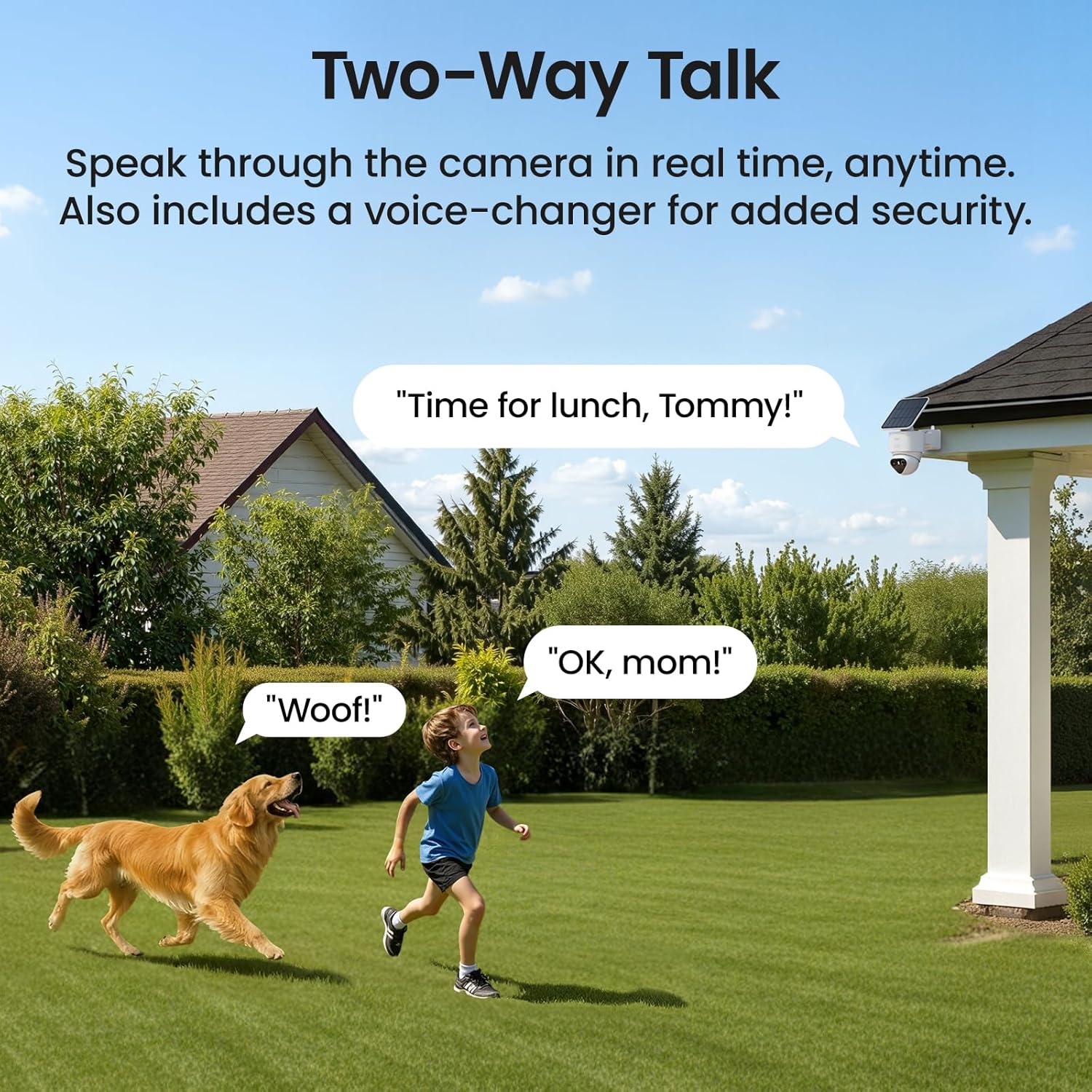
Figure 6.2: Engage in real-time two-way conversations through the camera.
6.3 Smart Motion Alerts
The AI Triple Detection system (PIR, radar, and AI) provides precise alerts for people, vehicles, and pets, minimizing false alarms. The 360° auto-tracking feature follows detected movement.

Figure 6.3: AI Triple Detection accurately identifies movement and reduces false alarms.
6.4 TrueColor Night Vision
Experience vivid, natural color video even in total darkness, thanks to the F/1.0 ultra-wide aperture and 1/1.8'' starlight sensor.

Figure 6.4: TrueColor Night Vision captures clear, colorful details at night.
6.5 Produktuaren bideo ofiziala
6.1. bideoa: Produktu ofiziala amaitu daview of the aosu T2 Ultra 4K Solar Security Camera, highlighting its features and capabilities.
7. Biltegiratzeko aukerak
The camera supports encrypted MicroSD card storage (up to 256GB) for local recordings, providing up to 90 days of footage without subscription fees. If connected to an aosu HomeBase, it supports HDD or SSD storage (2.5" SATA, unlimited capacity) for expanded local storage.
8. Eguraldiarekiko erresistentzia
The aosu T2 Ultra camera is designed with an IP65 weatherproof rating, ensuring its durability and functionality in various outdoor conditions, including rain, snow, and dust.
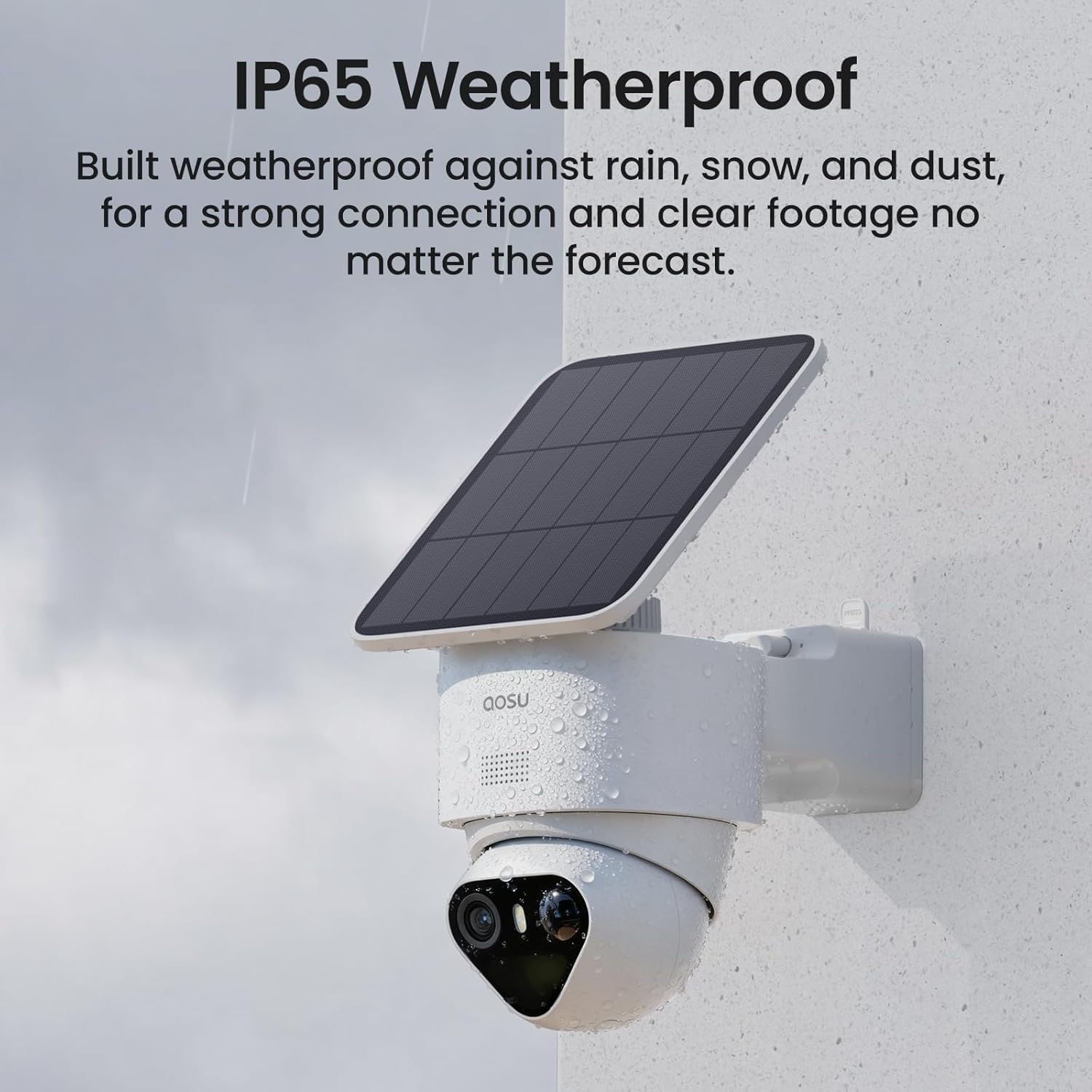
Figure 8.1: The camera's IP65 rating ensures protection against outdoor elements.
9. Zehaztapenak
| Ezaugarri | Xehetasuna |
|---|---|
| Barruko/Kanpoko erabilera | Kanpoan |
| Gailu bateragarriak | Smartphone (Android, iOS), Amazon Alexa, Google Assistant |
| Energia iturria | Eguzki-energia |
| Konektibitate-protokoloa | Bluetooth konexioa, Wi-Fi |
| Muntatze Mota | Hormako Muntaia |
| Bideo Harrapaketa Ebazpena | 4K |
| Kolorea | Zuria |
| Elementuaren neurriak (L x W x H) | 8.5 x 6.22 x 5.3 hazbete |
| Elementuaren pisua | 2.42 kilo |
| Bideo Harrapaketa formatua | MP4 |
| Ezaugarri Berezia | 4K, TrueColor Night Vision, Triple Detection, Automatic Tracking |
10. Mantentzea
- Garbiketa: Garbitu kameraren lentea eta eguzki-panela aldizka zapi leun eta lehor batekin.amp cloth to ensure clear vision and efficient charging. Avoid abrasive cleaners.
- Bateria zaintzea: Ensure the solar panel receives adequate direct sunlight daily (at least 90 minutes recommended) to maintain battery charge. In prolonged cloudy periods, manual charging via the USB port may be necessary.
- Firmware eguneraketak: Periodically check the aosu app for available firmware updates to benefit from performance improvements and new features.
11. Arazoak
- Kamera ez da konektatzen: Ensure your Wi-Fi network is stable and the camera is within range. Restart the camera and your router. Verify correct Wi-Fi credentials in the app.
- Bideoaren kalitate eskasa: Check for obstructions on the camera lens and clean it if necessary. Ensure adequate lighting for optimal image capture. Verify your internet connection speed.
- Eguzki-panela ez da kargatzen: Confirm the solar panel is positioned to receive direct sunlight for several hours a day. Clean any dirt or debris from the panel surface. Check the connection cable for damage.
- Mugimendu faltsuen alertak: Adjust the sensitivity settings for motion detection in the aosu app. Ensure the AI Triple Detection is enabled to filter out non-human/vehicle movements.
- Bi norabideko hizkeraren arazoak: Check your device's microphone and speaker settings. Ensure the camera's microphone and speaker are not obstructed.
12. Bermea eta Laguntza
For warranty information, technical support, or further assistance, please refer to the official aosu webwebgunera edo jarri harremanetan zuzenean bezeroarentzako arreta-zerbitzura. Gorde erosketa-agiria berme-erreklamazioetarako.