
Sarrera
The Nimble Bump 5K is a compact and efficient portable charger designed to provide fast power to your USB-C devices. Featuring a built-in foldable USB-C connector and a 5,000mAh battery, it offers convenient, on-the-go charging for smartphones, tablets, and other compatible devices. This manual will guide you through the proper use and care of your Nimble Bump 5K portable charger.
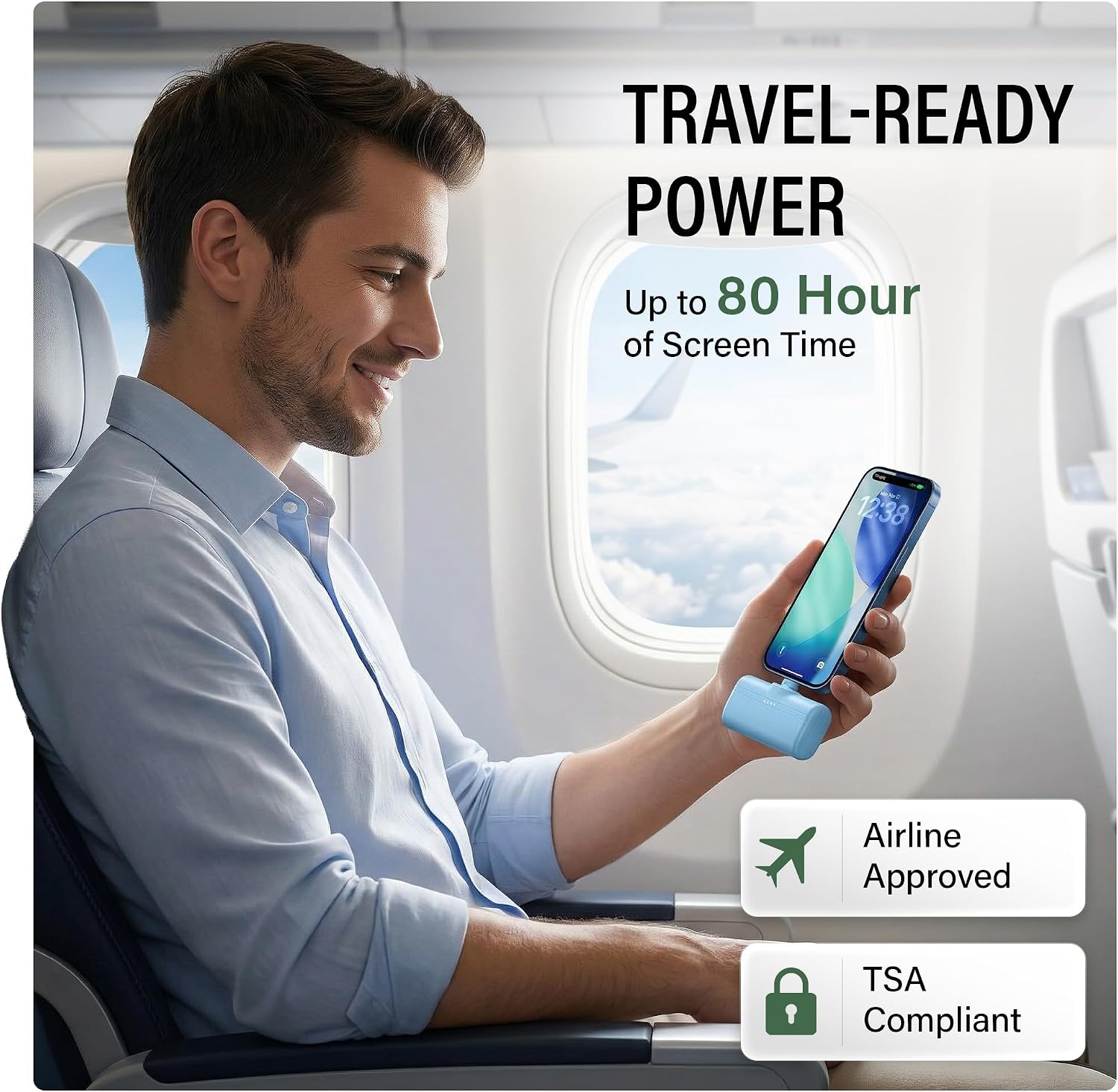
Image: The Nimble Bump 5K portable charger connected to a smartphone, illustrating its fast charging capability and compact design.
Konfigurazioa
1. Unboxing eta Hasierako Ikuskapena
Carefully remove the Nimble Bump 5K portable charger from its packaging. Inspect the device for any signs of damage. The package should include:
- 1x Nimble Bump 5K Portable Charger
- 1x USB-C to USB-C Cable (1M / 3.3FT)
- 1x Abiadura Gida Gida

Image: The Nimble Bump 5K portable charger, a USB-C to USB-C cable, and a quick start guide, representing the contents of the product package.
2. Hasierako karga
Before first use, fully charge your Nimble Bump 5K. Connect the included USB-C to USB-C cable to the power bank's USB-C input/output port and to a compatible USB wall adapter (not included). The LED indicators will illuminate to show charging progress. A full recharge typically takes approximately 1.5 hours.

Image: The Nimble Bump 5K portable charger connected to a wall adapter with a USB-C cable for recharging.
Funtzionamendu-argibideak
1. Zure gailua kargatzen
The Nimble Bump 5K offers two methods for charging your devices:
- Using the Built-in Foldable USB-C Connector:
Flip up the integrated USB-C connector. Directly plug this connector into your compatible USB-C device (e.g., iPhone 15/16/17, Samsung Galaxy, iPad, Pixel). The device will begin charging automatically. This method is ideal for cordless, on-the-go power.

Image: A hand holding the Nimble Bump 5K, demonstrating the foldable USB-C connector in its extended position for direct device charging.
- Using the Extra USB-C Port:
For charging a second device or if your primary device requires a cable, use the additional USB-C input/output port on the side of the power bank. Connect your device using a USB-C to USB-C cable (included). This allows for charging earbuds, tablets, or sharing power.

Image: The Nimble Bump 5K simultaneously charging a smartphone and wireless earbuds, showcasing its dual USB-C output capability.
The Nimble Bump 5K delivers up to 20W high-speed charging, ensuring your devices power up quickly.
2. Power Bank-a berriro kargatzea
To recharge the Nimble Bump 5K, connect the included USB-C to USB-C cable to the power bank's USB-C input/output port and to a USB wall adapter. The LED indicators will show the charging status. When all four LEDs are solid, the power bank is fully charged.
3. LED adierazleak
The Nimble Bump 5K features four LED lights that indicate the remaining battery capacity and charging status:
- 4 Solid LEDs: % 75-100 kobratuko da
- 3 Solid LEDs: % 50-75 kobratuko da
- 2 Solid LEDs: % 25-50 kobratuko da
- 1 LED sendoa: % 0-25 kargatuta (laster kargatuko da berriro)
- LED keinukariak: Indicates the power bank is currently charging.
4. Garrantzizko karga
The Nimble Bump 5K supports pass-through charging, allowing you to recharge the power bank while simultaneously charging a connected device. Simply plug the power bank into a wall adapter and then connect your device to the power bank.

Image: The Nimble Bump 5K power bank plugged into a wall outlet and also charging a smartphone, illustrating its pass-through charging capability.
Mantentzea
1. Garbiketa
To clean your Nimble Bump 5K, gently wipe the exterior with a soft, dry, lint-free cloth. Avoid using harsh chemicals, abrasive cleaners, or excessive moisture, as these can damage the device.
2. Biltegiratzea
Store the power bank in a cool, dry place away from direct sunlight, extreme temperatures, and humidity. If storing for extended periods, ensure the battery is partially charged (around 50%) to prolong its lifespan.
3. Battery Care and Sustainability
The Nimble Bump 5K is designed with sustainability in mind, made from certified recycled materials. To maintain optimal battery performance and contribute to its longevity:
- Saihestu bateria maiz erabat deskargatzea.
- Ez jarri gailua bero edo hotz handira.
- When disposing of old tech, utilize Nimble's free e-waste recycling program.

Image: The Nimble Bump 5K highlighting its sustainable design, certified recycled materials, and free e-waste recycling program.
Arazoak konpontzea
1. Gailua ez da kargatzen
- Egiaztatu Power Bank-aren karga: Ensure the Nimble Bump 5K has sufficient charge by checking the LED indicators. Recharge if necessary.
- Konexio segurua: Verify that the USB-C connector (built-in or cable) is firmly seated in both the power bank and your device.
- Cable/Port Integrity: If using a cable, try a different USB-C cable or the other USB-C port on the power bank to rule out a faulty cable or port.
- Gailuaren bateragarritasuna: Confirm your device is USB-C compatible.
2. Power Bank Not Recharging
- Check Wall Adapter: Ensure the wall adapter is functioning correctly and provides sufficient power (e.g., 5V/2A or higher).
- Kable konexioa: Make sure the USB-C charging cable is securely connected to both the power bank and the wall adapter.
- Try Different Cable/Adapter: Test with a different USB-C cable and/or wall adapter.
3. Kargatze motela
- Kablearen kalitatea: Use the included high-quality USB-C to USB-C cable or another certified fast-charging cable.
- Gailuaren eskakizunak: Some devices may have specific charging protocols. Ensure your device supports 20W USB-C Power Delivery for optimal speed.
- Atzeko planoko aplikazioak: Close unnecessary applications on your device that might be consuming power during charging.
Zehaztapenak
| Marka | Arina |
| Eredua | Bump 5K |
| Bateria Edukiera | 5000 milioiamp Orduak |
| Konektore mota | USB Type C (Built-in Foldable & Additional Port) |
| Irteera Potentzia | 20W-ko kargatze azkarra arte |
| liburukiatage | 5 voltio, 9 voltio |
| Portu kopurua | 2 (1x Built-in USB-C, 1x USB-C Input/Output) |
| Energia iturria | Barneko bateria kargagarria |
| Gailu bateragarriak | iPhone (USB-C models), Samsung Galaxy, iPad, USB-C Devices |
| Elementuaren pisua | 3.42 ontza (97 gramo) |
| Item Dimensions (L x W x Th) | 3.12" x 1" x 1.5" (7.92 cm x 2.54 cm x 3.81 cm) |
| Ezaugarri bereziak | Built-in Cable, Fast Charging, Lightweight, Pocket Size, Sustainable Design |
Bermearen informazioa
The Nimble Bump 5K Portable Charger comes with a 2 urteko bermea erosketa-datatik aurrera. Berme honek fabrikazio-akatsak estaltzen ditu eta produktuak erabilera normalaren pean behar bezala funtzionatzen duela bermatzen du. Gorde erosketaren egiaztagiria berme-erreklamazioetarako.
For detailed warranty terms and conditions, please refer to the official Nimble webwebgunean edo jarri harremanetan bezeroarentzako laguntzarekin.
Bezeroarentzako Arreta
If you encounter any issues or have questions regarding your Nimble Bump 5K Portable Charger that are not addressed in this manual, please contact Nimble customer support. You can typically find contact information on the product packaging, the official Nimble webgunea, edo zure dendariaren bidez.
When contacting support, please have your product model (Bump 5K) and proof of purchase ready.