
Sarrera
This manual provides essential information for setting up, operating, maintaining, and troubleshooting your Samsung 55-Inch Class QN80H Series Neo QLED 4K Smart TV. Please read this manual thoroughly to ensure proper use and to maximize your viewesperientzia.
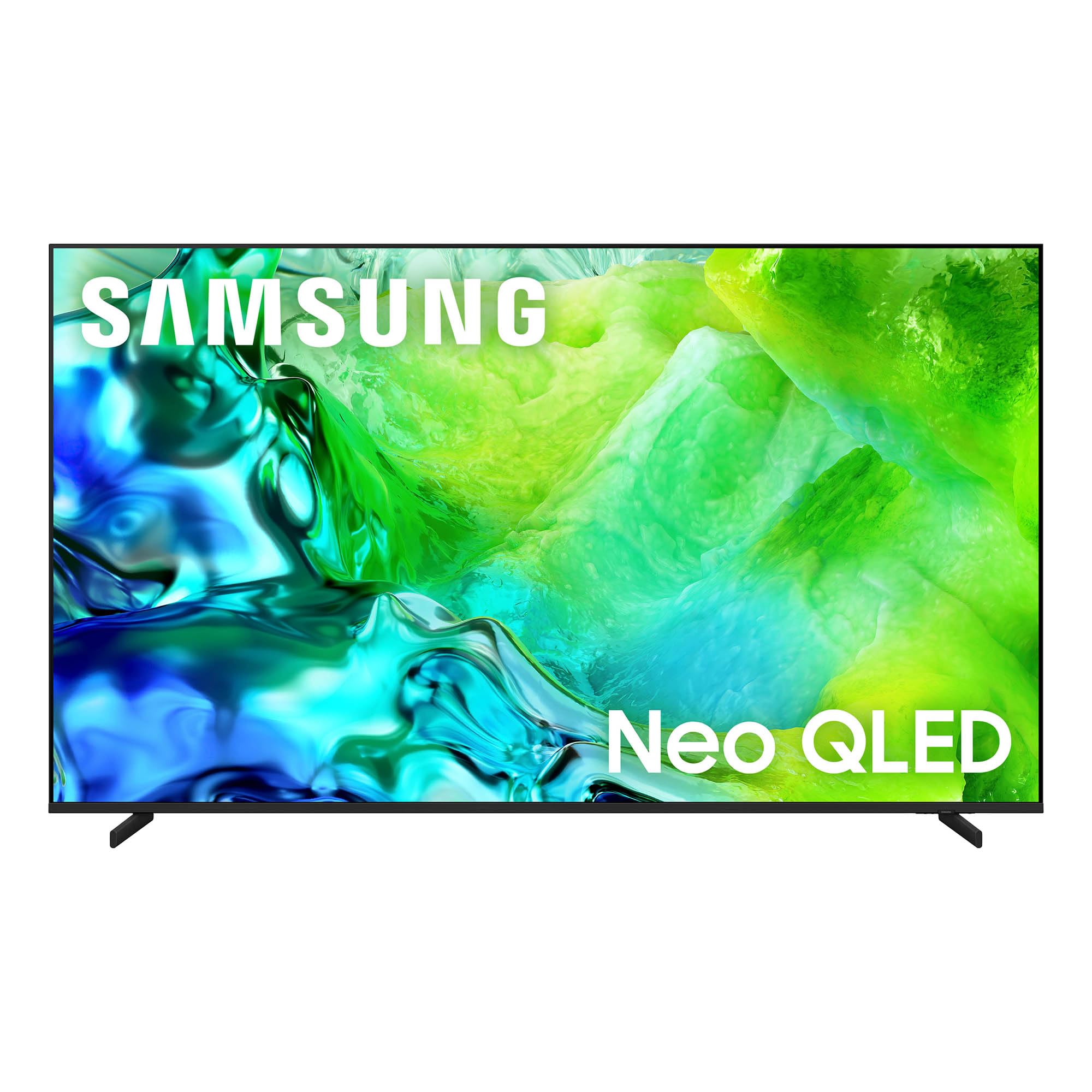
The Samsung 55-Inch Class QN80H Series Neo QLED 4K Smart TV.
Kutxan dagoena
Egiaztatu telebistarekin elementu hauek guztiak datozela:
- Samsung QN80H Series Neo QLED 4K Smart TV
- BT Simple Remote TM2280A with batteries
- Elikatze-kablea
- Standaren osagaiak
- Erabiltzailearen eskuliburua (dokumentu hau)
- Berme Txartela

Telebistaren neurrien eta ontzian sartutako elementuen irudikapen bisuala.
Konfigurazioa
1. Deskargatzea
Carefully remove the TV from its packaging. It is recommended to have two people for this process due to the size and weight of the television. Retain all packaging materials for future transport or service needs.
2. Euskarri instalazioa edo horman muntatzea
For stand installation, follow the instructions provided in the separate Installation Manual. Ensure the stand is securely attached before placing the TV on a stable, level surface. If wall mounting, use a VESA-compatible mount (300 x 200 mm) and consult the Installation Manual for proper procedures. Professional installation is recommended for wall mounting.
3. Periferikoak konektatzea
Connect your external devices such as cable boxes, Blu-ray players, gaming consoles, and sound systems to the TV's ports. The QN80H Series TV features multiple connectivity options:
- HDMI Ports (4 total): For high-definition video and audio. HDMI 3 supports eARC for enhanced audio return. HDMI 4 is optimized for 4K@144Hz gaming.
- USB Ports (2 total, 1 USB 3.0): USB unitateetatik multimedia erreproduzitzeko.
- Ethernet (LAN) ataka: Kable bidezko internet konexiorako.
- Audio irteera (optikoa): For connecting to soundbars or receivers.
- Kablea/ANT: For over-the-air antenna or cable TV signals.

Xehetasuna view of the TV's connectivity ports, including HDMI, USB, Ethernet, and Audio Out.
4. Power On & Initial Setup
Plug the power cable into the TV and then into a wall outlet. Press the power button on the remote control or the TV. Follow the on-screen instructions to complete the initial setup, including network connection, channel scanning, and smart features configuration.
5. Urruneko kontrola
The included BT Simple Remote TM2280A uses Bluetooth for connectivity. Insert the provided AAA batteries. The remote should automatically pair with the TV during initial setup. If not, refer to the on-screen instructions or the full User Guide for manual pairing.
Telebista erabiltzea
1. Smart Hub & Tizen OS
Your Samsung QN80H TV runs on the Tizen operating system, providing access to a wide range of internet applications such as Amazon, Netflix, YouTube, Hulu, HBO, and Disney+. Navigate the Smart Hub using your remote control to find and launch your favorite streaming services and apps.

The intuitive One UI Tizen smart TV platform for personalized content access.
2. Irudiaren ezarpenak
The QN80H Series TV incorporates advanced technologies to deliver an exceptional visual experience:
- Quantum Mini LED Full Array: Experience precise brightness and contrast with dark scenes revealing subtle shadows and bright scenes shining with intense detail.
- NQ4 AI Gen2 prozesadorea: This processor enhances content in real-time, delivering sharper images, smoother motion, and more vibrant colors.
- 4K AI eskalatzea: Advanced AI processing upscales lower-resolution content to captivating 4K resolution.
- Motion Xcelerator 144Hz: Provides ultra-smooth 144Hz performance for fast-paced action, reducing stutter and tearing.
- HDR birmasterizazio automatikoa: Intelligently transforms SDR content to HDR-like quality with brighter highlights and more vibrant colors.
- Kolore-indartzaile Pro: Enhances vibrant colors through AI for a richer visual experience.
- AI Customization Mode: Automatically detects content type and optimizes picture settings.
- Benetako sakonera hobetzailea: Analyzes and enhances scenes to create lifelike depth.
- Pantone Validated: Ensures expert-validated color and skin tones for a realistic picture.
- %100eko kolore-bolumena puntu kuantikoekin: Displays over a billion colors that remain true even in bright scenes.

Quantum Mini LED Full Array for ultra-fine contrast and brilliant brightness.

The NQ4 AI Gen2 Processor, the power behind the TV's stunning picture quality.

4K AI Upscaling transforms content to captivating 4K resolution.

Motion Xcelerator 144Hz for smooth motion in sports and gaming.

Auto HDR Remastering transforms content to HDR-like quality.

Color Booster Pro enhances vibrant colors through AI.

AI Customization Mode automatically optimizes picture settings.

Real Depth Enhancer creates pictures with true depth.

Pantone Validated ensures accurate color and skin tones.

100% Color Volume with Quantum Dot for over a billion true colors.
3. Soinu ezarpenak
Enhance your audio experience with these features:
- Soinu Pro Egokitzailea: Provides vivid, balanced audio by identifying sounds and optimizing audio based on your room's acoustics.
- Ahots aktiboa AmpLifier Pro: Enhances dialogue by identifying and amplifying voices above background sounds and room noise.
- Objektuen Jarraipen Soinua Lite: Delivers motion-based sound that moves with the action on screen for immersive audio.
- Q-Sinfonia: Allows the TV and a compatible soundbar to work together for a richer, more nuanced sound experience.

Adaptive Sound Pro for scenic and spatial intelligence for vivid, yet balanced audio.

Ahots aktiboa Amplifier Pro for clear dialogue with AI-powered voice enhancement.

Object Tracking Sound Lite provides motion-based sound.

Q-Symphony allows the TV and soundbar to work together in harmony.
4. Jokoen Ezaugarriak
- Jokoen Gunea: A central hub that brings together your favorite games from consoles, cloud services, and gaming apps.

The Gaming Hub provides a central place for all your gaming needs.
5. Ezaugarri adimendunak
- Vision AI Companion: Access powerful AI features and ask your TV questions using voice control.
- SmartThings Hub: Connect and control smart devices through your TV, simplifying your daily life.
- Quick Remote: Control your TV using your smartphone to change channels, adjust volume, and access Tizen features.
- Maskoten zaintza: On-device AI detects your dog's barking and alerts you when your pet needs attention.
- Biltegiratze partekatzea: Ezin hobeto view multimedia files from your phone or tablet on the big screen.
- Samsung TV Plus: Instantly access over 400 channels and thousands of on-demand shows and movies for free.
- Orain laburbilduz: Customize widgets for essential information like weather, memo, and music.
- Samsung Knox Segurtasuna: Enjoy peace of mind with built-in triple-layer data protection, defending against harmful apps and phishing sites.
- Arte Denda: Access art from world-famous galleries and artists.

Vision AI Companion allows interaction with your TV using AI features.

Use your phone as a Quick Remote to control your TV.

Pet Care feature helps you monitor your pets.

Storage Share allows seamless file sharing across Samsung devices.

Samsung TV Plus offers free access to a wide range of content.

Now Brief provides essential information for your day.

Samsung Knox Security provides built-in triple-layer data protection.

The Art Store provides access to world-famous galleries and artists.
Mantentzea
1. Telebista garbitzea
To clean the screen, gently wipe it with a soft, lint-free cloth. For the TV body, use a soft, dry cloth. Avoid using harsh chemicals, abrasive materials, or excessive moisture, as these can damage the screen or finish.
2. AI Energia Modua
The AI Energy Mode helps reduce power consumption by automatically adjusting brightness based on the room's lighting and your user activity. This feature can be enabled or disabled in the TV settings.
Arazoak konpontzea
If you encounter any issues with your TV, refer to the following common troubleshooting tips. For more detailed solutions, consult the comprehensive User Guide (PDF) available online or through the provided link in the Support section.
- Potentziarik gabe: Ziurtatu kablea telebistara eta funtzionatzen duen entxufe batera ondo konektatuta dagoela. Probatu entxufea beste gailu batekin.
- Irudi/soinurik ez: Egiaztatu kable konexio guztiak (HDMI, antena, etab.). Ziurtatu sarrera iturri zuzena hautatuta dagoela telebistan.
- Urrunekoa ez dabil: Replace the batteries in the remote control. Ensure there are no obstructions between the remote and the TV. Re-pair the Bluetooth remote if necessary.
- Irudiaren kalitate eskasa: Adjust picture settings (brightness, contrast, sharpness, color). Check the resolution of the input source. Ensure your antenna or cable connection is strong.
- Sareko konexio arazoak: Verify your Wi-Fi password. Restart your router and modem. If using a wired connection, ensure the Ethernet cable is properly connected.
Zehaztapenak
| Ezaugarri | Zehaztapena |
|---|---|
| Pantailaren tamaina | 55 hazbetekoa |
| Marka | Samsung |
| Bistaratzeko Teknologia | QLED (Neo QLED Mini LED) |
| Ebazpena | 4K |
| Freskatze tasa | 120 Hz (Motion Xcelerator 144Hz) |
| Prozesadorea | NQ4 AI Gen2 prozesadorea |
| Sistema eragilea | Tizen |
| Konektibitatea | Bluetooth 5.3, HDMI (4 ports), USB (2 ports, 1 USB 3.0), Wi-Fi, Ethernet |
| Ezaugarri bereziak | Built-In Speaker, Game Mode, AI Upscaling, HDR10+, Voice Control |
| Produktuaren neurriak (L x W x H) | 8.6" L x 48.2" W x 30.3" H |
| Elementuaren pisua | 29.8 kilo |
| VESA muntaketa estandarra | 300 x 200 mm |
| Modelo zenbakia | QN55QN80HAFXZA |
| Eredu Urtea | 2026 |
Bermearen informazioa
Your Samsung 55-Inch Class QN80H Series Neo QLED 4K Smart TV is covered by a 1 urteko fabrikatzailearen bermea. This warranty covers defects in materials and workmanship under normal use. For specific terms, conditions, and to register your product, please refer to the Warranty Card included in your product packaging or visit the official Samsung support webgunea.
Laguntza eta baliabideak
For further assistance, detailed instructions, or to download digital copies of your manuals, please use the following resources:
- Erabiltzailearen gida (PDF): Deskargatu Erabiltzailearen Gida
- Instalazio eskuliburua (PDF): Deskargatu instalazio eskuliburua
- Samsung laguntza Webgunea: Bisitatu samsung.com/us/support/ for product registration, FAQs, and contact information.


