
Sarrera
This manual provides essential information for setting up, operating, maintaining, and troubleshooting your Samsung Galaxy S26 5G Ai smartphone. Please read this guide carefully to ensure proper use and to maximize the device's capabilities.
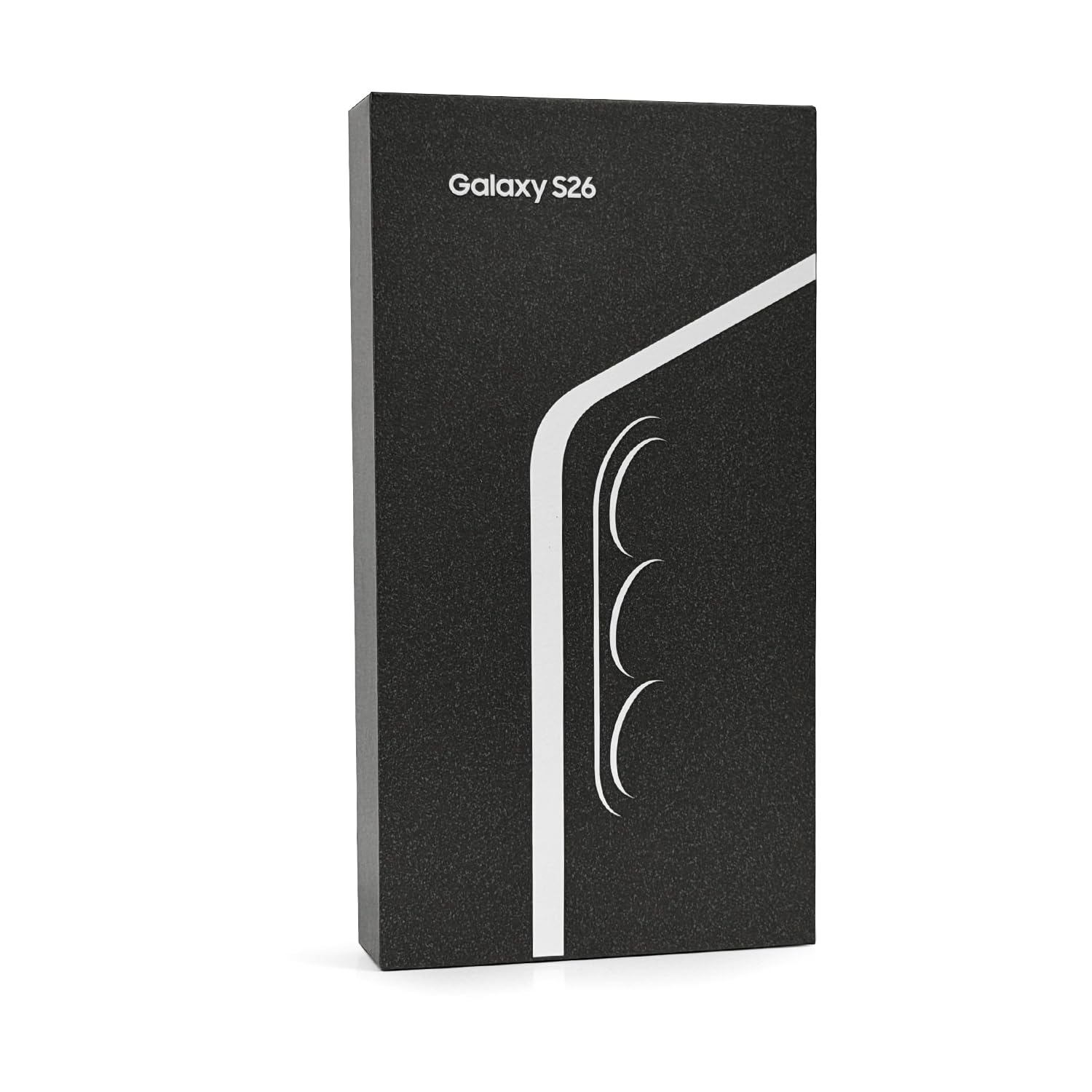
Image: Samsung Galaxy S26 5G Ai smartphone. This image shows the device's front and side profile, highlighting its display and overall form factor.
Konfigurazioa
1. SIM txartelaren instalazioa
Your Samsung Galaxy S26 supports Nano-SIM cards and eSIM functionality, allowing for up to two active SIMs simultaneously (Nano-SIM + Nano-SIM + eSIM + eSIM, max 2 at a time).
- Bilatu SIM txartelaren erretilua zure gailuaren alboan.
- Insert the SIM ejection tool (not included) into the small hole next to the tray to open it.
- Jarri Nano-SIM txartela(k) erretiluan, urre-koloreko kontaktuak behera begira dituela.
- Kontu handiz sartu berriro erretilua telefonoan.
- For eSIM activation, follow the on-screen instructions during initial setup or navigate to the device settings.
2. Hasierako piztea eta kargatzea
To power on your device, press and hold the Power/Side key until the Samsung logo appears. For initial charging, connect the included USB cable to your phone and a compatible USB power adapter (charger not included). The device supports fast wired charging, reaching up to 69% charge in approximately 30 minutes.
Zure gailua funtzionatzea
1. Pantaila eta nabigazioa
The Galaxy S26 features a 6.3-inch Dynamic LTPO AMOLED 2X display with a 120Hz refresh rate, HDR10+, and a peak brightness of 2600 nits. Navigate the interface using touch gestures. The display resolution is 1080 x 2340 pixels, providing a clear and vibrant viewesperientzia.
2. Kameraren ezaugarriak
Zure gailuak kamera-sistema aurreratu bat du:
- Kamera nagusia: 50 MP, f/1.8, 24mm (wide), with OIS and dual pixel PDAF.
- Teleobjektibo kamera: 10 MP, f/2.4, 67mm, with OIS, PDAF, and 3x optical zoom.
- Kamera ultrazabala: 12 MP, f/2.2, 13mm, 120° field of view.
- Aurrealdeko kamera: 12 MP, f/2.2, 26mm (wide), with dual pixel PDAF.
Video recording supports 8K@24/30fps, 4K@30/60fps, and 1080p up to 240fps, with features like 10-bit HDR, HDR10+, stereo sound recording, and gyro-EIS for stable footage. Nightography features enhance low-light photography.
3. Errendimendua eta Konektibitatea
The device is powered by a Qualcomm SM8850-AC Snapdragon 8 Elite Gen 5 (3 nm) processor, coupled with 12GB of RAM, ensuring smooth performance for demanding applications and multitasking. It supports worldwide 5G connectivity across various bands. Other connectivity options include Wi-Fi, Bluetooth, and GPS.
4. Sistema eragilea
The Samsung Galaxy S26 runs on Android 16 with Samsung's One UI 8.5 interface. It is designed to receive up to 7 major Android upgrades, ensuring long-term software support and access to the latest features.
5. Sentsoreak
Integrated sensors include an under-display ultrasonic fingerprint sensor, accelerometer, barometer, gyro sensor, geomagnetic sensor, Hall sensor, light sensor, and proximity sensor.
Mantentzea
1. Zaintza orokorra
The display is protected by Corning Gorilla Glass Victus 2. To maintain the device's condition, avoid exposing it to extreme temperatures, direct sunlight for prolonged periods, or harsh chemicals. Clean the screen with a soft, lint-free cloth. While the device has a degree of water and dust resistance, it is not waterproof; avoid submersion.
2. Software eguneraketak
Regularly check for and install software updates to ensure your device has the latest security patches, features, and performance enhancements. Updates can be found in the device's settings menu under 'Software update'.
Arazoak konpontzea
Gailuarekin arazoak badituzu, kontuan hartu oinarrizko arazoak konpontzeko urrats hauek:
- Gailuak ez du erantzuten: Eduki sakatuta pizteko/alboko tekla eta bolumena jaisteko tekla aldi berean 7 segundoz gailua berrabiarazteko.
- Bateria azkar agortzen da: Check background app usage, reduce screen brightness, disable unnecessary features like Wi-Fi or Bluetooth when not in use, and ensure software is up to date.
- Sareko konexio arazoak: Toggle Airplane Mode on and off, restart the device, check SIM card insertion, or contact your network provider.
- Aplikazioa ez dabil: Try clearing the app's cache and data in Settings > Apps, or uninstall and reinstall the app.
- Hatz-marken sentsorearen arazoak: Ensure your finger and the sensor are clean and dry. Re-register your fingerprints if problems persist.
Arazo konplexuagoetarako, jo Samsung-en laguntzara. webwebgunean edo jarri harremanetan bezeroarentzako zerbitzuarekin.
Zehaztapenak
| Ezaugarri | Xehetasuna |
|---|---|
| Modelo zenbakia | SM-S942B |
| Sistema eragilea | Android 16, One UI 8.5 (up to 7 major Android upgrades) |
| Prozesadorea | Qualcomm SM8850-AC Snapdragon 8 Elite Gen 5 (3 nm) |
| RAM | 12 GB |
| Barne Biltegiratzea | 256GB (variant specific) |
| Bistaratzea | 6.3 inches Dynamic LTPO AMOLED 2X, 120Hz, HDR10+, 2600 nits (peak) |
| Bistaratzeko ebazpena | 1080 x 2340 pixel (~411 ppi dentsitatea) |
| Bistaratzeko babesa | Corning Gorilla Glass Victus 2 |
| Kamera Nagusia | 50 MP (wide), 10 MP (telephoto, 3x optical zoom), 12 MP (ultrawide) |
| Aurrealdeko kamera | 12 MP (zabal) |
| Bideo Grabaketa | 8K@24/30fps, 4K@30/60fps, 1080p@30/60/120/240fps |
| SIM txartela | Nano-SIM + Nano-SIM + eSIM + eSIM (max 2 at a time) |
| Teknologia Zelularra | 5G (Unlocked Worldwide) |
| Bateria Edukiera | 4300 milioiamp Hours (Nonstandard Battery, included) |
| Kargatzen | Fast wired charging (charger not included) |
| Sentsoreak | Fingerprint (under display, ultrasonic), accelerometer, gyro, proximity, compass, barometer, geomagnetic, Hall, light |
| Neurriak (paketea) | 7 x 4 x 2 hazbete |
| Elementuaren pisua | 14 ontza |
| Kutxan dagoena | USB kablea |
Bermea eta Laguntza
1. Bermearen informazioa
This is a Latin American Version device and comes with a 1-year warranty valid in South, Central, Latin America, and the Caribbean. Please verify your phone's model number (SM-S942B) to ensure local warranty coverage in these regions. If the model differs, local warranty may not apply.
2. Bezeroarentzako arreta
For further assistance, technical support, or to explore additional accessories and services, please visit the official Samsung denda or the Samsung support webzure eskualderako gunea.