
Sarrera
This manual provides essential information for the setup, operation, maintenance, and troubleshooting of your VIZIO Onn 55S4V1 55-inch 4K UHD Smart TV. This television offers breathtaking 4K UHD visuals with HDR10 support, an integrated Roku platform for smart entertainment, and compatibility with smart home systems like Apple AirPlay, Google Assistant, and Amazon Alexa. It also features versatile connectivity options and a mobile app companion for enhanced control.
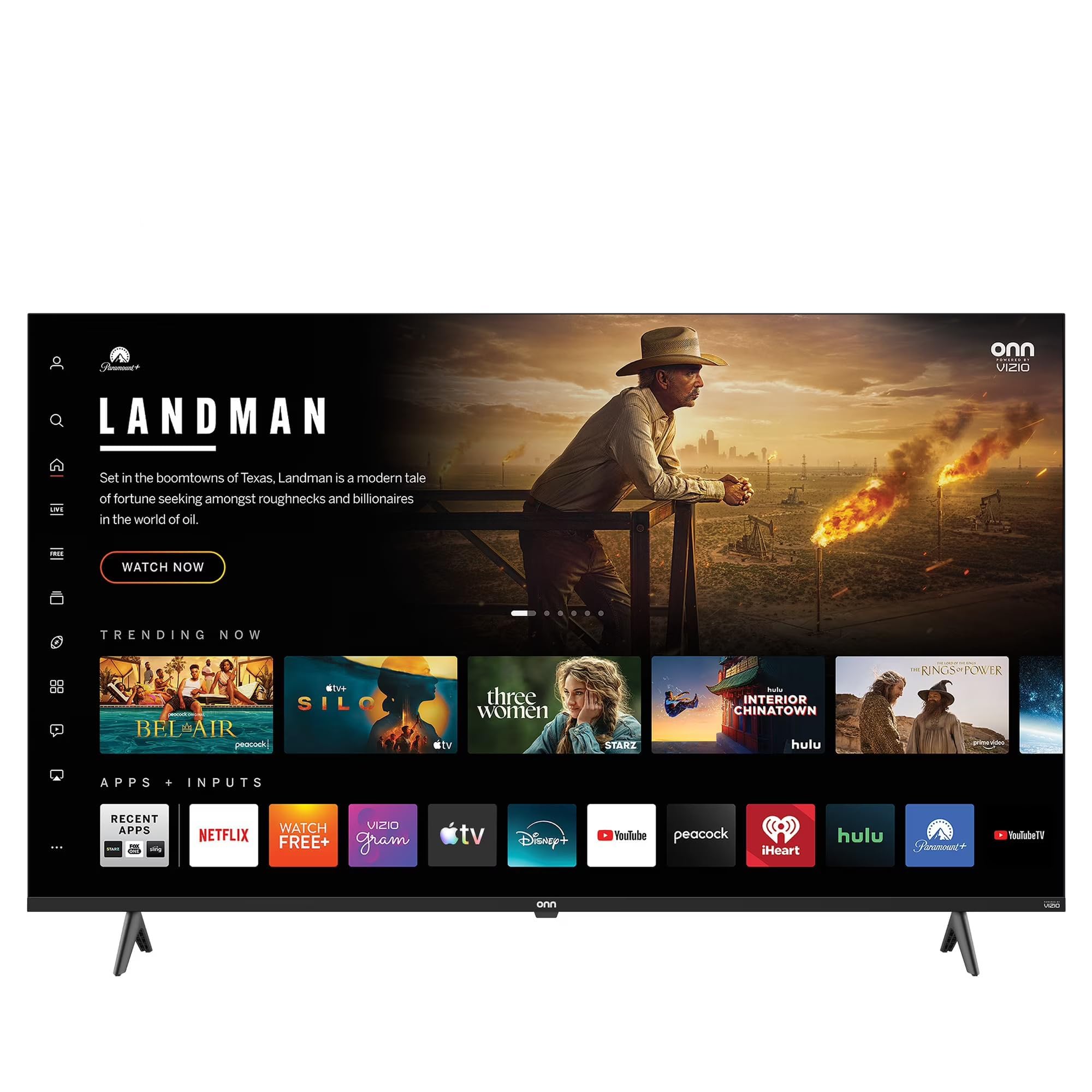
This image shows the VIZIO Onn 55S4V1 55-inch 4K UHD Smart TV powered on, displaying a web browser interface with various featured websites like Wikipedia and YouTube. The TV is mounted on a stand in a room setting.
Konfigurazioa
Kutxan dagoena
- VIZIO Onn 55S4V1 55-inch 4K UHD Smart TV
- Urruneko Kontrola
- Elikatze-kablea
- TV Stand (if included)
Instalazio fisikoa
Carefully unpack the television. If using the included stand, attach it securely according to the separate stand assembly instructions. Alternatively, if wall-mounting, ensure you use a compatible VESA mount (sold separately) and follow the mount manufacturer's instructions.
Gailuak konektatzea
Konektatu kanpoko gailuak telebistaren ataketara:
- HDMI Ports (3 total, including 1 ARC): For gaming consoles (PS5/Xbox), soundbars, Blu-ray players, and other HDMI-enabled devices.
- USB Port (1 total): USB biltegiratze gailuak konektatzeko.
- Composite Input: For older devices requiring composite video and audio connections.
- Sare elektrikoa Konektatu elikatze-kablea telebistara eta gero entxufe batera.
Hasierako piztea eta sarearen konfigurazioa
After connecting all devices and power, press the power button on the remote control or TV. Follow the on-screen instructions to complete the initial setup, including selecting your language, connecting to your Wi-Fi network, and activating the Roku platform.
Smart Home Integrazioa
Your TV is compatible with various smart home ecosystems:
- Apple AirPlay eta HomeKit: Stream content from Apple devices and integrate with your Apple Home ecosystem.
- Amazon Alexa: Kontrolatu zure telebista ahots-komandoak erabiliz Alexa gaitutako gailu baten bidez.
- Google Laguntzailea: Kontrolatu telebista ahots-komandoak erabiliz Google Assistant gaitutako gailu baten bidez.
Refer to the respective app instructions for pairing your TV with these smart home systems.
Funtzionamendu-argibideak
Roku Platform Navigation
The integrated Roku platform provides a user-friendly interface. Use the directional pad on your remote to navigate through menus and select channels (apps). The Home screen displays your installed channels, input selections, and featured content.
Streaming Zerbitzuak sartzea
The TV supports popular internet services such as Netflix, Disney+, and Hulu. Access these by selecting their respective icons on the Roku Home screen. You may need to log in with your existing account credentials.
Ahots kontrola
If you have paired your TV with Amazon Alexa or Google Assistant, you can use voice commands to perform actions such as:
- "Alexa, piztu telebista."
- "Hey Google, open Netflix."
- "Alexa, change the volume to 20."
Roku mugikorretarako aplikazioa
Download the free Roku mobile app on your smartphone for additional features:
- Urruneko kontrola: Use your phone as a full-function remote.
- Entzute pribatua: Listen to TV audio through headphones connected to your phone.
- Galdaketa: Cast photos, videos, and music directly from your phone to the TV.
- Voice Search & Keyboard: Use your phone's keyboard for faster text entry and voice commands.
Mantentzea
Pantaila garbitzea
To clean the screen, first power off the TV and unplug it from the power outlet. Use a soft, dry, lint-free cloth to gently wipe the screen. For stubborn marks, lightly dampen the cloth with water or a specialized screen cleaner (avoid harsh chemicals or abrasive materials).
Zaintza Orokorra
- Mantendu telebista ondo aireztatutako leku batean gehiegi berotzea saihesteko.
- Saihestu telebista eguzki-argiaren, tenperatura altuen edo hezetasun handiaren eraginpean jartzea.
- Ez jarri objektu astunak telebistaren gainean.
- Egiaztatu eta instalatu software eguneraketak aldizka, errendimendu eta segurtasun optimoa bermatzeko.
Arazoak konpontzea
If you encounter issues with your TV, try the following steps before contacting support:
- Potentziarik gabe: Ziurtatu kablea telebistara eta entxufearekin ondo konektatuta dagoela. Saiatu beste entxufe batekin.
- Irudi/soinurik ez: Verify that the correct input source is selected. Check all cable connections (HDMI, etc.). Restart connected devices.
- Urrunekoa ez dabil: Ordeztu urrutiko agintearen pilak. Ziurtatu ez dagoela oztoporik urrutiko agintearen eta telebistaren IR sentsorearen artean.
- Sareko konexio arazoak: Restart your Wi-Fi router. Go to the TV's network settings to reconnect to your Wi-Fi network.
- Picture/Sound Quality Issues: Check the resolution settings of your connected devices. Ensure cables are not damaged.
- General Glitches: Power cycle the TV by unplugging it from the wall for 60 seconds, then plugging it back in.
If problems persist, consult the VIZIO support webwebgunean edo jarri harremanetan bezeroarentzako zerbitzuarekin.
Zehaztapenak
| Ezaugarri | Zehaztapena |
|---|---|
| Ereduaren izena | 55S4V1 |
| Pantailaren tamaina | 55 hazbetekoa |
| Ebazpena | 4K (2160p) |
| Bistaratzeko Teknologia | LED |
| Freskatze tasa | 60 Hz |
| HDR formatua onartzen da | HDR10 |
| HDMI atakak | 3 (including 1 ARC) |
| USB atakak | 1 |
| Konektibitate Teknologia | Bluetooth konexioa, Wi-Fi |
| Onartutako Interneteko zerbitzuak | Netflix, Disney+, Hulu, Roku |
| Ezaugarri bereziak | Bezel-Less Design, Built-In Speaker, Flat, Game Mode, Multiple Voice Assistance |
| Kontrol-metodoa | Aplikazioa, Urrunekoa, Ahotsa |
| Kolorea | Beltza |
| Fabrikatzailea | VIZIO |
| Eredu Urtea | 2021 |
Bermearen informazioa
This VIZIO Onn 55S4V1 Smart TV comes with a 90 eguneko berme mugatua. Please retain your proof of purchase for warranty claims. For detailed terms and conditions, refer to the warranty documentation provided with your product or visit the official VIZIO support webgunea.
Laguntza
For further assistance, technical support, or to access additional resources, please visit the official VIZIO support webgunea. Normalean maiz egiten diren galderak, arazoak konpontzeko gidak eta bezeroarentzako arreta-zerbitzuaren harremanetarako informazioa aurki ditzakezu bertan.
Fabrikatzailea: VIZIO
Webgunea: www.vizio.com/support (Adibample link, please verify official VIZIO support URL)