
1. Bukatu daview
This manual provides essential information for setting up, operating, maintaining, and troubleshooting your INSIGNIA 85-inch Class QF Series QLED 4K UHD Smart Fire TV. This television offers a high-quality viewing experience with 4K UltraHD resolution, Quantum Dot Technology for enhanced color, and Direct LED Backlight for uniform brightness. It integrates the Fire TV Smart OS, providing access to various streaming services and features like the Voice Remote with Alexa. The design features a metal bezel-less display for a modern aesthetic.
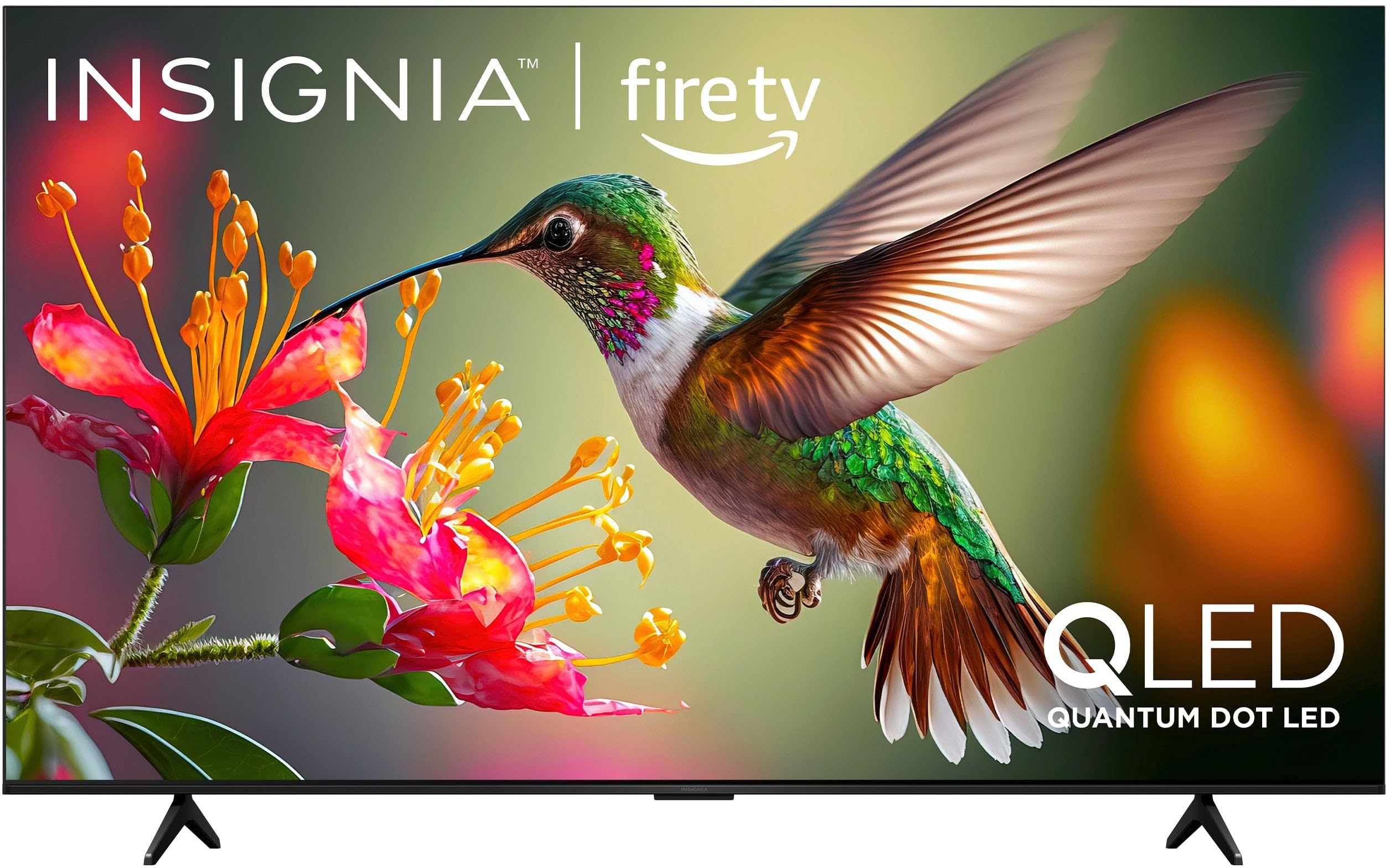
1.1. irudia: Aurrealdea view of the INSIGNIA 85-inch QF Series QLED 4K UHD Smart Fire TV.
2. Zer dago kutxan
Konfigurazioarekin jarraitu aurretik, egiaztatu osagai guztiak daudela:
- INSIGNIA 85-inch QF Series QLED 4K UHD Smart Fire TV
- Ahots urruneko Alexa-rekin
- Urrutiko agintearen pilak (2 AAA)
- Telebista
- Euskarri instalaziorako torlojuak
- Konfigurazio azkarreko gida (dokumentu hau)
3. Konfigurazioa
3.1. Telebistaren euskarria instalatzea
If you are not wall-mounting your TV, attach the included stand:
- Kontu handiz jarri telebista aurpegia behera gainazal leun eta garbi batean, pantaila kaltetu ez dadin.
- Lerrokatu euskarriaren hankak telebistaren behealdeko torloju-zuloekin.
- Lotu euskarriaren hankak emandako torlojuak erabiliz. Ziurtatu ondo estututa daudela.
3.2. Hasierako piztea eta sareko konexioa
- Konektatu elikatze-kablea telebistara eta gero entxufe batera.
- Sakatu telebistako pizteko botoia edo urrutiko agintea telebista pizteko.
- Follow the on-screen instructions to select your language, connect to your Wi-Fi network, and sign in to your Amazon account.
3.3. Urruneko parekatzea
Your Voice Remote with Alexa should pair automatically. If it does not, press and hold the Hasiera button on the remote for 10 seconds until the LED indicator flashes blue, then release. The remote will attempt to pair.

Image 3.1: The Voice Remote with Alexa, used for controlling the TV and accessing smart features.
4. Funtzionamendu-argibideak
4.1. Fire TV Smart OS Navigation
The Fire TV Smart OS provides a centralized hub for all your entertainment. Use the navigation buttons on your remote to browse:
- Hasierako pantaila: Access recommended content, recently used apps, and various streaming services.
- Aplikazioak: Download and manage your favorite streaming applications.
- Zuzeneko telebista: Integrate live TV channels from supported services or an antenna.
- Ezarpenak: Adjust picture, sound, network, and device preferences.

Image 4.1: The Fire TV interface displaying a selection of streaming services and content.
4.2. Ahots bidezko urrutiko agintea Alexarekin
Utilize the built-in Alexa voice assistant for hands-free control:
- Eduki sakatuta mikrofonoaren botoia zure urrutiko urrunean.
- Speak commands such as "Find action movies," "Launch Netflix," "Switch to HDMI 2," or "Show me the weather."
- Alexa can also control compatible smart home devices.
4.3. Kanpoko gailuak konektatzea
Your TV is equipped with four HDMI inputs for connecting external devices:
- Connect gaming consoles, Blu-ray players, soundbars, or cable/satellite boxes to the HDMI ports.
- One HDMI port supports eARC for enhanced audio return channel functionality with compatible sound systems.
- To switch inputs, press the Sarrera button on your remote and select the desired source.

Image 4.2: Illustration of the TV's connectivity options, including HDMI ports.
4.4. Irudi eta soinu hobekuntzak
This TV features advanced technologies for an immersive experience:
- QLED (Quantum Dot LED): Delivers vibrant, lifelike colors and improved brightness.
- 4K UltraHD bereizmena: Provides four times the detail of Full HD TVs.
- Dolby Vision eta Dolby Atmos: Supports advanced HDR for enhanced contrast and accurate colors, along with immersive spatial audio.

Image 4.3: Visual representation of Dolby Vision and Dolby Atmos features, highlighting cinematic picture and immersive sound.
5. Mantentzea
5.1. Telebista garbitzea
Telebistaren itxura eta errendimendua mantentzeko:
- Deskonektatu beti telebista garbitu aurretik.
- Erabili zapi leun, lehor eta lihorik gabeko bat pantaila eta kabina astiro-astiro garbitzeko.
- Pantailan marka egoskorrak badituzu, arinki garbituampGarbitu zapi bat urarekin edo pantaila-garbitzaile espezializatu batekin. Ez bota inoiz likidorik zuzenean pantailan.
- Saihestu garbitzaile urratzaileak, argizariak edo disolbatzaileak erabiltzea.
5.2. Software eguneraketak
Your Fire TV automatically receives software updates to improve performance and add new features. Ensure your TV is connected to the internet to receive these updates. You can manually check for updates in the Settings menu.
6. Arazoak
Telebistarekin arazoak badituzu, jo ezazu ohiko irtenbide hauetara:
| Arazoa | Irtenbidea |
|---|---|
| Botererik ez | Ziurtatu kablea ondo konektatuta dagoela telebistara eta funtzionatzen duen entxufe batera. Saiatu beste entxufe batekin. |
| Ez dago irudirik, baina soinua badago | Egiaztatu sarrera iturria. Sakatu botoia Sarrera button on the remote to cycle through inputs. Verify external devices are powered on and connected correctly. |
| Urrunekoak ez du erantzuten | Replace the AAA batteries in the remote. If the issue persists, re-pair the remote by holding the Hasiera botoia 10 segundoz. |
| Ezin da wifira konektatu | Ensure your Wi-Fi router is on and within range. Restart your router and TV. Check Wi-Fi settings in the TV's menu to ensure the correct network and password are entered. |
| Irudiaren kalitate eskasa | Adjust picture settings (brightness, contrast, color) in the TV's menu. Ensure the content source is high-quality (e.g., 4K content for 4K resolution). |
| Soinurik ez | Check the volume level and ensure the TV is not muted. Verify external audio devices (soundbar, receiver) are connected and configured correctly. |
7. Zehaztapenak
| Ezaugarri | Xehetasuna |
|---|---|
| Ereduaren izena | NS85-UQFL27 |
| Pantailaren tamaina | 84.6 hazbete (85 hazbeteko klasea) |
| Bistaratzeko Teknologia | QLED (puntu kuantikoa LED) |
| Ebazpena | 4K Ultra HD (3840 x 2160) |
| Freskatze tasa | 60 Hz |
| Sistema eragilea | FireOS |
| HDR euskarria | Dolby Vision |
| Audio Teknologia | Dolby Atmos |
| Konektibitatea | Wi-Fi |
| HDMI sarrerak | 4 (eARC 1 barne) |
| Ezaugarri bereziak | Voice Remote with Alexa, Apple Airplay |
| Produktuaren neurriak (L x W x H) | 2.5" L x 74.4" W x 42.8" H |
| Item Weight Without Stand | 64.6 kilo |
| Dakarten osagaiak | Remote Control, Remote Control Battery, Screws, Stand |
| UPC | 600603325472 |
8. Bermea eta laguntza
8.1. Bermearen informazioa
This INSIGNIA TV comes with a 1 urteko bermea. For specific terms and conditions, please refer to the warranty card included with your product or visit the official INSIGNIA support webgunea.
8.2. Bezeroarentzako arreta
If you require further assistance or encounter issues not covered in this manual, please contact INSIGNIA customer support. Contact information can typically be found on the manufacturer's webgunean edo zure produktuaren ontzian.