
1. Sarrera
Welcome to the Huidun HiBook 6 15.6-inch FHD Laptop. This manual provides essential information for setting up, operating, maintaining, and troubleshooting your new device. Please read it thoroughly to ensure optimal performance and longevity of your laptop.
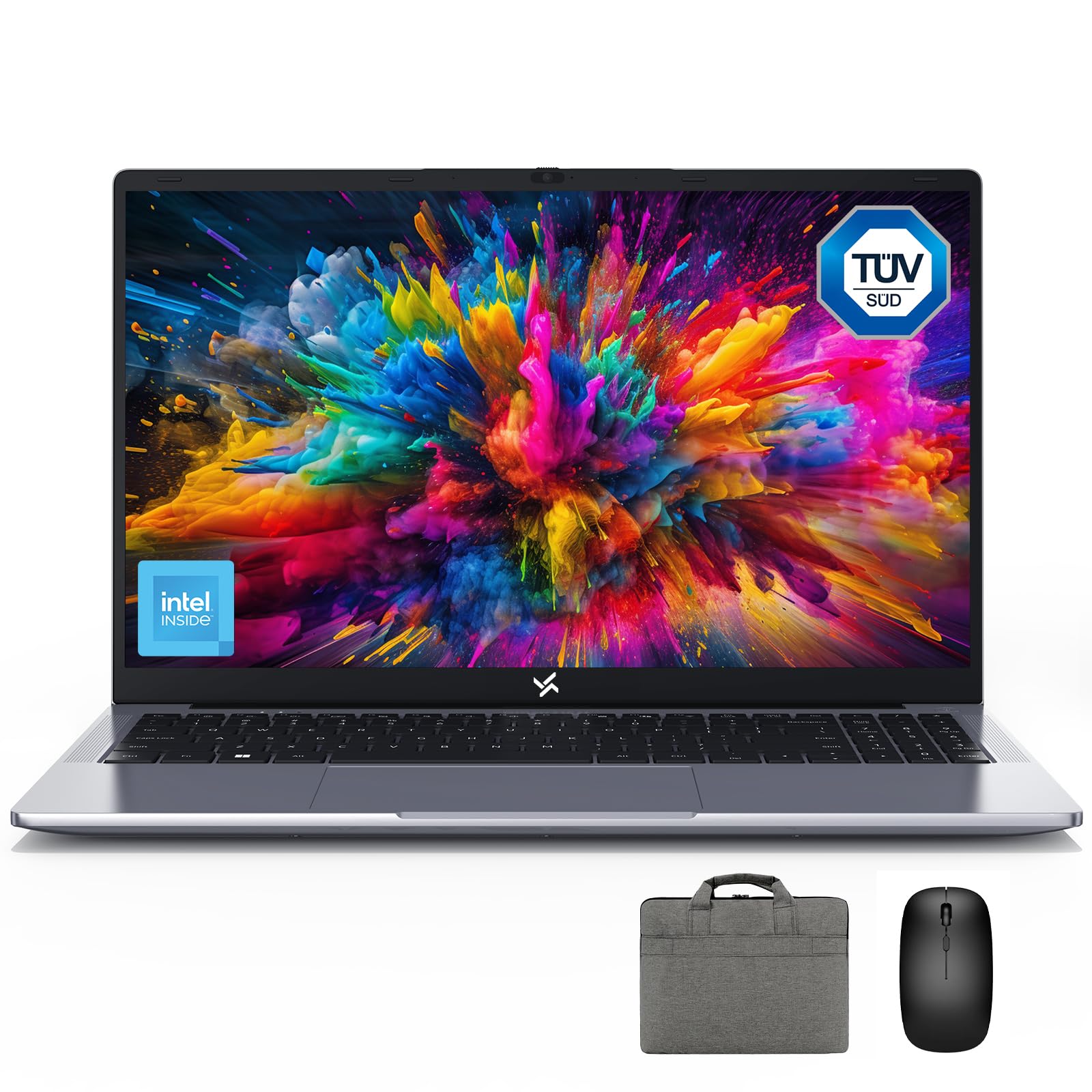
Figure 1: Huidun HiBook 6 Laptop Overview
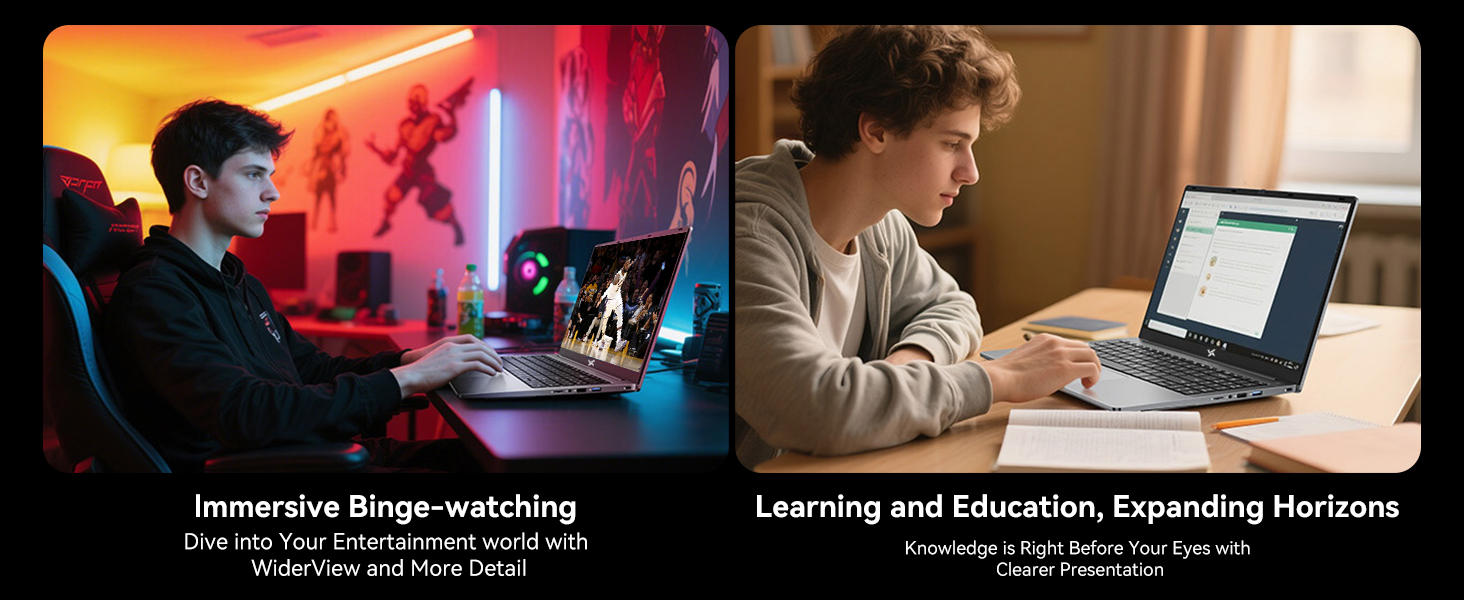
The Huidun HiBook 6 is a versatile laptop designed for productivity and entertainment. It features a 15.6-inch Full HD display, an Intel N150 Quad-Core Processor, 16GB of RAM, and a 256GB NVMe SSD. It comes pre-installed with Windows 11 Home and includes a carrying bag, wireless mouse, and mouse pad for a complete user experience.
2. Konfigurazioa
2.1 Kutxatik ateratzea eta hasierako ikuskapena
Kontu handiz atera osagai guztiak paketetik. Ziurtatu elementu hauek daudela:
- Huidun HiBook 6 Laptop
- Power Adapter (45W USB-C)
- Haririk gabeko sagua
- Mouse Pad
- Laptop Carrying Bag
- Erabiltzailearen eskuliburua (dokumentu hau)
Inspect the laptop for any physical damage. If any components are missing or damaged, contact customer support immediately.

Figure 2: Laptop and Included Accessories
2.2 Piztea eta hasierako konfigurazioa
- Connect the power adapter to the laptop's Type-C port and plug it into a power outlet.
- Open the laptop lid. The laptop may power on automatically, or you may need to press the power button located on the top right of the keyboard.
- Follow the on-screen instructions to complete the Windows 11 Home setup. This includes selecting your language, region, connecting to a Wi-Fi network, and creating a user account.
- Connect the wireless mouse by inserting the USB receiver into an available USB-A port on the laptop.
Video 1: Huidun HiBook 6 Laptop Setup and Initial Use. This video demonstrates the unboxing and initial setup process for the Huidun HiBook 6 laptop, including connecting peripherals and powering on the device.
3. Funtzionamendu-argibideak
3.1 Teklatua eta ukipen-panela
The HiBook 6 features a full-size keyboard with an independent numeric keypad for enhanced productivity. The touchpad supports multi-touch gestures for navigation and control.

Figure 3: Independent Numeric Keypad for Efficient Data Entry
3.2 Pantaila eta irudiak
The 15.6-inch Full HD IPS display (1920x1080 resolution) offers clear visuals. It includes TÜV Rheinland-certified eye-care technology and an anti-glare coating to reduce eye strain during prolonged use.

Figure 4: 15.6-inch Full HD IPS Display with Eye Protection
3.3 Konexioa eta portuak
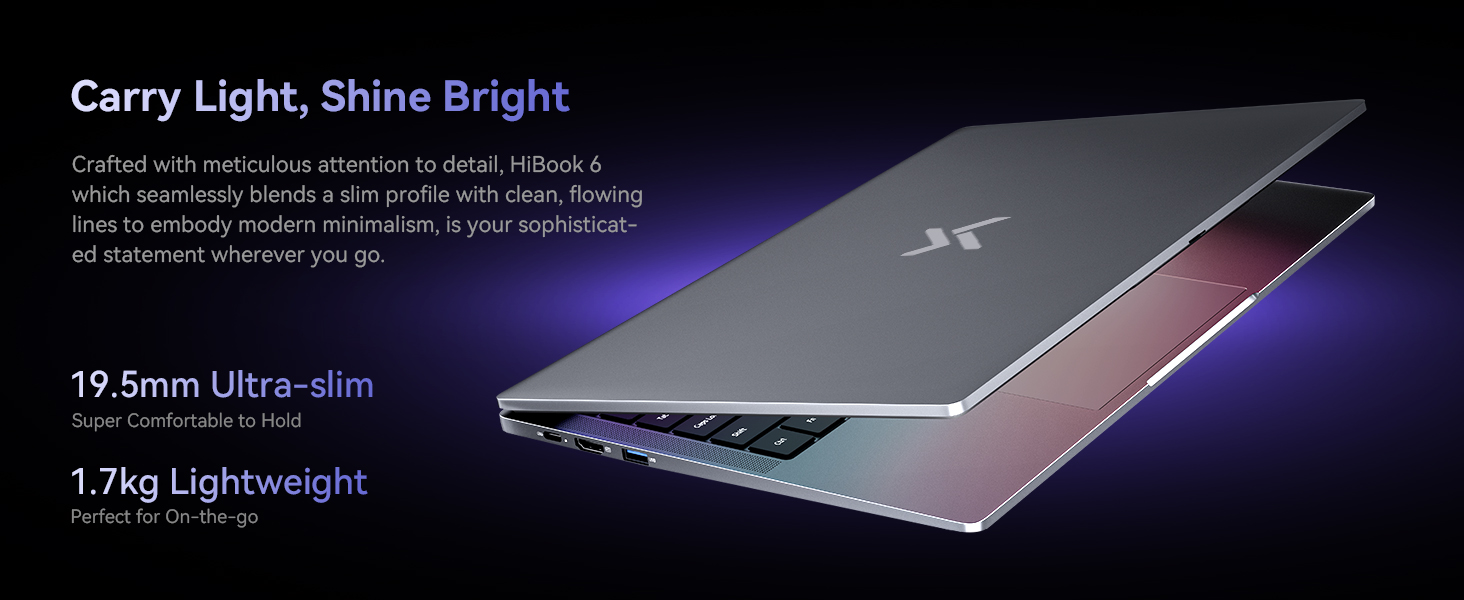
The HiBook 6 offers a range of ports for connecting peripherals and external displays:
- Full-featured Type-C: Supports 5Gbps data transfer, 4K video output (DP 1.4), and PD fast charging.
- HDMI2.0: Supports up to 4K resolution at 60Hz for external monitors.
- USB-A 3.2 1. belaunaldia: Abiadura handiko datuak transferitzeko.
- USB 2.0: For standard peripherals.
- TF txartelaren zirrikitua: For memory card expansion.
- 3.5 mm-ko audio-konexioa: Entzungailuetarako edo kanpoko bozgorailuetarako.
5 Irudia: Gainetikview of 7 Versatile Ports
3.4 Bateria eta karga
The laptop is equipped with a 45Wh battery, providing up to 6 hours of continuous runtime. Use the included 45W USB-C fast charger to power the battery up to 60% in approximately 45 minutes.
6. irudia: Barnekoa View of the 45Wh Battery
4. Mantentzea
4.1 Ordenagailu eramangarria garbitzea
- Erabili zapi leun eta lihorik gabeko bat pantaila eta kanpoaldea garbitzeko.
- Orban egoskorretarako, apur bat dampGarbitu oihal bat urarekin edo pantailarentzat segurua den garbitzaile batekin.
- Saihestu likidoak zuzenean ordenagailu eramangarrian ihinztatzea.
- Erabili aire konprimatua teklatuko tekletako eta aireztapen-zuloetako hautsa kentzeko.
4.2 Errendimendua optimizatzea
- Regularly update your Windows operating system and drivers.
- Keep the cooling vents clear to prevent overheating. The laptop features a 16,800mm² cooling area with a shark fin fan for efficient heat dissipation.
- Periodically run disk cleanup and defragmentation tools (for HDDs, not necessary for SSDs).
- Manage startup programs to reduce boot time and system load.
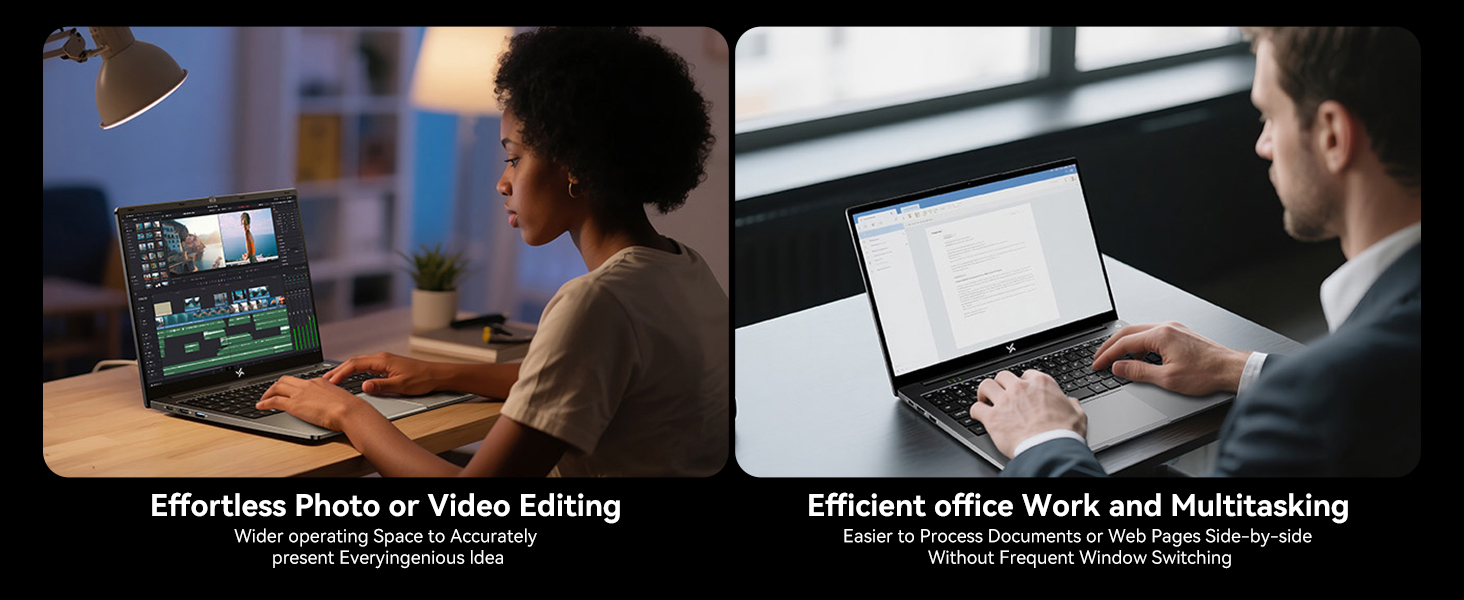
Figure 7: Expansive Cooling Area for Optimal Performance
5. Arazoak
5.1 Ohiko arazoak eta irtenbideak
| Gaia | Irtenbide posiblea |
|---|---|
| Ordenagailu eramangarria ez da pizten | Ensure the power adapter is securely connected and the outlet is working. Try a different power outlet. If the battery is completely drained, it may take a few minutes to show signs of life after plugging in. |
| Pantaila hutsik edo beltzez dago | Check if the laptop is powered on. Adjust screen brightness. Connect to an external monitor via HDMI to check if the issue is with the laptop's display. |
| Errendimendu motela | Close unnecessary applications. Check for background processes. Ensure sufficient free space on the SSD. Run a virus scan. Refer to the 'Optimizing Performance' section. |
| Wi-Fi konexio arazoak | Restart your router and modem. Restart the laptop. Check Wi-Fi settings and ensure the correct network is selected. Update Wi-Fi drivers. |
| Bateria ez da kargatzen | Verify the power adapter and cable are not damaged. Ensure the Type-C port is clean. Try a different Type-C port if available. |
If you encounter issues not listed here or if the suggested solutions do not resolve the problem, please contact Huidun technical support.
6. Zehaztapenak
Below are the detailed technical specifications for the Huidun HiBook 6 laptop:
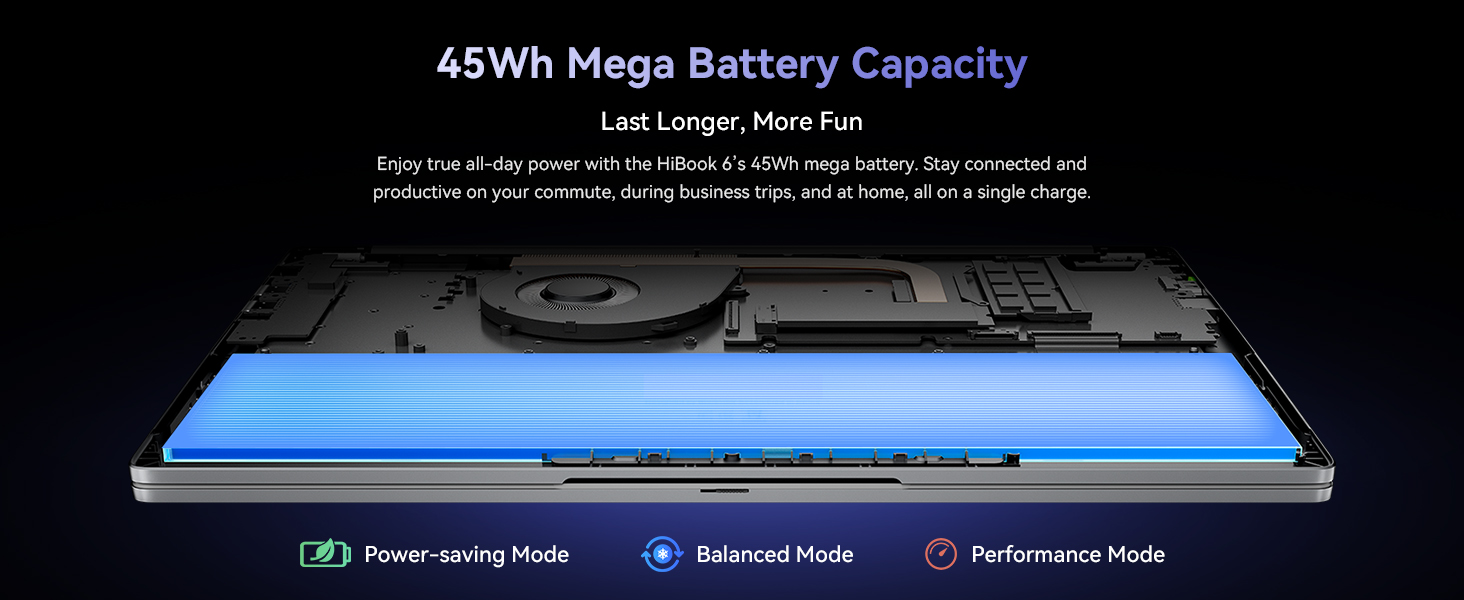
Figure 8: Key Internal Components and Features
| Ezaugarri | Xehetasuna |
|---|---|
| Marka | Huidun |
| Ereduaren izena | Huidun Hibook6 |
| Pantailaren tamaina | 15.6 hazbete |
| Bistaratzeko ebazpena | 1920x1080 pixel (Full HD) |
| CPU eredua | Intel N150 Quad-Core (up to 3.6GHz) |
| RAM Memoria | 16 GB DDR4 (Expandable up to 32GB) |
| Disko gogorraren tamaina | 256 GB NVMe SSD (Expandable up to 2TB) |
| Sistema eragilea | Windows 11 Home |
| Koprozesadore grafikoa | Intel UHD grafikoak |
| Bateria Edukiera | 45 Wh (5000 mAh) |
| Konektibitatea | Dual-band 5G WiFi, Bluetooth 5.0 |
| Portuak | Full-featured Type-C, HDMI 2.0, USB-A 3.2 Gen 1 (x2), USB 2.0, TF Card Slot, 3.5mm Audio Jack |
| Dimensions (L x W x Thickness) | 10"L x 9"Z x 0.6"Lo |
| Pisua | 3.75 lb (1.7 kg) |
7. Bermea eta Laguntza
7.1 Produktuaren bermea
The Huidun HiBook 6 laptop comes with an industry-leading 3 urteko bermea from the date of purchase. This warranty covers manufacturing defects and hardware malfunctions under normal use. Please retain your proof of purchase for warranty claims.
7.2 Laguntza Teknikoa
Huidun provides bizitza osorako laguntza teknikoa for your HiBook 6 laptop. If you encounter any issues or have questions, please contact our support team through the following methods:
- Refer to the contact information provided in the warranty card included with your product.
- Visit the official Huidun weblaguntza baliabideen eta harremanetarako datuen gunea.
- Scan the QR code on your laptop (if available) for direct access to support.
Our dedicated support team is available to assist you with any technical inquiries or troubleshooting needs.