
1. Sarrera
Thank you for choosing the WOOX MX0294 34-inch Ceiling Fan. This manual provides essential information for the safe installation, operation, and maintenance of your new ceiling fan. Please read these instructions thoroughly before installation and keep them for future reference.
2. Segurtasun-argibideak
- Ensure the main power supply is disconnected before installation, maintenance, or cleaning.
- Instalazioa elektrizista kualifikatu batek egin behar du, tokiko araudi elektrikoen arabera.
- The mounting structure must be capable of supporting the weight of the fan (minimum 15 kg).
- Ziurtatu konexio elektriko guztiak ondo daudela eta tokiko araudia betetzen dutela.
- Ez sartu objekturik haizagailuaren paletan haizagailua martxan dagoen bitartean.
- Mantendu haurrak haizagailutik urrun funtzionatzen ari den bitartean.
- Haizagailu hau barrualdean erabiltzeko diseinatuta dago.
3. Paketearen edukia
Mesedez, egiaztatu osagai guztiak daudela eta kalterik gabe daudela:
- Sabaiko haizagailuaren motorraren karkasa
- Fan Blades (3 x ABS, maple leaf type)
- LED Argiaren Kit
- Urruneko kontrola hormako muntaiarekin
- Muntatzeko euskarria eta hardwarea
- Argibide eskuliburua
4. Konfigurazioa eta instalazioa
Follow these steps for proper installation of your WOOX MX0294 ceiling fan.
4.1 Haizagailua muntatzea
Secure the mounting bracket to a ceiling joist or a suitable support structure. Ensure the bracket is firmly attached and can support the fan's weight.
4.2 Kableatutako konexioak
Connect the electrical wires from the ceiling to the fan's wiring according to the provided wiring diagram. Ensure all connections are tight and insulated.
4.3 Attaching the Fan Body and Blades
Carefully lift the fan motor housing and attach it to the mounting bracket. Secure it with the provided screws. Then, attach the three ABS blades to the motor housing.
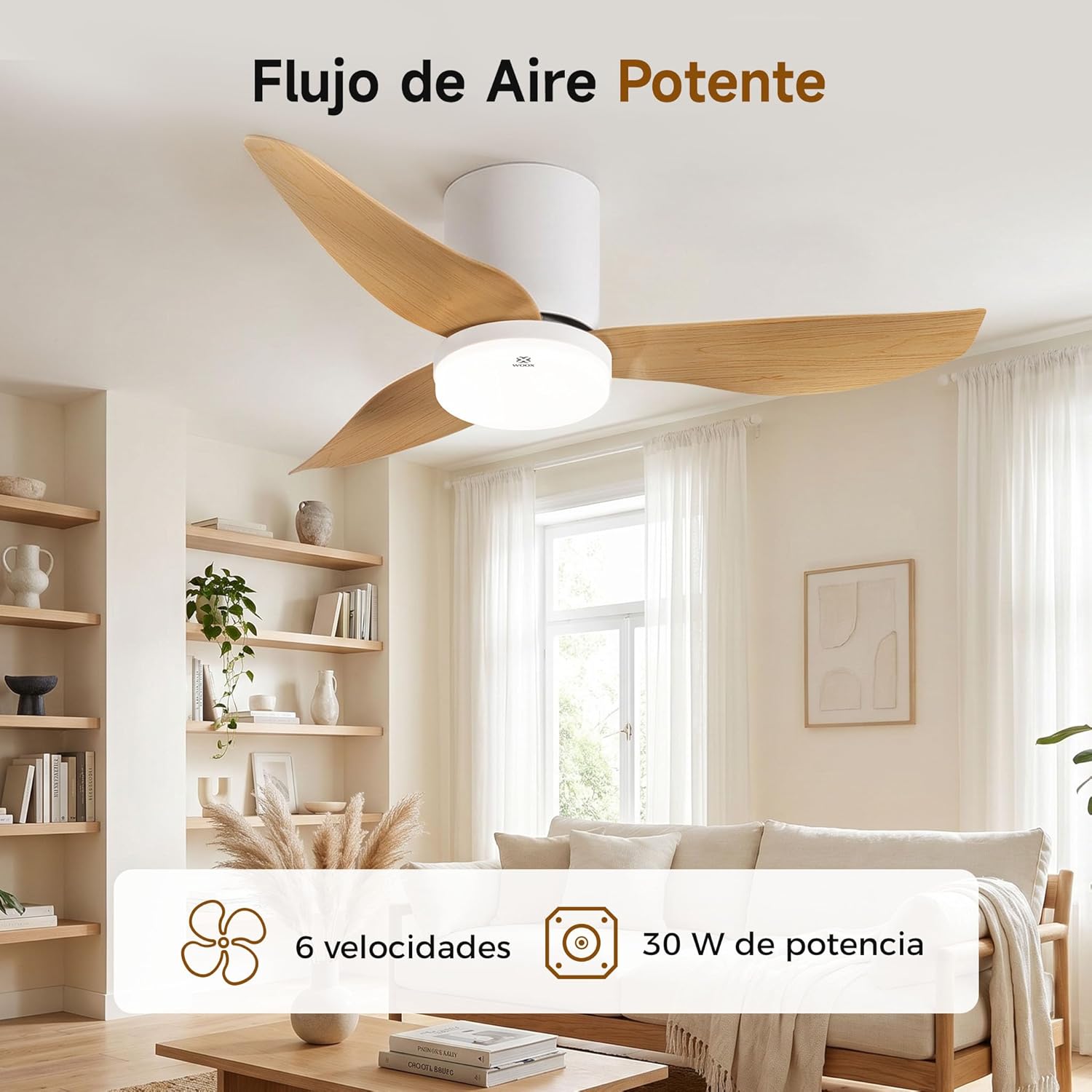
Image: The WOOX MX0294 ceiling fan installed, demonstrating powerful airflow. This image shows the fan's overall appearance and its ability to circulate air effectively.
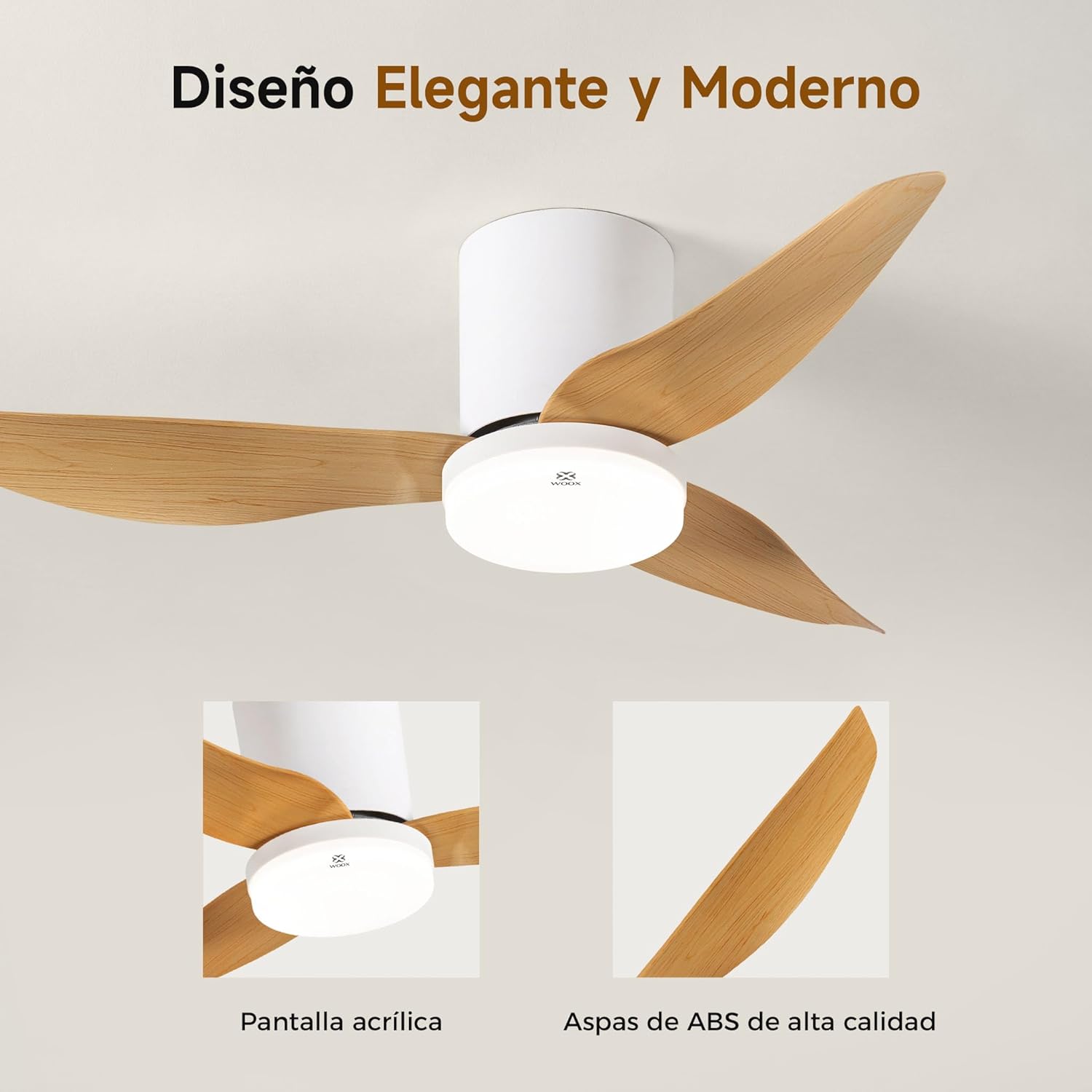
Irudia: Xehetasun zehatza view of the WOOX MX0294 ceiling fan, highlighting its elegant and modern design. The image focuses on the acrylic light screen and the high-quality ABS blades.
4.4 Installing the LED Light Kit
Connect the LED light kit to the fan's electrical connections and secure it to the bottom of the fan housing.
5. Funtzionamendu-argibideak
Your WOOX MX0294 ceiling fan is controlled by a smart remote control.
5.1 Urruneko kontrolaren funtzioak

Image: The smart remote control for the WOOX MX0294 ceiling fan, showing buttons for fan speed, light control, timer, natural wind mode, and night light mode.
- Piztu/Itzali: Sakatu pizteko botoia haizagailua eta argia pizteko edo itzaltzeko.
- Fan abiadura: Use the speed buttons (1-6) to adjust the fan's airflow. There are 6 adjustable speeds.
- Argia piztu/itzali: Separate button to control the light.
- Argiaren kolorearen tenperatura: Cycle through 3 color temperatures: 6500K (Cool White), 4000K (Natural White), and 3000K (Warm White).
- Argiaren iluntzea: Adjust the brightness of the 15W LED light continuously from 0% to 100%.
- Tenporizadorearen funtzioa: Set the fan to turn off automatically after 2 hours (2H) or 4 hours (4H).
- Inverse Function (Summer/Winter Mode): Change the direction of the fan blades to optimize air circulation for different seasons.
- Haize naturala modua: Simulates a natural breeze by varying fan speeds.
- Gaueko argia modua: Activates a low-intensity light setting for nighttime use.

Image: The WOOX MX0294 fan light demonstrating its three adjustable color temperatures: 6500K (Cool White), 4000K (Natural White), and 3000K (Warm White).

Image: The WOOX MX0294 fan light illustrating its 15W dimmable brightness feature, allowing continuous adjustment from 0% to 100%.

Image: The WOOX MX0294 fan demonstrating its year-round inverse function, showing downward airflow for cooling in summer and upward airflow for circulating warm air in winter.
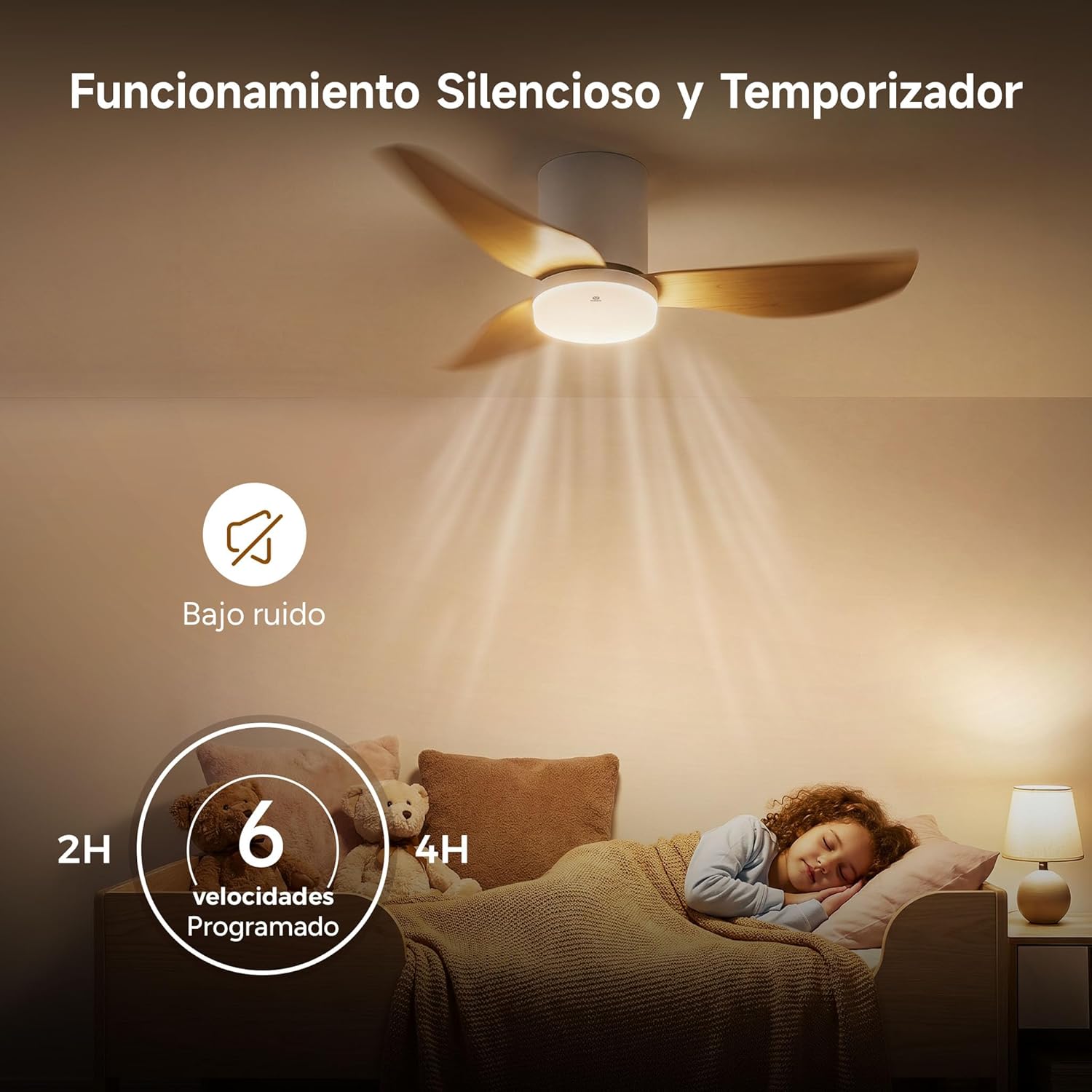
Image: The WOOX MX0294 fan highlighting its silent operation and programmable timer settings for 2 hours and 4 hours, ideal for undisturbed sleep.
6. Mantentzea
Mantentze-lan erregularrak zure sabaiko haizagailuaren errendimendu optimoa eta iraupen luzea bermatzen ditu.
- Garbiketa: Hautsak kendu haizagailuaren palen eta motorraren karkasaren eskuoihal leun batekin aldizka.amp oihal. Ez erabili garbitzaile edo disolbatzaile urratzailerik.
- Estutzea: Periodically check and tighten all screws on the fan blades and mounting hardware.
- Lubrifikazioa: Haizagailuaren motorra betirako lubrifikatuta dago eta ez du olioztatze gehigarririk behar.
7. Arazoak
Zure haizagailuarekin arazoak badituzu, jo ezazu honako arazo eta irtenbide ohikoenei:
- Haizagailua ez da martxan jartzen:
- Egiaztatu elikadura-iturria konektatuta dagoen.
- Ensure the remote control batteries are working.
- Egiaztatu kableatu-konexio guztiak ondo daudela.
- Fan Wobbly:
- Ziurtatu pala-torloju guztiak estutu direla.
- Check that the mounting bracket is securely installed.
- Argia ez dabil:
- Check light wiring connections.
- Ensure the light is turned on via the remote.
- Urruneko kontrolak ez du erantzuten:
- Ordeztu urrutiko agintearen bateriak.
- Ziurtatu urrutiko agintearen eta haizagailuaren hargailuaren artean oztoporik ez dagoela.
8. Zehaztapenak
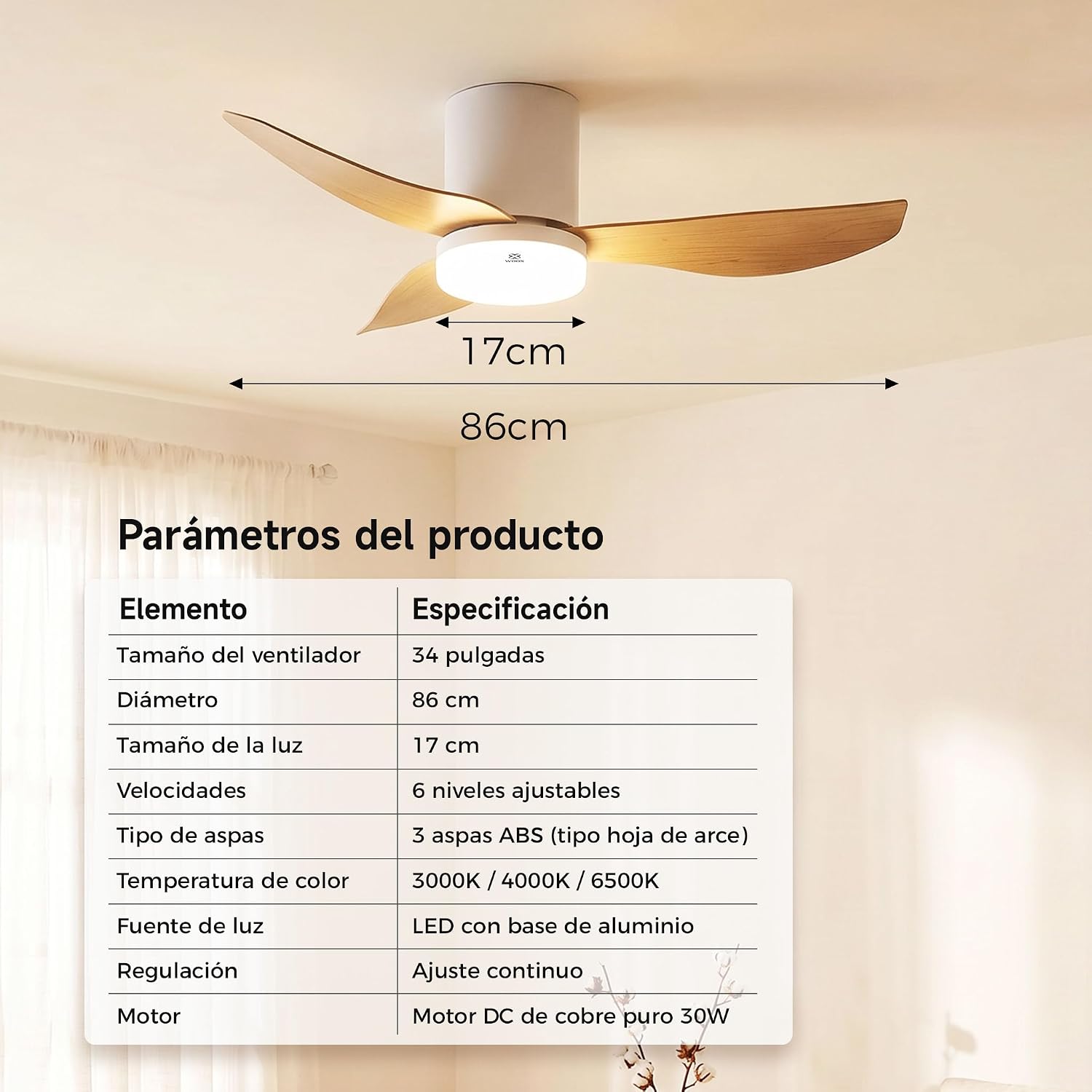
Image: A table detailing the product parameters of the WOOX MX0294 ceiling fan, including fan size, diameter, light size, speeds, blade type, color temperature, light source, dimming, and motor type.
| Parametroa | Zehaztapena |
|---|---|
| Fan Tamaina | 34 hazbetekoa |
| Diametroa | 86 cm |
| Tamaina Argia | 17 cm |
| Abiadurak | 6 maila erregulagarri |
| Pala Mota | 3 ABS blades (maple leaf type) |
| Kolore Tenperatura | 3000K / 4000K / 6500K |
| Argi iturria | LED with aluminum base (15W) |
| Iluntzea | Continuous adjustment |
| Motorra | Pure copper DC 30W motor |
| Produktuaren neurriak (L x W x H) | 40 x 40 x 114 cm (packaging/overall) |
| Kolorea | Zuria |
9. Bermea eta Laguntza
WOOX products are designed for quality and reliability. This product comes with a standard manufacturer's warranty against defects in materials and workmanship. Please refer to your purchase documentation for specific warranty terms and duration.
For technical support, troubleshooting assistance, or warranty claims, please contact your retailer or the WOOX customer service department. Keep your proof of purchase for warranty validation.