
1. Sarrera
Thank you for choosing the Jectse 5G LTE Mobile Hotspot Router. This device provides high-speed portable Wi-Fi connectivity, allowing you to stay connected on the go. It supports up to 12 devices simultaneously and features WPA/WPA2 encryption for secure internet access. This manual will guide you through the setup, operation, and maintenance of your new mobile hotspot.
2. Segurtasun informazioa
- Ez jarri gailua tenperatura altuetan, eguzki-argiaren eraginpean edo ingurune hezeetan.
- Saihestu gailua kolpe gogorrak erortzea edo jasaten.
- Use only the provided or approved charging cable and battery.
- Ez saiatu gailua zeuk desmuntatzen edo konpontzen. Jarri harremanetan bezeroarentzako arreta-zerbitzuarekin arazorik izanez gero.
- Mantendu gailua uretatik eta beste likidoetatik urrun.
3. Paketearen edukia
Mesedez, egiaztatu paketea elementu hauek dituen:
- Jectse 5G LTE Mobile Hotspot Router
- USB kargatzeko kablea
- Rechargeable Battery (3000 mAh)
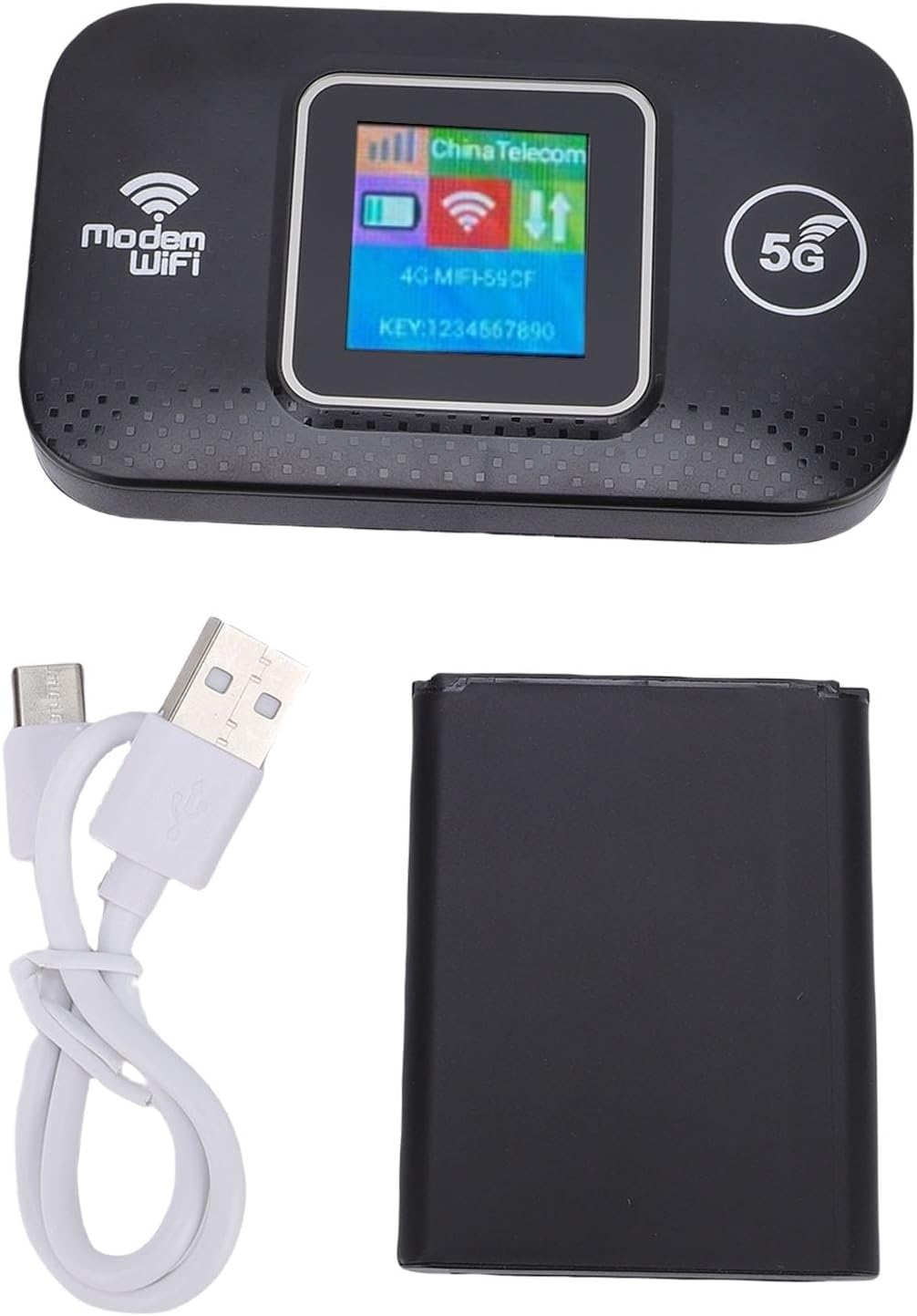
Image: The Jectse 5G LTE Mobile Hotspot Router, its USB charging cable, and the removable battery, illustrating the main components included in the package.
4. Produktua amaitu daview
The Jectse Mobile Hotspot is designed for ease of use and portability. It features a compact design with essential indicators and ports.

Irudia: Gehiagoview of the mobile hotspot's features, highlighting SIM card plug-and-play, high-end chip for fast and stable performance, 150Mbps high speed, 3000mAh battery for durability, strong signal, and one-button start for convenience.
Gailuaren osagaiak:
- Bistaratzeko pantaila: Shows network status, signal strength, battery level, and Wi-Fi information.
- Pizteko botoia: Gailua pizteko/izteko erabiltzen da.
- SIM txartelaren zirrikitua: For inserting your 5G/LTE SIM card.
- USB-C ataka: Gailua kargatzeko.

Irudia: Xehetasun zehatza view of the USB-C port located on the side of the mobile hotspot, used for charging the device.
5. Konfigurazioa
5.1 SIM txartela sartzea
- Ziurtatu gailua itzalita dagoela.
- Locate the SIM card slot, usually under the battery cover.
- Carefully insert your active 5G/LTE SIM card into the slot with the gold contacts facing down, ensuring it clicks into place.
5.2 Bateria sartzea
- Ireki bateriaren konpartimentuaren estalkia gailuaren atzealdean.
- Align the battery contacts with the terminals inside the compartment.
- Gently press the battery into place and close the cover.
5.3 Piztea eta hasierako konexioa
- Eduki sakatuta pizteko botoia pantaila argitu arte.
- Wait for the device to boot up and establish a network connection. The display will show signal strength and network type (e.g., 4G, 5G).
- On your smartphone, tablet, or laptop, search for available Wi-Fi networks.
- Hautatu hotspot-aren pantailan agertzen den Wi-Fi sarearen izena (SSID).
- Enter the Wi-Fi password (KEY) shown on the hotspot's screen.
- Konektatu ondoren, Interneten nabigatzen has zaitezke.
6. Funtzionamendu-argibideak
6.1 Hainbat gailu konektatzea
The Jectse Mobile Hotspot supports connecting up to 12 devices simultaneously. Simply follow the steps in Section 5.3 for each device you wish to connect.

Image: A visual representation of the mobile hotspot's capability to support multiple users, showing various devices like monitors, desktop PCs, laptops, and smartphones connected to the hotspot's Wi-Fi signal.
6.2 Network Security (WPA/WPA2)
Your mobile hotspot uses WPA and WPA2 encryption protocols to protect your network from unauthorized access. The default password is provided on the device screen. For enhanced security, it is recommended to change the default Wi-Fi password through the device's web management interface (if available, refer to advanced settings in a separate guide).
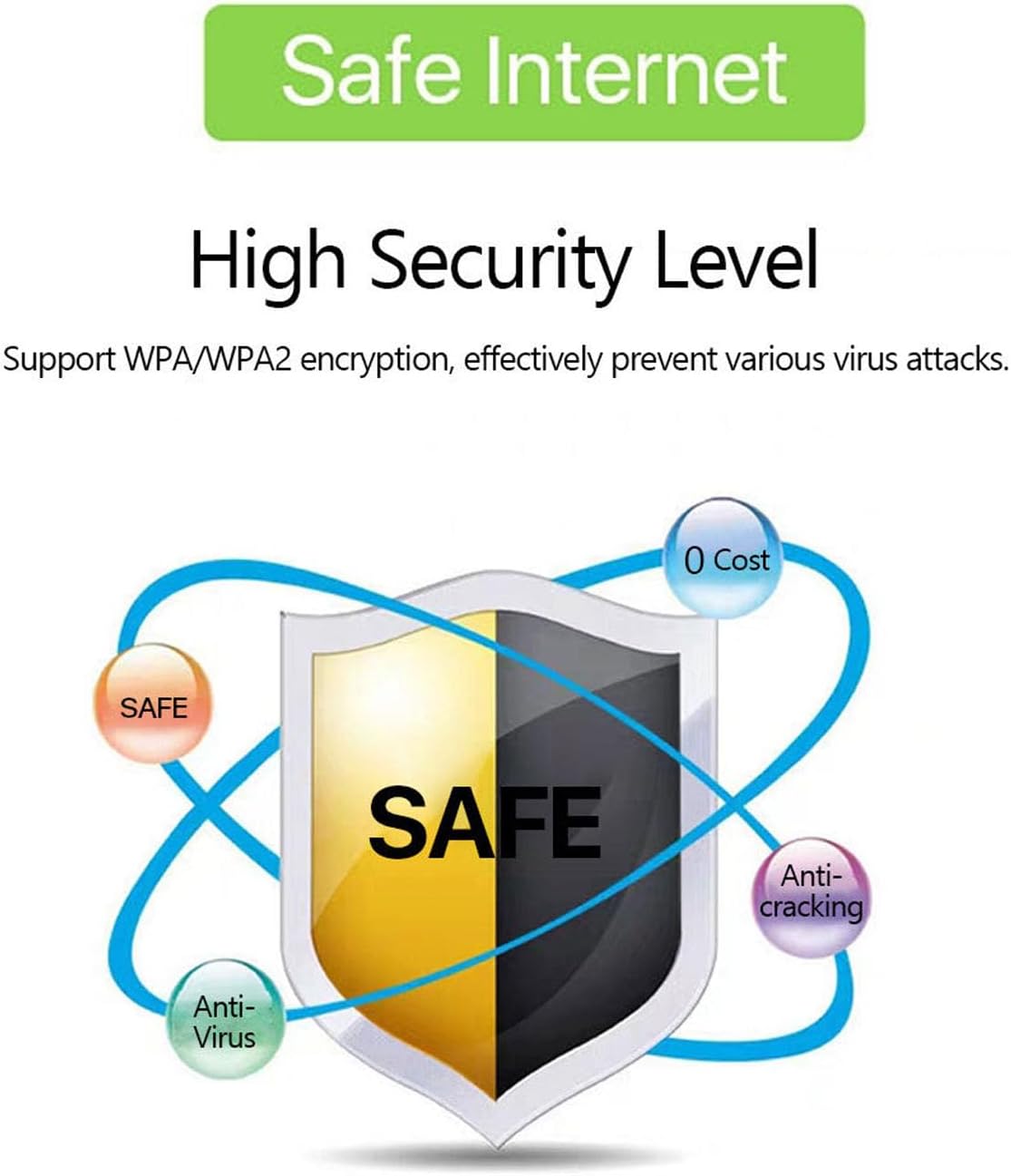
Image: A graphic emphasizing the high security level of the device, featuring a shield icon and text indicating support for WPA/WPA2 encryption to prevent virus attacks and ensure safe internet usage.
6.3 Bateriaren erabilera eta kargatzea
The device is equipped with a 3000 mAh battery, providing extended usage time. When the battery level is low, connect the device to a power source using the provided USB charging cable.

Image: A visual depicting the mobile hotspot's battery life, showing a battery icon at 50% charge. The device features a 3000 mAh battery (note: image text states 3600mAh, but product description confirms 3000mAh) for extended use.
7. Mantentzea
7.1 Gailua garbitzea
To clean the device, use a soft, dry cloth. Do not use liquid cleaners or aerosols, as they may damage the device.
7.2 Bateria zaintzea
- Saihestu bateria maiz erabat deskargatzea.
- Kargatu bateria aldizka, gailua erabiltzen ez bada ere, bere iraupena mantentzeko.
- Gorde gailua leku fresko eta lehor batean denbora luzez erabiltzen ez duzunean.
8. Arazoak
8.1 Interneteko konexiorik ez
- Egiaztatu SIM txartela: Ziurtatu SIM txartela behar bezala sartuta dagoela eta datu-plan batekin aktibo dagoela.
- Seinalearen indarra: Verify that the device has sufficient signal strength. Move to an area with better network coverage if needed.
- Berrabiarazi gailua: Turn the hotspot off and then on again.
- APN ezarpenak: If issues persist, you may need to configure the Access Point Name (APN) settings manually. Refer to your mobile carrier's instructions for the correct APN.
8.2 Interneteko abiadura motela
- Konektatutako gailu kopurua: Too many devices connected simultaneously can reduce speed. Disconnect some devices.
- Sare-pilaketak: Speed can be affected by network congestion in your area.
- Seinalearen indarra: Ensure good signal strength.
8.3 Ezin da Wi-Fira konektatu
- Pasahitz zuzena: Double-check that you are entering the correct Wi-Fi password (KEY) as displayed on the hotspot's screen.
- Gailuaren hurbiltasuna: Ensure your connecting device is within the Wi-Fi range of the hotspot.
- Berrabiarazi gailuak: Restart both the hotspot and the device you are trying to connect.
9. Zehaztapenak
| Ezaugarri | Zehaztapena |
|---|---|
| Modelo zenbakia | Jectse57yq0tl4p8 |
| Konektibitate Teknologia | 5G LTE, Wi-Fi, USB |
| Gehienezko deskarga-abiadura | Gehienez 300 Mbps |
| Bateria Edukiera | 3000 mAh |
| Onartutako gailuak | Gehienez 12 konexio aldi berean |
| Segurtasun-protokoloak | WPA, WPA2 |
| Onartutako LTE Bandak | B1, B3, B5, B7, B8, B20, B38, B40, B41 |
10. Bermea eta Laguntza
10.1 Bermearen informazioa
This product comes with a 90-day warranty from the date of purchase. The warranty covers manufacturing defects and malfunctions under normal use. It does not cover damage caused by misuse, accidents, unauthorized modifications, or natural disasters.
10.2 Bezeroarentzako laguntza
If you encounter any issues or have questions regarding your Jectse 5G LTE Mobile Hotspot Router, please contact the seller or refer to the official Jectse support channels for assistance. Please have your model number (Jectse57yq0tl4p8) and purchase details ready when contacting support.