1. Sarrera
This manual provides essential information for the safe and efficient use of your LEICKE 90W 19V 4.74A AC Adapter. Please read these instructions carefully before using the product and retain them for future reference.
2. Paketearen edukia
Your LEICKE AC Adapter package should contain the following items:
- LEICKE 90W 19V 4.74A AC Adapter Unit
- High-quality Power Cable (1.5 meters)
- Practical Carrying Bag
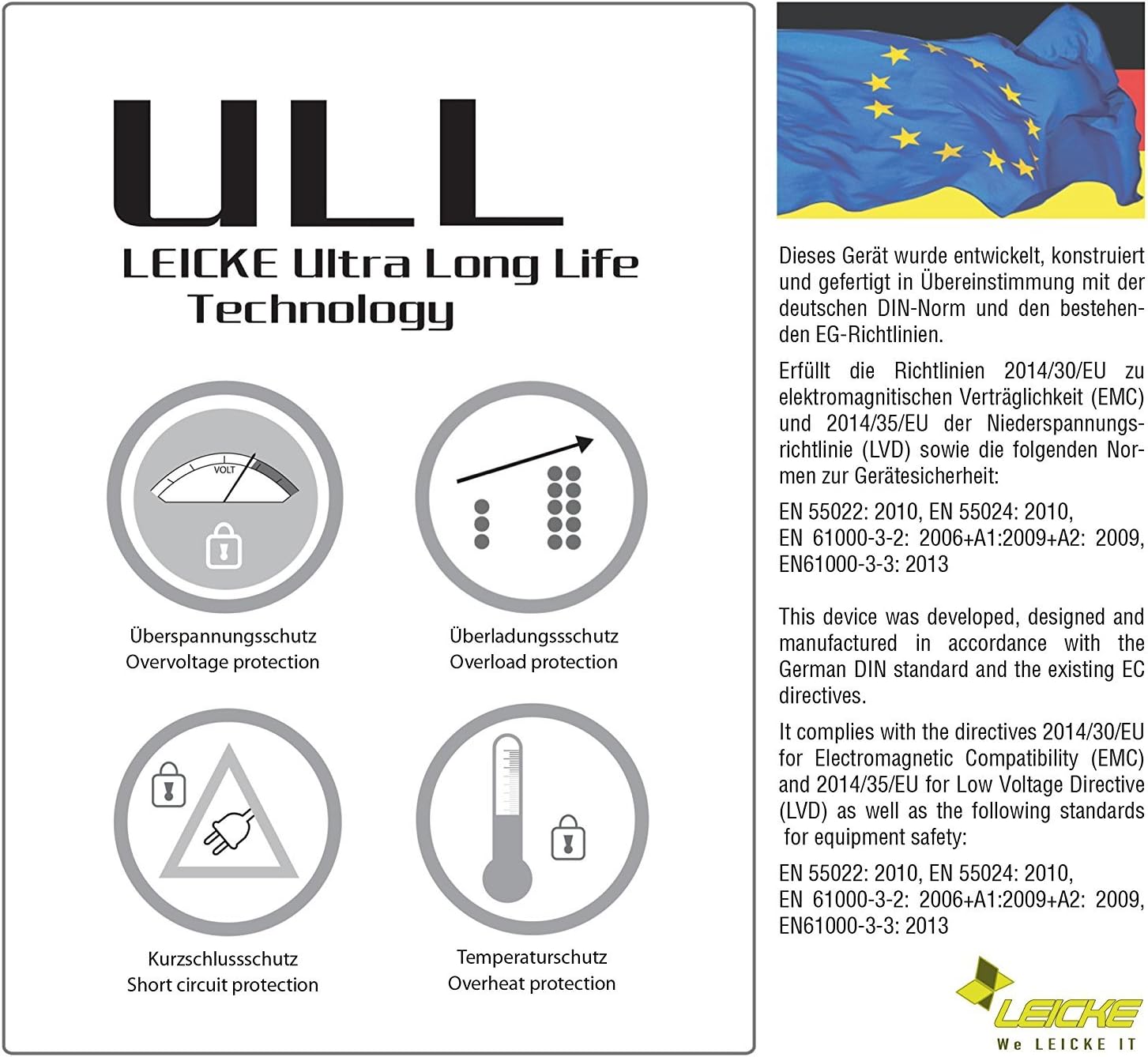
Image: The LEICKE AC Adapter and its power cable neatly stored within the included black carrying bag, featuring the LEICKE logo.
3. Produktuaren ezaugarriak
The LEICKE AC Adapter is designed for reliability and performance, incorporating advanced technologies:
- Sarrera unibertsala: Supports 100V-240V AC input for worldwide compatibility.
- Irteera egonkorra: Provides a stable 19V DC output at 4.74A, totaling 90W of power.
- LEICKE ULL Technology: Ultra-Long-Life technology ensures extended product lifespan.
- LEICKE SolidPower II (SP2): Guarantees a constant output voltage even with fluctuating input voltages (100V-240V).
- Babes integrala: Equipped with multiple safety features including overvoltage, short circuit, and temperature protection.
- Connector Tip: Standard 5.5 x 1.5 mm plug diameter for wide compatibility with Acer Aspire laptops.

Image: Diagram showing the LEICKE ULL Technology, highlighting its overvoltage, overload, short circuit, and overheat protection features.
4. Konfiguratzeko argibideak
Follow these steps to set up your LEICKE AC Adapter:
- Deskonpaktu egokitzailea: Carefully remove the AC adapter unit, power cable, and carrying bag from the packaging.
- Konektatu elikatze-kablea: Insert the three-prong end of the power cable into the AC input port on the adapter unit. Ensure it is firmly seated.
- Konektatu ordenagailu eramangarrira: Insert the L-shaped DC connector tip of the adapter into the power input port of your Acer Aspire laptop. Ensure the connection is secure.
- Konektatu korronte-hartunera: Plug the other end of the power cable into a standard wall power outlet (100V-240V AC).

Image: The LEICKE AC Adapter unit with the detachable power cable securely connected, illustrating the complete assembly.

Irudia: Xehetasun zehatza view of the L-shaped DC connector tip, which plugs into the laptop's power port.
5. Funtzionamendu-argibideak
Once connected, the LEICKE AC Adapter will automatically begin charging your laptop's battery and/or powering the laptop directly. No additional configuration is required.
- Ensure all connections are firm to prevent interruptions in power supply.
- The adapter is designed to operate within a wide voltage range (100V-240V), making it suitable for international travel.
- The integrated safety features protect your laptop from electrical damage.
6. Mantentzea
To ensure the longevity and optimal performance of your LEICKE AC Adapter, follow these maintenance guidelines:
- Garbiketa: Disconnect the adapter from the power outlet and your laptop before cleaning. Use a soft, dry cloth to wipe the surface. Do not use liquid cleaners or abrasive materials.
- Biltegiratzea: When not in use, store the adapter and cables in the provided carrying bag to protect them from dust and damage. Avoid tightly coiling the cables.
- Manipulazioa: Avoid dropping the adapter or subjecting it to strong impacts. Do not expose it to extreme temperatures, humidity, or direct sunlight.
- Kableen zainketa: Regularly inspect the power cable and DC connector for any signs of wear, fraying, or damage. Replace immediately if damage is found.
7. Arazoak
If you encounter issues with your LEICKE AC Adapter, refer to the following common problems and solutions:
| Arazoa | Kausa posiblea | Irtenbidea |
|---|---|---|
| Ordenagailu eramangarria ez da kargatzen | Loose connection, faulty outlet, incompatible adapter, laptop issue | Check all cable connections. Try a different power outlet. Verify adapter compatibility with your laptop model. Test with another known-good adapter if possible. |
| Adapter gets excessively hot | Poor ventilation, overloaded circuit, internal fault | Ensure the adapter is in a well-ventilated area. Disconnect and allow to cool. If overheating persists, discontinue use and contact support. |
| Sparking at outlet | Loose plug, faulty outlet, damaged cable | Immediately unplug. Do not use the outlet or adapter. Inspect the plug and outlet for damage. Contact a qualified electrician if the outlet is faulty. |
| Physical damage to cable/connector | Wear and tear, accidental damage | Discontinue use immediately. Damaged cables can pose a safety risk. Replace the adapter. |
If the problem persists after attempting these solutions, please contact LEICKE customer support.
8. Zehaztapenak
Detailed technical specifications for the LEICKE 90W 19V 4.74A AC Adapter:
- Marka: LEICKE
- Modelo zenbakia: NT03323
- Sarrera boltage: 100V-240V AC, 50/60Hz
- Irteera boltage: 19V DC
- Irteera-korrontea: 4.74 Amperes
- Irteera potentzia: 90 Watt
- Connector Tip Dimensions: 5.5 mm (Outer Diameter) * 1.5 mm (Inner Diameter)
- Gailu bateragarriak: Acer Aspire Laptops (various models including 3690, 5100, 5230, 5520G, 5610, 5630, 5650, 5670, 5680, 5715z, 5750G, 5755G, 5920, 5920G, 5930G, 6920, 6920G, 6930, 7520, 7520G, 7530, 7535, 7535G, 7535GZM, 7720, 7720G, 7720Z, 7730, 7730GZ, 7735Z, 7736ZG, 7738, 7738G, 7741Z, 7750ZG, 8920, 8920G, 8730G, 9120, 9300)
- Entxufe mota: Type C/EF (2 pins, Europlug and hybrid for France and Germany)
- Produktuaren pisua: Gutxi gorabehera 500 g
- Paketearen neurriak: 19.2 x 12.8 x 5.4 cm

Irudia: Albokoa view diagram of the DC connector tip, indicating a length of 12 mm and an outer diameter of 5.5 mm.

Irudia: Aurrealdea view diagram of the DC connector tip, illustrating the 5.5 mm outer diameter and 1.5 mm inner diameter.
9. Bermea eta Laguntza
LEICKE products are designed for quality and durability. This product comes with a 10 urteko bermea, reflecting our commitment to superior quality.
For further information, technical assistance, or warranty claims, please contact LEICKE customer support. You can typically find contact details on the official LEICKE webgunea edo zure erosketa plataformaren bidez.
To receive your 10-year warranty, please send an email to info@leicke.com zure erosketa xehetasunekin.


