Sarrera
Thank you for choosing the Lexon Prism Speaker. This portable Bluetooth speaker is designed to deliver quality audio with convenient connectivity. This manual provides detailed instructions on how to set up, operate, and maintain your speaker to ensure optimal performance and longevity.
Mesedez, irakurri arretaz eskuliburu hau produktua erabili aurretik eta gorde etorkizunean erreferentzia gisa.
Paketearen edukia
Ziurtatu elementu guztiak paketean daudela:
- Lexon Prism Speaker (Model LA87N)
- USB kargatzeko kablea
- Erabiltzailearen eskuliburua (dokumentu hau)
Konfigurazioa
1. Bozgorailua kargatzea
Before first use, fully charge the Lexon Prism Speaker.
- Locate the USB charging port on the speaker.
- Connect one end of the provided USB charging cable to the speaker's charging port.
- Konektatu USB kablearen beste muturra USB elikatze-egokitzaile bateragarri batera (ez dago barne) edo ordenagailuaren USB atakara.
- The charging indicator light will illuminate, typically red, during charging. It will turn off or change color (e.g., blue or green) when fully charged.
- Karga oso batek normalean 2-3 ordu inguru behar ditu.
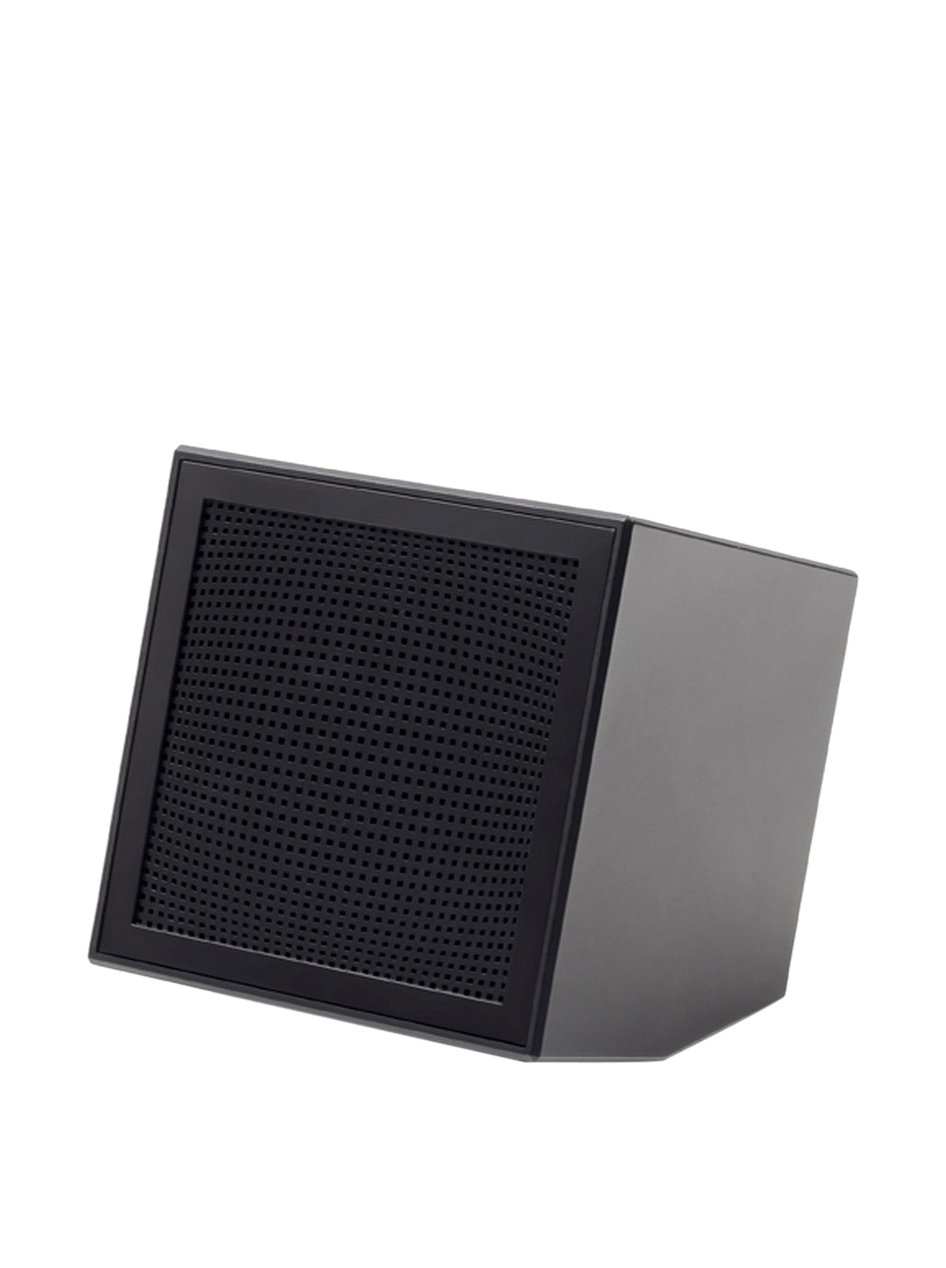
Image: The Lexon Prism Speaker, a compact black cube with a speaker grille, ready for use.
Funtzionamendu-argibideak
1. Piztu/Itzaltzea
- To power on: Press and hold the power button (usually marked with a power symbol) for a few seconds until you hear an audible tone or see an indicator light.
- To power off: Press and hold the power button again for a few seconds until you hear an audible tone or the indicator light turns off.
2. Bluetooth parekatzea
Pair your Lexon Prism Speaker with a Bluetooth-enabled device (e.g., smartphone, tablet, computer).
- Ensure the speaker is powered on and in pairing mode. The Bluetooth indicator light will typically flash rapidly.
- Zure gailuan, joan Bluetooth ezarpenetara eta gaitu Bluetootha.
- Bilatu available devices. The speaker should appear as "Lexon Prism" or a similar name.
- Select "Lexon Prism" from the list to connect.
- Once successfully paired, you will hear a confirmation tone, and the Bluetooth indicator light will stop flashing and remain solid.
- Bozgorailuak automatikoki saiatuko da azken parekatutako gailura berriro konektatzen pizten denean.
3. Audio erreprodukzioa
After successful pairing, you can play audio from your connected device. Use your device's controls for:
- Playing/Pausing music
- Bolumena doitzea
- Skipping tracks (if supported by speaker controls)
The speaker itself may have basic controls for volume and playback, refer to the physical buttons on your device.
Mantentzea eta zaintzea
- Garbiketa: Use a soft, dry cloth to wipe the surface of the speaker. Do not use abrasive cleaners, alcohol, or chemical solvents, as these may damage the finish.
- Biltegiratzea: Denbora luzez erabiltzen ez duzunean, gorde bozgorailua leku fresko eta lehor batean, eguzki-argitik eta muturreko tenperaturetatik babestuta.
- Uraren esposizioa: This speaker is not waterproof. Avoid exposing it to water, rain, or excessive moisture.
- Eragina: Avoid dropping the speaker or subjecting it to strong impacts, which can damage internal components.
Arazoak konpontzea
| Arazoa | Irtenbide posiblea |
|---|---|
| Bozgorailuak ez du pizten. | Ensure the speaker is fully charged. Connect it to a power source using the USB cable and allow it to charge for at least 30 minutes before attempting to power on again. |
| Ezin da Bluetooth gailuarekin parekatu. |
|
| Soinurik ez edo bolumen baxua. |
|
| Soinu distortsioa. |
|
Zehaztapenak
| Ezaugarri | Xehetasuna |
|---|---|
| Modelo zenbakia | LA87N |
| Marka | Lexon |
| Potentzia Irteera | 3 Watt |
| Konektibitate Teknologia | Bluetootha, USBa |
| Energia iturria | Bateriaren bidez |
| Materiala | ABS |
| Neurriak (L x W x H) | 8 x 8 x 8 cm |
| Pisua | 405 gramo |
| Kolorea | Beltza |
Bermea eta Laguntza
Lexon products are manufactured to the highest quality standards. For information regarding warranty coverage, terms, and conditions, please refer to the warranty card included with your purchase or visit the official Lexon webgunea.
If you encounter any issues not covered in the troubleshooting section or require further assistance, please contact Lexon customer support through their official webgunea edo zure produktuaren dokumentazioarekin batera emandako harremanetarako informazioa.
Please have your model number (LA87N) and proof of purchase ready when contacting support.