Sarrera
Eskerrik asko erosketagatik.asing the iCES IBT-1 Portable Bluetooth Speaker. This manual provides essential information for setting up, operating, and maintaining your device. Please read it carefully before use to ensure optimal performance and longevity.
Paketearen edukia
Ziurtatu elementu guztiak paketean daudela:
- iCES IBT-1 Portable Bluetooth Speaker
- Mini USB kargatzeko kablea
- Erabiltzailearen eskuliburua (dokumentu hau)
Produktua amaituview
The iCES IBT-1 is a compact and versatile portable speaker designed for wireless audio playback via Bluetooth. It also supports audio playback from Micro SD cards and external devices via its AUX input.

Image: Two iCES IBT-1 speakers, one red and one silver, highlighting the product's design and portability.
Osagaien identifikazioa
Familiarize yourself with the speaker's various ports and controls:
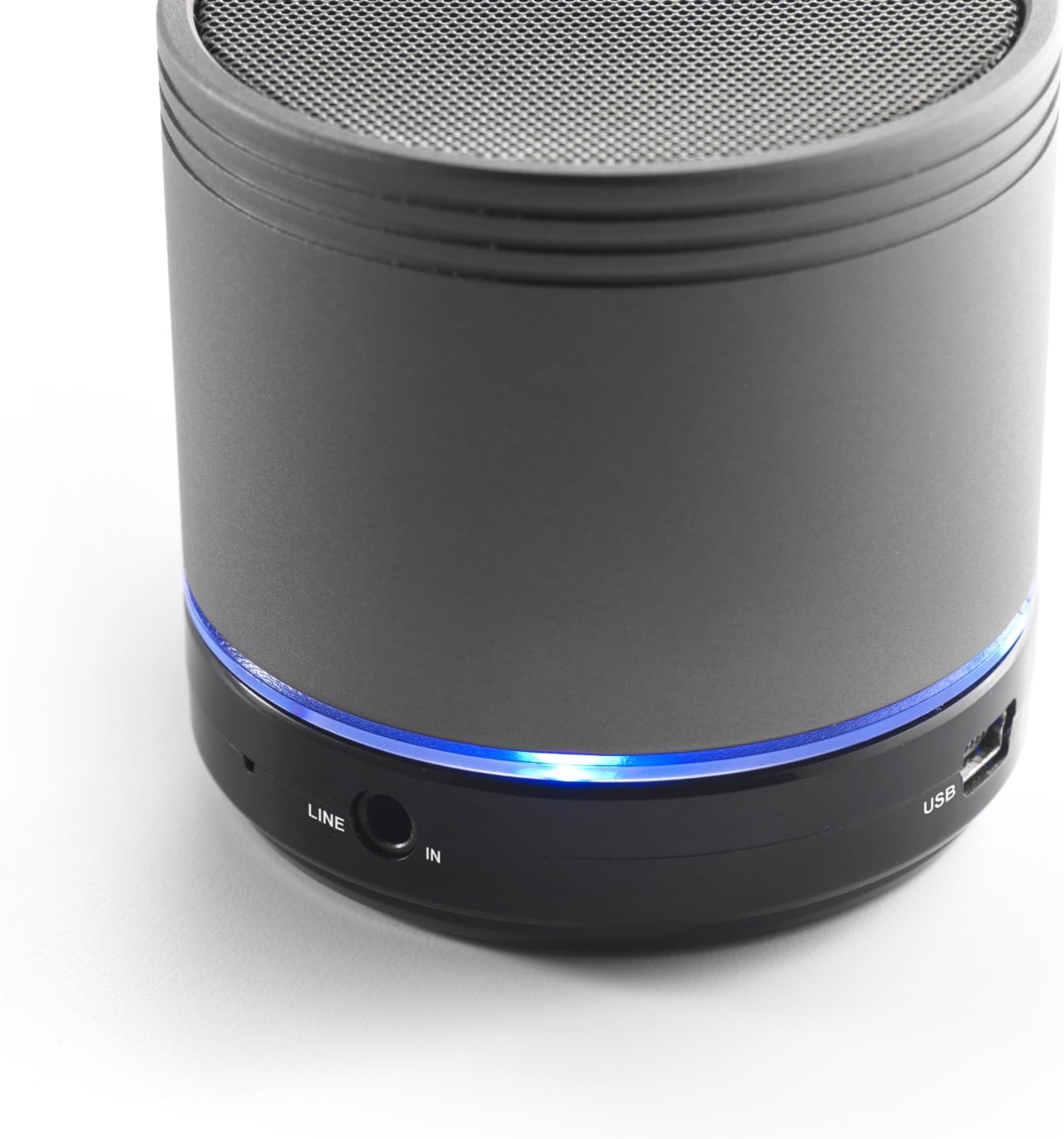
Image: Bottom section of the iCES IBT-1 speaker, displaying the LINE IN and USB ports, along with a glowing blue LED indicator.
- USB ataka: Barneko bateria kargatzeko.
- LINE SARRERA (AUX) ataka: For connecting external audio devices using a 3.5mm audio cable.
- Mikro SD txartelaren zirrikitua: Audioa erreproduzitzeko. filezuzenean Mikro SD txarteletik.
- Switch potentziala: ON/OFF control for the speaker.
- Kontrol-botoiak: Play/Pause, Volume Up/Next Track, Volume Down/Previous Track.
- LED adierazlea: Energiaren egoera, kargatzeko egoera eta Bluetooth parekatze egoera erakusten ditu.
Konfigurazioa
Bateria kargatzen
Before first use, fully charge the speaker's internal battery. Use the provided Mini USB cable.
- Connect the Mini USB end of the cable to the USB port on the speaker.
- Connect the standard USB end of the cable to a USB power adapter (not included) or a computer's USB port.
- The LED indicator will illuminate to show charging status. It will change or turn off once fully charged.
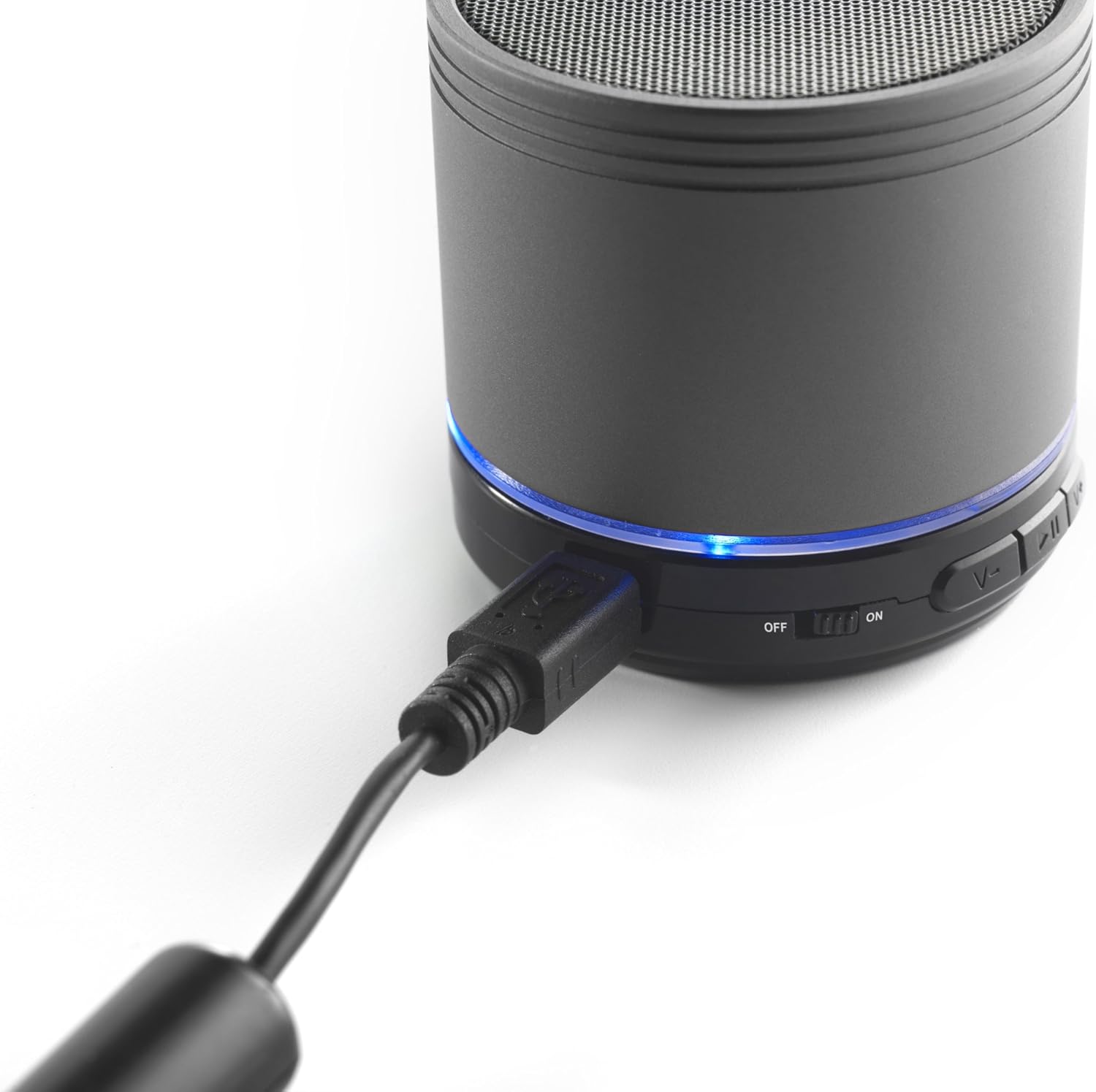
Image: The iCES IBT-1 speaker with the mini USB charging cable connected, illustrating the charging process.
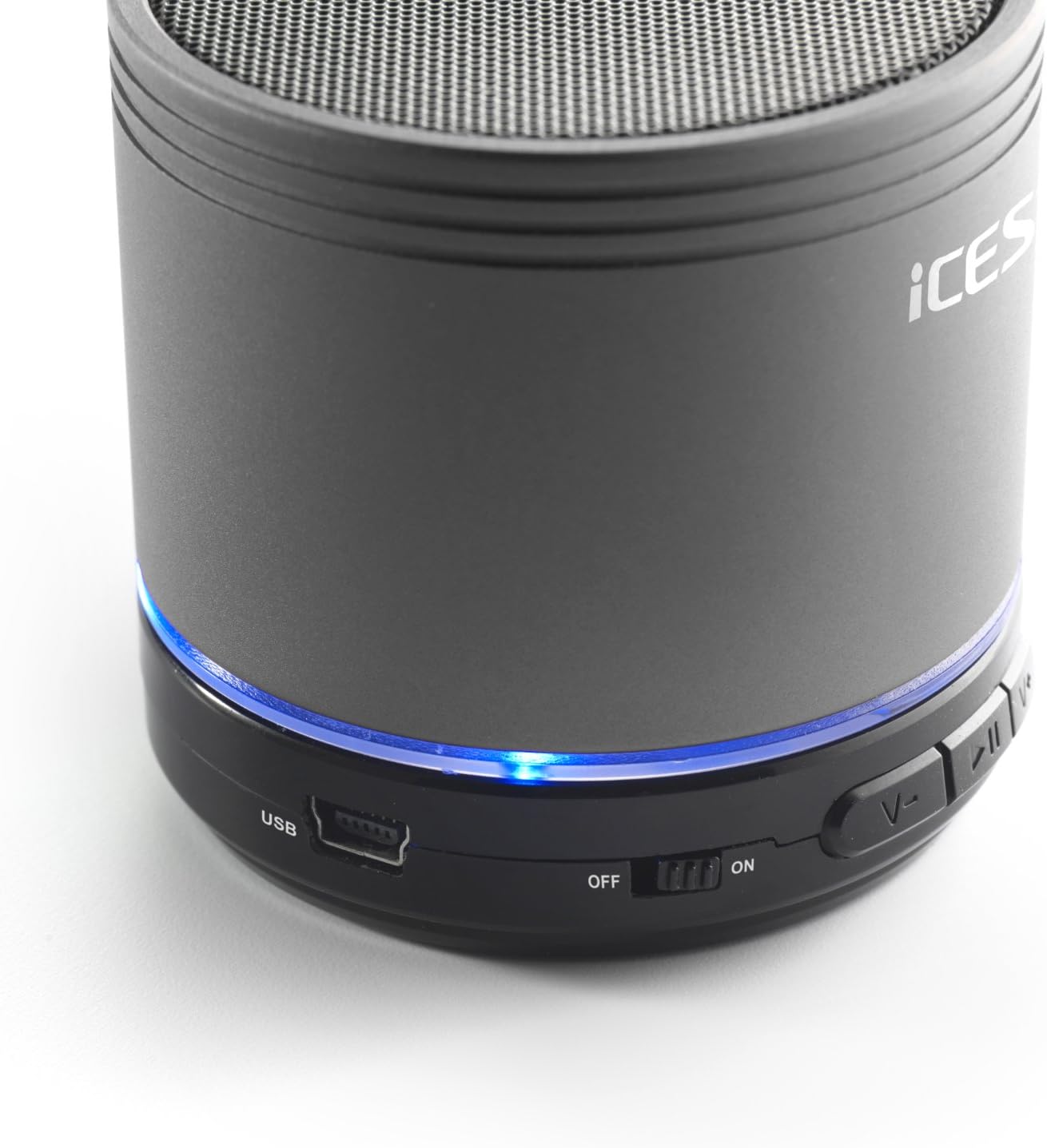
Image: The iCES IBT-1 speaker's base, highlighting the USB port and the power switch in the 'ON' position.
Funtzionamendu-argibideak
Piztu/Itzaltzea
- To power on, slide the power switch to the "ON" position. The LED indicator will light up.
- To power off, slide the power switch to the "OFF" position. The LED indicator will turn off.
Bluetooth konexioa
- Ensure the speaker is powered on. The LED indicator will flash, indicating it's in pairing mode.
- Bluetooth gaitutako gailuan (smartphone-a, tableta, etab.), joan Bluetooth ezarpenetara.
- Bilatu available devices. You should see "IBT-1" in the list.
- Select "IBT-1" to pair. Once connected, the LED indicator will stop flashing and remain solid.
- You can now play audio from your device through the iCES IBT-1 speaker.
Mikro SD txartelaren erreprodukzioa
The speaker supports Micro SD cards up to 32 GB.
- Insert a Micro SD card (with audio files) into the Micro SD card slot on the speaker.
- The speaker will automatically switch to Micro SD card mode and begin playing audio.
- Use the control buttons on the speaker to play/pause, skip tracks, or adjust volume.

Image: The iCES IBT-1 speaker's base, illustrating the Micro SD card slot and the LINE IN port.
AUX sarrerako erreprodukzioa
Connect external audio devices without Bluetooth capability.
- Connect one end of a 3.5mm audio cable (not included) to the LINE IN port on the speaker.
- Connect the other end of the 3.5mm audio cable to the headphone jack or audio output of your external device (e.g., MP3 player).
- Bozgorailua automatikoki aldatuko da AUX modura.
- Kontrolatu erreprodukzioa eta bolumena kanpoko gailutik.
Kontrol-botoiak
- Erreproduzitu/Pausatu botoia: Sakatu behin audioa erreproduzitzeko edo eteteko.
- Bolumena igotzeko / Hurrengo abestia botoia:
- Sakatu laburra: Bolumena igo.
- Long press: Skip to the next track.
- Bolumena jaisteko / Aurreko abestia botoia:
- Sakatu laburra: Bolumena jaitsi.
- Luze sakatuta: Aurreko abestira joan.
Mantentzea
- Mantendu bozgorailua lehor. Ez jarri uraren edo hezetasun gehiegiaren eraginpean.
- Garbitu bozgorailua zapi leun eta lehor batekin. Ez erabili garbitzaile edo disolbatzaile urratzailerik.
- Saihestu tenperatura altuenak. Gorde bozgorailua leku fresko eta lehor batean.
- Ez saiatu bozgorailua zeuk desmuntatzen edo konpontzen. Honek bermea baliogabetuko du.
- Kargatu bateria aldizka, erabiltzen ez baduzu ere, bateriaren osasuna mantentzeko.
Arazoak konpontzea
| Arazoa | Irtenbidea |
|---|---|
| Bozgorailua ez da pizten. | Ziurtatu bateria kargatuta dagoela. Konektatu bozgorailua energia-iturri batera USB kablea erabiliz. |
| Ezin da Bluetooth bidez parekatu. |
|
| Ez dago soinurik bozgorailutik. |
|
| Audio kalitate eskasa. |
|
Zehaztapenak
| Eredua | IBT-1 |
| Konektibitatea | Bluetooth, Micro SD Card, AUX Input (3.5mm) |
| Irteera Potentzia | 3 Watt (RMS) |
| Bateria mota | Integrated Lithium-Polymer |
| Bateria Edukiera | 500 mAh |
| Elikatze Hornidura | 5V / 1A (via Mini USB) |
| Neurriak (L x W x H) | 60 x 60 x 58 mm |
| Pisua | 180 g |
| Supported Micro SD Card Size | Gehienez 32 GB |
Bermea eta Laguntza
For warranty information and technical support, please refer to the documentation provided at the time of purchase or visit the official iCES website. Do not attempt to repair the device yourself, as this may void your warranty.


