Sarrera
Thank you for choosing the SVINZ Dementia Clock. This 8-inch high-resolution digital alarm clock is designed to clearly display the time, day, date, week, month, and year, making it ideal for seniors, individuals with vision impairment, or those experiencing memory loss. It features multiple alarms, an auto-dimming option, and versatile mounting capabilities.
Konfigurazioa
Follow these steps to set up your SVINZ Dementia Clock:
- Deskargatzea: Carefully remove the clock and all accessories from the packaging. Ensure you have the clock unit, power adapter, and user manual.
- Potentzia-konexioa: Connect the provided power adapter to the DC IN port on the back of the clock. Plug the adapter into a standard electrical outlet. The clock will power on automatically.
- Hasierako pantaila: Upon first power-on, the clock may display a default time and date.
- Kokalekua: The clock can be placed on a desk or bedside table using its integrated stand, or mounted on a wall using the two hanging holes on the back.


Funtzionamendu-argibideak
The SVINZ Dementia Clock features intuitive controls for easy operation. All settings are accessed via the buttons on the back of the unit.
Ordua eta data ezartzea
- Sakatu MENUA button on the back of the clock to enter the settings menu.
- Erabili UP eta BEHERA arrow buttons to navigate through the menu options (Set Time, Set Date, Time Mode, etc.).
- Sakatu OK botoia aukera bat hautatzeko.
- Erabili EZKER eta ESKUBINA arrow buttons to adjust values (e.g., hours, minutes, month, day, year).
- Sakatu OK to confirm your selection and move to the next setting, or MENUA to exit the current setting.
Time Mode (12/24 Hour)
In the settings menu, select "Time Mode" and use the arrow buttons to switch between 12-hour and 24-hour formats.
Alarma ezarpenak
The clock supports up to 5 individual alarms. Each alarm can be set with a specific time and frequency (e.g., Once, Everyday, Mon-Fri, Weekend, Off).
- From the settings menu, select "Alarm Time 1" (or any other alarm).
- Adjust the alarm time using the EZKER eta ESKUBINA gezi-botoiak.
- Select "Alarm Frequency" to choose how often the alarm repeats.
- To disable an alarm, set its frequency to "Off".

Errepikatzeko funtzioa
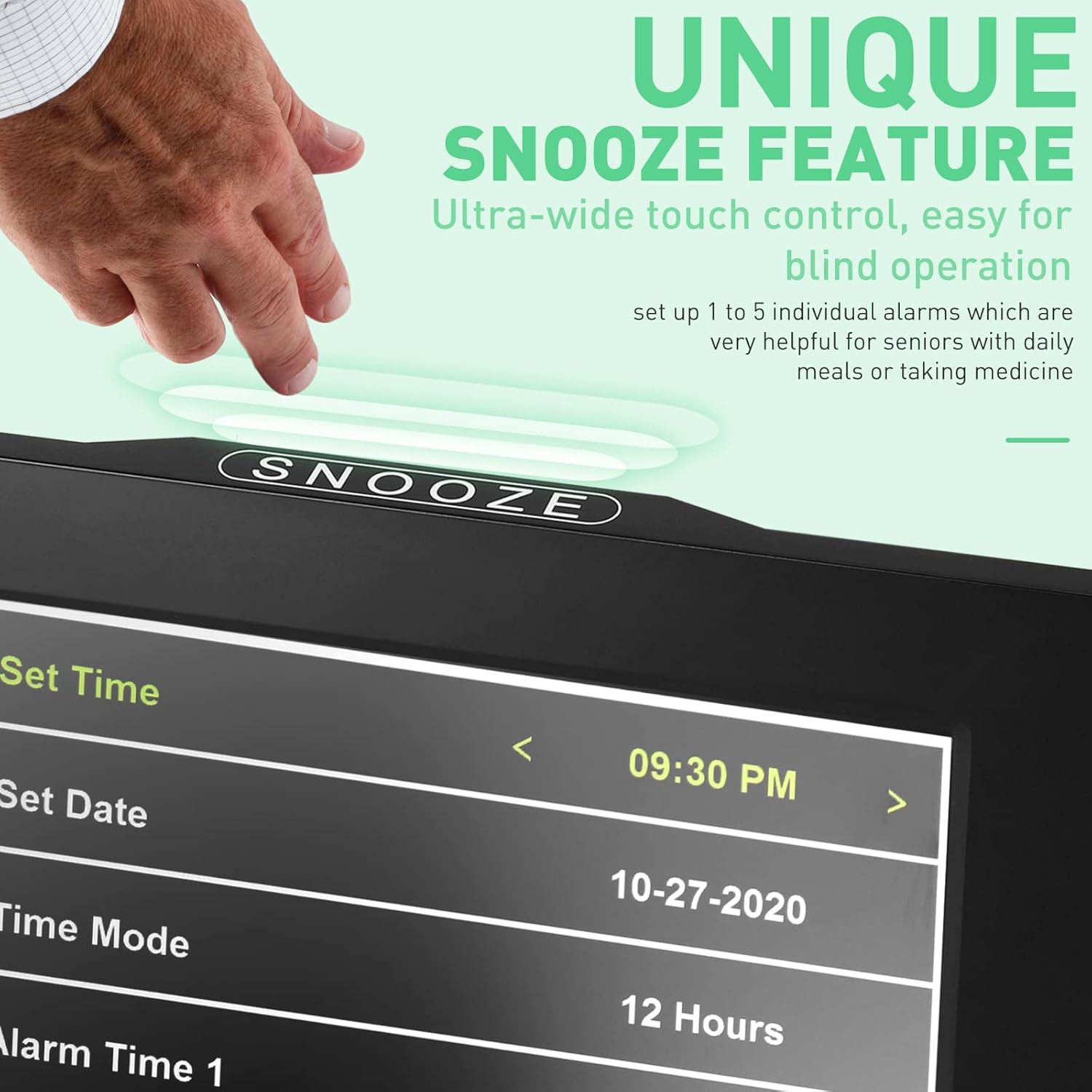
The clock features an easy-to-access SNOOZE button on the top. When an alarm sounds, press the SNOOZE button to temporarily silence it. You can set the snooze duration in the settings menu (3 or 5 times).
Iluntze automatikoa
The clock can automatically adjust its brightness. It dims at 7:00 PM and brightens at 7:00 AM. This feature can be turned off in the settings menu if you prefer a consistent brightness level.

Kolore modua
Choose your preferred display color from the settings menu: White, Yellow, or Black (white text on black background).
Hizkuntza ezarpenak
The clock supports 8 languages: English, Français, Deutsche, Italiano, Polskie, Español, Nederlands, and Cymraeg. Select your desired language in the settings menu.
Mantentzea
- Garbiketa: Use a soft, dry cloth to clean the screen and exterior of the clock. Avoid using abrasive cleaners or solvents.
- Potentzia: Always use the provided power adapter. Disconnect power during electrical storms or when not in use for extended periods.
- Lekua: Avoid placing the clock in direct sunlight or near heat sources, as this may affect its performance and lifespan.
Arazoak konpontzea
- Erlojua ez da pizten: Ensure the power adapter is securely connected to both the clock and a working electrical outlet.
- Display is dim or too bright: Check the "Auto-Dimming" setting in the menu. Adjust the brightness manually or turn auto-dimming off if preferred.
- Alarma ez da jotzen: Verify that the alarm time and frequency are correctly set and that the alarm is not set to "Off". Check the volume setting.
- Ordu/data okerra: Enter the settings menu and manually adjust the time and date.
Zehaztapenak
| Ezaugarri | Xehetasuna |
|---|---|
| Marka | SVINZ |
| Modelo zenbakia | SDC008W |
| Bistaratzeko mota | Digitala |
| Pantailaren tamaina | 8 hazbetekoa |
| Produktuaren neurriak | 7.4"Z x 7.4"A |
| Elementuaren pisua | 1.2 kilo |
| Energia iturria | Kable elektrikoa |
| Ezaugarri bereziak | Alarm, Enlarged control buttons, Large digital display, Spanish switch, Auto-Dimming |
| Onartutako hizkuntzak | English, Français, Deutsche, Italiano, Polskie, Español, Nederlands, Cymraeg |
Bermea
The SVINZ Dementia Clock comes with a manufacturer warranty for 12 months from the date of purchase. Please retain your proof of purchase for warranty claims.
Laguntza
For further assistance, please refer to the contact information provided in your product's welcome guide or visit the official SVINZ webgunea.
