Sarrera
Thank you for choosing the Billboard Bluetooth Wireless Hook Over Earbuds. This manual provides essential information for setting up, operating, and maintaining your new earbuds. Please read these instructions carefully before use to ensure optimal performance and longevity of your device. Keep this manual for future reference.
Paketearen edukia
Ziurtatu elementu guztiak paketean daudela:
- Billboard Bluetooth Wireless Hook Over Earbuds
- Mikro USB kargatzeko kablea
- Erabiltzailearen eskuliburua (dokumentu hau)
Produktua amaituview
The Billboard Bluetooth Wireless Hook Over Earbuds are designed for comfortable and secure fit, featuring a tangle-free flat cord and integrated controls for music and calls.
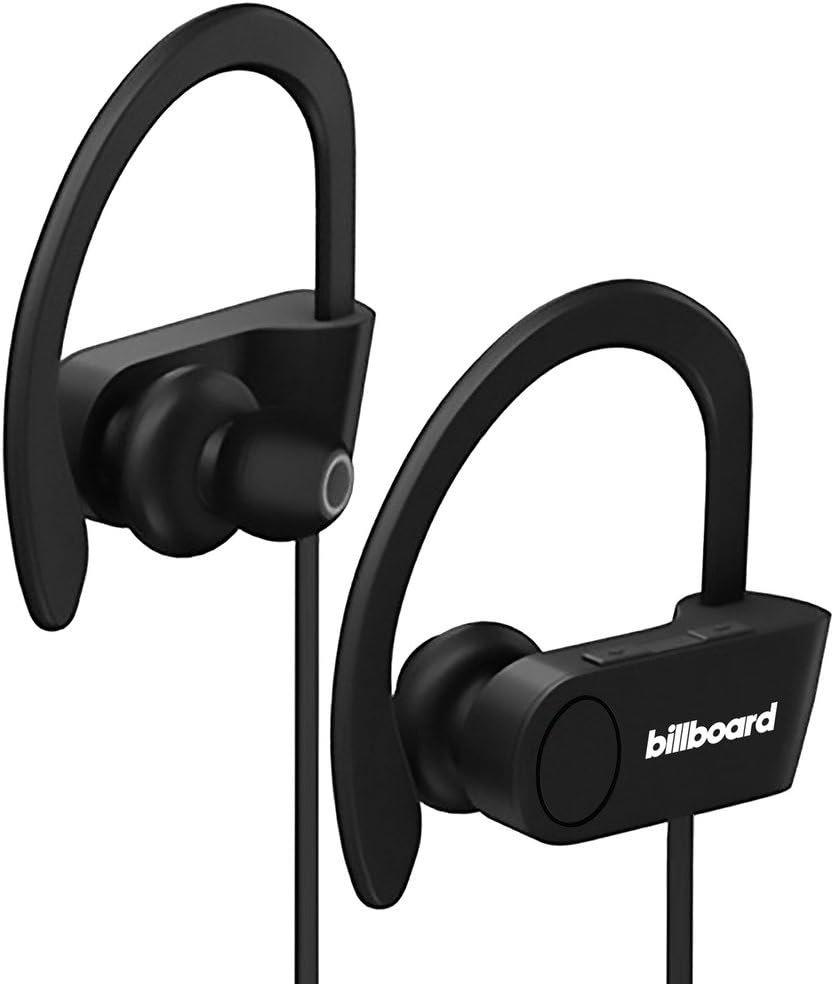
Image: Billboard Bluetooth Wireless Hook Over Earbuds, front view. These black earbuds feature an over-ear hook design for secure placement and a flat cord connecting the two earpieces.

Image: Billboard Bluetooth Wireless Hook Over Earbuds, showing the flat tangle-free cord. The design emphasizes a comfortable fit with the ear hooks and the practical flat cable.
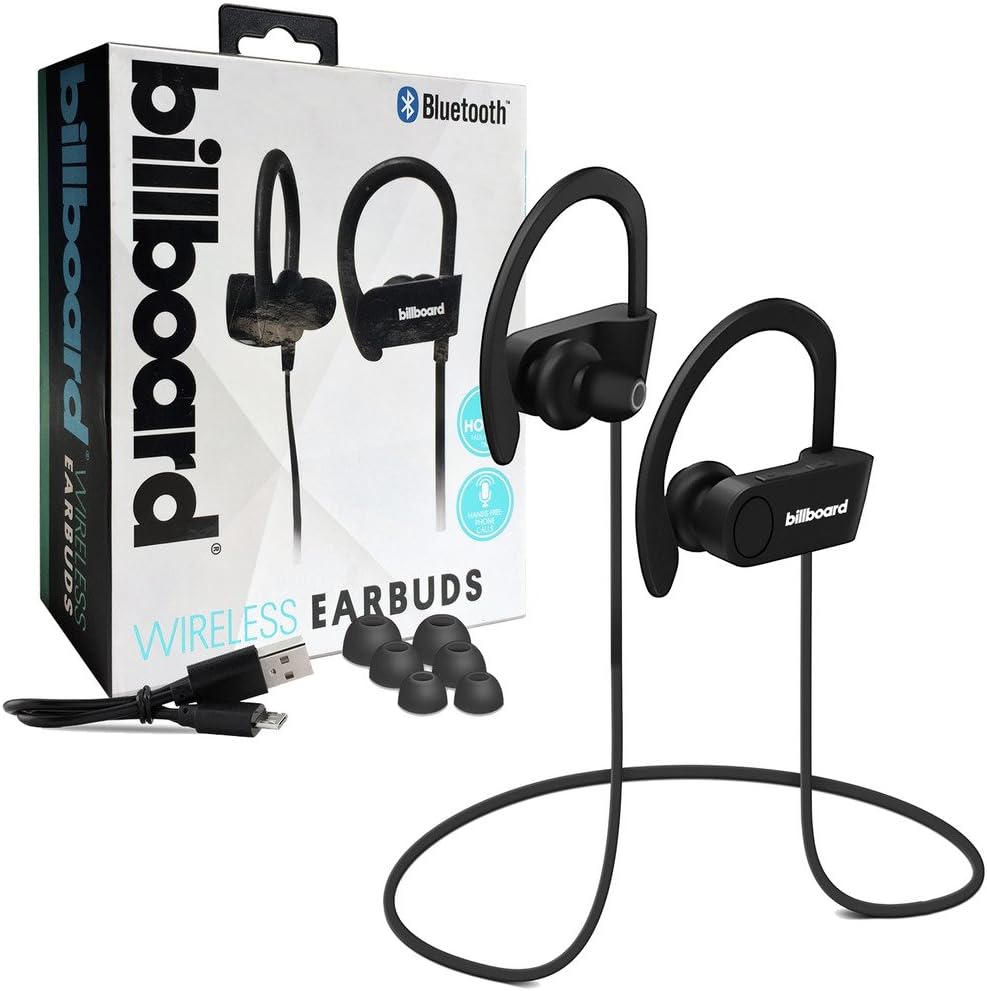
Image: Billboard Bluetooth Wireless Hook Over Earbuds packaging with included accessories. The box displays the earbuds, a charging cable, and additional ear tips, highlighting the product's features.
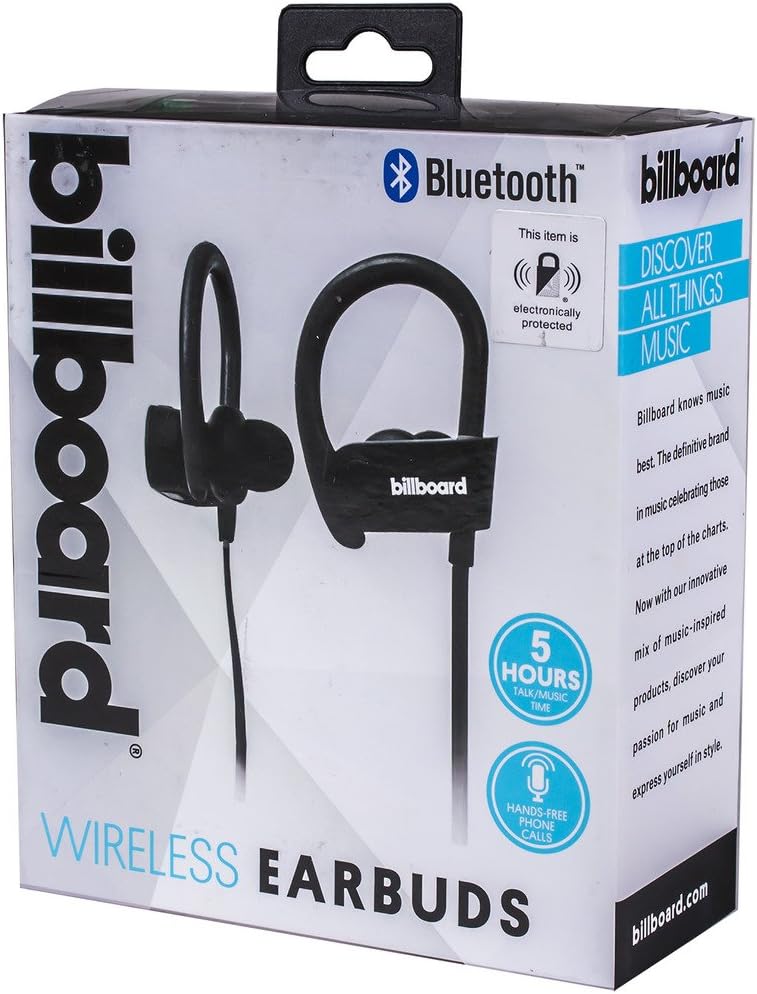
Image: Close-up of Billboard Bluetooth Wireless Hook Over Earbuds packaging, detailing features. The packaging highlights key features such as Bluetooth connectivity, 5 hours of talk/music time, and hands-free phone calls.
Konfigurazioa
1. Entzungailuak kargatzea
- Locate the Micro USB charging port on one of the earbuds (typically on the control module).
- Connect the provided Micro USB charging cable to the earbud's charging port.
- Plug the other end of the USB cable into a USB power source (e.g., computer USB port, wall adapter).
- The LED indicator light will illuminate, typically red, to show that the earbuds are charging.
- Once fully charged, the LED indicator light will change color (e.g., turn blue or off). A full charge usually takes approximately 1-2 hours.
Oharra: Bateriaren iraupen optimoa izan dezaten, ziurtatu entzungailuak guztiz kargatuta daudela lehen aldiz erabili aurretik.
2. Bluetooth parekatzea
- Piztu: Press and hold the Multi-function button (usually the center button on the control module) for a few seconds until the LED indicator light flashes blue and red alternately, indicating pairing mode.
- Aktibatu Bluetootha: Zure telefonoan edo beste Bluetooth gaitutako gailuan, joan Bluetooth ezarpenetara eta ziurtatu Bluetooth aktibatuta dagoela.
- Bilatu Gailuak: Your device will automatically search for nearby Bluetooth devices.
- Select Earbuds: From the list of available devices, select "Billboard Earbuds" or a similar name.
- Berretsi parekatzea: Once successfully paired, the LED indicator light on the earbuds will typically flash blue slowly or turn off, and you will hear an audible confirmation.
- Pasahitza eskatzen badizute, idatzi "0000" (lau zero).
Oharra: Aurikularrek automatikoki saiatuko dira azken parekatutako gailura berriro konektatzen piztean, gailu horren Bluetooth-a aktibo badago eta haien irismen-eremuan badago.
Funtzionamendu-argibideak
Kontrolak amaitu diraview
The control module on the earbud cord typically includes a Multi-function button (MFB) and Volume Up/Down buttons.
- Funtzio anitzeko botoia (MFB): Power On/Off, Play/Pause, Answer/End Call, Reject Call.
- Bolumena igo (+): Igo bolumena, hurrengo abestia.
- Bolumena jaitsi (-): Bolumena jaitsi, aurreko abestia.
Piztu/Itzali
- Piztu: Press and hold the MFB for approximately 3 seconds until the LED flashes blue and you hear a power-on prompt.
- Itzali: Press and hold the MFB for approximately 3-5 seconds until the LED flashes red and you hear a power-off prompt.
Musika erreproduzitzea
- Erreproduzitu/Pausatu: Sakatu MFB behin.
- Hurrengo ibilbidea: Sakatu eta eutsi bolumena igotzeko (+) botoiari.
- Aurreko pista: Sakatu eta eutsi Bolumena Jaisteko (-) botoiari.
Deien Kudeaketa
- Deia erantzun/amaitu: Press the MFB once during an incoming call or during an active call.
- Deia baztertu: Press and hold the MFB for approximately 2 seconds during an incoming call.
- Berriz markatu azken zenbakia: Double-press the MFB when no call is active.
Bolumen kontrola
- Handitu bolumena: Press the Volume Up (+) button repeatedly.
- Murriztu bolumena: Press the Volume Down (-) button repeatedly.
Mantentzea
- Garbiketa: Use a soft, dry cloth to clean the earbuds. Do not use abrasive cleaners or solvents.
- Biltegiratzea: Gorde entzungailuak leku fresko eta lehor batean, eguzki-argitik eta muturreko tenperaturetatik babestuta.
- Bateria zaintzea: To preserve battery life, charge the earbuds regularly, even if not in frequent use. Avoid fully discharging the battery for extended periods.
- Uraren esposizioa: Entzungailu hauek ez dira iragazgaitzak. Saihestu uraren edo gehiegizko hezetasunaren eraginpean egotea.
Arazoak konpontzea
| Arazoa | Irtenbidea |
|---|---|
| Earbuds will not power on. | Ensure the earbuds are fully charged. Connect to a power source and check the charging indicator light. |
| Ezin da gailuarekin parekatu. | Make sure the earbuds are in pairing mode (flashing blue and red). Ensure Bluetooth is enabled on your device and it is within range (typically 10 meters). Try turning both devices off and on again. |
| Soinurik ez edo bolumen baxua. | Check the volume levels on both the earbuds and your connected device. Ensure the earbuds are properly paired and connected. Try playing different audio sources. |
| Konexio etengabea. | Move closer to your connected device. Avoid obstacles between the earbuds and the device. Ensure there is no interference from other wireless devices. |
Zehaztapenak
- Marka: Karteldegia
- Eredua: B073CCBSLL
- Kolorea: Beltza
- Belarrien kokapena: In Ear (with Over-Ear Hook)
- Forma-faktorea: Bi belarri
- Konektibitatea: Haririk gabeko Bluetootha
- Kargatzeko ataka: Mikro USBa
- Battery Life (Talk/Music Time): 5 ordu gutxi gorabehera
- Gailu bateragarriak: Universal/Smartphones
- Ezaugarriak: Tangle-Free Flat Cord, Built-in Microphone, Integrated Controls
Bermea eta Laguntza
For warranty information and customer support, please refer to the documentation included with your purchase or visit the official Billboard product support webgunea. Gorde erosketaren egiaztagiria berme-erreklamazioetarako.
If you encounter issues not covered in this manual, please contact customer service for assistance.


