1. Sarrera
Eskerrik asko erosketagatik.asing the GoolRC T32 RC Drone. This foldable quadcopter features a 720P HD camera, Headless Mode, and 2.4GHz 4-channel control with 6-axis stabilization, making it suitable for beginners. This manual provides essential information for safe operation, setup, maintenance, and troubleshooting.
Ezaugarri nagusiak:
- Foldable arm design for portability.
- WiFi FPV transmission system with 720P HD camera for photos and videos.
- 2.4G 4CH transmitter and App control with G-sensor function.
- 6-axis flight control system for stable flight.
- Advanced barometer for automatic altitude hold, one-key takeoff/landing.
- Headless mode and one-key return function.
- High/low speed modes and 3D flip function.
2. Segurtasun Jarraibideak
Please read and adhere to the following safety instructions to prevent injury or damage to the product.
- The aircraft is not resistant to crashes. Exercise caution during every flight.
- Beginners are advised to practice flying in open, grassy areas to minimize damage from potential crashes.
- If the aircraft is falling, immediately push the throttle stick to its lowest position to prevent motor blockage and potential burnout.
- The mobile phone screen displays real-time imaging scenarios. The phone itself is not included with the product.
- Carefully read all instructions before use. If you are a beginner, seek assistance from an experienced adult.
- This quadcopter is equipped with coreless motors. Continuous operation with different batteries without allowing the motors to cool down is not recommended.
Bateriaren segurtasun-neurriak:
- Do not over-charge or over-discharge batteries.
- Do not expose batteries to high temperatures.
- Ez bota bateriak sutara.
- Do not immerse batteries in water.
3. Produktua amaitu daview
The GoolRC T32 drone is designed for ease of use and portability. It features a compact, foldable design and an integrated camera for aerial photography and video.
Osagaiak:
- GoolRC T32 Quadcopter
- 2.4 GHz-ko urrutiko kontrola
- 3.7V 850mAh LiPo Battery (for drone)
- USB kargatzeko kablea
- Ordezko Helizeak
- Erabiltzailearen eskuliburua
Dronearen neurriak:
- Tolestuta: 260 x 260 x 100 mm
- Tolestuta: 130 x 100 x 75 mm
- Pisua: 111g

Image: The GoolRC T32 drone showcasing its foldable design and dimensions in both folded and unfolded configurations.
4. Konfigurazioa
4.1 Dronearen bateria kargatzea
- Remove the 3.7V 850mAh LiPo battery from the drone.
- Konektatu bateria emandako USB kargatzeko kableari.
- Konektatu USB kargatzeko kablea USB elikatze-iturri egoki batera (adibidez, ordenagailuko USB ataka, USB hormako egokigailua).
- Charging time is approximately 50 minutes. The indicator light on the charger will typically change or turn off once charging is complete.
- Once charged, carefully reinsert the battery into the drone, ensuring a secure connection.
4.2 Urrutiko agintearen bateriak instalatzea
Open the battery compartment on the back of the remote control and insert the required batteries (typically AA, not included), observing correct polarity. Close the compartment securely.
4.3 Dronea eta urrutiko agintea parekatzea
- Jarri drona gainazal lau eta lauen gainean.
- Piztu drone-a. Adierazle-argiak keinuka hasiko dira.
- Piztu urruneko kontrola.
- Push the left throttle stick (usually the left joystick) fully up, then fully down. The drone's indicator lights will stop flashing and remain solid, indicating successful pairing.
4.4 App Installation and Connection (Optional)
For FPV flight and app control, download the designated GoolRC T32 app from your mobile device's app store. Connect your phone to the drone's Wi-Fi network (usually named GoolRC-T32-XXXX) and then open the app. Note: Some users have reported issues with app functionality or availability.

Image: The GoolRC T32 drone highlighting its WiFi FPV capability and 720P HD camera for real-time video transmission to a mobile device.
5. Funtzionamendu-argibideak
5.1 Oinarrizko hegaldi-kontrolak
- Ezkerreko joystick-a (azeleragailua/bira):
- Gora/Behera: Altitudea (azeleragailua) kontrolatzen du.
- Left/Right: Controls rotation (yaw).
- Eskuineko joystick-a (Pitch/Roll):
- Up/Down: Controls forward/backward movement (pitch).
- Left/Right: Controls sideward movement (roll).
5.2 Tekla bakarreko aireratzea eta lurreratzea
After pairing, press the One-Key Takeoff/Landing button (refer to your remote control diagram for exact location). The drone will automatically ascend to a certain height or descend and land gently.
5.3 Altitudea mantentzearen funtzioa
The built-in barometer allows the drone to maintain a stable altitude automatically. Once the desired height is reached, release the throttle stick, and the drone will hover at that position, providing a stable platform for aerial imaging.

Image: The GoolRC T32 drone demonstrating its altitude hold feature, maintaining a consistent height for stable flight and photography.
5.4 Bururik gabeko modua
Activate Headless Mode by pressing the dedicated button on the remote. In this mode, the drone's orientation is irrelevant; it will fly according to the direction of the remote control's right joystick relative to the pilot, simplifying control.

Image: Diagram showing the GoolRC T32 drone operating in Headless Mode, where its flight direction is relative to the pilot's joystick input, regardless of the drone's front.
5.5 Tekla bakarreko itzulera
Press the One-Key Return button, and the drone will attempt to fly back towards the remote control's last recorded position. Ensure a clear flight path for this function.

Image: The GoolRC T32 drone initiating a One-Key Return, flying back towards the remote control's position.
5.6 High/Low Speed Switch
The drone offers high and low-speed modes. Use the low-speed mode for indoor flying or for beginners, and switch to high-speed mode for outdoor flights and more dynamic maneuvers.

Image: Visual representation of the GoolRC T32 drone's high/low speed switch function, allowing pilots to select between different flight speeds.
5.7 3D Flips
To perform a 3D flip, ensure the drone is at a sufficient altitude (at least 3 meters). Press the 3D Flip button, then quickly push the right joystick in the desired flip direction (forward, backward, left, or right). The drone will perform a 360-degree flip.
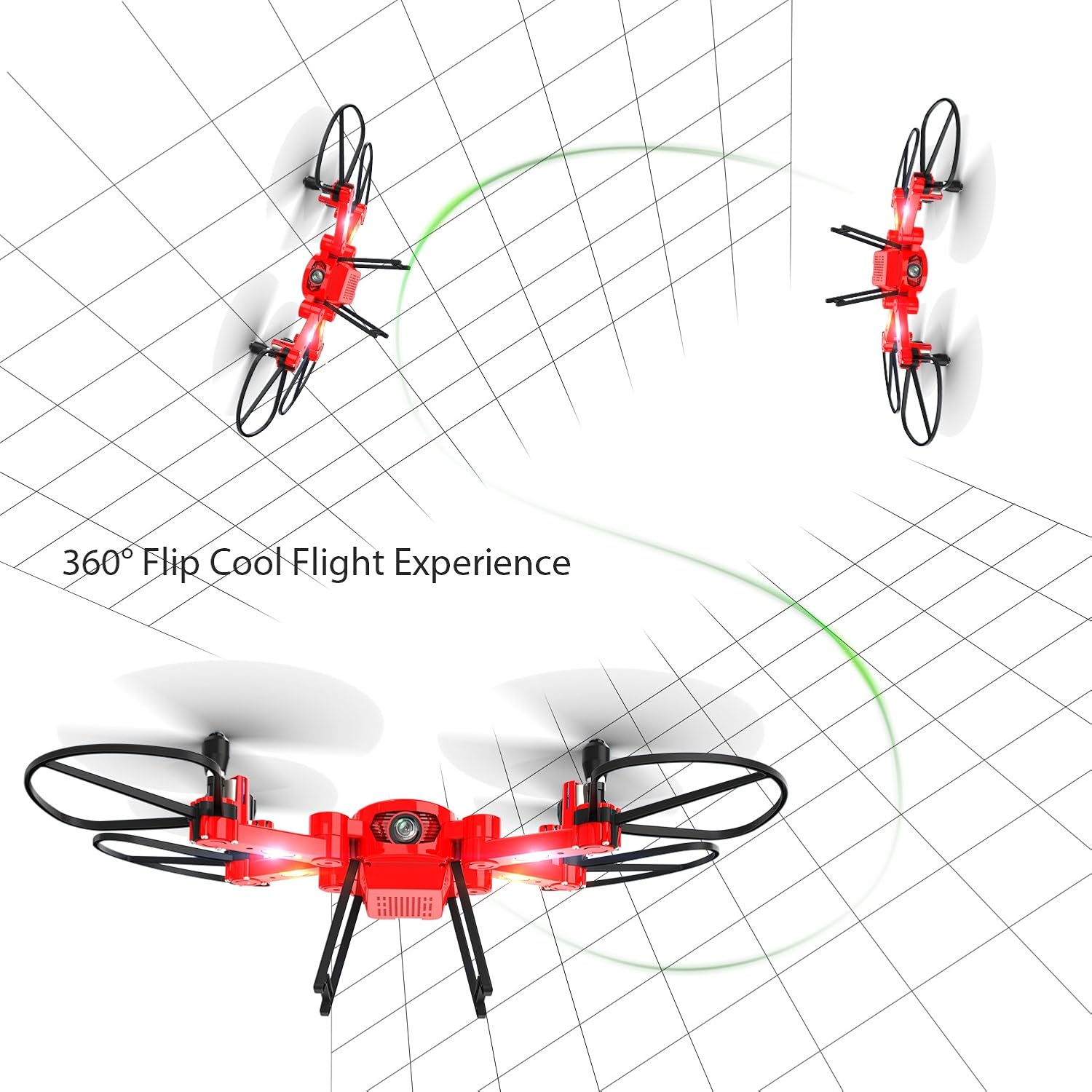
Image: The GoolRC T32 drone executing a 360-degree flip, demonstrating its acrobatic capabilities.
5.8 App Control with Gravity Sensor
When using the mobile app, you can control the drone by tilting your phone, utilizing its built-in gravity sensor. This provides an intuitive alternative control method.
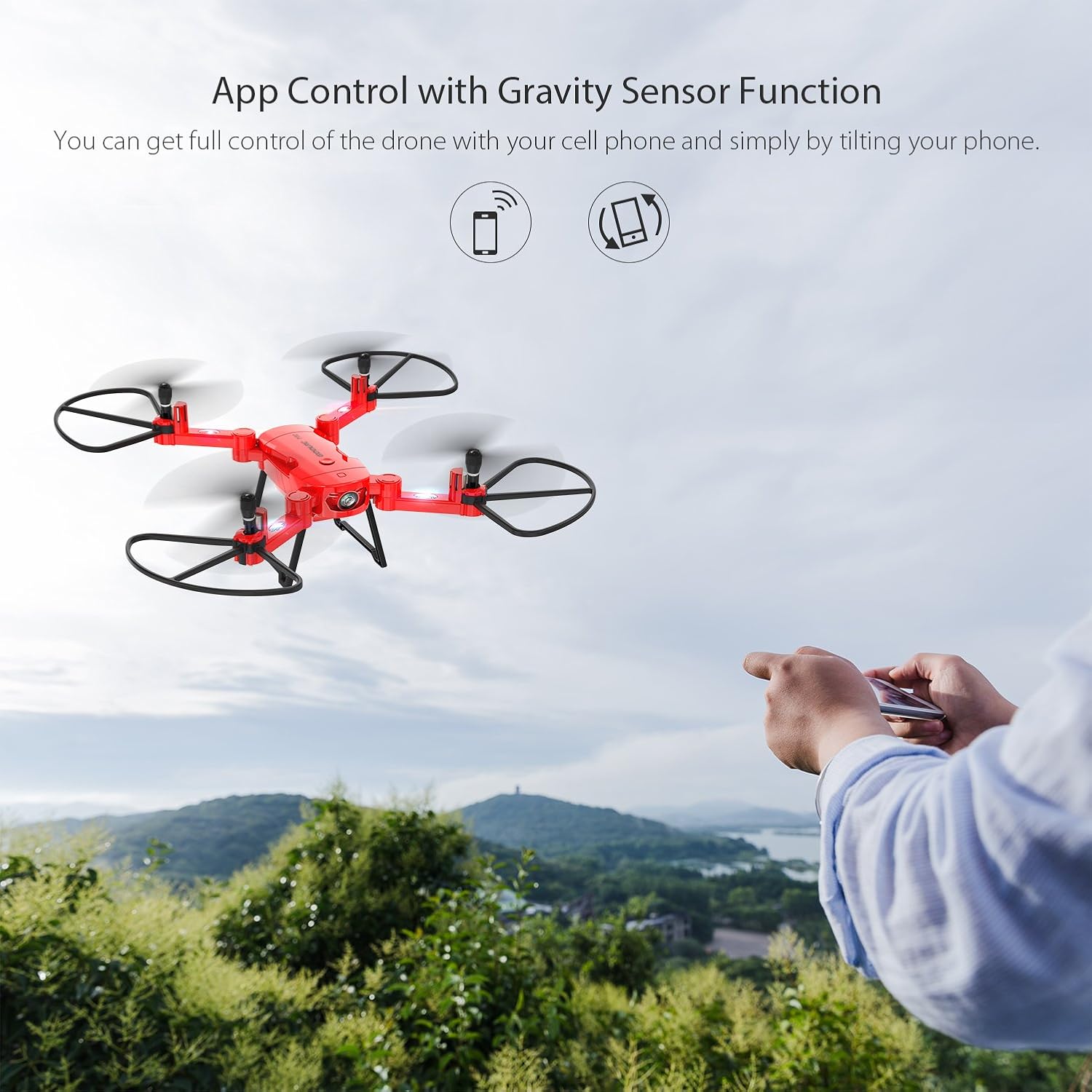
Image: A person controlling the GoolRC T32 drone using a smartphone app with gravity sensor functionality, tilting the phone to direct the drone.
6. Mantentzea
6.1 Garbiketa
Regularly clean the drone with a soft, dry cloth. Avoid using water or solvents that could damage electronic components.
6.2 Propeller Inspection
Periodically check propellers for damage (cracks, bends). Replace any damaged propellers immediately using the provided spare parts to ensure safe and stable flight.
6.3 Bateriaren zaintza eta biltegiratzea
Follow the battery safety precautions outlined in Section 2. When storing the drone for extended periods, ensure the battery is partially charged (around 50%) and stored in a cool, dry place away from direct sunlight and extreme temperatures. Remove batteries from the remote control if not in use for a long time.
7. Arazoak
If you encounter issues with your GoolRC T32 drone, refer to the following common problems and solutions:
| Arazoa | Kausa posiblea | Irtenbidea |
|---|---|---|
| Droneak ez du urrutiko aginteari erantzuten. | Low battery in drone or remote; not paired correctly. | Charge drone battery, replace remote batteries, re-pair drone and remote. |
| Drone flies erratically or flips upon takeoff. | Motor malfunction; damaged propeller; drone not on a flat surface during calibration. | Inspect motors and propellers for damage and replace if necessary. Ensure drone is on a flat surface during pairing/calibration. |
| FPV video feed is laggy or disconnects. | Weak Wi-Fi signal; interference; app issues. | Ensure strong Wi-Fi connection. Fly in an area with minimal interference. Restart the app and drone. Check for app updates. |
| Drone does not take off or has insufficient power. | Drone battery not fully charged; motor issue. | Fully charge the drone battery. Check if all motors are spinning freely and without obstruction. |
| One-Key Return does not work as expected. | Drone too far from remote; GPS signal (if applicable) not strong. | Ensure drone is within effective control range. Note that this model relies on signal strength, not GPS, for return. |
8. Zehaztapenak
| Ezaugarri | Xehetasuna |
|---|---|
| Marka | GoolRC |
| Ereduaren izena | T32 |
| Material nagusia | ABS plastikoa |
| Kolorea | Gorria |
| Motor Mota | Nukleorik gabeko Motorra |
| Kameraren bereizmena | 720P HD |
| Urruneko Kontrola | 2.4GHz Mode 2 / APP Control |
| Urruneko Distantzia | Approx. 70-100m |
| Kargatzeko Denbora | Gutxi gorabehera. 50 minutu |
| Hegan Denbora | Gutxi gorabehera. 6-8 minutu |
| Quadcopter bateria | 3.7V 850mAh LiPo battery |
| Bateriaren Dimentsioa | 50 x 25 x 9 mm |
| Elementuaren dimentsioa (tolestuta) | 260 x 260 x 100 mm |
| Elementuaren dimentsioa (tolestuta) | 130 x 100 x 75 mm |
| Elementuaren pisua | 111 g |
| Kanal kopurua | 4 |
| Gomendatutako Adina | 14 urtetik gora |
| Trebetasun Maila | Hasiberria |
| Ezaugarri bereziak | FPV flight, HD camera, Headless mode, 3D flips, Altitude Hold, One Key Return |
9. Bermea eta Laguntza
Bermeari buruzko informazioa eta bezeroarentzako laguntza lortzeko, kontsultatu erosketa unean emandako dokumentazioa edo jarri harremanetan zure saltzailearekin. Berme-baldintza espezifikoak eskualdearen eta saltzailearen arabera alda daitezke.