1. Sarrera
This manual provides comprehensive instructions for the Bud Light Beer Bluetooth Bottle Speaker, Model BL-BBS-002. Designed for portable audio playback, this wireless speaker connects to Bluetooth-enabled devices, offering a unique design and clear sound for various indoor and outdoor activities.
Produktua erabili aurretik, irakurri arretaz eskuliburu hau, behar bezala funtzionatzen duela ziurtatzeko eta bere iraupena maximizatzeko.

1.1. irudia: Aurrealdea view of the Bud Light Beer Bluetooth Bottle Speaker.
2. Paketearen edukia
Egiaztatu behean zerrendatutako elementu guztiak zure produktuaren ontzian daudela:
- Bud Light Bluetooth Speaker Bottle
- Kargatzeko kablea (Mikro USB)
- Erabiltzailearen eskuliburua (dokumentu hau)
3. Produktua amaitu daview
Familiarize yourself with the various components and controls of your Bud Light Bluetooth Bottle Speaker.

3.1 irudia: Albokoa view of the speaker highlighting the control buttons and ports.
- Piztu/Itzali botoia: Bozgorailua piztu edo itzaltzen du.
- Aux 3.5mm Port: Kable bidezko audio konexiorako, 3.5 mm-ko audio kable bat erabiliz (ez dago barne).
- Mikro USB kargatzeko ataka: Bozgorailua energia-iturri batera konektatzen du kargatzeko.
4. Konfigurazioa
4.1. Bozgorailua kargatzea
Before initial use, fully charge the speaker. Use the provided Micro USB charging cable.
- Connect the Micro USB end of the charging cable to the Micro USB Charging Port on the speaker.
- Connect the USB-A end of the charging cable to a USB power adapter (e.g., smartphone charger, computer USB port) or a power bank.
- The charging indicator light (if present, refer to product for exact location) will illuminate during charging and turn off or change color when fully charged.
- Karga oso batek normalean 2-3 ordu inguru behar ditu.
Note: Do not use damaged charging cables or adapters. Ensure the charging port is dry before connecting the cable.
4.2. Piztu/Itzaltzea
- Pizteko: Press and hold the On/Off Button for approximately 3 seconds. You will hear an audible tone, and an indicator light will flash, indicating it is ready for pairing.
- Itzaltzeko: Press and hold the On/Off Button for approximately 3 seconds. You will hear an audible tone, and the indicator light will turn off.
5. Funtzionamendu-argibideak
5.1. Bluetooth parekatzea
To connect the speaker to your Bluetooth-enabled device (smartphone, tablet, laptop):
- Ensure the speaker is powered on and in pairing mode (indicator light flashing).
- Zure gailuan, joan Bluetooth ezarpenetara.
- Gaitu Bluetootha eta bilatu eskuragarri dauden gailuak.
- Select "Bud Light Speaker" (or similar name) from the list of found devices.
- Once paired, you will hear a confirmation tone, and the indicator light on the speaker will stop flashing and remain solid.
- Bozgorailuak automatikoki saiatuko da azken parekatutako gailura berriro konektatzen pizten denean.
Note: The effective Bluetooth range is approximately 30 feet (9 meters). Obstacles may reduce this range.
5.2. Audio erreprodukzioa
- After successful Bluetooth pairing, play audio from your connected device.
- Adjust the volume directly from your connected device. The speaker does not have independent volume controls.
- For wired connection, insert a 3.5mm audio cable into the Aux 3.5mm Port on the speaker and the other end into your audio source. Bluetooth will be disabled when the Aux cable is connected.
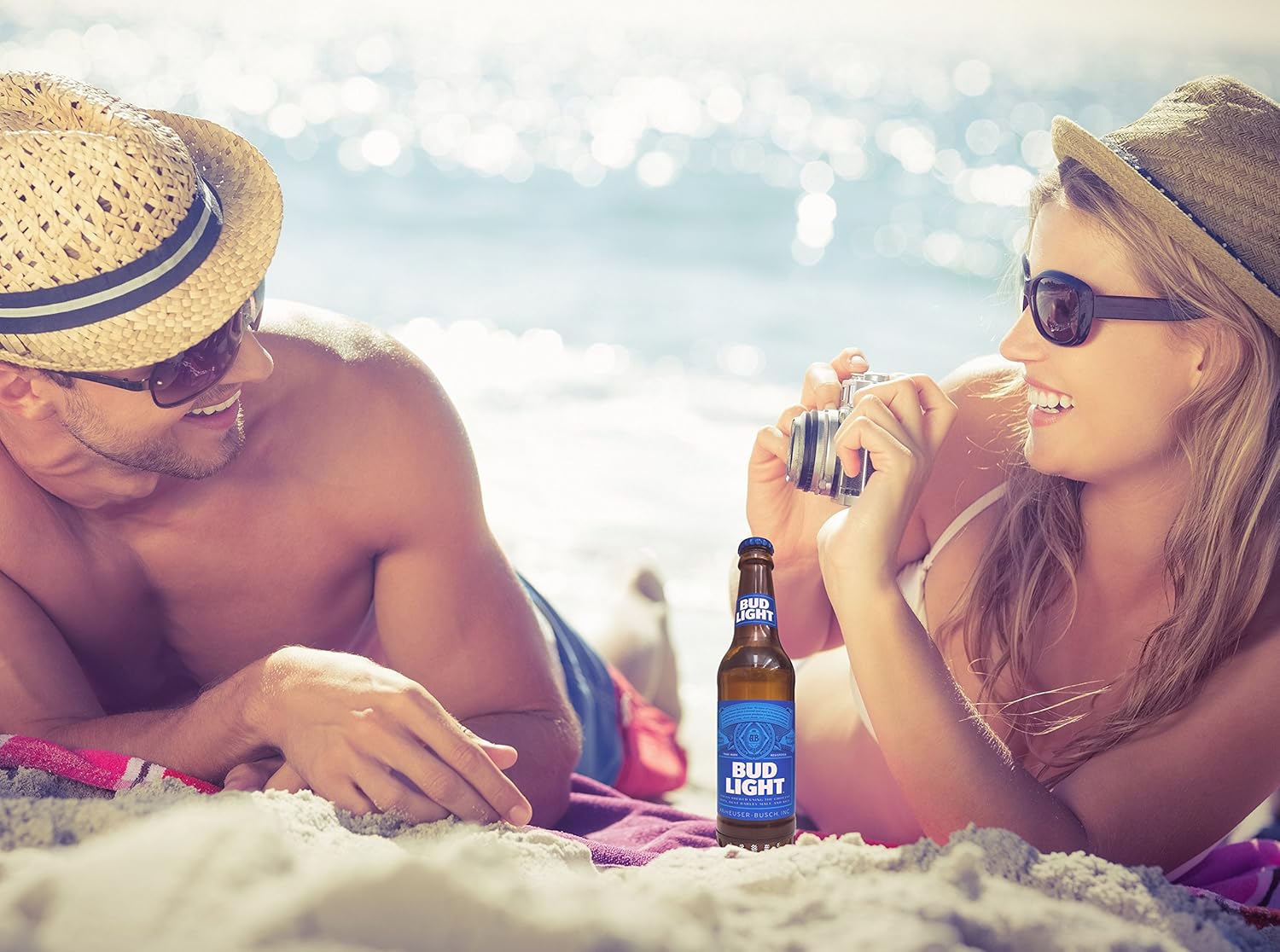
Image 5.1: The portable speaker in an outdoor setting, demonstrating its use for entertainment.
6. Mantentzea
- Garbiketa: Wipe the speaker with a soft, dry cloth. Do not use abrasive cleaners, alcohol, or solvents.
- Biltegiratzea: Gorde bozgorailua leku fresko eta lehor batean, eguzki-argitik eta muturreko tenperaturetatik babestuta.
- Uraren esposizioa: This speaker is NOT waterproof. Avoid exposing it to water, rain, or excessive moisture.
- Bateria zaintzea: Bateriaren iraupena luzatzeko, kargatu bozgorailua gutxienez hiru hilabetean behin, ohiko erabilerarik ez badu.
7. Arazoak
| Arazoa | Kausa posiblea | Irtenbidea |
|---|---|---|
| Bozgorailuak ez du pizten. | Bateria agortuta dago. | Kargatu bozgorailua emandako USB kablea erabiliz. |
| Ezin da Bluetooth gailuarekin parekatu. | Bluetooth is off on your device; speaker is not in pairing mode; speaker is already paired to another device; device is out of range. | Ensure Bluetooth is enabled on your device. Power cycle the speaker to enter pairing mode. Disconnect from other devices. Move device closer to speaker (within 30 ft). |
| Erreprodukzioan ez dago soinurik. | Volume on device is too low; speaker is not connected; audio source issue. | Increase volume on your connected device. Re-pair the Bluetooth connection. Check if the audio source is playing correctly. |
| Soinuaren kalitatea eskasa edo distortsionatua da. | Device is out of Bluetooth range; interference; low battery. | Move device closer to the speaker. Avoid sources of strong electromagnetic interference. Charge the speaker. |
8. Zehaztapenak
| Ereduaren izena | BL-BBS-002 |
| Marka | Bud Argia |
| Konektibitate Teknologia | Bluetooth 5.0 |
| Wireless Range | Gehienez 30 oin (9 metro) |
| Energia iturria | Bateriaz elikatua (litio polimerozko bateria 1, barne) |
| Bozgorailuaren irteera potentzia | 3 Watt |
| Audio irteera modua | Estereoa |
| Produktuaren neurriak (L x W x H) | 6.35 cm x 6.35 cm x 22.86 cm (2.5" S x 2.5" Z x 9" A) |
| Elementuaren pisua | 1 libra (0.45 kg) |
| Iragazgaitza | Ez |
| Gailu bateragarriak | Smartphones, Tablets, Laptops, Personal Computers |
9. Bermea eta Laguntza
This Bud Light Bluetooth Speaker comes with a 1 urteko berme mugatua erosketa-datatik aurrera. Gorde erosketaren egiaztagiria berme-erreklamazioetarako.
The manufacturer is M&S Accessory Network. For support or warranty inquiries, please contact the retailer or manufacturer directly with your proof of purchase and product model number (BL-BBS-002).
Note: Warranty does not cover damage caused by misuse, accidents, unauthorized modifications, or exposure to water.


