Sarrera
Eskerrik asko erosketagatik.asing the BESTISAN 120W 2.1 Channel Sound Bar System. This manual provides essential information for setting up, operating, and maintaining your new sound system. Please read this manual thoroughly before use to ensure proper operation and to maximize your listening experience.
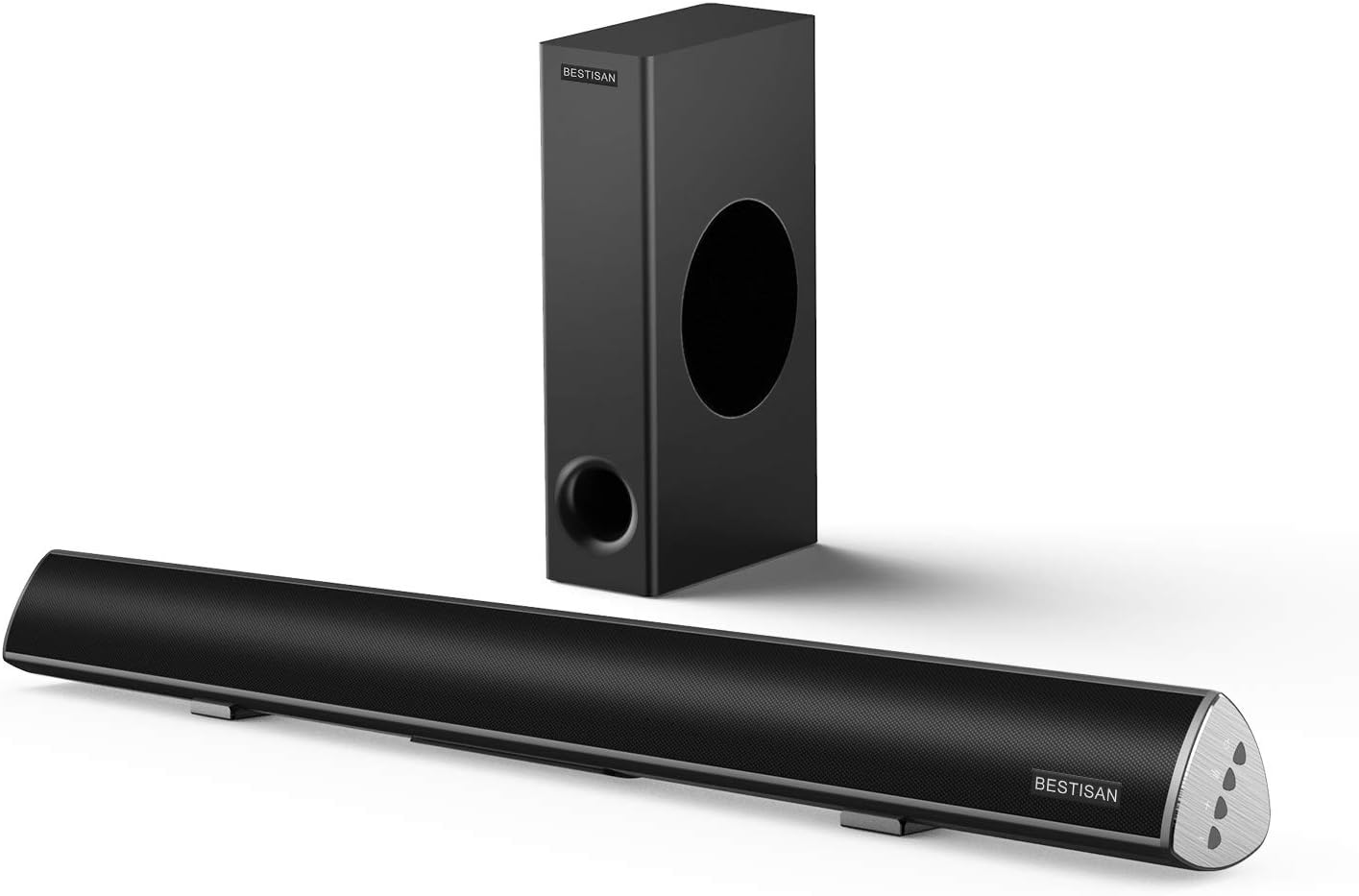
Image: The BESTISAN 120W 2.1 Channel Sound Bar and its wired subwoofer.
Segurtasun Informazioa
- Ez jarri unitatea euripean, hezetasunean edo muturreko tenperaturetan.
- Ensure proper ventilation around the sound bar and subwoofer.
- Ez blokeatu aireztapen-zulorik.
- Erabili fabrikatzaileak zehaztutako eranskinak/osagarriak soilik.
- Deskonektatu aparatua tximista-ekaitzetan edo denbora luzez erabiltzen ez duzunean.
- Jarri zerbitzu-zerbitzu guztiak zerbitzu-pertsonal kualifikatuari.
Paketearen edukia
Mesedez, egiaztatu elementu guztiak zure paketean daudela:
- Soinu taberna
- Subwoofer kableduna
- Urruneko Kontrola
- Elikatze-moldagailua
- Erabiltzailearen Gida
- Kable Optiko Digitala
- RCA estereo 3.5 mm-ko audio kablea
- SUB OUT Cable (for subwoofer connection)

Irudia: Produktuaren paketean sartutako elementu guztien irudikapen bisuala.
Produktua amaituview
Sound Bar Controls and Remote
The sound bar features integrated controls on its side panel for basic functions, and a comprehensive remote control for full functionality.

Irudia: Xehetasun handikoa view of the sound bar's side panel controls and the included remote control.
Konektagarritasun ataka
The sound bar offers multiple connectivity options to integrate with various devices.
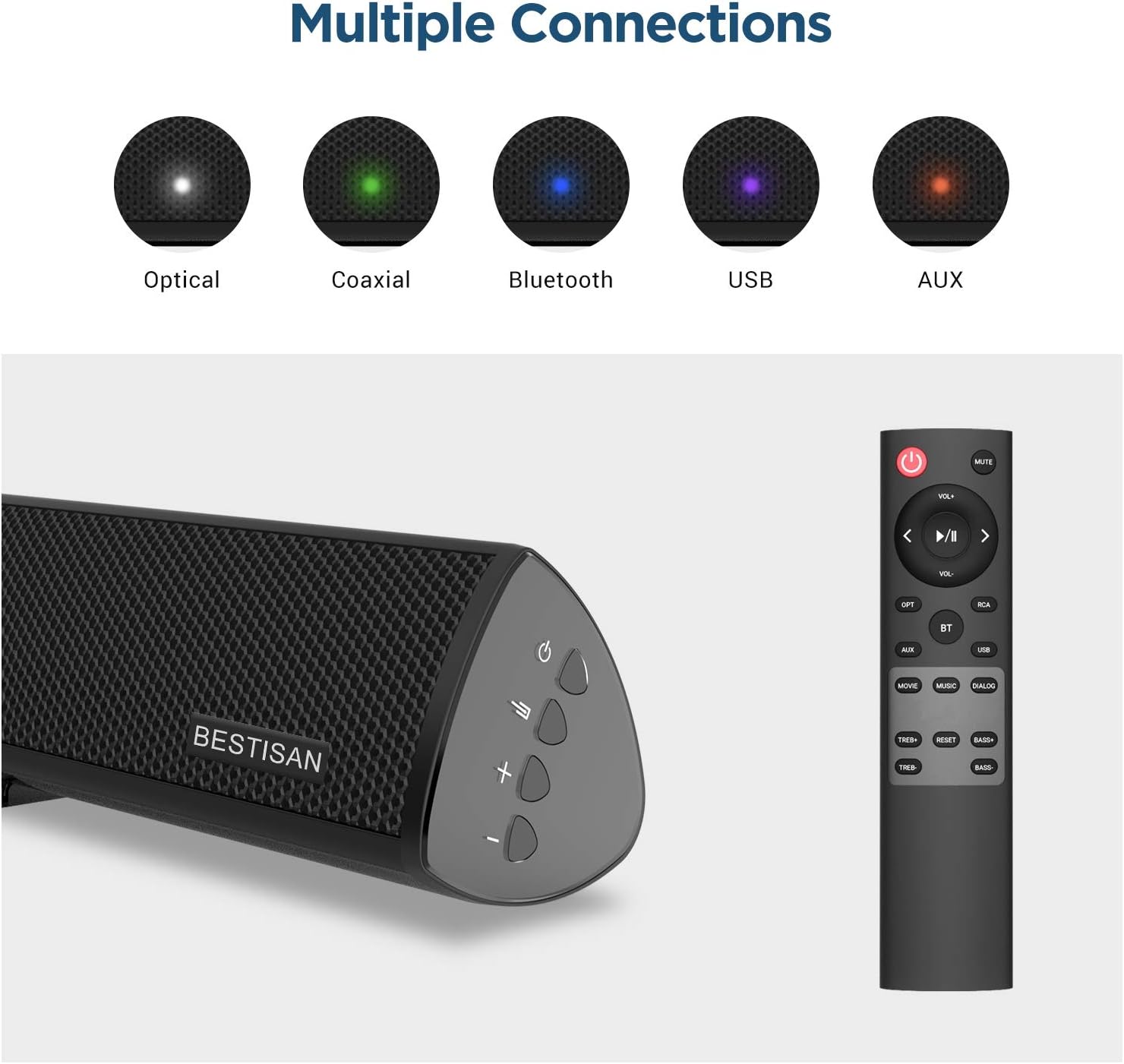
Image: Visual representation of the various input options available on the sound bar, including Optical, Coaxial, Bluetooth, USB, and AUX.
Konfigurazioa
Kokatzea
For optimal audio performance, place the sound bar centrally below your television. The subwoofer can be placed on the floor near the sound bar, ensuring it has adequate space for sound dispersion.

Image: The sound bar positioned directly below a television, demonstrating typical placement.
Subwoofer konektatzea
Connect the wired subwoofer to the sound bar using the provided SUB OUT cable. Ensure the connection is secure.
Connecting to Your TV or Audio Source
Aukeratu konexio metodo hauetako bat:
- Konexio optikoa: Use the supplied optical cable to connect the sound bar's OPTICAL IN port to your TV's Optical Out port. This is recommended for high-quality digital audio.
- Koaxial konexioa: Use a coaxial cable (not supplied) to connect the sound bar's COAXIAL IN port to your TV's Coaxial Out port.
- AUX konexioa: Use the supplied Stereo RCA to 3.5mm audio cable to connect the sound bar's AUX IN port to your TV's 3.5mm audio output or RCA audio outputs.
- USB konexioa: Sartu USB unitate bat USB atakan audioa erreproduzitzeko files zuzenean diskotik.
Potentzia-konexioa
Connect the power adapter to the DC IN port on the sound bar, then plug the adapter into a wall outlet.
Funtzionamendu-argibideak
Piztu/Itzali
Sakatu Boterea button on the remote control or the sound bar to turn the unit on or off.
Sarrera hautatzea
Sakatu Sarrera button (OPT, COAX, AUX, USB, BT) on the remote control to switch between different audio sources.
Bolumen kontrola
Erabili VOL+ eta Boluntario buttons on the remote or sound bar to adjust the volume level.
Sound Modes (DSP Technology)
The sound bar features Digital Signal Processing (DSP) technology with optimized sound modes for various content types. Press the corresponding button on the remote to select:
- Filmen modua: Enhances cinematic sound, providing crisp and clear audio for films.
- Musika modua: Optimizes audio for music playback, delivering rich and dynamic sound.
- Dialog Mode: Improves vocal clarity, making speech in TV shows and news broadcasts more audible.

Image: A visual representation of the DSP Audio Modes (Movie, Music, Dialog) and their effects on sound.

Image: An illustration highlighting the internal speaker configuration for champion stereo sound.
Bluetooth parekatzea
Zure gailu mugikorra Bluetooth bidez konektatzeko:
- Sakatu BT button on the remote control to switch to Bluetooth mode. The indicator light on the sound bar will flash.
- Enable Bluetooth on your mobile device and search for "SQ03" or "BESTISAN".
- Select the sound bar from the list of available devices to pair. Once connected, the indicator light will turn solid.
- You can now play audio from your device through the sound bar. The effective range for Bluetooth connection is up to 33 feet (10 meters).

Image: A user's hand holding a smartphone, illustrating the process of connecting to the sound bar via Bluetooth.
Mantentzea
To ensure the longevity and optimal performance of your sound bar system:
- Garbiketa: Use a soft, dry cloth to clean the surfaces of the sound bar and subwoofer. Do not use liquid cleaners or aerosol sprays.
- Aireztapena: Mantendu aireztapen-irekidurak hauts eta hondakinik gabe.
- Biltegiratzea: Unitatea denbora luzez gordetzen baduzu, deskonektatu entxufetik eta gorde leku fresko eta lehor batean.
Arazoak konpontzea
| Arazoa | Kausa posiblea | Irtenbidea |
|---|---|---|
| Botererik ez | Kable elektrikoa ez dago konektatuta; Entxufea ez dago aktibo. | Ensure the power cord is securely connected. Try a different power outlet. |
| Soinurik ez | Sarrera okerra hautatu da; Bolumena baxuegia da; Kableak ez daude behar bezala konektatuta. | Select the correct input source. Increase the volume. Check all audio cable connections. Ensure TV audio output is set correctly. |
| Bluetooth konexioak huts egin du | Sound bar not in pairing mode; Device too far; Interference. | Ensure the sound bar is in Bluetooth pairing mode. Move your device closer to the sound bar. Avoid placing the sound bar near other wireless devices. |
| Urruneko kontrola ez dabil | Batteries are dead or inserted incorrectly; Obstruction between remote and sound bar. | Replace batteries. Ensure line of sight between remote and sound bar. |
Zehaztapenak
| Ezaugarri | Xehetasuna |
|---|---|
| Ereduaren izena | SQ03 |
| Hizlari mota | Subwoofer (2.1 Channel System) |
| Bozgorailuaren irteera-potentzia maximoa | 120 Watt |
| Konektibitate Teknologia | Bluetooth 5.0, Optical, Coaxial, USB, AUX |
| Haririk gabeko Komunikazio Teknologia | Bluetootha |
| Subwoofer Konektibitate Teknologia | Kableatua |
| Gomendatutako Erabilerak | Musika, etxeko antzerkia, zinema |
| Gailu bateragarriak | Ordenagailu eramangarria, telebista, tableta, telefono adimenduna |
| Kontrol-metodoa | Urruneko Kontrola |
| Elementuaren pisua | 8.82 kilo |
| Neurriak (paketea) | 30.5 x 13 x 9 hazbete |
| UPC | 680613284600 |
Bermea eta Laguntza
BYL provides comprehensive customer support for your product.
- Bermea: This product comes with a Limited Warranty, typically up to 12 months. Please refer to your purchase documentation for specific warranty terms.
- Itzultzeko politika: A 30-day free return policy is generally available.
- Bezeroarentzako arreta: For any questions, technical support, or warranty claims, please contact BYL customer service. 24/7 E-mail assistance is available.

Image: The BYL Model SQ03 sound bar and subwoofer, designed to deliver enhanced audio.


