Sarrera
The Nyko Wireless Core Controller is designed to enhance your gaming experience across multiple platforms, including Nintendo Switch, Android devices, and PC. This controller features an ergonomic design, reliable Bluetooth connectivity, and a programmable turbo function. Please read this manual thoroughly to ensure proper setup and operation of your new controller.
Zer sartzen da
Egiaztatu elementu guztiak paketean daudela:
- 1x Nyko Wireless Core Controller
- 1x USB motako C kargatzeko kablea

Image: Contents of the Nyko Wireless Core Controller package, showing the controller and its USB Type-C charging cable.
Ezaugarriak
The Nyko Wireless Core Controller offers a range of features for an optimized gaming experience:
- Haririk gabeko konektagarritasuna: Utilizes Bluetooth for a responsive, lag-free connection.
- Diseinu ergonomikoa: Full-sized controller with comfortable grips for extended gameplay sessions.
- Turbo funtzioa: Programmable turbo button for any face buttons or triggers, allowing for rapid, automatic inputs.
- Bateria kargagarria: Internal battery provides up to 20 hours of playtime, recharged via the included USB Type-C cable.
- Mugimendu-kontrolak: Integrated gyroscope supports games requiring motion control.
- Bibrazio-iritzia: Jokoan zehar feedback haptiko murgilgarria eskaintzen du.
- Plataforma anitzeko bateragarritasuna: Works with Nintendo Switch, Android, and PC.
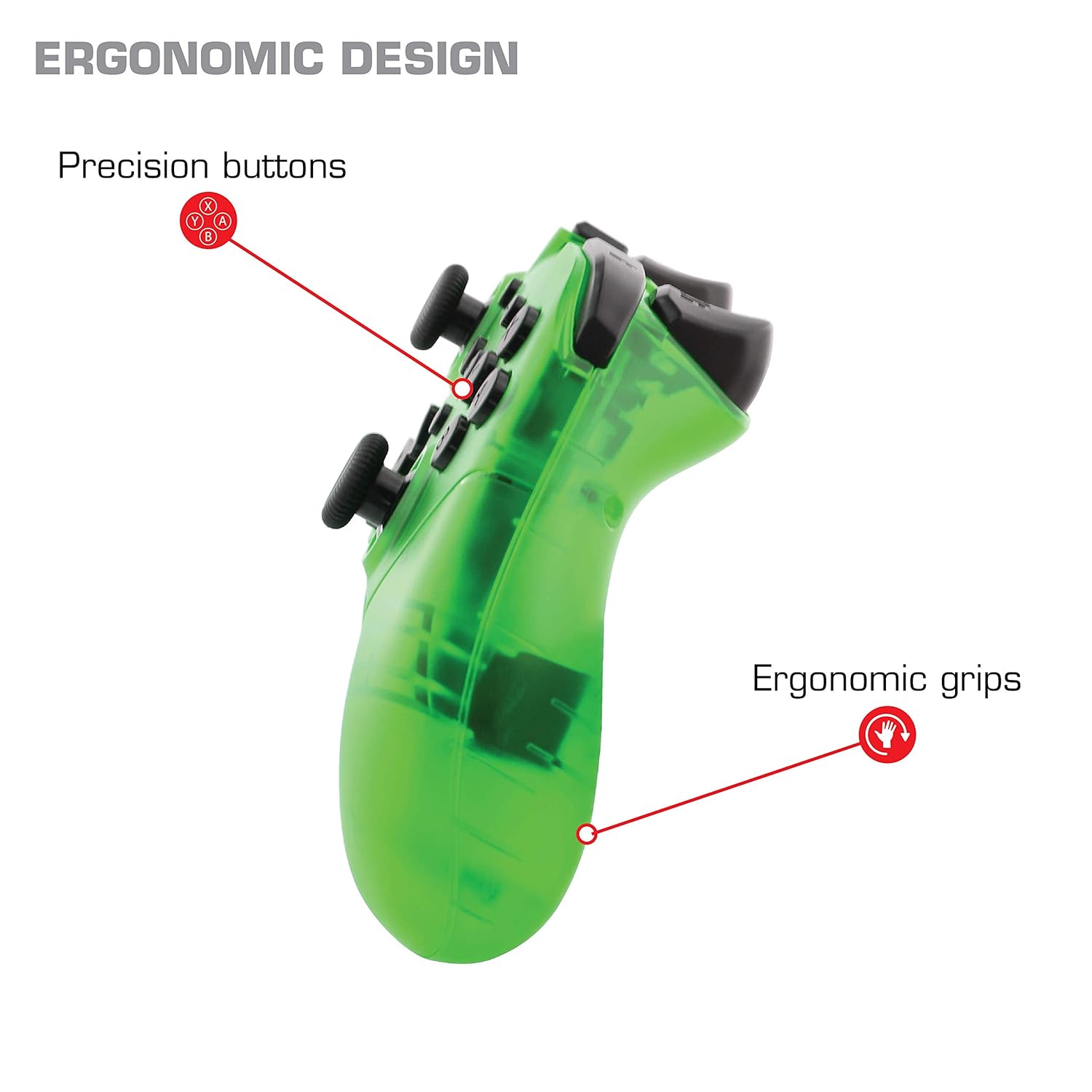
Irudia: Gertuko planoa view of the Nyko Wireless Core Controller highlighting its ergonomic design and precision buttons.

Irudia: Aurrealdea view of the Nyko Wireless Core Controller, indicating its compatibility with PC, the turbo feature, and LED player indicators.
Video: A comparison between the Nyko Wireless Core Controller and a standard Nintendo Switch Pro Controller, showcasing their similar layouts and features.
Konfigurazioa
Hasierako karga
Before first use, fully charge the controller using the included USB Type-C cable. Connect the small end of the cable to the controller's USB-C port and the larger end to a USB power source (e.g., Nintendo Switch dock, PC, or USB wall adapter).
Nintendo Switch-ekin parekatzea
- Ziurtatu zure Nintendo Switch kontsola piztuta dagoela eta sistemaren softwarearen azken bertsiora eguneratuta dagoela.
- HASIERA menutik, hautatu "Kontrolagailuak" > "Aldatu heldulekua/ordena".
- While on this screen, press and hold the SYNC button on the top of the Nyko controller for a few seconds until the player indicator LEDs begin to flash.
- Once the controller is recognized and paired, the player indicator LED(s) will light up solid.
- Oharra: For the first connection, it may be necessary to connect the controller physically to the Switch dock via the USB-C cable to initiate pairing.
Pairing with Android/PC
- Ensure Bluetooth is enabled on your Android device or PC.
- Zure gailuan, joan Bluetooth ezarpenetara eta bilatu gailu berriak.
- Press and hold the SYNC button on the top of the Nyko controller until the player indicator LEDs begin to flash, indicating it's in pairing mode.
- Select "Nyko Core Controller" (or similar name) from the list of available devices on your Android/PC.
- Once paired, the player indicator LED(s) will light up solid.
Funtzionamendu-argibideak
Oinarrizko Kontrolak
The controller features standard button layouts including A, B, X, Y buttons, D-Pad, Left and Right Analog Sticks, L/R and ZL/ZR shoulder buttons, HOME, +, -, and Screenshot buttons. Refer to your game's instructions for specific button functions.
Programmable Turbo Functionality
The turbo function allows for rapid, repeated input of a button press. This can be set for multiple buttons simultaneously.

Image: Diagram of the Nyko Wireless Core Controller indicating which buttons are programmable for turbo functionality and which are not.
Enabling Turbo and Auto-Fire
- To enable Turbo: Eduki sakatuta Turbo botoia, then press any face button (Y, X, B, A) or trigger (L, R, ZL, ZR) you wish to have turbo functionality. While holding the assigned button, it will rapidly input.
- To enable Auto-Fire: Eduki sakatuta Turbo botoia, then press the desired button birritan. The button will now continuously input without needing to be held down.
Disabling Turbo and Auto-Fire
- To disable Turbo/Auto-Fire for a specific button: Eduki sakatuta Turbo botoia, then press the assigned button birritan.
- To reset all Turbo/Auto-Fire settings: Eduki sakatuta Turbo botoia eta du (-) botoia aldi berean.
Changing the Speed of Turbo and Auto-Fire
This setting affects the speed of all active turbo/auto-fire enabled buttons.
- Eduki sakatuta Turbo botoia.
- To increase speed, tilt the right analog stick up.
- To decrease speed, tilt the right analog stick down.
- Askatu Turbo botoia when your desired speed is set.
Mantentzea
Garbiketa
Kontrolagailua garbitzeko, erabili zapi leun eta lehor bat. Zikinkeria egoskorra bada, garbitu apur bat.ampGarbitu oihalak urarekin. Saihestu produktu kimiko gogorrak, disolbatzaileak edo garbitzaile urratzaileak erabiltzea, hauek kontrolatzailearen akabera eta barneko osagaiak kaltetu baititzakete.
Bateria zaintzea
The controller contains a built-in Lithium Ion battery. To prolong battery life:
- Saihestu bateria maiz erabat deskargatzea.
- Denbora luzez erabiltzen ez duzunean, gorde kontrolatzailea leku fresko eta lehor batean.
- Ez jarri kontrolatzailea tenperatura altuen eraginpean.
Arazoak konpontzea
Controller Not Connecting/Losing Connection
- Egiaztatu bateria: Ensure the controller is fully charged. A completely drained battery may prevent initial connection.
- Re-pair Controller: Follow the pairing instructions in the "Setup" section. For Nintendo Switch, try connecting via USB-C to the dock first.
- Distantzia eta interferentzia: Ensure the controller is within range of the console/device and there are no major obstructions or sources of wireless interference.
- Sistema eguneratzea: Ensure your Nintendo Switch console or PC operating system is up to date.
Botoiak ez dute erantzuten
- Berriro sinkronizatu: Try re-syncing the controller with your device.
- Berrabiarazi: Power off and on both the controller and the console/device.
- Garbitu: Ziurtatu botoien inguruan hondakinik ez dagoela itsatsita.
Rumble is Too Strong
The controller's vibration feature is designed to provide strong feedback. If the rumble intensity is too high, check the in-game settings of the specific game you are playing, as some games allow for rumble intensity adjustment. The controller itself does not have a direct setting to adjust rumble strength.
Zehaztapenak
- Modelo zenbakia: 87264
- Konektibitatea: Haririk gabeko Bluetootha
- Kargatzeko ataka: USB C motakoa
- Bateria mota: Litio ioia (barne)
- Approximate Playtime: Gehienez 20 ordu
- Produktuaren neurriak: 6.3 x 2.76 x 5.91 hazbete
- Elementuaren pisua: 10.6 ontza
- Fabrikatzailea: Nyko
- Bateragarritasuna: Nintendo Switch, Android, PC
Bermea eta Laguntza
Nyko products are manufactured to high-quality standards. For specific warranty information, please refer to the warranty card included with your product or visit the official Nyko website. For technical support, troubleshooting assistance, or to inquire about replacement parts, please contact Nyko Customer Support through their official channels.
Lineako laguntza: www.nyko.com/support


