1. Sarrera
Thank you for choosing the Vanja High-Speed 3-in-1 SD Card Reader. This device is designed for efficient data transfer between various memory cards and your compatible devices. Its versatile 3-in-1 multi-port design and dual card slots offer broad compatibility and ease of use for daily data management.
2. Produktua amaitu daview
The Vanja SD Card Reader features a compact and durable design, integrating multiple connectivity options and card slots into a single unit.
2.1. Multi-Port Design
The reader includes three primary connection types:
- USB-A: Standard USB port for PCs, laptops, and other devices.
- USB-C: Reversible port for modern smartphones, tablets, and computers.
- Mikro-USB: For older Android smartphones and tablets.
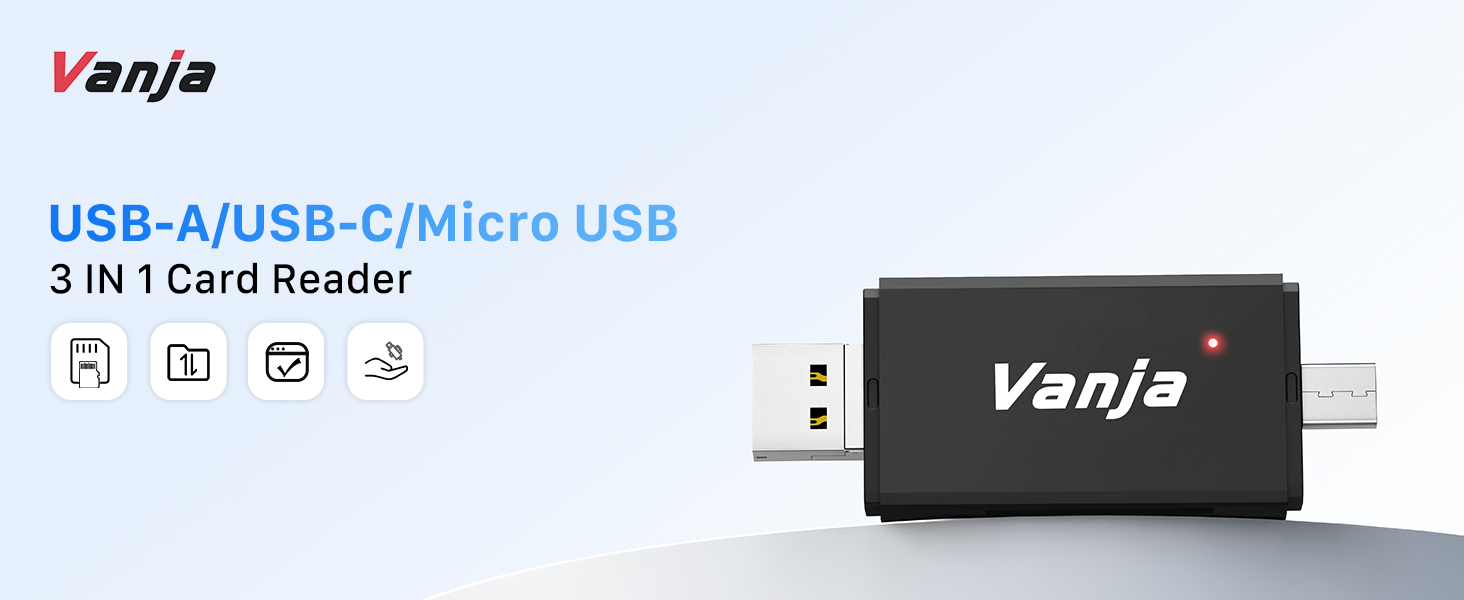
Figure 1: 3-in-1 Multi-Port Design
2.2. Dual Card Slots
The device supports two types of memory cards:
- SD txartelaren zirrikitua: For standard SD, SDHC, and SDXC cards.
- Mikro SD txartelaren zirrikitua: For Micro SD, Micro SDHC, and Micro SDXC cards.
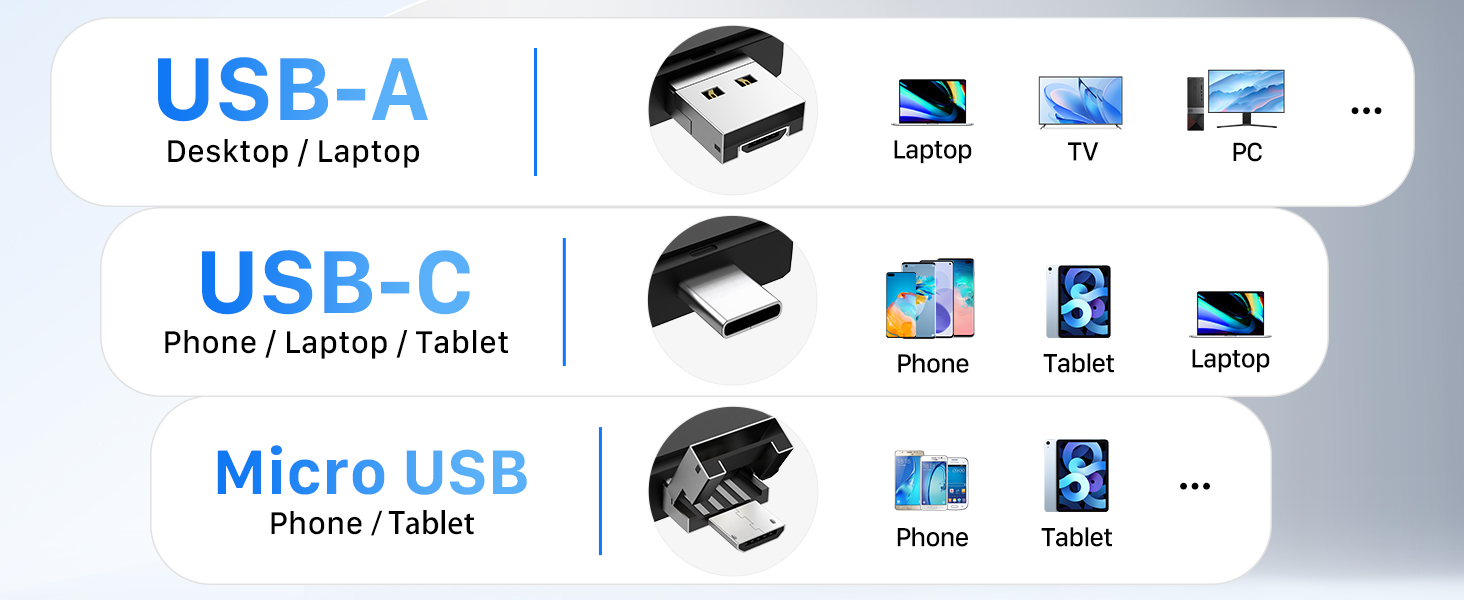
Figure 2: Dual-Slot Card Reader
2.3. Compact & Durable Design
With its small size (approx. 7.6 x 2.6 x 1 cm) and lightweight build (approx. 20g), the card reader is highly portable. The durable plastic casing and secure card slots ensure protection and reliability.

Figure 3: Light and Portable Design
3. Setup (Plug & Play)
The Vanja SD Card Reader operates on a plug-and-play basis, requiring no drivers, additional software, or external power.
- Sartu memoria txartela: Gently slide your SD or Micro SD card into the corresponding slot on the card reader. Ensure the card is inserted correctly with the label side facing the indicated direction (Micro SD label down, SD label up).
- Konektatu gailura: Plug the appropriate USB connector (USB-A, USB-C, or Micro-USB) of the card reader into your device.
- Sarbide Datuak: Your device should automatically detect the card reader and its contents, allowing instant access to your photos, videos, and documents.
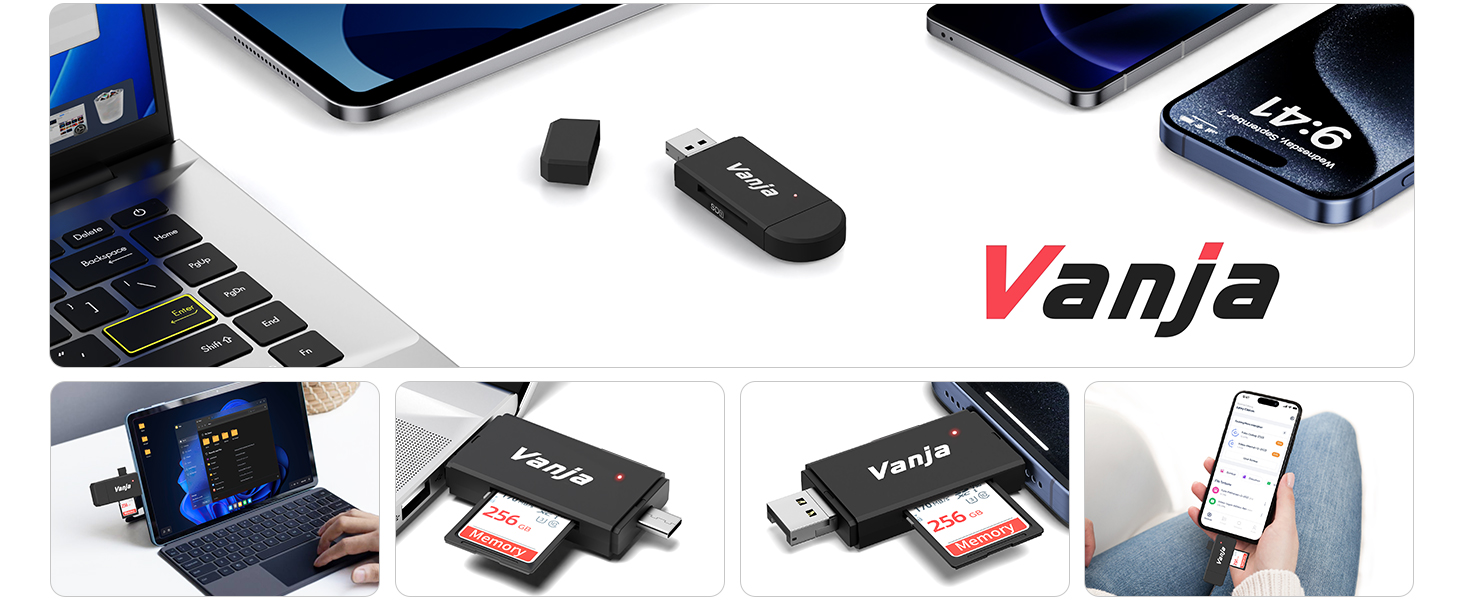
Figure 4: How to Insert SD/Micro SD Cards
4. Funtzionamendu-argibideak
Once connected, the card reader facilitates quick and stable data transfer.
4.1. Data Transfer Speed
The card reader operates on the USB 2.0 standard, providing data transfer speeds of up to 480 Mb/s. This is suitable for transferring photos, music, documents, and even short HD videos (720p/1080p) without significant delays.
4.2. On-The-Go Data Access
For compatible devices with OTG (On-The-Go) functionality, you can directly access and manage files on your memory card using your smartphone or tablet.
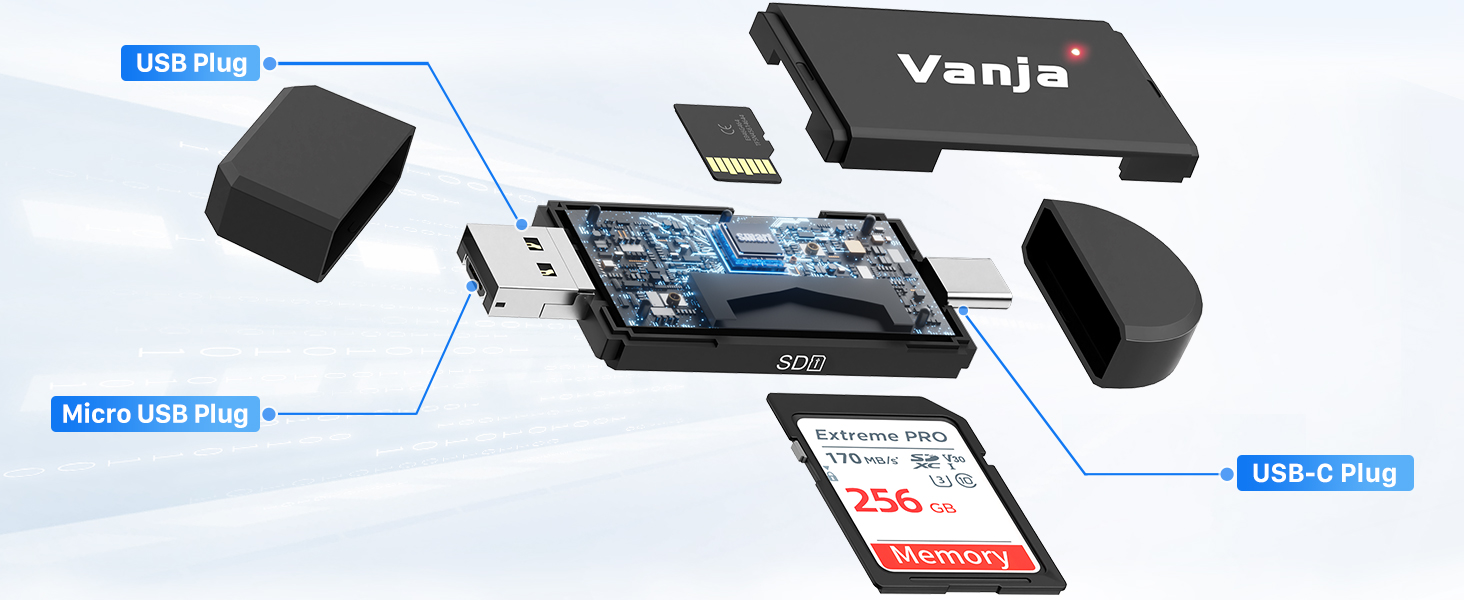
Figure 5: On-The-Go Data Transfer
4.3. Produktuaren bideo ofiziala
Watch this video for a demonstration of the Vanja SD/Micro SD Card Reader's features and usage:
Video: Vanja SD/Micro SD Card Reader, USB C Micro USB USB A Reader. This video demonstrates the physical aspects and connectivity options of the card reader, including its USB-C, Micro USB, and USB-A ports, and how it functions with various devices.
5. Bateragarritasuna
The Vanja SD Card Reader offers wide compatibility across various devices and operating systems.
5.1. Gailuen bateragarritasuna
- USB-C gailuak: iPhone 17/16/15 series, MacBook Pro/Air, iPad Pro, Samsung Galaxy S/Ultra series, Huawei Mate series (with OTG functionality).
- USB-A gailuak: PCs, laptops (Windows/macOS), digital cameras, game consoles.
- Micro-USB Devices: Older Android smartphones, tablets, or portable players.
5.2. Sistema eragilearen bateragarritasuna
Works with iOS, macOS, Android, Windows, and Linux operating systems.
5.3. Memory Card Compatibility
Supports Micro SD, SDHC, and SDXC cards up to 2TB capacity.

6. irudia: Bateragarritasun unibertsala
6. Mantentzea
To ensure the longevity and optimal performance of your Vanja SD Card Reader, follow these maintenance guidelines:
- Mantendu gailua garbi eta hautsik eta hondakinik gabe. Erabili zapi leun eta lehor bat garbitzeko.
- Avoid exposing the card reader to extreme temperatures, moisture, or direct sunlight.
- Handle with care to prevent physical damage from drops or impacts.
- Ensure memory cards are inserted and removed gently to avoid damaging the card slots.
7. Arazoak
If you encounter issues with your Vanja SD Card Reader, consider the following:
- Txartela ez da ezagutzen: Ensure the memory card is fully and correctly inserted into its designated slot. Try re-inserting the card or using a different card to rule out a card issue.
- Device Not Recognizing Reader: Verify that the card reader is securely plugged into your device's USB port. Try a different USB port or a different device to check for port or device-specific issues.
- Transferentzia-abiadura motelak: While the device operates at USB 2.0 speeds, actual transfer rates can vary based on the memory card's speed class, the device's USB port, and the size/type of files being transferred. Ensure your memory card is not damaged.
- OTG Functionality Issues: Confirm that your smartphone or tablet supports OTG (On-The-Go) functionality. Some older devices may not support this feature.
8. Zehaztapenak
| Ezaugarri | Deskribapena |
|---|---|
| Modelo zenbakia | VJ-CR-02 |
| Konektibitatea | USB Type A, USB Type C, Micro USB |
| Euskarri motak onartzen dira | SD Card, SDHC, SDXC, Micro SD, Micro SDHC, Micro SDXC |
| Gehienezko Edukiera | 2TB arte |
| Transferentzia Abiadura | Up to 480 Mb/s (USB 2.0 Standard) |
| Sistema Eragileak | Android, iOS, Linux, Mac OS, Windows |
| Neurriak (LxWxH) | 2.36 x 0.62 x 0.27 hazbete (gutxi gorabehera 7.6 x 2.6 x 1 cm) |
| Elementuaren pisua | 0.48 ontza (gutxi gorabehera 20 g) |
| Kolorea | Beltza |
9. Bermea eta Laguntza
For warranty information or technical support, please refer to the product packaging or contact Vanja customer service through their official webproduktua erosi zen gunea edo dendaria.


