
1. Sarrera
This manual provides essential information for the LG EBR78230402 Microwave Display Board. This component is a genuine Original Equipment Manufacturer (OEM) replacement part designed specifically for compatible LG microwave ovens. The display board is crucial for the microwave's user interface, controlling the display of time, settings, and operational feedback, as well as processing input from the control panel buttons.
Proper installation and handling are vital for the functionality and longevity of the part and the safety of the appliance. Please read all instructions carefully before proceeding with installation or any maintenance.
2. Segurtasun informazio garrantzitsua
OHARRA: Deskarga elektrikoaren arriskua. Deskonektatu korrontea mantentze-lanak egin aurretik.
- Always disconnect the microwave oven from its power source (unplug it from the wall outlet) before attempting any installation, repair, or maintenance. Failure to do so can result in serious injury or death from electric shock.
- Mikrouhin labeek bolumen handikoak dituztetage capacitors that can retain a dangerous electrical charge even after the power is disconnected. It is recommended that only qualified service technicians perform repairs involving internal components.
- Erabili babes pertsonaleko ekipamendu egokia, hala nola eskularruak, lesioak saihesteko.
- Handle the display board carefully. Electronic components can be sensitive to electrostatic discharge. Avoid touching the circuit board components directly.
- Ensure all connections are secure and correctly reassembled before restoring power to the appliance.
3. Bateragarritasun-egiaztapena
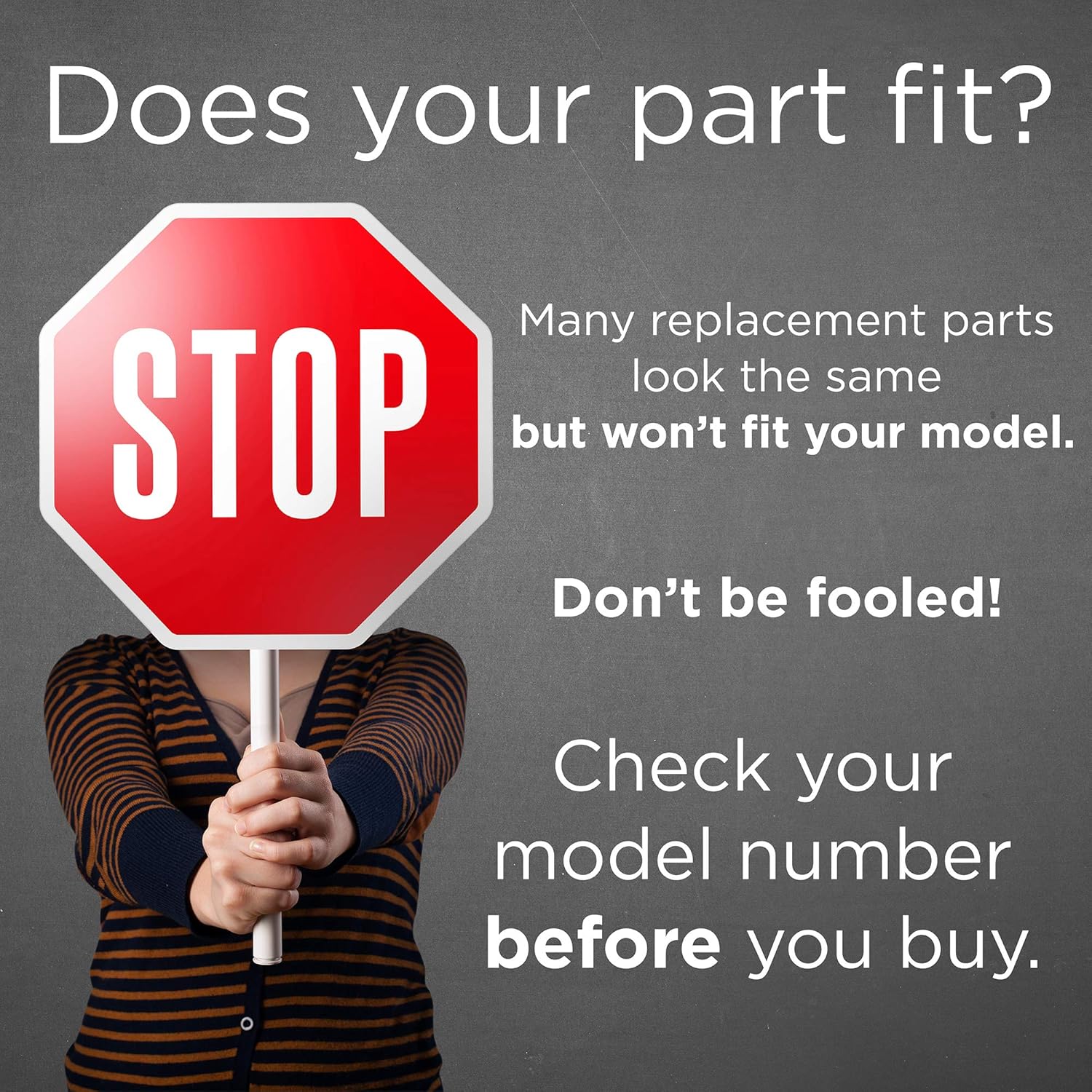
It is critical to verify that the LG EBR78230402 Display Board is compatible with your specific microwave oven model. Many parts may appear similar but are not interchangeable. Using an incorrect part can lead to malfunction, damage to the appliance, or safety hazards.

Image: A red STOP sign emphasizing the importance of checking model numbers for part compatibility.
To confirm compatibility, locate the model number on your microwave oven, typically found on a label inside the door frame, on the back, or underneath the appliance. Cross-reference this model number with the list of compatible models provided by LG or your parts supplier. If you are unsure, consult a qualified technician or LG customer support.
4. Instalatzeko jarraibideak
The following are general steps for replacing a microwave display board. Specific procedures may vary depending on your microwave model. It is highly recommended that this repair be performed by a qualified appliance technician.
- Deskonektatu energia: Deskonektatu mikrouhin-labea entxufe elektrikotik.
- Kontrol panelera sartu: Depending on your microwave model, you may need to remove screws from the top, back, or side panels to access the control panel assembly where the display board is located. Refer to your microwave's service manual for exact access points.
- Dokumentuen konexioak: Before disconnecting any wires, take clear photos or make diagrams of all wire connections to the existing display board. This will aid in correct reassembly.
- Deskonektatu kableak: Carefully disconnect all wire harnesses and ribbon cables from the old display board. Note the orientation of any ribbon cables.
- Remove Old Display Board: Unscrew or unclip the old display board from its mounting points within the control panel.
- Install New Display Board: Position the new LG EBR78230402 Display Board in place and secure it with the original screws or clips.
- Kableak berriro konektatu: Using your photos or diagrams, carefully reconnect all wire harnesses and ribbon cables to the new display board. Ensure all connections are firm and correctly oriented.
- Mikrouhin-labea berriro muntatu: Reattach any panels or covers that were removed, ensuring all screws are tightened.
- Proba funtzionaltasuna: Plug the microwave back into the electrical outlet. Test the display and all control panel functions to ensure proper operation.

Irudiak: Views of the LG EBR78230402 Microwave Display Board, illustrating its physical appearance and connection points.
5. Erabilera-argibideak (instalazio ostekoa)
Once the LG EBR78230402 Display Board is correctly installed, your microwave oven's control panel and display functions should be fully restored. Operate your microwave as you normally would, referring to your microwave oven's original user manual for specific cooking functions and settings.
- Piztu: Ensure the microwave is plugged in and receiving power. The display should illuminate.
- Ezarri erlojua: If the clock is not set, follow your microwave's instructions to set the current time.
- Proba funtzioak: Verify that all buttons on the control panel respond correctly and that the display accurately shows selections and cooking times.
6. Mantentzea
The LG EBR78230402 Display Board itself requires no routine maintenance. However, proper care of your microwave oven's control panel can help ensure the longevity of the display board and its associated components.
- Garbiketa: Clean the exterior of the control panel with a soft, damp cloth. Avoid abrasive cleaners, solvents, or excessive moisture, which can damage the display or buttons.
- Isurien prebentzioa: Prevent liquids from spilling onto or into the control panel area, as this can cause short circuits or damage to the electronic components.
- Erabilera leuna: Operate control panel buttons with gentle pressure. Excessive force is unnecessary and can cause premature wear.
7. Arazoak
If you encounter issues after installing the LG EBR78230402 Display Board, consider the following troubleshooting steps:
- Ez dago pantaila/pantaila hutsik:
- Ensure the microwave is properly plugged into a working electrical outlet.
- Egiaztatu etxeko zirkuitu-etengailua edo fusible-kutxa.
- Verify that all wire harnesses and ribbon cables to the display board are securely connected. A loose connection is a common cause.
- If the issue persists, the new display board may be faulty, or there could be an issue with another component in the microwave.
- Incorrect Display/Garbled Characters:
- This often indicates a loose or improperly seated ribbon cable connection to the display board. Disconnect power, re-seat the ribbon cable, and restore power.
- Ensure the correct display board model was installed for your microwave.
- erantzuten ez duten botoiak:
- Begiratu botoien azpian oztopo fisikorik edo hondakinik dagoen.
- Verify that the control panel overlay (if separate) is correctly aligned and not interfering with button presses.
- Ensure the ribbon cable connecting the button membrane to the display board is secure.
- Mikrouhin-labea ez dabil instalatu ondoren:
- Double-check all electrical connections within the microwave, not just to the display board.
- Ensure no wires were pinched or damaged during reassembly.
- If the microwave still does not operate, it is strongly recommended to contact a qualified service technician.
8. Zehaztapenak
| Atributua | Xehetasuna |
|---|---|
| Marka | LG |
| Modelo zenbakia | EBR78230402 |
| Zati mota | Mikrouhin-labeen erakusleiho-taula |
| Bateragarritasuna | Specific LG Microwave Oven Models (Verify with your appliance model number) |
| Beharrezko bateriak | Ez |
| OEM egoera | Jatorrizko ekipamendu fabrikatzailearen (OEM) pieza |
9. Bermea eta Laguntza
For warranty information regarding your LG EBR78230402 Microwave Display Board, please refer to the documentation provided with your purchase or contact the seller directly. As an OEM part, it typically falls under the warranty terms provided by the original retailer or LG for replacement parts.
For technical support or if you require professional assistance with installation or troubleshooting, please contact a qualified appliance repair technician or LG customer service. When contacting support, have your microwave oven's full model number and serial number readily available.