1. Sarrera
This manual provides essential information for the safe and efficient use of your ROMOSS 20000mAh Portable Charger, Model PAS20. Please read it thoroughly before first use and retain it for future reference.

Image 1.1: The ROMOSS 20000mAh Portable Charger. This image displays the compact black power bank with its LED digital display showing '100' and the ROMOSS logo. The input/output ports are visible on one end.
2. Produktua amaitu daview
2.1 Ezaugarri nagusiak
- 20000 mAh-ko edukiera handia: Hainbat gailutarako hainbat karga eskaintzen ditu.
- Diseinu trinkoa: Measures approximately 5.7 x 2.7 x 1.1 inches for portability.
- LED pantaila digital zehatza: Bateriaren ehunekoa erakusten dutage %0etik %100era.
- 3 Input Ports: Recharge the power bank using Micro-USB, Lightning, or Type-C cables.
- 2 USB Output Ports: Charge two devices simultaneously at up to 2.1A.
- Segurtasun babesa: Built-in intelligent system protects against over-heat, over-charge, over-current, over-discharge, and short-circuit.
2.2 Osagaiak
The ROMOSS PAS20 features a streamlined design with clearly marked ports and an intuitive display.
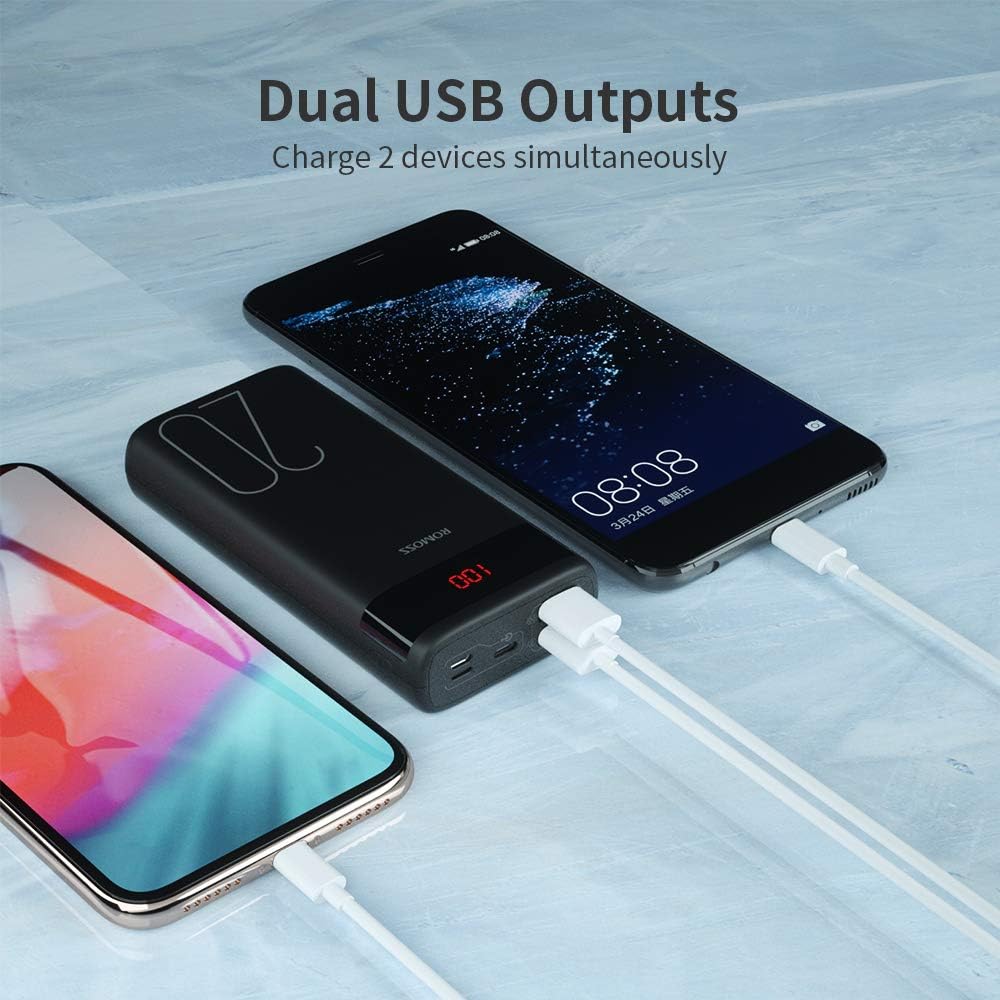
Image 2.1: Dual USB Output Ports. This image shows the end of the power bank with two USB-A output ports, allowing two devices to be charged simultaneously. Two smartphones are connected and charging.

Image 2.2: Charging Capacity Examples. This image illustrates the approximate number of charges the power bank can provide for various devices, including iPhone 8 (8.2 charges), iPhone XR (5 charges), Samsung S10 (4.4 charges), and Nintendo Switch (2 charges).

Image 2.3: Charging a Nintendo Switch. A user is shown holding a Nintendo Switch while it is connected and charging from the ROMOSS power bank, demonstrating its compatibility with gaming devices.
3. Konfigurazioa
3.1 Bateriaren kargatze azkarra
Before first use, it is recommended to fully charge your ROMOSS power bank. The power bank may not be fully charged upon initial receipt.
- Connect a compatible charging cable (Micro-USB, Lightning, or Type-C) to one of the input ports on the power bank.
- Connect the other end of the cable to a USB wall adapter (not included) or a powered USB port.
- The LED digital display will show the charging progress. It is fully charged when the display shows '100'.
Note: A charging cable is not included with the power bank.
4. Funtzionamendu-argibideak
4.1 Zure gailuak kargatzea
The power bank features two USB-A output ports to charge your electronic devices.
- Connect your device's USB charging cable to one of the USB output ports on the power bank.
- Konektatu kablearen beste muturra zure gailura.
- The power bank will automatically begin charging your device. If it does not, press the power button on the side of the power bank.
- The LED display will show the remaining battery percentagpower bankuaren e.
4.2 Bateriaren maila egiaztatzea
To check the remaining battery level of the power bank, simply press the power button once. The LED digital display will illuminate and show the current percentage.
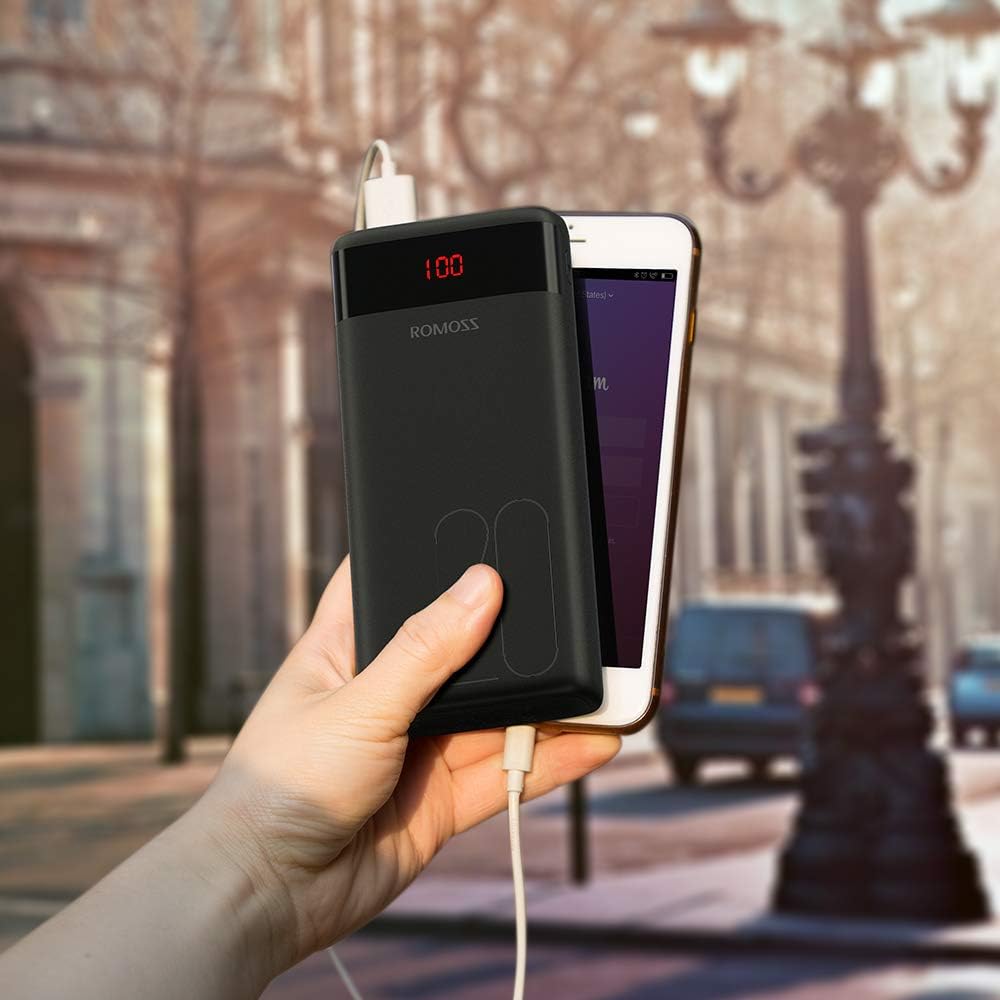
Image 4.1: Power Bank in Use. This image shows the ROMOSS power bank being held in a hand, connected to a smartphone via a charging cable, demonstrating its portable use.
5. Mantentzea
- Mantendu bateria eramangarria muturreko tenperaturetatik, eguzki-argitik eta likidoetatik urrun.
- Garbitu gailua zapi leun eta lehor batekin. Ez erabili garbitzaile edo disolbatzaile urratzailerik.
- Gorde leku fresko eta lehor batean erabiltzen ez duzunean.
- If the power bank is not used for extended periods, charge it at least once every three months to maintain battery health.
6. Arazoak
- Energia-bankua ez da kargatzen: Ensure the charging cable is securely connected to both the power bank input port and the power source. Try a different cable or power adapter.
- Gailua ez da kargatzen power bank-etik: Ensure the device's charging cable is securely connected to both the power bank output port and the device. Press the power button on the power bank to activate charging. Check if the power bank has sufficient charge.
- Karga motela: Ensure you are using appropriate cables and adapters. Charging speed can vary depending on the device and cable quality.
- LED pantailak ez du funtzionatzen: Press the power button. If it still doesn't light up, the power bank might be completely discharged or require service.
7. Zehaztapenak
| Ezaugarri | Xehetasuna |
|---|---|
| Modelo zenbakia | PAS20 |
| Bateria Edukiera | 20000 milioiamp Orduak (mAh) |
| Produktuaren neurriak | 5.73 x 1.17 x 2.75 hazbete |
| Elementuaren pisua | 15.2 ontza |
| Sarrerako Portuak | Micro USB, Lightning, Type-C |
| Irteera Portuak | 2 x USB-A (2.1A max) |
| Ezaugarri bereziak | Digital Display, Portable, Travel-friendly |
8. Segurtasun informazioa
Please observe the following safety guidelines to prevent injury or damage to the device:
- Ez desmuntatu, aldatu edo konpondu gailua zeuk.
- Do not expose the power bank to fire, water, or extreme temperatures.
- Saihestu gailua kolpe gogorrak erortzea edo jasaten.
- Mantendu haurren eskura.
- Erabili kargatzeko kable eta egokitzaile bateragarriak soilik.
- Bateria eramangarria puztu, isurtzen bada edo usain ezohikoa bada, utzi berehala erabiltzeari.
- The power bank is not fully charged when first used; charge it fully before use.
- If the power bank is not recharging, press the power button or reinsert the cable to activate the charger.
9. Produktuaren bideoa
Ikusi produktuaren bideo ofizial hau ikuspegi orokorra lortzekoview of the ROMOSS 20000mAh Portable Charger.
Video 9.1: ROMOSS 20000mAh Portable Phone Charger. This video provides a detailed visual demonstration of the power bank's features, including its compact size, LED display, multiple input/output ports, and charging capabilities for various devices.


