1. Sarrera
The NEDIS VEXT3470AT HDMI Audio Extractor allows you to separate audio signals from an HDMI source and output them to an audio system, while simultaneously passing the video signal to a display. This device is designed to integrate modern HDMI sources with audio systems that may not have HDMI inputs, providing both digital (Toslink) and analog (L/R stereo) audio outputs.
It supports 3D video and amplifies the digital video signal for reliable transmission.
2. Segurtasun informazioa
- Irakurri argibide hauek arretaz erabili aurretik.
- Mantendu gailua uretatik, hezetasunetik eta muturreko tenperaturatik urrun.
- Ez saiatu gailua zeuk irekitzen edo konpontzen. Mantendu konponketa guztiak langile kualifikatuen esku.
- Erabili emandako korronte-egokitzailea soilik. Egokitzaile oker bat erabiltzeak gailua kaltetu eta bermea baliogabetu dezake.
- Ziurtatu gailuaren inguruan aireztapen egokia gehiegi berotzea saihesteko.
- Deskonektatu korronte-egokitzailea tximista-ekaitzetan edo denbora luzez erabili gabe dagoenean.
3. Paketearen edukia
Mesedez, egiaztatu paketearen edukia elementu guztiak daudela eta egoera onean daudela ziurtatzeko:
- NEDIS VEXT3470AT HDMI Audio Extractor
- Elikatze-moldagailua
- Erabiltzailearen eskuliburua (dokumentu hau)
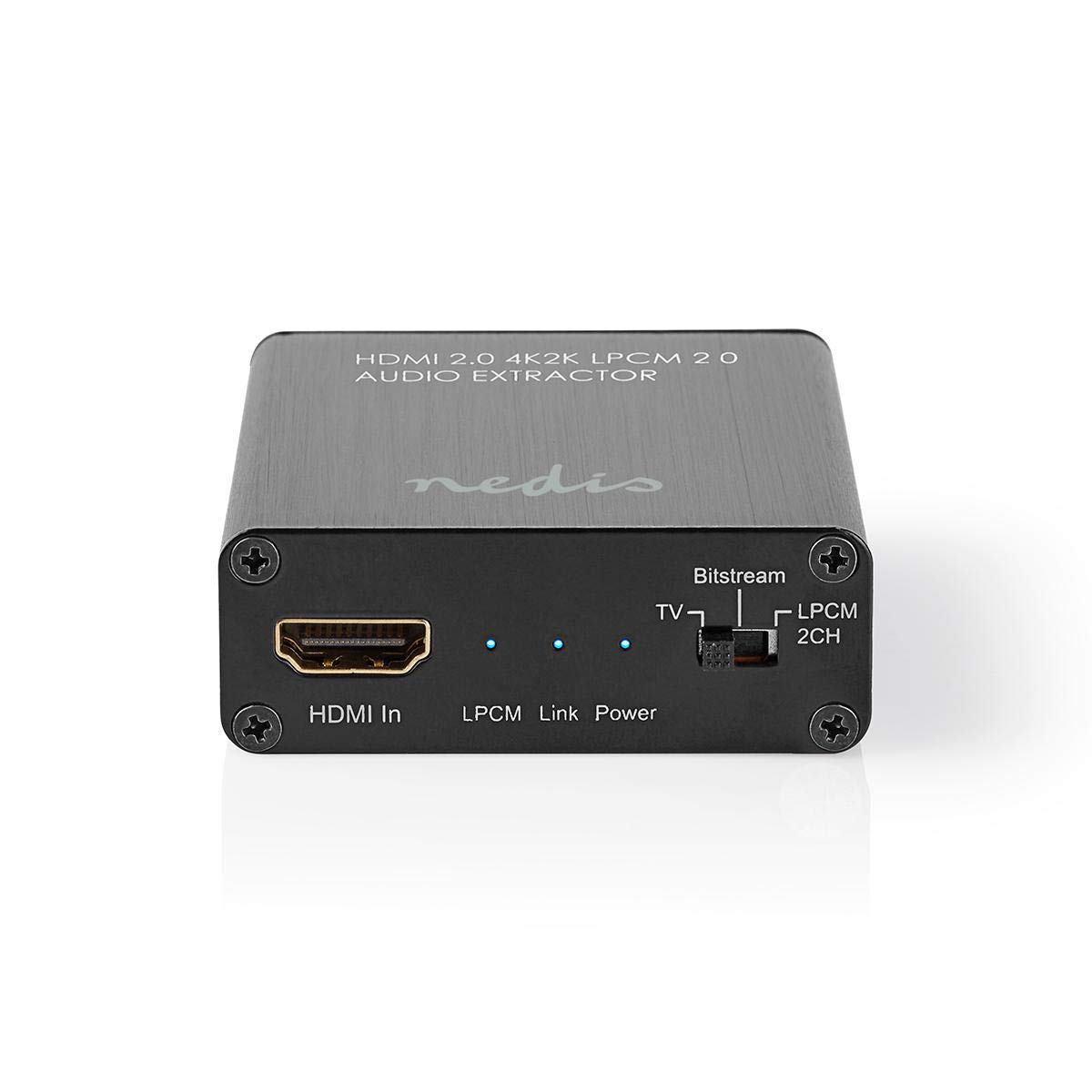
Image: The NEDIS VEXT3470AT HDMI Audio Extractor unit shown alongside its power adapter.
4. Produktua amaitu daview
Familiarize yourself with the ports and indicators on the HDMI Audio Extractor:
4.1 Input Side
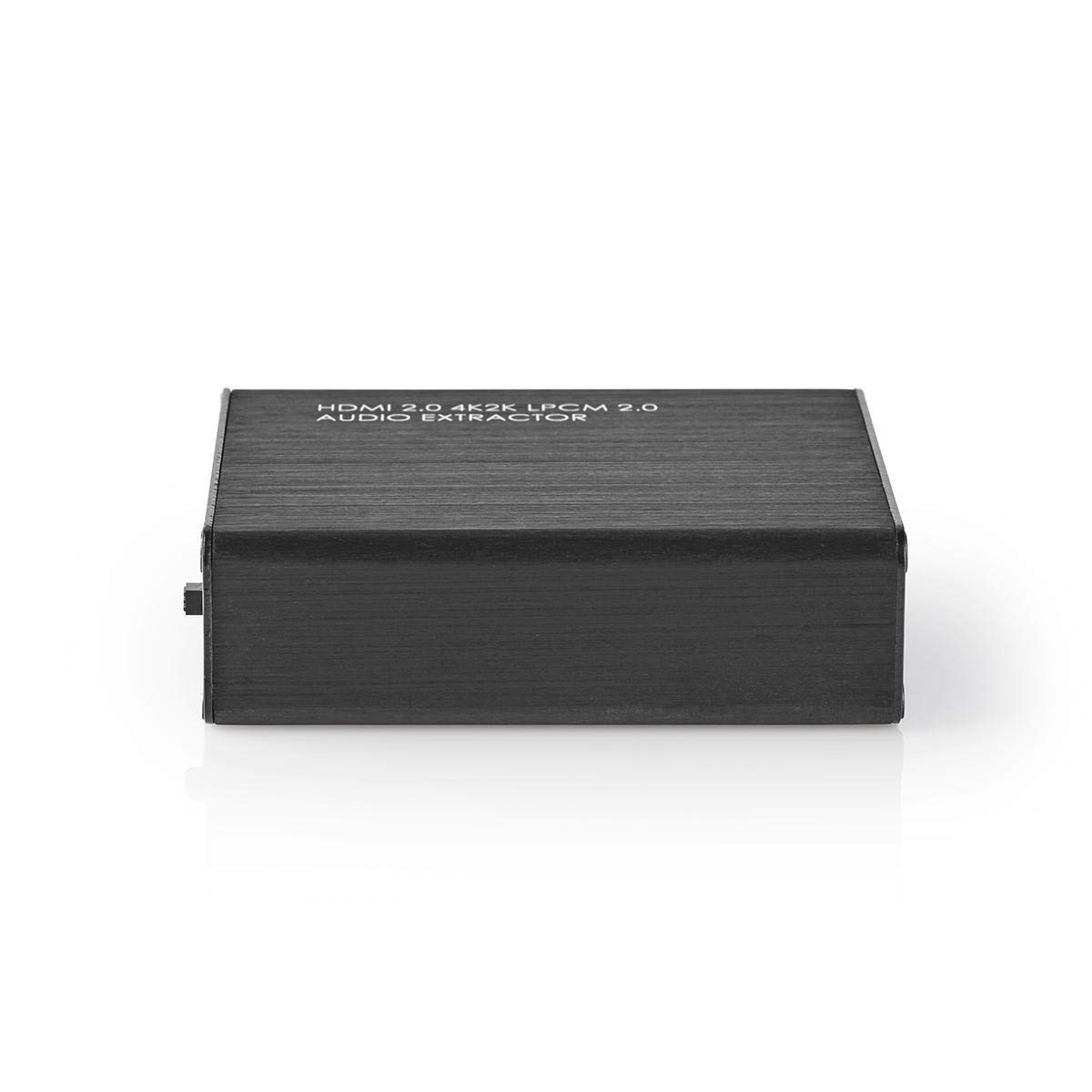
Image: Close-up of the input side of the audio extractor, showing the HDMI In port, LPCM, Link, and Power indicator LEDs, and the Audio Mode Switch.
- HDMI Sarrera: Connect your HDMI source device (e.g., DVD/Blu-ray player, game console).
- LPCM LED: Indicates when LPCM audio format is detected.
- Esteka LED: Indicates an active HDMI connection.
- Power LED: Gailua piztuta dagoenean pizten da.
- Audio Mode Switch:
- Bitstream: For multi-channel audio formats like Dolby Digital or DTS.
- Telebista: Passes audio directly from the HDMI source to the TV.
- LPCM 2CH: For 2-channel stereo audio output via L/R analog and Toslink.
4.2 Output Side

Image: Close-up of the output side of the audio extractor, showing the 5V/DC power input, Optical (Toslink) audio output, HDMI Out port, and L/R analog audio outputs.
- 5V/DC: Energia-sarrerako ataka. Konektatu hemen emandako energia-egokigailua.
- Optikoa: Digital audio output (Toslink). Connect to an audio receiver or soundbar.
- HDMI irteera: Konektatu zure telebistara edo pantailara.
- L/R: Analog stereo audio output. Connect to an amplifier or stereo system using RCA cables.
5. Konfiguratzeko argibideak
Follow these steps to connect your HDMI Audio Extractor:
- Itzali gailuak: Ensure all devices (HDMI source, TV, audio system) are powered off before making connections.
- Konektatu HDMI iturria: Connect an HDMI cable from your source device (e.g., Blu-ray player) to the HDMI Sarrera port on the audio extractor.
- Konektatu pantaila: Konektatu beste HDMI kable bat HDMI Irteera port on the audio extractor to your TV or display.
- Konektatu audio sistema:
- For digital audio, connect an optical Toslink cable from the Optikoa port on the extractor to your audio receiver or soundbar.
- For analog stereo audio, connect RCA cables from the L/R ports on the extractor to your stereo ampargitzaile edo hiztun aktiboak.
- Konektatu energia: Konektatu emandako energia-egokitzailea 5V/DC port on the extractor, then plug the adapter into a power outlet. The Power LED should illuminate.
- Piztu gailuak: Power on your TV/display, audio system, and then your HDMI source device.
6. Funtzionamendu-argibideak
Once connected, operate the device as follows:
- Hautatu Audio modua: Erabili Audio moduko etengailua on the input side to select the desired audio output format:
- Bitstream: For multi-channel audio (e.g., Dolby Digital, DTS) to be passed through the Optical output. Your audio receiver must support these formats.
- Telebista: Passes the audio directly to the TV via HDMI. Audio extraction via Optical/L/R may be limited or unavailable in this mode, depending on the source and TV capabilities.
- LPCM 2CH: Converts multi-channel audio to 2-channel LPCM for output via Optical and L/R analog ports. This is suitable for stereo systems or when your receiver does not support Bitstream formats.
- Egiaztatu adierazleak:
- The Power LED piztuta egon beharko luke.
- The Esteka LED should be on when an active HDMI signal is detected from the source.
- The LPCM LED will illuminate if the audio signal is in LPCM format.
- Adjust Audio System: Ensure your audio receiver or soundbar is set to the correct input (Optical or Analog L/R) and volume.
7. Mantentzea
To ensure the longevity and optimal performance of your HDMI Audio Extractor:
- Garbiketa: Erabili zapi leun eta lehor bat gailua garbitzeko. Ez erabili garbitzaile likidorik edo aerosolik.
- Biltegiratzea: Gorde gailua leku fresko eta lehor batean erabiltzen ez duzunean.
- Manipulazioa: Saihestu gailua kolpe gogorrak erortzea edo jasaten.
8. Arazoak
Arazoak badituzu, jo ezazu honako gida honetara:
| Arazoa | Balizko Kausa / Irtenbidea |
|---|---|
| Ez dago bideo irteerarik |
|
| Audio-irteerarik ez |
|
| Power LED itzalita dago |
|
| Intermittent Audio/Video |
|
9. Zehaztapenak
Key technical specifications for the NEDIS VEXT3470AT HDMI Audio Extractor:
- Modelo zenbakia: VEXT3470AT
- Marka: NEDIS
- Sarrera: 1x HDMI
- Irteera: 1x HDMI, 1x Optical (Toslink), 1x L/R Stereo (RCA)
- HDMI bertsioa: Compatible with HDMI 2.0 (implied by 4K2K support in product name)
- Bideoaren bereizmena: Up to 4K (4K2K)
- 3D euskarria: Bai
- Audio formatuak: LPCM 2.0, Bitstream (Dolby Digital, DTS pass-through)
- Elikatze-iturria: 5V DC (via included adapter)
- Neurriak (L x W x H): 7.7 x 6.4 x 2.3 cm gutxi gorabehera
- Pisua: 240 gramo
- Kolorea: Anthracite (Black)
- Jatorrizko herrialdea: Txina
10. Bermea eta Laguntza
NEDIS products are manufactured to high quality standards. In the unlikely event of a defect during the warranty period, please contact your retailer for support. The warranty period is subject to local consumer laws and regulations.
For technical assistance or further inquiries, please refer to the support information provided by your retailer or visit the official NEDIS webgunea.


