1. Sarrera eta Overview
The ViewSonic ELITE XG270 is a 27-inch gaming monitor engineered for eSports enthusiasts, delivering exceptional speed and visual clarity. This monitor features an IPS display with an ultra-fast 1ms (GtG) response time and a 240Hz refresh rate, ensuring smooth screen transitions and responsive gameplay. It offers accurate color reproduction and wide viewing angles, making it suitable for competitive gaming and general use. The panel supports Full HD (1920x1080) resolution with 99% sRGB color coverage and is NVIDIA G-SYNC Compatible, which helps eliminate screen tearing and stuttering for a seamless gaming experience. Advanced ergonomic features and ELITE Design Enhancements are integrated for user comfort and a premium setup.

Irudia: ViewSonic ELITE XG270 highlighting key performance features.
2. Zer dago kutxan
Zure kutxa irekitzean ViewSonic ELITE XG270 monitor, please ensure all the following items are present:
- LCD monitorea (ViewSonic ELITE XG270)
- ELITE Hood (Sight Shields)
- Elikatze-kablea
- AC/DC egokigailua
- DisplayPort kablea
- USB 3.1 kablea
- Hasierako gida azkarra
Video: Unboxing the ViewSonic ELITE XG270 27" Gaming Monitor. This video demonstrates the contents of the product packaging and initial setup steps.
3. Muntaketa eta konfigurazioa
The ViewSonic ELITE XG270 monitor is designed for easy, tool-less assembly. The stand column is pre-mounted to the monitor head, requiring only the base to be attached.
- Erantsi euskarria: Carefully place the monitor face down on a soft, clean surface. Align the stand base with the bottom of the pre-attached stand column and secure it using the captive thumbscrew. Tighten until firm.
- Monitorearen kokapena: Gently lift the assembled monitor and place it upright on your desk.
- Konektatu kableak: Connect the DisplayPort cable from your computer to the monitor for optimal performance, especially for 240Hz refresh rate and G-SYNC. Connect the USB 3.1 cable from your computer to the monitor to enable the integrated USB hub. Finally, connect the AC/DC adapter and power cable to the monitor and a power outlet.
Doikuntza ergonomikoak
The monitor's advanced ergonomic stand allows for various adjustments to optimize your viewerosotasuna:
- Altuera doitzea: Nahi duzuna lortzeko, bultzatu edo tiratu monitoreari astiro gora edo behera. viewing altuera.
- Birakaria: Rotate the monitor left or right on its base to adjust the horizontal viewangelua.
- Pibota: Biratu monitorearen pantaila 90 gradu horizontalaren eta bertikalaren orientazioaren artean aldatzeko.
- okertu: Tilt the screen forwards or backwards to find the most comfortable vertical viewangelua.

Image: Ergonomic adjustments of the ViewSonic ELITE XG270 monitor.
4. Konektibitatea
The XG270 offers flexible connectivity options to support various devices, including laptops, PCs, Macs, PlayStation, and Xbox consoles.
- DisplayPort: Recommended for achieving the full 240Hz refresh rate and enabling NVIDIA G-SYNC Compatible technology.
- HDMI: Supports high refresh rates, suitable for gaming consoles and other HDMI-enabled devices.
- USB 3.1: Connect the monitor to your computer via the USB 3.1 upstream cable to activate the integrated USB hub, allowing you to connect peripherals like keyboards and mice directly to the monitor.
- Audio irteera: A 3.5mm audio jack is available for connecting headphones or external speakers.

Irudia: Atzealdea view of ViewSonic ELITE XG270 connectivity ports.
5. Ezaugarri nagusiak
Pantaila eta errendimendua
- 240Hz-ko freskatze-tasa eta 1ms-ko (GtG) erantzun-denbora: Experience ultra-smooth gameplay with minimal input lag, crucial for competitive eSports.
- NVIDIA G-SYNC Compatible: Monitorearen freskatze-tasa GPUaren fotograma-tasarekin sinkronizatzen du pantailaren urradura eta tartekatzea ezabatzeko.
- PureXP Blur Reduction: Tuned by Blur Busters, this technology utilizes backlight strobing to drastically improve motion image clarity in fast-moving scenes.
- IPS Panel with 99% sRGB: Enjoy vibrant colors and wide viewing angles without compromising on speed.
- HDR10 euskarria: Delivers enhanced contrast and color depth for a more immersive visual experience.

Image: Visual representation of 1ms (GtG) response time.
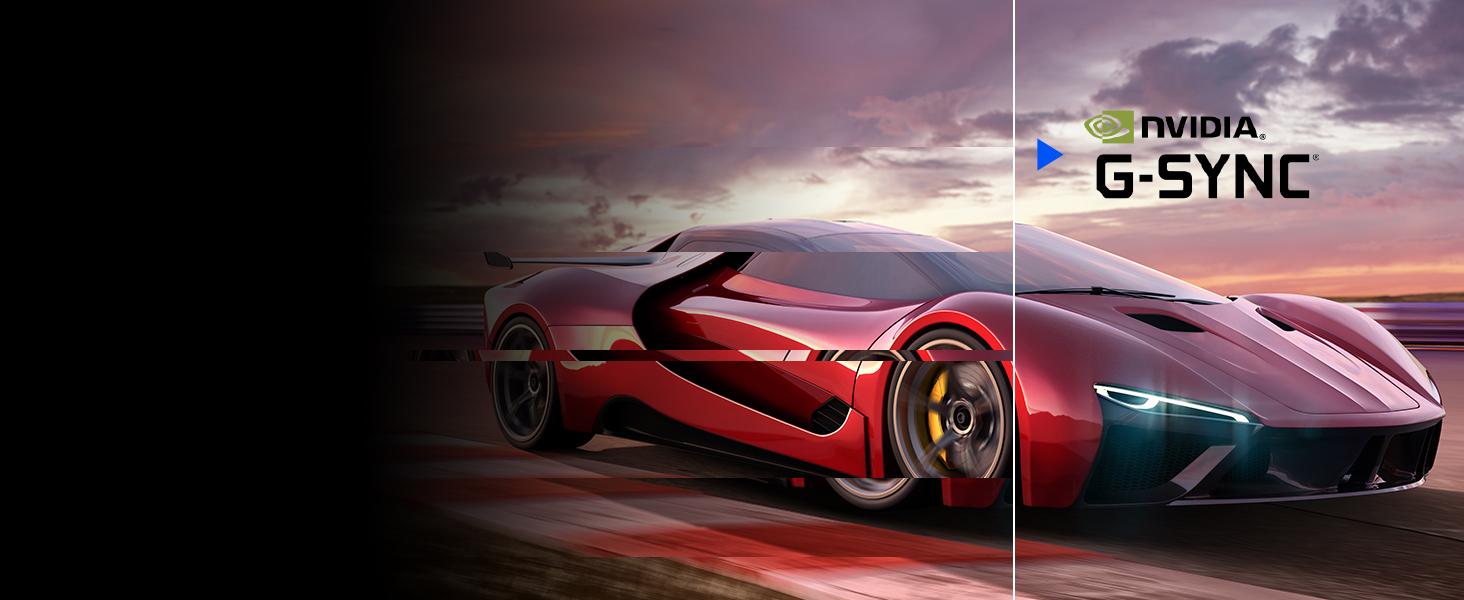
Image: Visual representation of NVIDIA G-SYNC Compatible technology.
ELITE Design Enhancements
- Built-in Mouse Bungee: Helps manage your mouse cable, preventing tangles and drag for unrestricted movement.
- Reinforced Headphone Hook: Conveniently store your gaming headset within easy reach.
- ELITE RGB Ambient Lighting: Customizable RGB lighting on the back of the monitor adds aesthetic flair to your gaming setup.
- Sight Shields (ELITE Hood): Attachable side panels reduce glare and distractions, enhancing focus during competitive play.

Irudia: Atzealdea view of the monitor with ELITE RGB Lighting System.

Image: Headphone hook and mouse bungee on the ViewSonic ELITE XG270.
Bideoa: Amaitu daview ren ViewSonic ELITE XG270 G-Sync Monitor, highlighting its design and features.
6. Funtzionamendu-argibideak
Piztu/Itzali
To power on the monitor, press the power button located on the bottom right side of the monitor. To power off, press and hold the power button until the screen turns off.
Pantailako pantailan (OSD) menua
The OSD menu allows you to adjust various monitor settings. Use the joystick or buttons (depending on model variation) located on the back or bottom of the monitor to navigate the menu. Common settings include:
- Irudia: Doitu distira, kontrastea, kolore-tenperatura eta gamma.
- Sarrera hautatzea: Manually switch between DisplayPort and HDMI inputs.
- Audioa: Egokitu bolumena edo isilarazi.
- Jokoa: Configure refresh rate, response time overdrive, G-SYNC settings, and other gaming-specific features like Black Stabilization.
- Konfigurazio menua: Access general settings like OSD language, OSD timeout, and factory reset.
7. Mantentzea
Mantentze egokiak zure monitorearen iraupena eta errendimendu optimoa bermatzen ditu.
- Pantaila garbitzea: Garbitu pantaila astiro-astiro zapi leun eta pelusik gabeko batekin. Orban egoskorrak izanez gero, garbitu astiro-astiro.ampen the cloth with water or a specialized screen cleaner. Avoid using alcohol, ammonia, or abrasive cleaners.
- C garbiketaasing: Erabili zapi leun eta lehor bat monitorearen gainazala garbitzeko.asing.
- Aireztapena: Ziurtatu monitorearen aireztapen-irekidurak ez daudela blokeatuta gehiegi berotzea saihesteko.
- Itzali erabiltzen ez denean: Itzali monitoreak denbora luzez erabiltzen ez duzunean energia aurrezteko eta bere iraupena luzatzeko.
8. Arazoak
Zurekin arazoak badituzu ViewSonic ELITE XG270 monitor, try the following basic troubleshooting steps:
- Potentziarik gabe: Ensure the power cable and AC/DC adapter are securely connected to both the monitor and a working power outlet. Check if the power button is pressed.
- Seinalerik ez/Pantaila beltza: Verify that the DisplayPort or HDMI cable is securely connected to both the monitor and your computer/device. Ensure the correct input source is selected in the OSD menu.
- Image Issues (Blurry, Flickering, Incorrect Colors): Check the cable connections. Adjust picture settings in the OSD menu. Ensure your graphics card drivers are up to date. For G-SYNC related issues, confirm it's enabled in both the monitor OSD and NVIDIA Control Panel.
- USB atakak ez dira funtzionatzen: Ziurtatu USB 3.1 goranzko kablea monitorearen eta ordenagailuaren artean konektatuta dagoela.
For more detailed troubleshooting or persistent issues, please refer to the full user manual available on the ViewSonic webgunea edo kontaktua ViewSonic bezeroarentzako laguntza.
9. Zehaztapenak
| Ezaugarri | Zehaztapena |
|---|---|
| Modelo zenbakia | XG270 |
| Pantailaren tamaina | 27 hazbete |
| Panel mota | IPS |
| Ebazpena | 1920x1080 (HD osoa) |
| Freskatze tasa | 240Hz |
| Erantzun Denbora | 1 ms (GtG) |
| G-SYNC Compatibility | NVIDIA G-SYNC bateragarria |
| Kolore gama | %99 sRGB |
| HDR euskarria | HDR10 |
| Konektibitatea | HDMI, DisplayPort, USB 3.0 (4 ports) |
| Ergonomia | Height, Swivel, Pivot, Tilt Adjustable |
| Pisua | 17.38 kilo |
| Neurriak (LxWxH) | 18.06 x 24.2 x 2.7 hazbete |
10. Bermea eta laguntza
Zure ViewSonic ELITE XG270 monitor comes with a manufacturer's warranty. For specific warranty terms and conditions, please refer to the warranty card included in your product packaging or visit the official ViewSonic webgunea.
For technical support, driver downloads, or additional product information, please visit the ViewSonic support page or contact their customer service directly. Keep your product's serial number handy when seeking support.


