1. Sarrera
The Getaria GWS-8 is a 2.4GHz wireless guitar system designed for electric guitars, basses, and other electronic musical instruments. It provides reliable, stable, and uncompressed wireless signal transmission, offering freedom of movement during practice or performance. This manual provides essential information for setting up, operating, and maintaining your wireless system.
2. Zer dago kutxan
- 1 x igorlea
- 1 x Hargailua
- 1 x Erabiltzailearen eskuliburua
- 1 x USB kablea
3. Ezaugarri nagusiak
- 2.4GHz ISM Band: Utilizes the 2.4GHz ISM band for uncompressed wireless signal transmission, ensuring lower noise and latency.
- Barruti hedatua: Offers an effective wireless range of approximately 100 feet (30 meters), allowing freedom of movement.
- Rotatable 1/4" Plug: Features a 280° rotatable 1/4" plug, suitable for instruments with input jacks in various positions.
- Gailu anitzeko laguntza: Supports up to 6 sets of devices working simultaneously without interference in a one-to-one connection.
- Bateria kargagarria: Built-in rechargeable lithium battery with increased capacity for longer working hours.
- Karga erosoa: Includes a USB cable for easy and convenient recharging of both units.

Image: The Getaria GWS-8 wireless guitar system, showing both the transmitter (black) and receiver (silver) units with their 1/4" plugs.
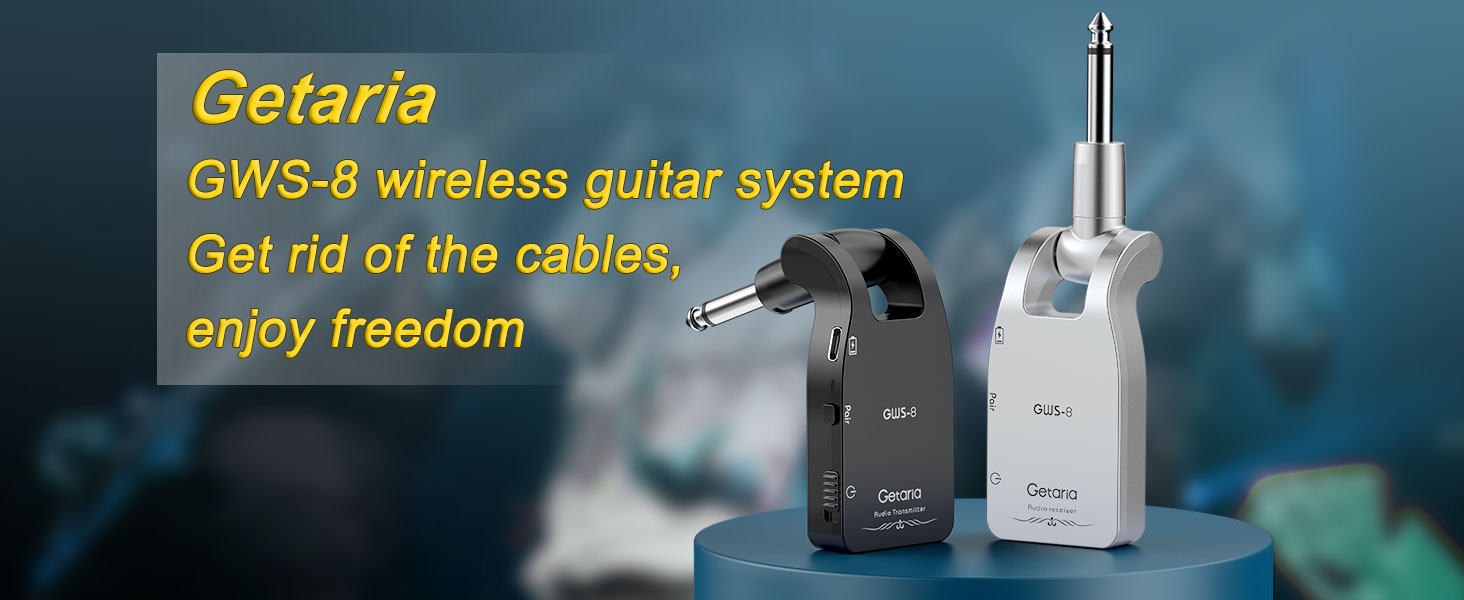
Image: Infographic highlighting key features such as 100ft transmission range, 5 hours working time, uncompressed sound quality, 2.4GHz ISM band, dynamic range >105dB, and 280° rotatable plug.
4. Konfigurazioa
4.1 Unitateak kargatzea
Before initial use, ensure both the transmitter and receiver units are fully charged. Use the provided USB cable to connect the units to a USB power source. The battery indicator lights will show charging status.

Image: Illustration showing the Getaria GWS-8 wireless transmitter and receiver being charged simultaneously using a dual-head USB cable.

Image: Graphic indicating 5 hours of working time with the Type-C charging cable, showing the transmitter and receiver units.
4.2 Connecting the Units
- Identify Units: The transmitter unit is typically labeled "TRANSMITTER" and the receiver unit is labeled "RECEIVER".
- Piztu: Long press the power button on both the transmitter and receiver units to turn them on. The indicator lights will flash.
- Parekatzea: The units will automatically pair. Once paired, the indicator lights will turn solid green. If they do not pair automatically, long press the signal button on both units simultaneously to initiate pairing.
- Konektatu transmisorea: Plug the transmitter unit into your electric guitar, bass, or other electronic musical instrument. Adjust the 280° rotatable plug to fit the instrument's input jack comfortably and securely.
- Hartzailea konektatu: Konektatu hargailu unitatea zure ampargitzailea edo audio interfazea.

Image: A guitar with the Getaria GWS-8 transmitter plugged in, demonstrating the 280° rotatable 1/4" plug design suitable for various instrument jack positions. Icons for vocal, audio mixer, guitar, keyboard, drums, and violin are shown.

Image: A guitar and an amplifier with the Getaria GWS-8 units plugged in, illustrating the rotatable 1/4" plug design for compatibility with different instrument types and jack orientations.
5. Funtzionamendu-argibideak
5.1 Oinarrizko funtzionamendua
Once the transmitter and receiver are paired and connected, your instrument's signal will be wirelessly transmitted to your amplifier or audio system. Adjust the volume on your instrument and amplifier as usual.
5.2 Multiple Device Usage
The GWS-8 system supports up to 6 sets of devices operating simultaneously. Each set establishes a one-to-one connection, minimizing interference. This allows for multiple instruments to be used wirelessly in the same environment.

Image: Illustration showing six different Getaria GWS-8 wireless systems connected to six amplifiers, demonstrating the ability to support multiple devices simultaneously without interference.

Image: A band playing with multiple Getaria GWS-8 units connected to their amplifiers, emphasizing the one-to-one, no-interference operation for up to 6 sets.

Image: A single guitar with a Getaria GWS-8 transmitter connected, sending a signal to multiple receiver units plugged into different amplifiers, illustrating the flexibility of the system.
5.3 Optimal Sound Quality
To achieve the best sound quality, use high-quality audio equipment, ensure clean interfaces and secure connections, and operate the product within its effective range. Avoid walls, obstacles, and Wi-Fi interference. Keep the device away from strong electromagnetic interference sources.
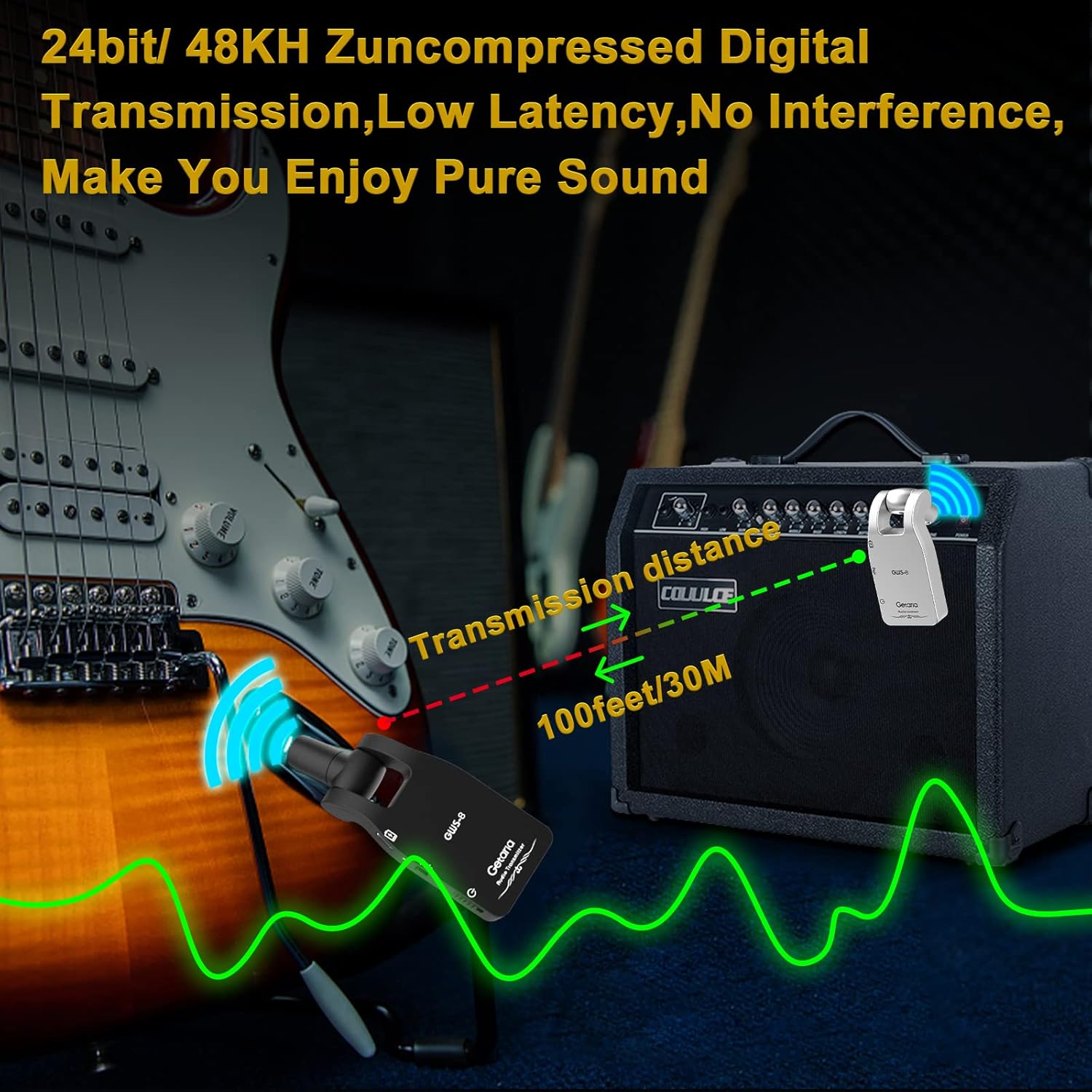
Image: A guitar and an amplifier with the Getaria GWS-8 units, showing a transmission distance of 100 feet (30 meters) and highlighting 24bit/48KHz uncompressed digital transmission with low latency and no interference.

Image: A guitar and an amplifier with the Getaria GWS-8 units, illustrating the 30 meter (100 feet) transmission distance.
6. Mantentzea
6.1 Kargatzea
Recharge the built-in lithium battery using the provided USB cable when the battery indicator shows low power. The increased battery capacity supports longer working hours, but regular recharging is recommended to maintain optimal performance.
6.2 Biltegiratzea
When not in use, store the transmitter and receiver in a cool, dry place away from extreme temperatures and direct sunlight. Ensure units are powered off before storage to preserve battery life.
7. Arazoak
- Seinalerik ez: Ensure both units are powered on and successfully paired (solid green indicator light). Check that the units are within the 100-foot effective range and free from major obstacles.
- Interferentziak/Zarata: Move away from potential sources of interference such as Wi-Fi routers, other 2.4GHz devices, or strong electromagnetic fields. Ensure all connections are secure.
- Soinu kalitate eskasa: Verify that high-quality audio equipment is being used. Check for clean interfaces and secure connections.
- Unitateak ez dira parekatzen: Long press the signal button on both the transmitter and receiver simultaneously to force a re-pairing.
- Bateriaren iraupen laburra: Ensure units are fully charged before use. Battery performance can degrade over time with repeated charge cycles.
8. Zehaztapenak
| Ezaugarri | Xehetasuna |
|---|---|
| Elementuaren eredu-zenbakia | WP-1 |
| Elementuaren pisua | 6.4 ontza |
| Produktuaren neurriak | 5.1 x 1.5 x 0.5 hazbete |
| Bateria mota | Lithium Polymer (1 CR2 battery included) |
| liburukiatage | 5 voltio (DC) |
| Konektore mota | Type-C, 3.5mm audio jack |
| Hardware interfazea | 1/4 hazbeteko audioa |
| Material Mota | Akrilonitrila Butadiene estirioa |
| Kolorea | Zuri-beltza |
9. Bermea eta Laguntza
Getaria is committed to providing quality products and customer satisfaction. For any questions, technical support, or warranty inquiries regarding your GWS-8 wireless guitar system, please refer to the contact information provided in your product packaging or visit the official Getaria store on Amazon.
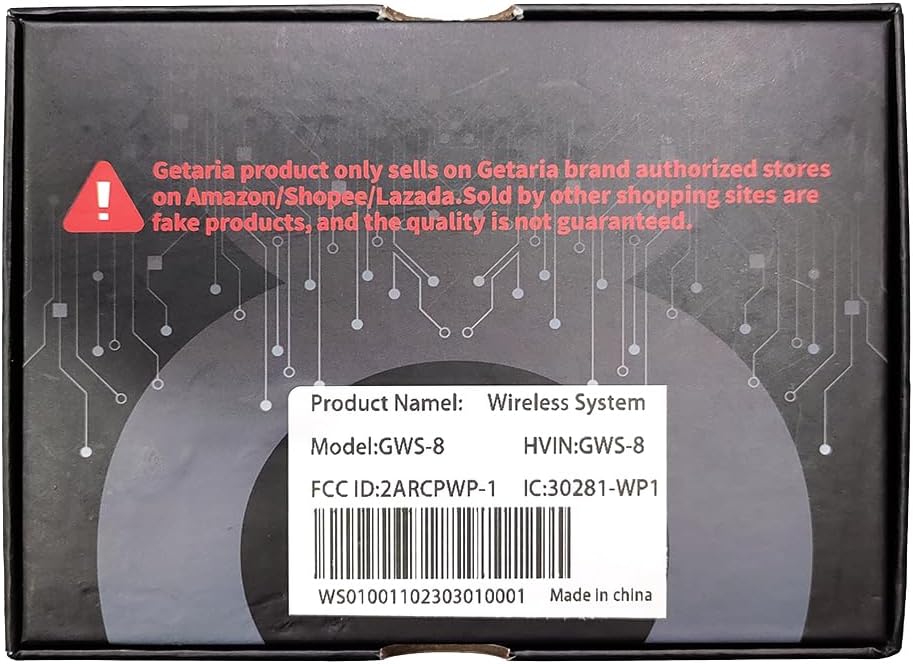
Image: The product box for the Getaria GWS-8 wireless system, showing product name, model, and FCC/HVIN information.
10. Produktuen bideoak
LEKATO 5.8G Guitar Wireless System Demo & Review
Video: A demonstration and review of a LEKATO 5.8G guitar wireless system by a seller, showcasinbere ezaugarriak eta errendimendua g.
WS70 Wireless Guitar System (Green)
Video: A seller's video demonstrating the WS70 Wireless Guitar System in green, highlighting its functionality and design.


