Sarrera
This manual provides essential instructions for the installation, operation, and maintenance of your Swann Master-Series 4K HD 8 Camera 8 Channel NVR Security System, model SWNVK-876808-US. This system is designed to provide high-definition surveillance for your property, featuring 4K resolution cameras and an 8-channel Network Video Recorder (NVR) for reliable recording and monitoring.
Please read this manual thoroughly before setting up and using your security system to ensure proper functionality and to maximize its performance and longevity.
Kutxan dagoena
Carefully unpack all components and verify that you have received all items listed below. If any items are missing or damaged, please contact Swann customer support.
- Swann 8-Channel Network Video Recorder (NVR)
- 8 x 4K HD Security Cameras
- Ethernet Cables (for camera connection)
- Power Adapters (for NVR and cameras)
- USB sagua
- Muntatzeko torlojuak eta tapoiak
- Security Warning Stickers
- HDMI kablea
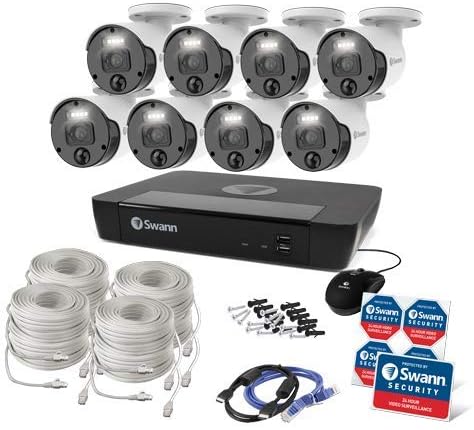
1. irudia: Complete contents of the Swann Master-Series 4K HD 8 Camera 8 Channel NVR Security System kit, including the NVR, eight cameras, various cables, a USB mouse, and security stickers.
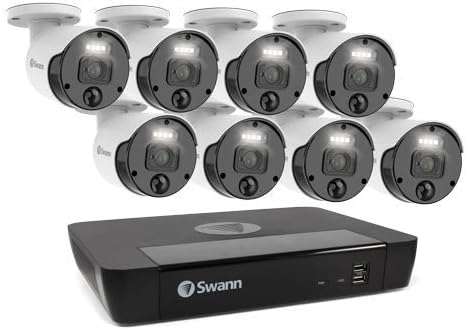
2. irudia: The Swann Network Video Recorder (NVR) unit, which serves as the central recording and management hub for the security system.
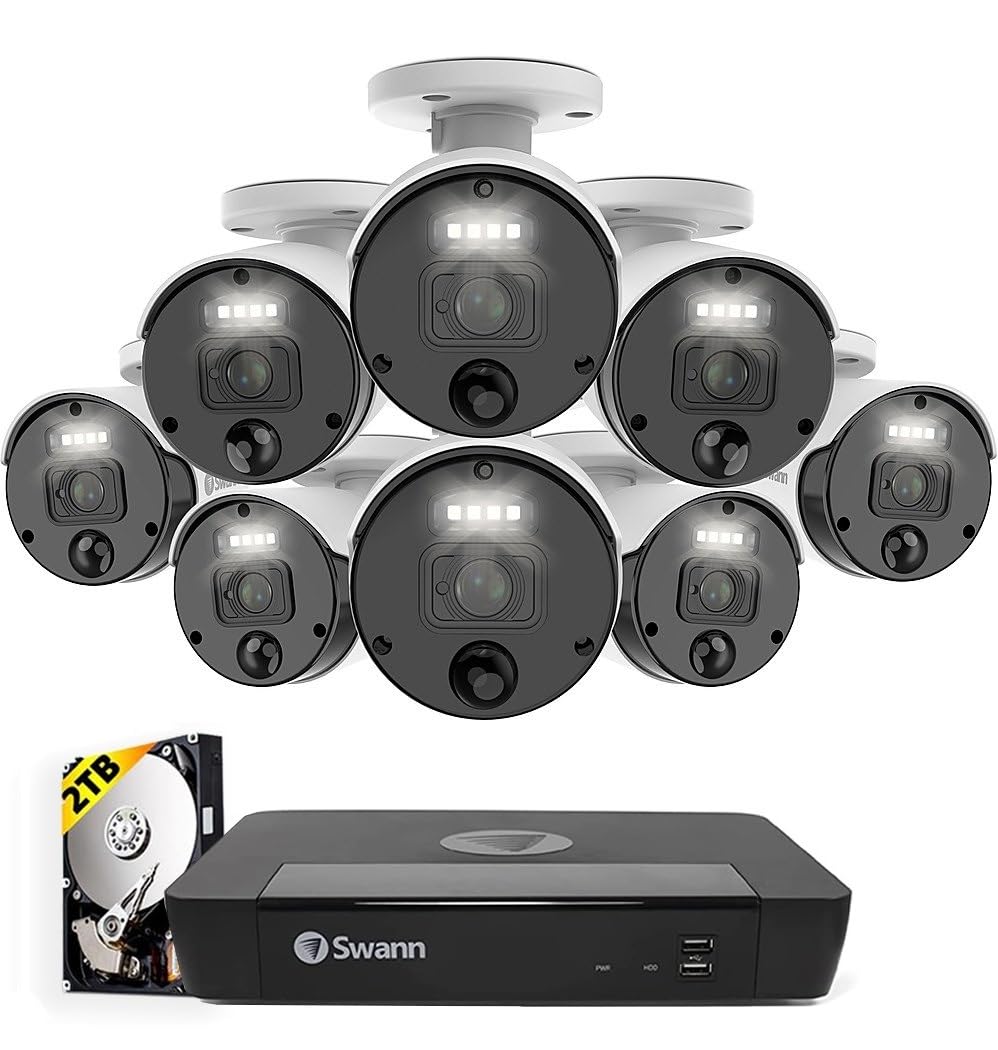
3. irudia: The Swann Master-Series NVR unit shown with eight 4K HD security cameras, illustrating the core components of the surveillance system.
Konfigurazioa
1. NVR konexioa
- Monitore batera konektatu: Erabili emandako HDMI kablea NVRaren HDMI irteera ataka monitore edo telebista batera konektatzeko.
- Konektatu USB sagua: Konektatu USB sagua NVR-ko USB ataka batean.
- Konektatu sarera: Connect an Ethernet cable from the NVR's LAN port to your router or network switch for internet access and remote viewgaitasunak.
- Konektatu energia: Plug the NVR's power adapter into the DC IN port and then into a power outlet. The NVR will power on automatically.
2. Kameraren instalazioa
- Muntaketa kamerak: Choose suitable locations for your cameras, ensuring they have a clear field of view and are protected from direct weather exposure. Use the provided screws and plugs to securely mount each camera.
- Konektatu kamerak NVRra: Connect each camera to an available Ethernet port on the NVR using the provided Ethernet cables. The NVR will automatically detect and power the cameras (Power over Ethernet - PoE).
3. Hasierako Konfigurazioa
- Lehen aldiz konfiguratzeko morroia: Upon first power-up, the NVR will display a setup wizard on the connected monitor. Follow the on-screen prompts to configure basic settings such as language, date/time, and network settings.
- Administratzailearen pasahitza ezarri: Create a strong, unique password for the administrator account. This is crucial for system security.
- Disko gogorraren hasieratzea: The wizard may prompt you to initialize the hard drive. Confirm to prepare it for recording.
Sistema ustiatzea
Zuzenean View
Hasierako konfigurazioaren ondoren, NVR-ak zuzeneko irudia bistaratuko du view monitorearen konektatutako kamera guztietatik. Kamera bakarreko kameraren artean alda dezakezu view, kamera anitzeko sareta view, eta sekuentzia view NVRren interfazea eta sagua erabiliz.
Grabaketa
- Grabaketa jarraitua: Sistema normalean grabazio jarraiturako konfiguratuta dago lehenespenez.
- Mugimendua detektatzeko grabazioa: Configure specific cameras to record only when motion is detected within their field of view. Adjust sensitivity and detection zones as needed.
- Programatutako grabazioa: Set specific times for recording, allowing for customized surveillance schedules.
Erreprodukzioa
Access the playback menu on the NVR to review foo grabatuatage. You can search by date, time, and event type (e.g., motion detection). Use the timeline and controls to navigate through recordings.
Remote Access (Swann Security App)
Urrunekorako viewing and management, download the official Swann Security app on your smartphone or tablet. Follow the in-app instructions to pair your NVR system. This allows you to view zuzeneko jarioak erreproduzitu, grabazioak erreproduzitu eta alertak jaso Interneteko konexioa duen edozein lekutatik.
Mantentzea
- Kameraren garbiketa: Aldian-aldian garbitu kameraren lenteak zapi leun eta lehor batekinamp oihal bat erabili irudiaren kalitate garbia bermatzeko. Saihestu garbitzaile urratzaileak.
- NVR aireztapena: Ensure the NVR unit has adequate ventilation to prevent overheating. Keep vents clear of obstructions.
- Firmware eguneraketak: Regularly check for and install firmware updates for your NVR and cameras. Updates often include security enhancements and new features. Refer to the Swann support webazken firmwarearen gunea.
- Disko gogorraren kudeaketa: The NVR's hard drive will automatically overwrite the oldest footage when it becomes full. Ensure your recording settings (e.g., continuous, motion detection) align with your storage needs.
- Pasahitzaren segurtasuna: Change your administrator password periodically and use strong, unique passwords to protect your system from unauthorized access.
Arazoak konpontzea
No Video Display on Monitor
- Check if the NVR is powered on and its power adapter is securely connected.
- Verify the HDMI cable connection between the NVR and the monitor.
- Ensure the monitor is set to the correct input source (e.g., HDMI 1).
Cameras Not Showing Live View / No Recording
- Check that each camera is securely connected to the NVR's Ethernet port.
- Ensure the Ethernet cables are not damaged.
- Verify that the NVR's hard drive is initialized and has sufficient space.
- Check camera settings within the NVR interface to ensure they are enabled and configured for recording.
Remote Access Issues
- Ensure the NVR is connected to your router and has an active internet connection.
- Verify your smartphone or tablet has an active internet connection.
- Confirm that the NVR is correctly paired with the Swann Security app.
- Check your router's firewall settings; some may block NVR access.
Gaueko ikusmena ez dabil
- Ensure there are no obstructions directly in front of the camera lens blocking the infrared (IR) LEDs.
- Check camera settings to ensure night vision (IR) is enabled.
- Egiaztatu kamerak behar adina energia jasotzen duela.
Zehaztapenak
| Ezaugarri | Zehaztapena |
|---|---|
| Marka | Swann |
| Modelo zenbakia | SWNVK-876808-US |
| Konektibitate Teknologia | Wired (Ethernet/PoE) |
| Bideo Harrapaketa Ebazpena | 2160p (4K Ultra HD) |
| Ezaugarri Berezia | Gaueko Ikusmena |
| Kanal kopurua | 8 |
| Energia iturria | Kable elektrikoa |
| NVRaren neurriak (L x Z x A) | 10 x 2 x 2.7 hazbete |
| Gailu bateragarriak | Swann IP Cameras |
| Argi gutxiko teknologia | Gaueko Ikusmena |
| Fotograma-tasa | 15, 24, 30 fps (variable by resolution/settings) |
| Grabaketa modua | Continuous, Event (Motion Detection), Scheduled |
| Bideo Sarrera | Ethernet (for IP Cameras) |
| Elementuaren pisua | 21.2 kilo (pakete osoa) |
| UPC | 840236127788 |
Note: While the provided data listed 'BNC' for Video Input, this NVR system primarily uses Ethernet for IP cameras. Please refer to the product packaging or Swann's official website for the most accurate and up-to-date specifications.
Bermea eta Laguntza
Your Swann Master-Series 4K HD 8 Camera 8 Channel NVR Security System is covered by a manufacturer's warranty. For specific warranty terms, duration, and conditions, please refer to the warranty card included with your product or visit the official Swann webgunea.
For technical support, troubleshooting assistance, or to access the latest software and firmware updates, please visit the Swann support portal on their official webgunea. Bezeroarentzako arreta-zerbitzuko harremanetarako informazioa ere aurki dezakezu bertan.


