Sarrera
This manual provides essential information for the proper setup, operation, and maintenance of your Schubert Preludio 88-Key Digital Piano. Please read this manual thoroughly before using the instrument to ensure optimal performance and longevity. Keep this manual for future reference.
Segurtasun-argibideak
- Ziurtatu energia-egokitzailearen bolumenatage zure tokiko elikadura hornidura bat dator.
- Do not expose the instrument to rain, moisture, or extreme temperatures.
- Avoid placing the instrument near heat sources or in direct sunlight.
- Ez ireki c-a.asing; bidali mantentze-lan guztiak langile kualifikatuen esku.
- Istripuak saihesteko, haur txikien eskura ez utzi.
- Disconnect power during thunderstorms or when not in use for extended periods.
Konfigurazioa
Despaketatzea eta Muntatzea
Carefully remove all components from the packaging. Ensure all items listed in the "Included in Delivery" section are present.
- Place the keyboard on a stable, flat surface or a compatible keyboard stand.
- Attach the music stand to the designated slot on the keyboard.
- Connect the sustain pedal to the "PEDAL" input on the rear panel of the keyboard.
- Connect the power adapter to the "DC 12V" input and then to a power outlet.

1 irudia: Osagarriak barne. The image displays the Schubert Preludio keyboard's accessories, including the music stand, sustain pedal, power adapter, and various USB cables for connectivity.

Figure 2: Connection Options. This image shows the various input/output ports on the rear of the keyboard, including Audio In, Audio Out, USB, pedal input, and two 6.3mm headphone jacks.
Funtzionamendu-argibideak
Piztu/Itzali
Sakatu BOTEREA botoia teklatua pizteko edo itzaltzeko.
Bolumen kontrola
Doitu bolumen nagusia erabiliz MASTER BOLUMENA knob. Individual volumes for Upper and Lower voices can be adjusted via the VOL+ eta Boluntario buttons in Function mode.
Selecting Voices (Sounds)
The Schubert Preludio offers 140 different voices. To select a voice:
- Sakatu AHOTSA botoia.
- Use the number pad or the +/- buttons to select the desired voice number. The selected voice number will be displayed on the LED screen.

Figure 3: Control Panel and Voice Selection. The image highlights the control panel with buttons for voice selection, layering, splitting, and reverb, along with categories like Piano, Organ, Guitar, and Strings.
Layer and Split Functions
- geruza: Sakatu GERUZA button to combine two voices simultaneously. Select the second voice using the voice selection method.
- Zatitu: Sakatu ZATITU button to divide the keyboard into two sections, each with a different voice. The split point can be adjusted. This is useful for teaching or playing duets.
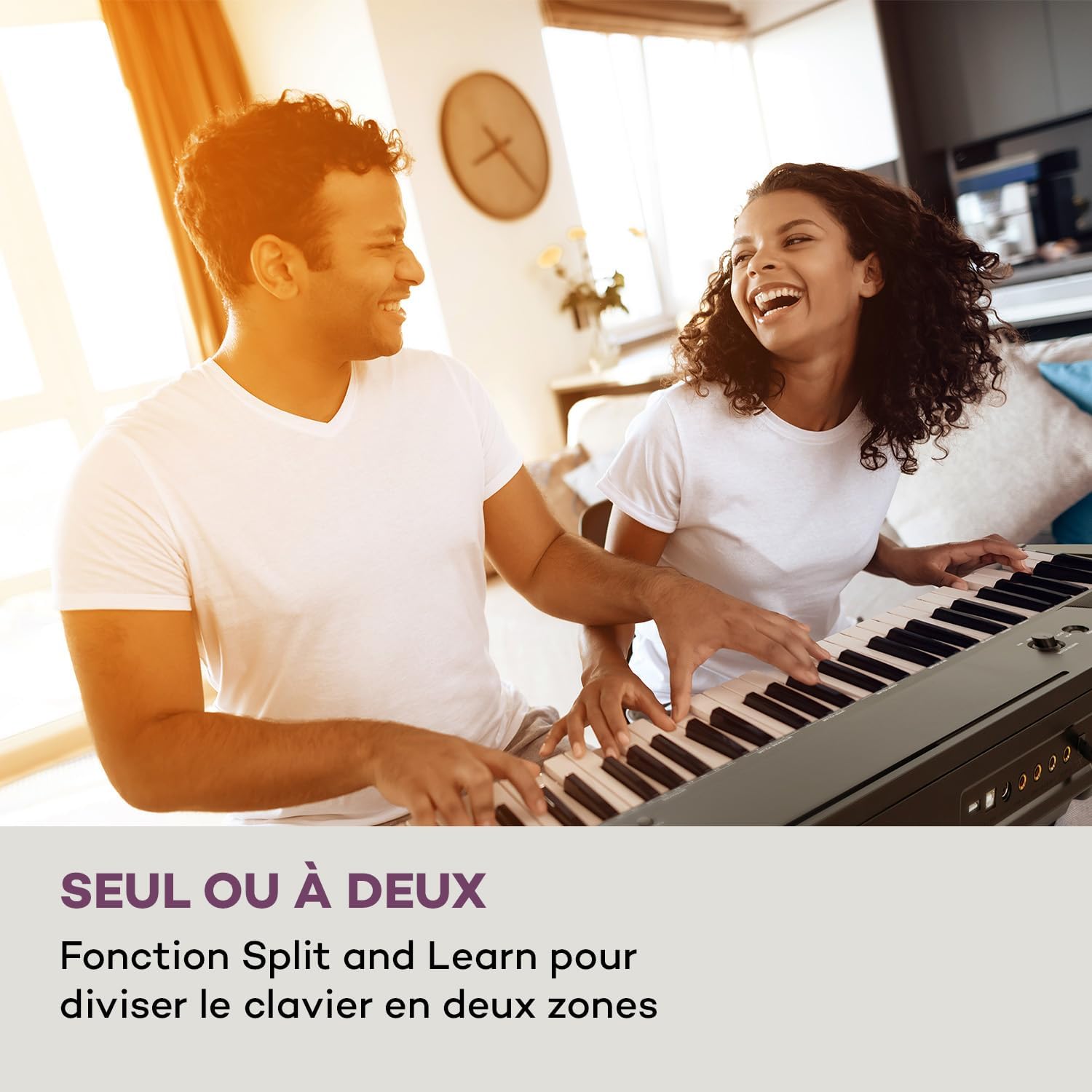
Figure 4: Split and Learn Function. This image shows two individuals playing the keyboard simultaneously, demonstrating the Split function which divides the keyboard into two playable zones.
Metronomoa eta tempoa
Activate the metronome by pressing the METROA button. Adjust the tempo using the TEMPO botoiak.
Grabaketa eta Erreprodukzioa
The keyboard features a recording function:
- Sakatu GRABATU button to start recording your performance.
- Sakatu JOLASTU zure grabatutako abestia entzuteko.
USB konexioa
The integrated USB port allows for MP3 playback and MIDI connectivity:
- MP3 erreprodukzioa: Sartu MP3a duen USB unitate bat files USB atakan. Erabili ABESTIA buttons to navigate and play tracks.
- USB-MIDI: Connect the keyboard to a computer using the provided USB-MIDI cable for use with educational and recording software.

Figure 5: Recording and USB Playback. The image depicts the keyboard's capability for recording performances and playing MP3 files via its integrated USB port, enhanced by its 5-watt RMS speakers.
Mantentzea
- Garbiketa: Use a soft, dry cloth to clean the surface of the keyboard. Do not use abrasive cleaners or solvents.
- Biltegiratzea: When not in use, store the keyboard in a dry, dust-free environment. If storing for a long period, disconnect the power adapter.
- Arreta gakoa: Avoid excessive force on the keys. Clean keys gently with a slightly damp oihal bat behar izanez gero, eta berehala lehortu.
Arazoak konpontzea
| Arazoa | Kausa posiblea | Irtenbidea |
|---|---|---|
| Soinurik ez | Korrontea ez dago konektatuta, bolumena baxuegia da, entzungailuak konektatuta. | Check power connection, increase master volume, disconnect headphones. |
| Giltzak ez dute erantzuten | Function mode active, internal error. | Exit Function mode, power cycle the instrument. |
| Sustain pedalak ez du funtzionatzen | Pedal not fully inserted, pedal polarity issue. | Ensure pedal is firmly connected. Some pedals require the keyboard to be powered on with the pedal already pressed to set polarity. |
| USB erreprodukzio arazoak | Onartu gabe file format, corrupted USB drive. | Ziurtatu files are MP3 format. Try a different USB drive or reformat the current one. |
Zehaztapenak
- Ereduaren izena: Preludio
- Gako kopurua: 88
- Gako mota: Full-size, touch-sensitive (3 levels)
- Sounds (Voices): 140
- Demo abestiak: 16
- Funtzioak: Sustain, Vibrato, Transposition, Octave, Split, Layer, Metronome, Record, Playback, Learning Function
- Konektibitatea: 1 x 6.3 mm Audio In, 1 x 6.3 mm Audio Out, 2 x 6.3 mm Headphone Outputs, 1 x USB (Type A for MP3), 1 x USB-MIDI (Type B)
- Elikatze-iturria: AC adapter (220-240 V~ | 50/60 Hz)
- Neurriak (L x H x D): Gutxi gorabehera 130 x 29 x 35 cm (51.2 x 11.4 x 13.8 hazbete)
- Pisua: Gutxi gorabehera. 6.2 kg (13.7 lb)
- Materiala: Plastikoa

6 irudia: Produktuaren neurriak. A visual representation of the keyboard's length, height, and depth measurements.
Bermea eta Laguntza
For detailed warranty information and technical support, please refer to the warranty card included with your product or visit the official Schubert webgunea. Gorde erosketaren egiaztagiria berme-erreklamazioetarako.
Produktuen bideoak
Sustain Pedal Overview
Bideo honek hurbileko ikuspegia eskaintzen du view and demonstration of the M-Audio SP-2 sustain pedal, which is compatible with digital pianos like the Schubert Preludio. It shows how the pedal functions to extend notes, similar to an acoustic piano.
Keyboard Features Overview
This video offers a detailed close-up view of the digital piano, showcasing its keys, control panel, and various functions. It provides a visual guide to the instrument's design and user interface.


