1. Sarrera
This manual provides essential instructions for the safe and effective operation of your AGFA Photo Realishot DC5200 compact digital camera. Please read this manual thoroughly before using the camera and retain it for future reference.

1. irudia: Aurrealdea view of the AGFA Photo Realishot DC5200 compact camera.

Figure 2: AGFA Photo Realishot DC5200 highlighting 21MP photo resolution and HD video capability.
2. Paketearen edukia
Verify that all items listed below are included in your camera package:
- AGFA Photo Realishot DC5200 Camera
- USB kablea
- Erabiltzailearen eskuliburua (dokumentu hau)
- Litiozko bateria kargagarria
3. Kameraren osagaiak
3.1 Aurrealdea View
The front of the camera features the lens, flash, and self-timer lamp.
3.2 Atzekoa View (pantaila LCD)
The rear of the camera is dominated by the 2.4-inch TFT LCD screen, used for framing shots, reviewirudiak biltzea eta menuetan nabigatzea.

3. Irudia: Atzealdea view of the camera displaying the 2.4-inch LCD screen.
3.3 Top and Side Views
The top and sides house the power button, shutter button, zoom controls, and ports for connectivity.
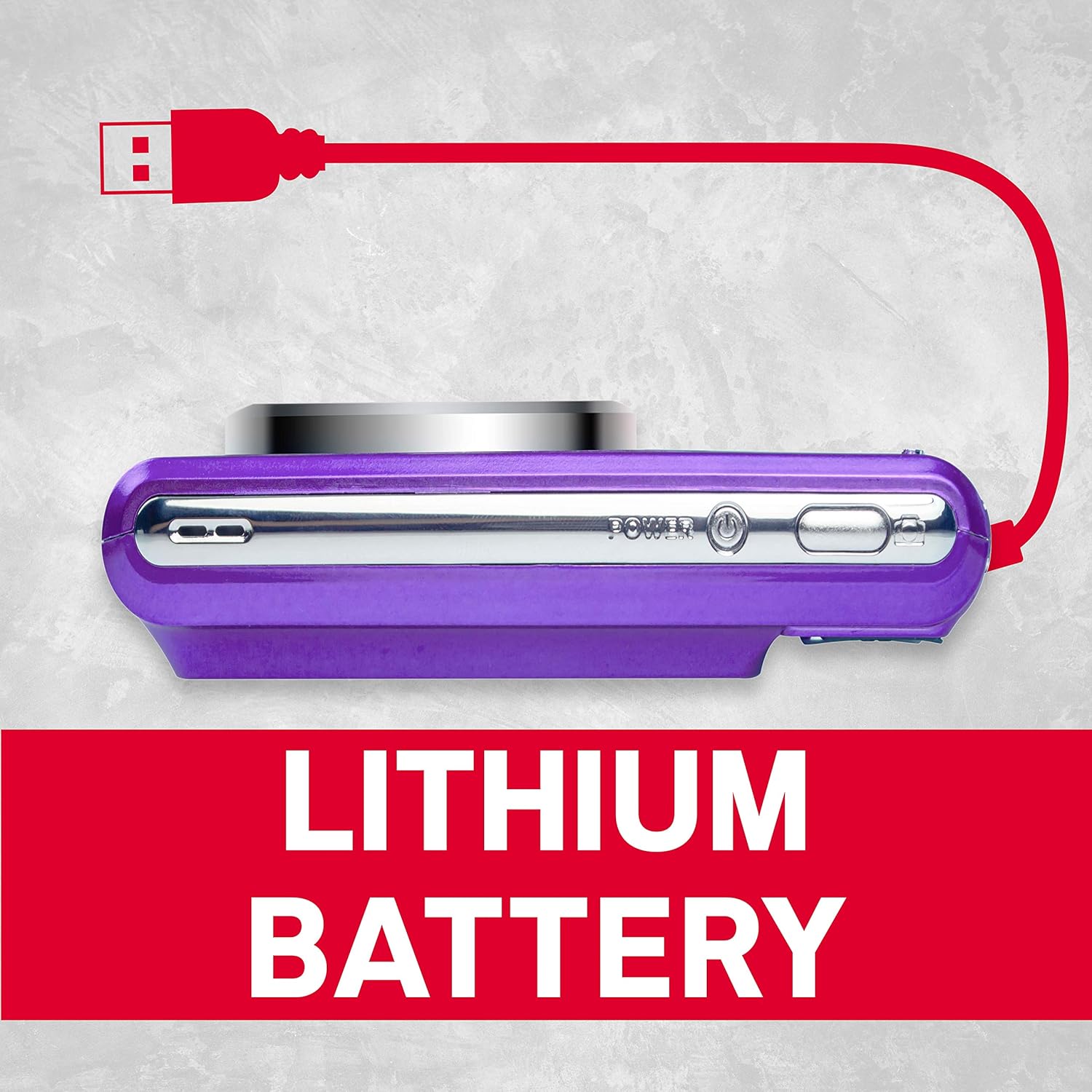
4. irudia: Aldea view of the camera showing the USB port for charging and data transfer.
4. Hasierako konfigurazioa
4.1 Bateria kargatzea
- Insert the provided lithium battery into the battery compartment, ensuring correct polarity.
- Connect the camera to a power source using the supplied USB cable. The charging indicator will illuminate.
- Kargatzen amaituko da argia itzaltzen denean.
4.2 SD txartel bat sartzea
The camera supports SD cards up to 32 GB (not included). A memory card is required to save photos and videos.
- Ireki SD txartelaren zirrikituaren estalkia.
- Sartu SD txartela metalezko kontaktuak norabide egokian dituela, klik egin arte.
- Itxi ondo SD txartelaren zirrikituaren estalkia.
5. Oinarrizko Funtzionamendua
5.1 Piztu/Itzali
Eduki sakatuta Boterea kamera pizteko edo itzaltzeko botoia.
5.2 Argazkiak ateratzea
- Piztu kamera.
- Enkoadratu zure argazkia LCD pantaila erabiliz.
- Sakatu Pertsiana button halfway to focus, then press fully to capture the image.
5.3 Bideoak grabatzea
- Switch to video mode (if applicable, refer to on-screen menu).
- Sakatu Pertsiana botoia grabatzen hasteko.
- Sakatu Pertsiana botoia berriro grabaketa gelditzeko.
5.4 Using Digital Zoom
The camera features 8x digital zoom. Use the zoom controls (typically labeled W for Wide and T for Telephoto) to adjust the focal length.

5. irudia: Adibample of 8x digital zoom capability.
5.5 eszena moduak
The camera offers various scene modes to optimize settings for different shooting conditions. Common modes include:
- Modu automatikoa: General purpose shooting.
- Gaueko modua: For low-light environments.
- Hondartza modua: For bright, reflective scenes.
Access scene modes through the camera's menu system.

Figure 6: Visual representation of different scene modes available on the camera.
6. Ezaugarri aurreratuak
6.1 Aurpegiak hautematea
The camera can automatically detect faces in the frame and optimize focus and exposure for portraits.

Figure 7: Camera demonstrating face detection technology.
6.2 Digital Image Stabilization
This feature helps reduce blur caused by camera shake, resulting in clearer images, especially in challenging conditions.
6.3 Tenporizadorea
Set a delay of 2, 5, or 10 seconds before the shutter fires, useful for self-portraits or group photos.
6.4 Red-Eye Reduction Flash
When using the flash, this feature emits a pre-flash to minimize the red-eye effect in portraits.
7. ViewArgazkiak eta bideoak
Berrizview hartutako irudiak eta bideoak:
- Sakatu Erreprodukzioa botoia (askotan erreprodukzio-ikono batekin adierazten da).
- Use the directional buttons to navigate through your files.
- Sakatu OK or Sartu botoia view argazki bat edo bideo bat erreproduzitu.
8. Transferitzea Files Ordenagailu batera
You can transfer photos and videos to a computer using the supplied USB cable.
- Ziurtatu kamera itzalita dagoela.
- Konektatu kamera ordenagailura USB kablea erabiliz.
- Power on the camera. It should appear as a removable disk or device on your computer.
- Kopiatu nahi duzuna filekameraren memoria txarteletik zure ordenagailura.
- Safely eject the camera from your computer before disconnecting the USB cable.
9. Zainketa eta Mantentzea
- Keep the camera clean. Use a soft, dry cloth to wipe the camera body.
- For the lens and LCD screen, use a specialized lens cleaning cloth. Avoid harsh chemicals.
- Gorde kamera leku fresko eta lehor batean, eguzki-argitik eta muturreko tenperaturetatik babestuta.
- Kendu bateria denbora luzez kamera erabiliko ez bada.
10. Arazoak
| Arazoa | Kausa posiblea | Irtenbidea |
|---|---|---|
| Kamera ez da pizten. | Bateria agortuta dago edo gaizki sartuta dago. | Kargatu bateria guztiz. Ziurtatu bateria polaritate zuzenarekin sartuta dagoela. |
| Ezin dira argazkiak atera. | SD card is full, locked, or not inserted. | Insert an SD card, unlock it, or delete unnecessary files. |
| Irudiak lausoak dira. | Kameraren dardara, subjektuaren mugimendua edo foku okerra. | Hold the camera steady. Ensure adequate lighting. Use digital image stabilization. |
| Flasha ez da pizten. | Flash is disabled or battery is low. | Enable flash in settings. Recharge battery. |
11. Zehaztapen Teknikoak
- Argazkiaren bereizmena: 21 megapixelekoa
- Bideoaren bereizmena: 720p HD (1280x720)
- LCD pantaila: 2.4 hazbeteko TFT LCD
- Zoom digitala: 8x
- Irudiaren egonkortzea: Digitala
- Ezaugarri bereziak: Face Detection, Self-Timer (2s/5s/10s), Red-Eye Reduction Flash
- Bateria: Litiozko bateria kargagarria
- Biltegiratzea: Supports SD Card up to 32 GB (not included)
- Onartua File Formatuak: JPEG (photos), AVI (videos)
- Produktuaren neurriak: 3.74 x 2.28 x 1.06 hazbete
- Elementuaren pisua: 3.14 ontza

8 Irudia: Gainetikview of key camera features and specifications.
12. Bermea eta Laguntza
For warranty information and customer support, please refer to the documentation provided with your purchase or visit the official AgfaPhoto webgunea. Gorde erosketaren egiaztagiria bermearen erreklamazioetarako.


