1. Sarrera
Thank you for choosing the MageGee G6 Wired Gaming Mouse. This ergonomic USB optical mouse is designed to enhance your gaming and work experience with its high precision sensor, adjustable speed levels, and vibrant LED backlighting. Please read this manual thoroughly to ensure proper setup and optimal performance.
2. Konfigurazioa
2.1 Paketearen edukia
- MageGee G6 Wired Gaming Mouse
- Argibide eskuliburua
2.2 Sistemaren eskakizunak
- Operating System: Windows 10, Windows 8, Windows 7, Windows XP, WinME, Vista, Linux, etc.
- USB ataka eskuragarria
2.3 Sagua konektatzea
- Locate an available USB port on your computer (PC, Laptop, or Desktop).
- Plug the USB connector of the MageGee G6 mouse into the USB port.
- The mouse is plug-and-play; no additional drivers or software are required for basic functionality.
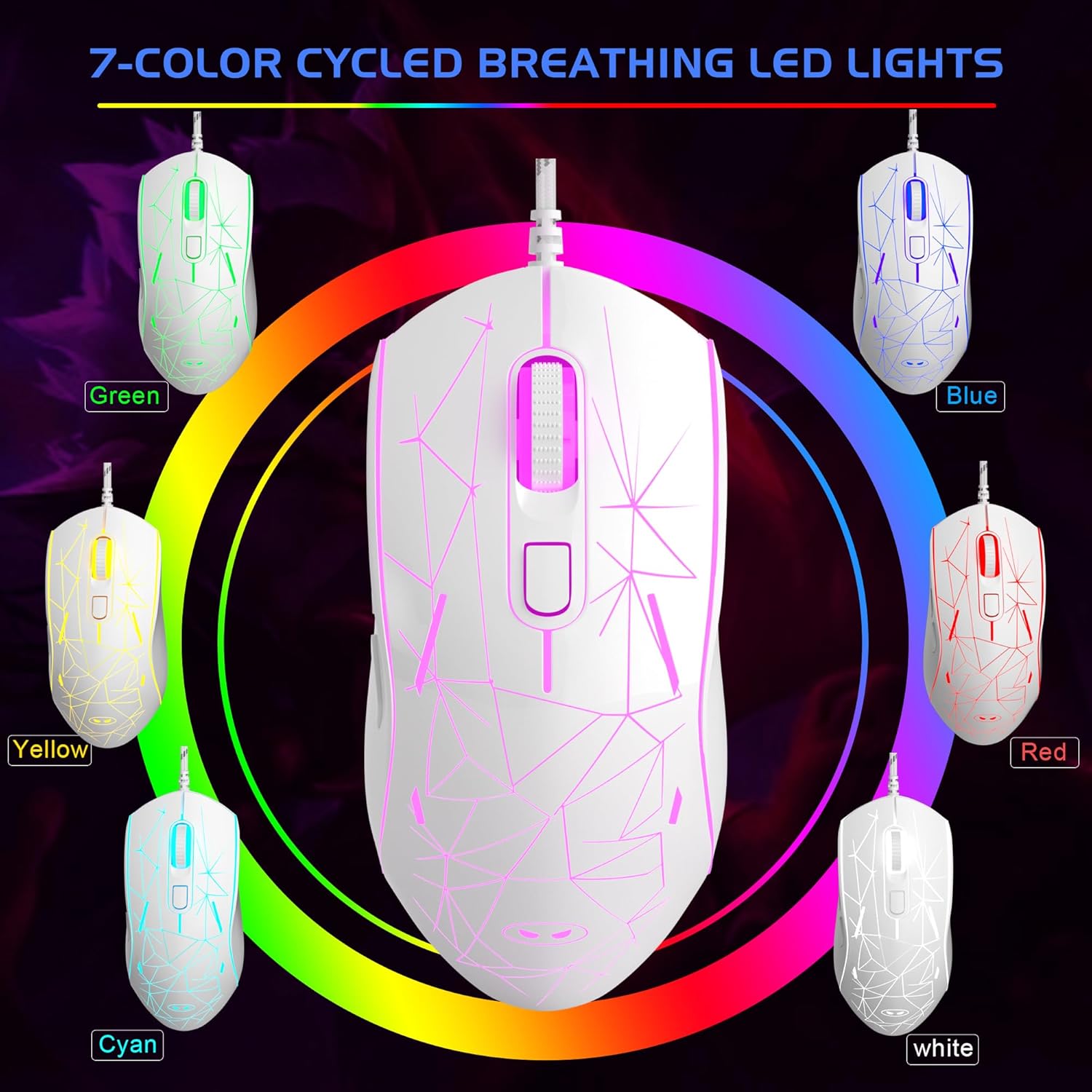
Image: The MageGee G6 Wired Gaming Mouse with its USB cable connected to a computer.
3. Funtzionamendu-argibideak
3.1 Botoien funtzioak
The MageGee G6 offers 6 flexible buttons for versatile control:
- Ezkerreko botoia: Ezkerreko klik funtzio estandarra.
- Eskuineko botoia: Eskuineko botoiarekin klik egiteko funtzio estandarra.
- Korritzeko gurpila: Gora/behera mugitzen da eta erdiko klik egiteko botoiaren funtzioa betetzen du.
- Speed Button (DPI Button): Adjusts the DPI (Dots Per Inch) sensitivity.
- Aurrera egiteko botoia: Aurrera nabigatzen du web nabigatzaileak edo aplikazioak.
- Atzera botoia: Atzeraka nabigatzen du web nabigatzaileak edo aplikazioak.
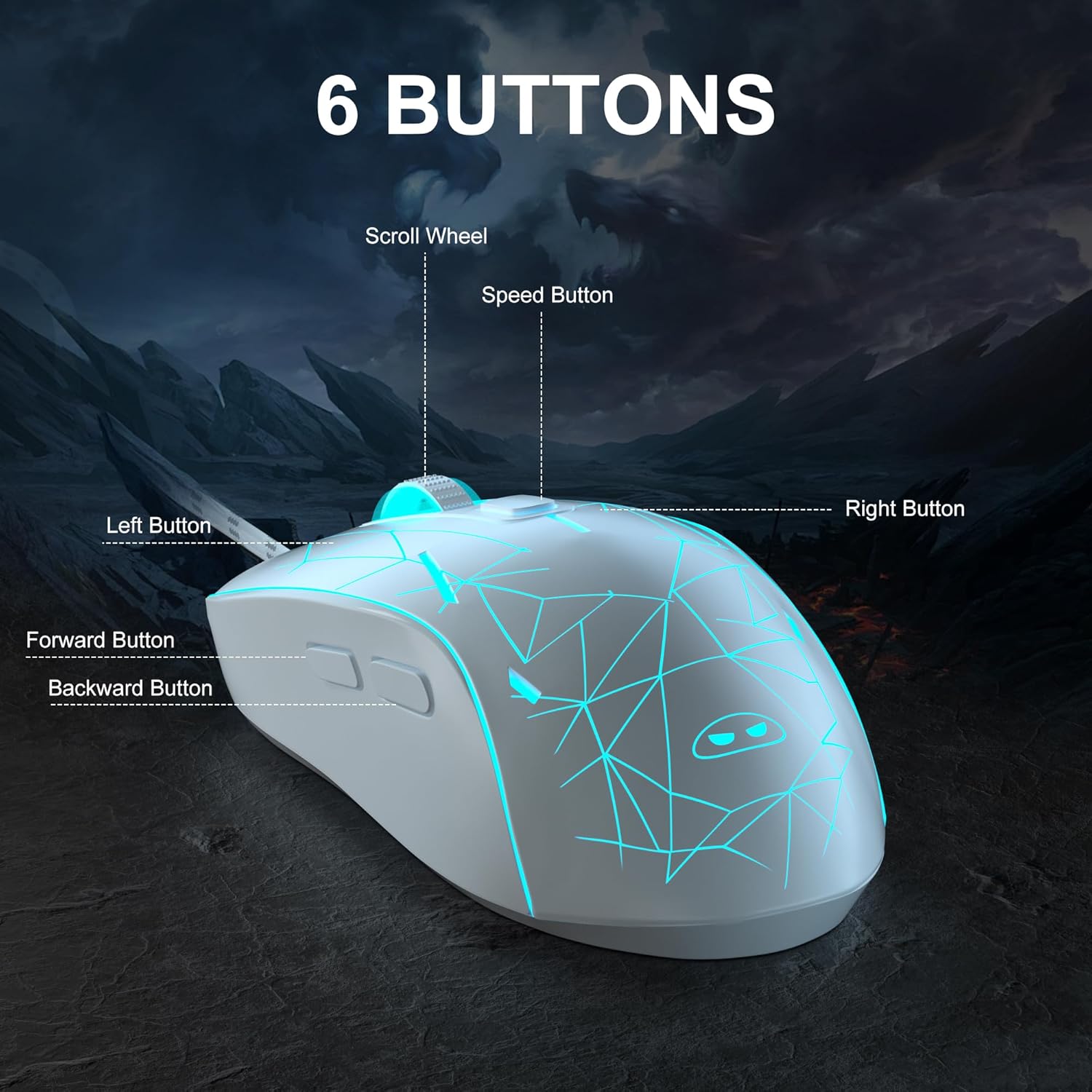
Irudia: Xehetasun zehatza view of the MageGee G6 mouse highlighting the Left, Right, Scroll Wheel, Speed, Forward, and Back buttons.
3.2 Adjusting DPI Speed Levels
The MageGee G6 offers 6 adjustable DPI speed levels for precise cursor control:
- 600 DPI
- 800 DPI
- 1200 DPI
- 1600 DPI
- 2400 DPI
- 3200 DPI
Sakatu Abiadura botoia (located below the scroll wheel) to cycle through the different DPI settings. Each press will change the sensitivity, allowing you to find the optimal speed for your tasks or games.
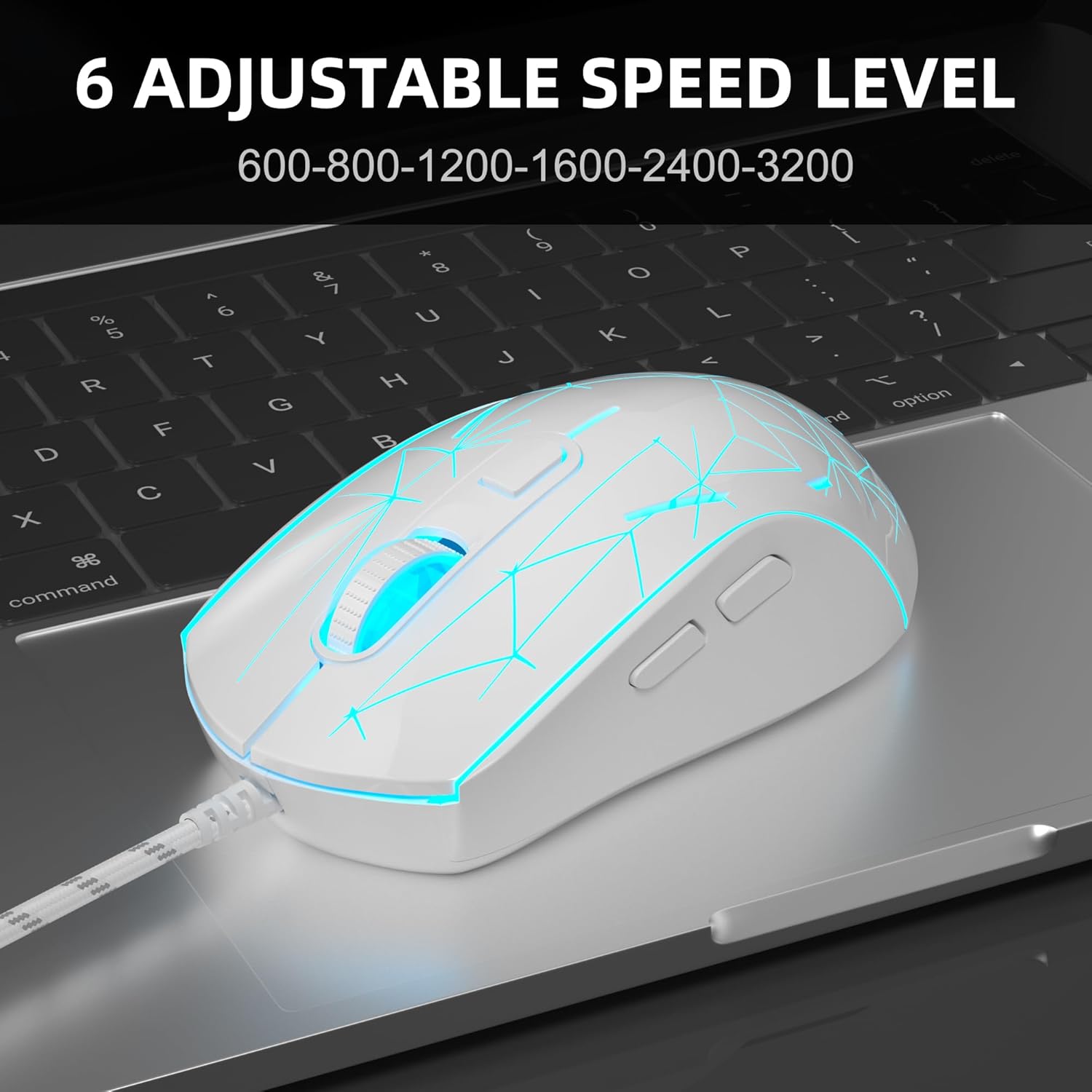
Image: The MageGee G6 mouse in use, demonstrating the adjustable DPI settings from 600 to 3200.
3.3 LED atzeko argiaren kontrola
The MageGee G6 features 7-color breathing LED backlighting. You can control the lighting as follows:
- Aldatu kolorea: Sakatu Abiadura botoia eta du Aurrera Botoia simultaneously to cycle through and lock a specific color.
- Argiak piztu/itzali: Eduki sakatuta Abiadura botoia for 3 seconds to toggle the LED lights on or off.
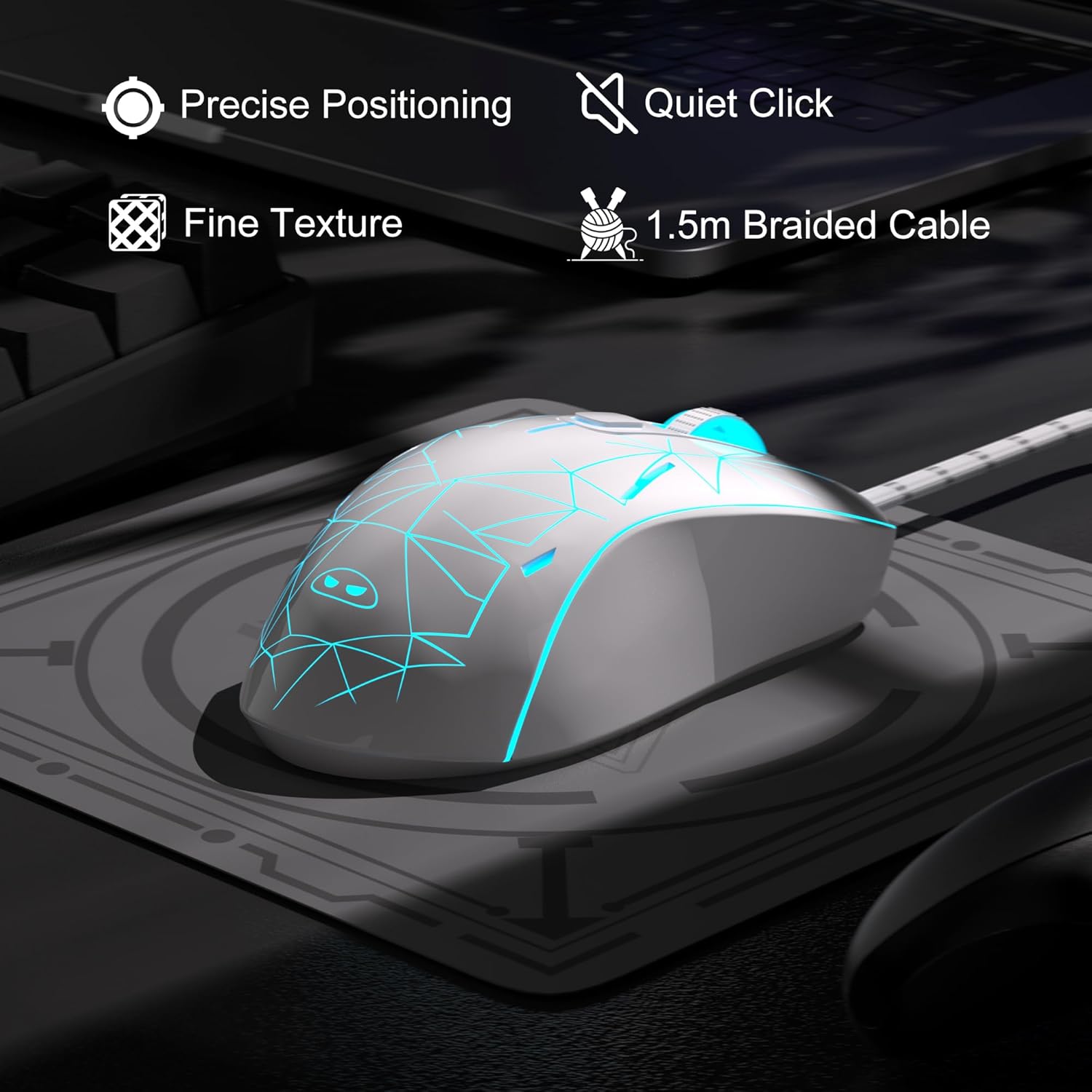
Image: The MageGee G6 mouse showcasing its 7-color breathing LED lights, including green, yellow, cyan, blue, red, and white.
4. Mantentzea
- Garbiketa: Erabili zapi leun eta lehor bat sagua garbitzeko. Saihestu produktu kimiko gogorrak edo material urratzaileak erabiltzea.
- Kableen zainketa: Do not pull or twist the braided USB cable excessively to prevent damage.
- Biltegiratzea: Store the mouse in a dry place away from extreme temperatures.
5. Arazoak
5.1 Saguak ez du erantzuten
- Ziurtatu USB kablea ondo konektatuta dagoela ordenagailuko USB ataka funtzional batean.
- Saiatu sagua beste USB ataka batera konektatzen.
- Berrabiarazi ordenagailua.
5.2 LED argiak ez dute funtzionatzen
- Ziurtatu sagua behar bezala konektatuta dagoela ordenagailura.
- Eduki sakatuta Abiadura botoia for 3 seconds to toggle the LED lights on or off.
5.3 Cursor Movement is Erratic
- Garbitu saguaren beheko aldean dagoen sentsore optikoa zapi leun batekin.
- Ziurtatu sagua gainazal egoki batean erabiltzen ari zarela (adibidez, sagu-alfonbra batean).
- Adjust the DPI sensitivity using the Abiadura botoia.
6. Zehaztapenak
| Ezaugarri | Xehetasuna |
|---|---|
| Marka | MageGee |
| Eredua | G6 |
| Konektibitate Teknologia | USBa, kablea |
| Mugimenduak detektatzeko teknologia | Optikoa |
| DPI mailak | 600/800/1200/1600/2400/3200 (Adjustable) |
| Botoiak | 6 (Left, Right, Scroll Wheel, Speed, Forward, Back) |
| LED argia | 7 Colors Breathing LED (Blue, Red, Green, Purple, Cyan, Yellow, White) |
| Kablearen luzera | 1.5 meters (Durable Braided Cable) |
| Ergonomia | Ergonomic Design with Comfortable Grip |
| Bateragarritasuna | Windows 10, 8, 7, XP, WinME, Vista, Linux, PC, Laptop, Desktop |
| Elementuaren pisua | 5.6 ontza |
| Paketearen neurriak | 5.31 x 3.62 x 1.65 hazbete |
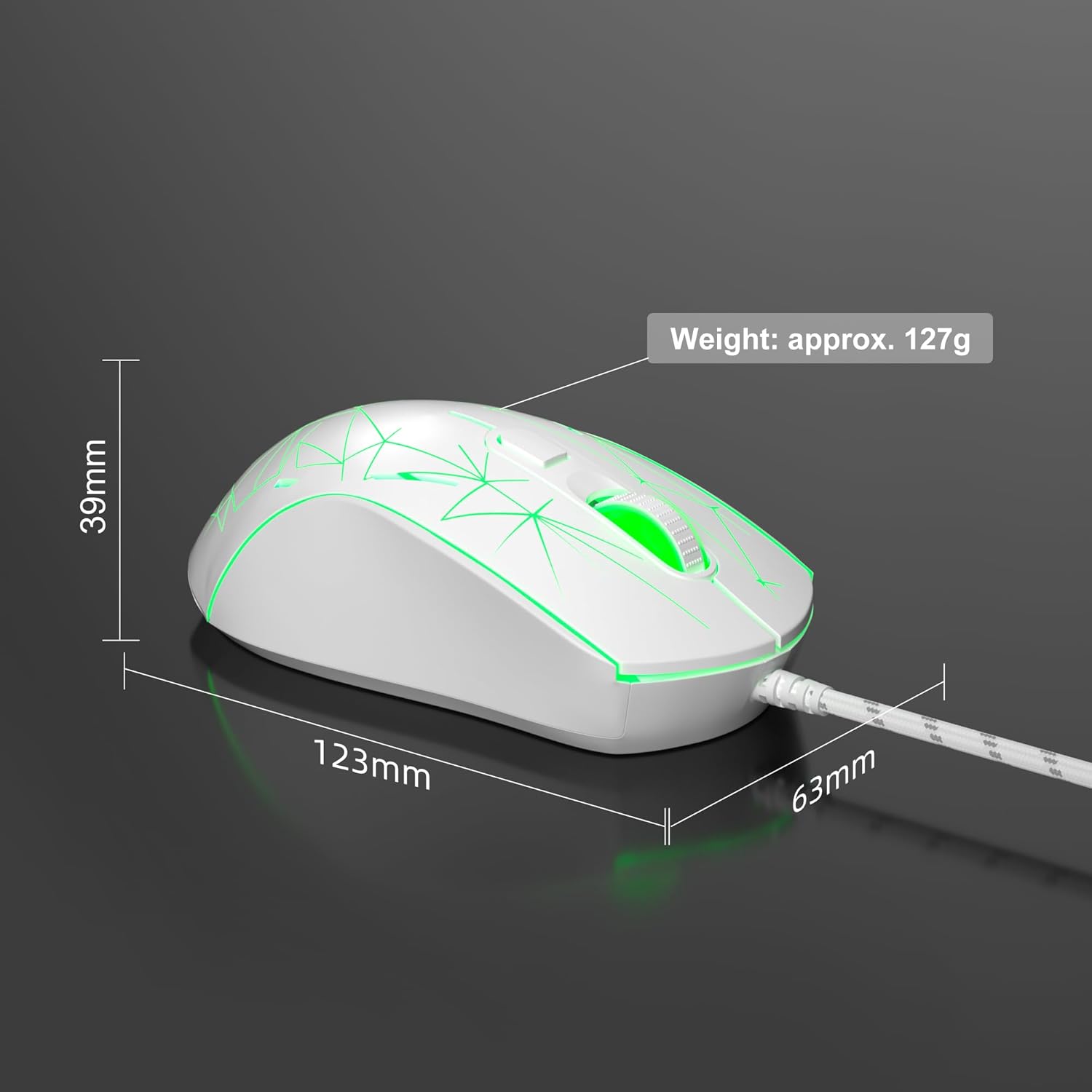
Image: Diagram illustrating the dimensions of the MageGee G6 Wired Gaming Mouse (123mm length, 63mm width, 39mm height, approx. 127g weight).
7. Bermea eta laguntza
For warranty information and customer support, please refer to the official MageGee webwebgunearekin edo jarri harremanetan zure saltzailearekin. Gorde erosketa-agiria berme-erreklamazioetarako.
MageGee is committed to technological and product innovation, providing quality computer peripherals. Our after-sales team is available to promptly respond and solve your problems.
Bisitatu MageGee Store produktu eta informazio gehiago lortzeko.