Sarrera
This manual provides comprehensive instructions for the Muvit USB-C to Lightning Cable. This cable is designed for efficient charging and high-speed data transfer between compatible Apple devices (such as iPhones, iPads, and iPods) and USB-C power adapters or computers. It features Apple MFi certification, ensuring compatibility and safe operation with your devices.
Konfigurazioa
To begin using your Muvit USB-C to Lightning Cable, follow these simple steps:
- Kargatzeko: Connect the USB-C end of the cable to a compatible USB-C power adapter (e.g., a Power Delivery (PD) wall charger, car charger, or power bank). Connect the Lightning end to your Apple device (iPhone, iPad, or iPod). Ensure both connections are secure.
- Datuen transferentziarako: Connect the USB-C end of the cable to a USB-C port on your computer (e.g., MacBook Pro). Connect the Lightning end to your Apple device. Your device should appear as a connected storage or media device on your computer.
Note: For optimal fast charging performance, use a USB-C Power Delivery (PD) compatible charger with an output of 18W or higher.

Image: The Muvit USB-C to Lightning cable connected to an iPhone and a wall charger, demonstrating fast charging capabilities. The image shows a comparison of charging speed between a PD 18W charger (50% in 30 mins) and a 5W regular charger (20% in 30 mins).
Funtzionamendu-argibideak
The Muvit USB-C to Lightning Cable supports both fast charging and high-speed data transfer.
Karga azkarra
This cable is designed to support Power Delivery (PD) fast charging for compatible Apple devices. When paired with a suitable USB-C PD charger, it can significantly reduce charging times compared to standard 5W chargers. For example, an iPhone can reach approximately 50% charge in 30 minutes with an 18W PD charger.
Abiadura Handiko Datuen Transferentzia
The cable facilitates data transfer speeds of up to 480Mbps. This allows for quick synchronization of music, photos, videos, and other files between your Apple device and a computer with a USB-C port.

Image: The Muvit USB-C to Lightning cable connected to an iPhone and a laptop, illustrating high-speed data transfer at 480Mbps for various media types.
Bateragarritasun Unibertsala
The cable is compatible with a wide range of Apple devices and USB-C power sources:
- Lightning Port Devices: iPhone 8/8 Plus, X/XS/XR/XS Max, 11/11 Pro/11 Pro Max, 12/12 Pro/12 Pro Max/12 Mini, 13/13 Pro/13 Pro Max/13 Mini, 14/14 Pro/14 Pro Max/14 Mini, iPad (various models), iPod, AirPods.
- USB-C Port Devices: PD USB-C wall chargers, PD car chargers, PD power banks, iPad Pro 2018 and later, MacBook Pro, and other USB-C enabled computers.

Image: A visual representation of the cable's universal compatibility, listing various iPhone, iPad, iPod, and AirPods models for the Lightning end, and different USB-C chargers and MacBooks for the USB-C end.
Mantentzea
To ensure the longevity and optimal performance of your Muvit USB-C to Lightning Cable, please follow these maintenance guidelines:
- Kontuz maneiatu: Avoid excessive bending, twisting, or pulling on the cable, especially near the connectors. While the cable is designed for durability, extreme stress can cause damage.
- Mantendu garbi: Periodically inspect the connectors for dust, lint, or debris. Use a soft, dry cloth or a small brush to gently clean the ports if necessary. Avoid using liquids or abrasive cleaners.
- Biltegiratze egokia: When not in use, coil the cable loosely. Avoid tightly wrapping it around objects or sharp corners, which can strain the internal wires.
- Saihestu muturreko baldintzak: Do not expose the cable to extreme temperatures, direct sunlight for prolonged periods, or high humidity.
The cable features a robust design with premium materials, including a thick copper core, AWG wiring, aluminum foil shielding, TPE insulation, and a TPE casing, contributing to its durability and bend lifespan of over 10,000 bends.
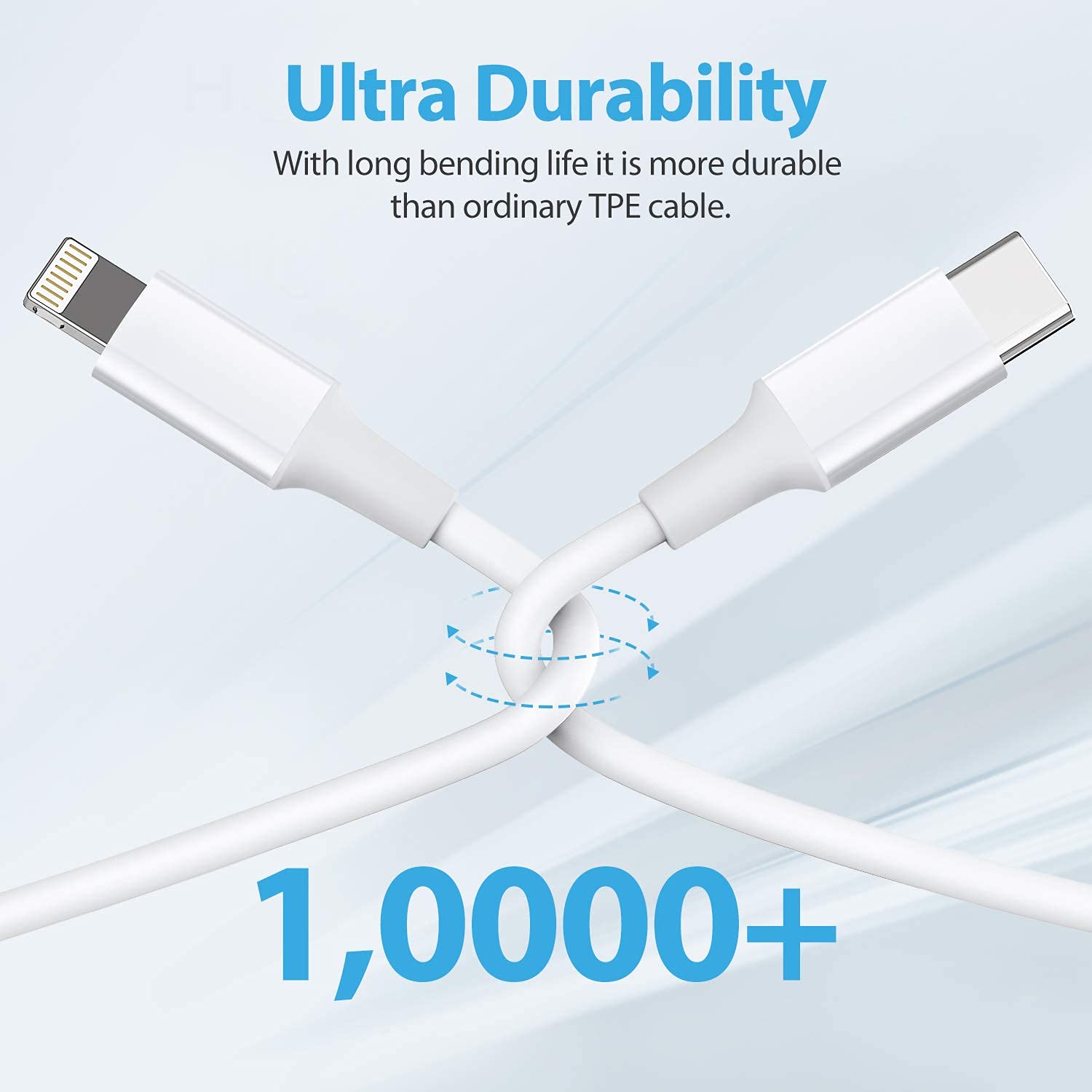
Image: The Muvit USB-C to Lightning cable shown in a bent configuration, highlighting its "Ultra Durability" and a "10,000+" bend lifespan.

Irudia: Zeharkako ebakidura zehatza view of the cable, labeled "Premium Engineering," showing its internal structure including the copper core, AWG wiring, aluminum foil, TPE insulation, and TPE casing.
Arazoak konpontzea
If you encounter issues with your Muvit USB-C to Lightning Cable, consider the following troubleshooting steps:
- Gailua ez da kargatzen:
- Ensure both the USB-C and Lightning connectors are fully inserted into their respective ports.
- Verify that the USB-C power adapter is functioning correctly and is plugged into a live power outlet.
- Try using a different USB-C power adapter or a different Apple device to isolate the issue.
- Egiaztatu kablean edo konektoreetan kalte ikusgairik dagoen.
- Karga motela:
- Confirm that your USB-C power adapter supports Power Delivery (PD) and provides sufficient wattage (18W or higher recommended for fast charging).
- Ensure your Apple device supports fast charging.
- Itxi zure gailuan atzeko planoan exekutatzen ari diren energia-kontsumo handiko aplikazio guztiak.
- Datu-transferentziarik ez:
- Ensure the USB-C end is connected to a data-enabled USB-C port on your computer, not just a charging port.
- Restart both your Apple device and your computer.
- Check your computer's operating system settings to ensure it recognizes external devices.
- If prompted on your Apple device, select "Trust This Computer."
- Etengabeko konexioa:
- Inspect connectors for dirt or damage. Clean gently if necessary.
- Avoid moving the cable or device excessively while connected.
Zehaztapenak
| Ezaugarri | Xehetasuna |
|---|---|
| Marka | Muvit |
| Konektore mota | USB-C Lightningera |
| Kable mota | USBa |
| Ezaugarri Berezia | Fast Charging (Power Delivery) |
| Datuak transferitzeko abiadura | Gehienez 480 Mbps |
| Gailu bateragarriak | Smartphones (iPhone), Tablets (iPad), iPods, USB-C Chargers, MacBooks |
| Ziurtagiria | Apple MFi ziurtagiria |
| Konektorea Generoa | Gizon-gizon |
| Kable Forma | Biribila |
| Elementuaren pisua | 50 g |
| Paketearen neurriak | 11 x 8.8 x 3.2 cm |
| Fabrikatzailea | Muvit |
Bermearen informazioa
Muvit products are manufactured to high-quality standards. For specific warranty terms and conditions, including coverage duration and claim procedures, please refer to the official Muvit website or the product packaging. Retain your proof of purchase for any warranty claims.
Bezeroarentzako Arreta
Should you require further assistance, have questions about your Muvit USB-C to Lightning Cable, or need technical support, please contact Muvit customer service. Contact details can typically be found on the product packaging or the official Muvit webgunea.


